
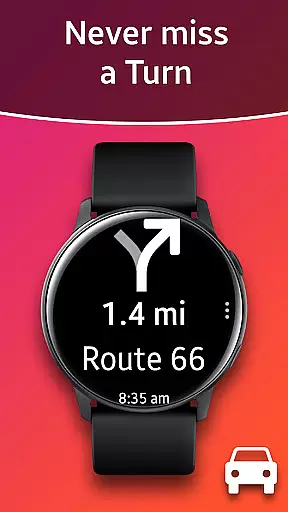
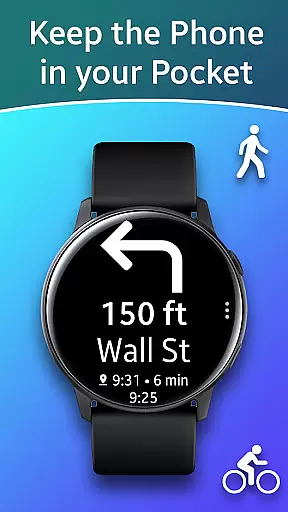
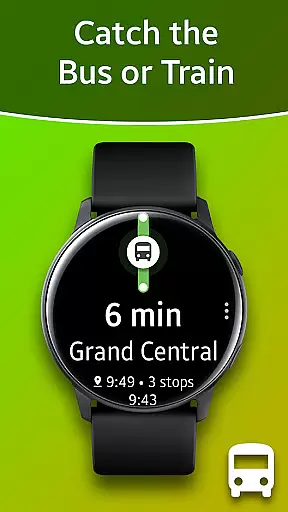
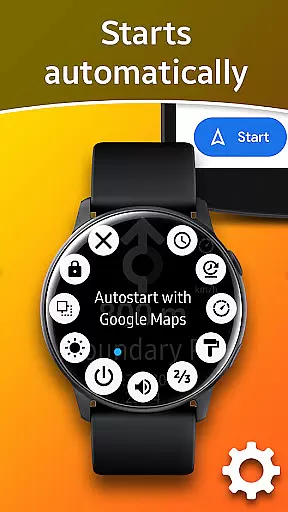
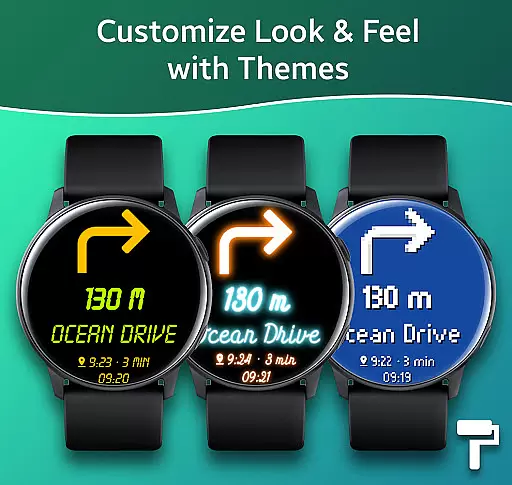
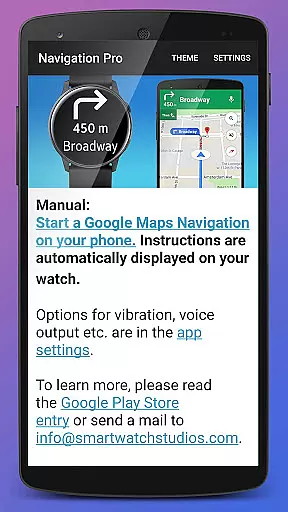
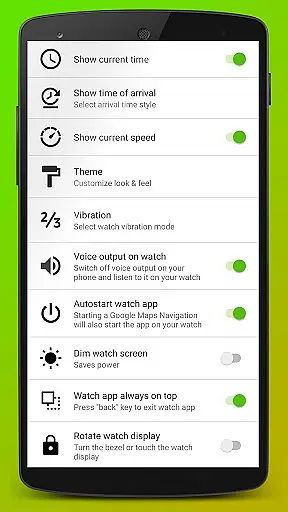
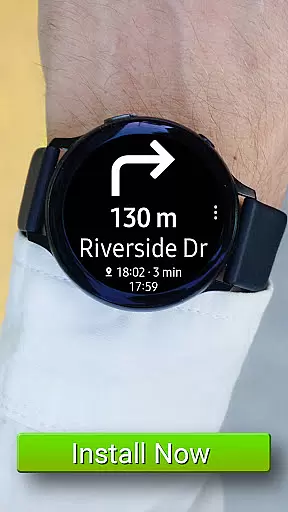
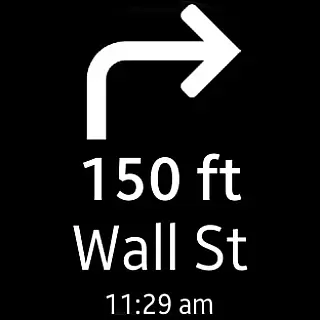
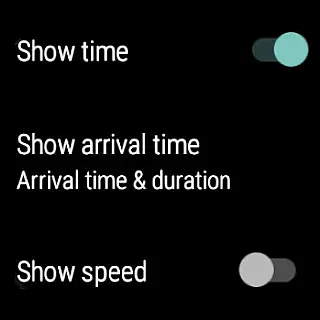
Navigation Pro is a specialized navigation application designed to display Google Navigation instructions directly on your Samsung smartwatch. This app is particularly useful for driving, cycling, and public transport scenarios, providing users with real-time directions without needing to check their phones constantly. The app features autostart functionality with navigation, voice output, customizable vibration patterns, support for 102 languages, various theme options, and even includes a speedometer.
The application requires the free companion app 'Navigation Pro' from Samsung Galaxy Apps to function correctly. By integrating seamlessly with Google Maps Navigation, it ensures that users receive navigation prompts directly on their smartwatches, enhancing convenience and safety during travel. Whether commuting in a busy city or exploring new terrains, Navigation Pro keeps you on track with minimal distraction.
Navigation Pro offers an array of sophisticated features tailored for seamless navigation experiences. One of its standout capabilities is the autostart feature, which automatically launches navigation instructions when paired with Google Maps on your smartphone. Additionally, the app supports voice output, allowing users to receive audible directions through their smartwatches.
Customization is another key aspect of Navigation Pro. Users can personalize vibration patterns to suit their preferences, ensuring they receive tactile feedback that suits their needs. With support for 102 languages, the app caters to a global audience, making it versatile for international travelers. Furthermore, the inclusion of a speedometer adds an extra layer of utility, especially beneficial for drivers who need to monitor their speed while navigating.
For visual customization, Navigation Pro provides multiple theme options, enabling users to tailor the interface to their liking. These comprehensive features collectively enhance the overall user experience, making navigation more intuitive and engaging.
Map accuracy is crucial for any navigation app, and Navigation Pro excels in this area. The application ensures that the map data displayed on your Samsung watch is both precise and up-to-date, providing users with reliable guidance whether they are driving, cycling, or using public transport.
The app leverages Google Maps' extensive database, which is known for its high level of detail and frequent updates. This means that users can trust the information presented to them, from street names to points of interest, ensuring they reach their destinations without unnecessary detours or confusion.
Moreover, Navigation Pro offers support for 102 languages, making it an invaluable tool for international travelers. Regardless of where you are in the world, the app provides accurate and localized map information, enhancing the overall user experience by removing language barriers and ensuring clear communication of navigation instructions.
Route planning is a core feature of Navigation Pro, designed to offer users multiple options for their journeys. Whether you're looking for the fastest route, the shortest distance, or prefer to avoid toll roads and highways, the app provides a variety of choices tailored to your preferences.
In addition to offering different route options, Navigation Pro also takes into account real-time traffic conditions. By analyzing current traffic patterns, the app can suggest alternative routes that may save time and reduce travel stress. This dynamic approach to route planning ensures that users are always aware of the best possible paths available to them.
Furthermore, the inclusion of a speedometer within the app adds another layer of utility for drivers. By monitoring speed alongside navigational guidance, users can maintain safe driving practices while efficiently reaching their destinations. This combination of features makes Navigation Pro a comprehensive solution for anyone seeking optimized route planning capabilities.
User-friendly interface
Voice-guided navigation
Customizable vibration alerts
Multi-language support
Speedometer integration
Requires companion app
Dependent on phone connectivity
Limited standalone functionality
Potential battery drain
Compatibility issues with certain devices

Route schedules, maps, and real-time tracking of MTA buses in New York City.
 4.20
4.20
GPX Viewer PRO shows tracks, routes and waypoints from gpx and kml files.
4.60
Complete offline 1:50k South Island topo map including DOC Hunting Permit Areas
4.60
Track accurate speed & distance with GPS Speedometer. Check speed limit & time.
4.50
NJ TRANSIT information and ticketing at your fingertips
3.70
Navigate seamlessly with Real-Time Traffic, Offline Maps, and Voice Navigation.
4.10
Simple & easy to use a compass app. Get accurate directions.
4.20
Route Planner is travel map to get turn by turn navigation & driving directions
3.90
Neshan: map & navigation app with 20M+ monthly active users
4.50
Find AI powered cameras, ALPRs, and other surveillance infrastructure near you
4.70
Offline maps & GPS for hiking, travel, fieldwork & outdoor adventures
4.70
Navigate MTA, NJ Transit, MBTA, SEPTA, BART, MARTA, CTA & 900+ cities
4.60
CamSam PLUS - The speed and red light camera warning system!
4.40
Get matched with a nearby driver — you’ll be on your way in minutes.
4.30
Find routes fast with GPS Maps, GPS Navigation & driving directions.
4.10
MapQuest is your go-to app for maps, GPS, voice navigation & live traffic.
3.80
Discover over 800 points of interest along the canal.
3.70
OpenCPN is a full featured ChartPlotter and Navigator for Android.
3.60
Your guide to the recreational opportunities of the Bureau of Land Management!
3.40


User Reviews