
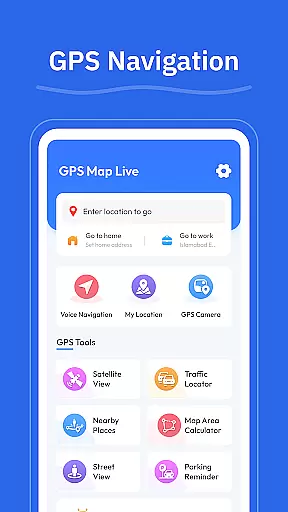
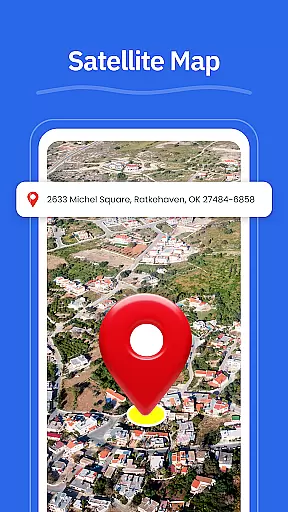
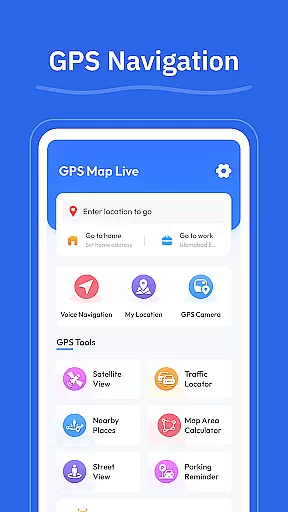
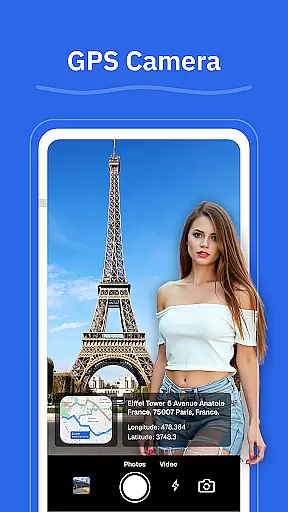
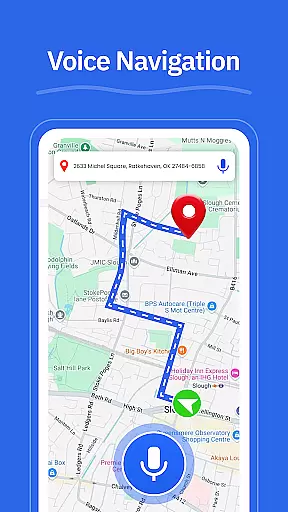
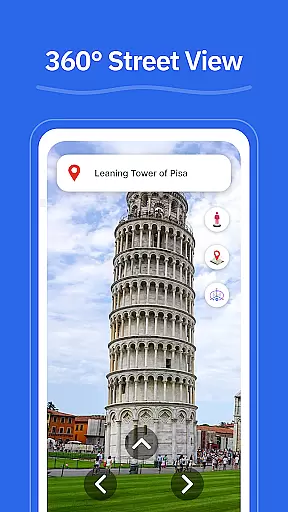
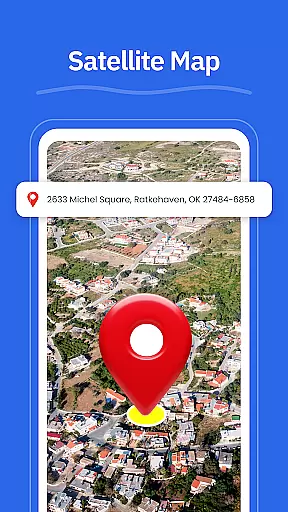
GPS - Maps, Driving Directions is a reliable navigation app tailored for travelers across the United States. It offers smooth GPS maps, clear driving directions, and essential location tools to ensure easy navigation on highways, interstates, and local roads. Whether commuting daily or embarking on long road trips, this app provides turn-by-turn voice guidance, real-time GPS tracking, and street view options.
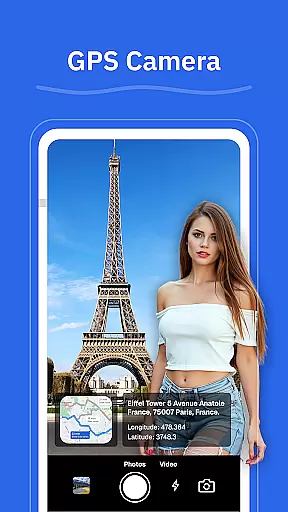
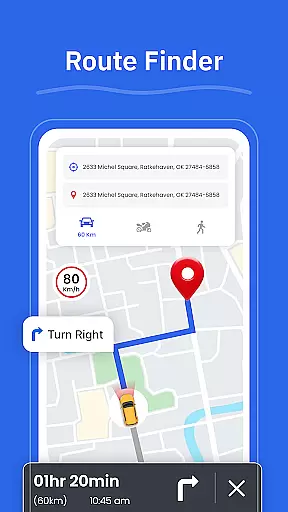
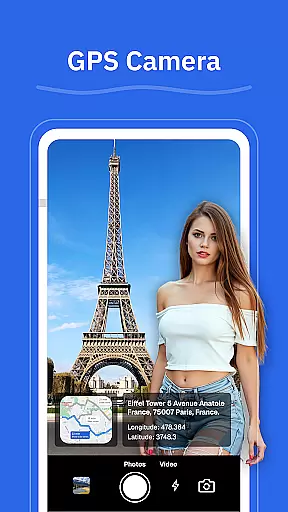
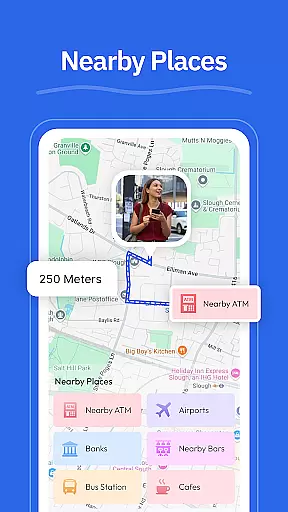
The app's standout feature is its ability to enhance travel experiences by helping users plan routes, explore places, and locate nearby amenities like gas stations, restaurants, and ATMs. With practical tools such as a GPS camera for geo-tagged photos and a route finder based on current road conditions, it ensures confident and stress-free travel.
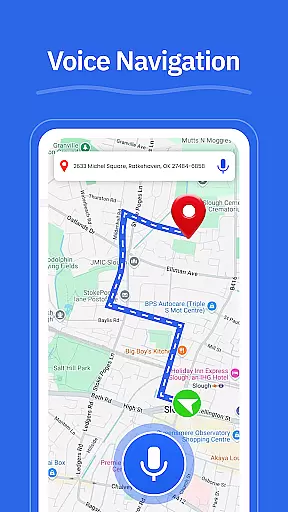
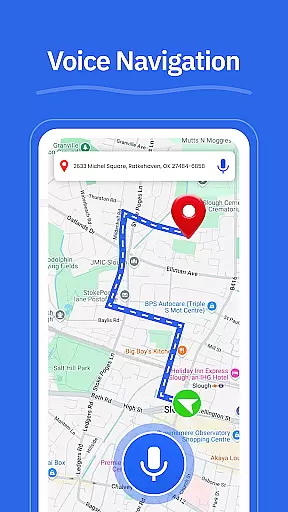
GPS - Maps, Driving Directions boasts an array of features designed to make navigation seamless. The app provides turn-by-turn voice guidance, allowing drivers to focus on the road without needing to look at their devices constantly. Its driving directions cater to various road types, including highways, interstates, and city roads, ensuring clarity regardless of location.
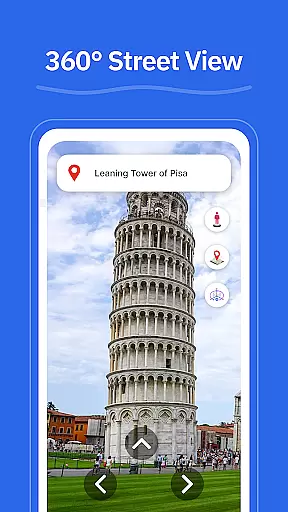
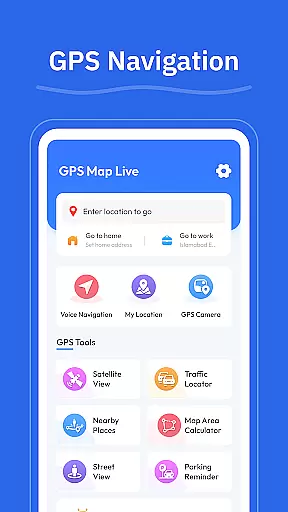
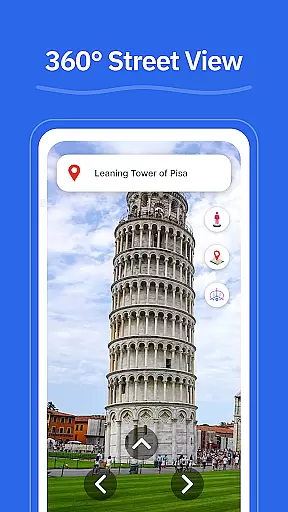
Additional functionalities include a route finder that adapts to current road conditions, a street view option for checking neighborhoods and landmarks, and a GPS camera for saving locations with geo-tagged photos. Users can also find nearby places such as gas stations, restaurants, and EV chargers, while the My Location feature offers real-time GPS tracking for accurate positioning.
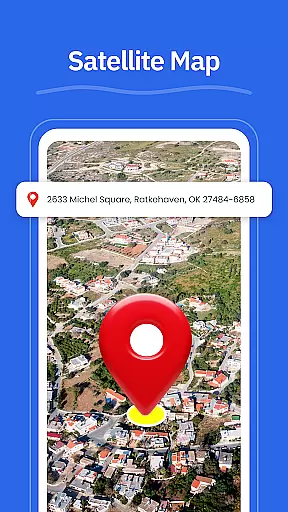
Map accuracy is essential for any navigation app, and GPS u2013 Maps, Driving Directions excels in this area. The application provides precise mapping data that covers highways, interstates, and local roads across the United States. This ensures that users can navigate confidently, whether they are driving through busy cityscapes or planning a cross-country road trip.
The app's maps are regularly updated to reflect the latest road conditions and changes, ensuring reliability when it matters most. With features like Street View, users can also get a ground-level perspective of their destination, making it easier to recognize landmarks and anticipate turns. This level of detail enhances the overall navigation experience, providing clear visual cues alongside turn-by-turn voice guidance.
For travelers who need to know their exact position, the My Location feature offers real-time GPS tracking. This function is particularly useful in unfamiliar areas where understanding your current location is crucial for making informed route decisions. By delivering accurate and up-to-date map information, GPS u2013 Maps, Driving Directions empowers users to move around with confidence.
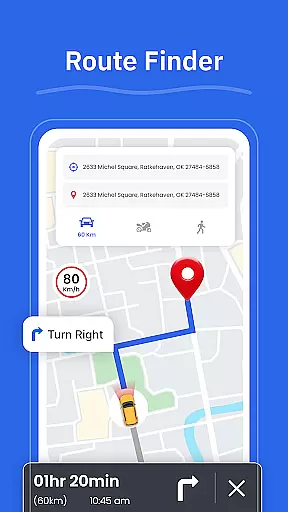
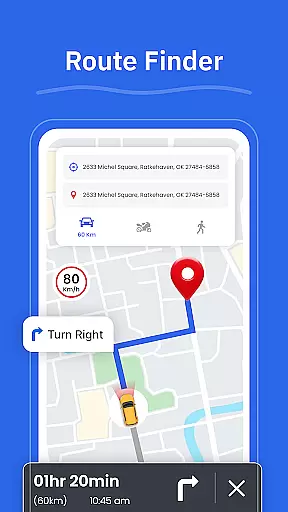
Effective route planning is a cornerstone of successful navigation, and GPS u2013 Maps, Driving Directions offers robust tools to help users choose the best paths. The Route Finder feature analyzes current road conditions, offering alternative routes that can save time and reduce travel stress. Whether commuting daily or embarking on long road trips, having access to optimal routes significantly enhances the journey.
In addition to suggesting the fastest or shortest routes, the app provides detailed driving directions that cover various types of roads. Users receive clear instructions for navigating highways, interstates, and city streets, ensuring they stay on track regardless of their location. Turn-by-turn voice guidance further simplifies the process, allowing for hands-free operation that keeps drivers focused on the road.
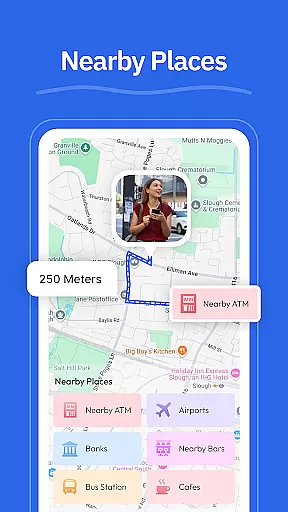
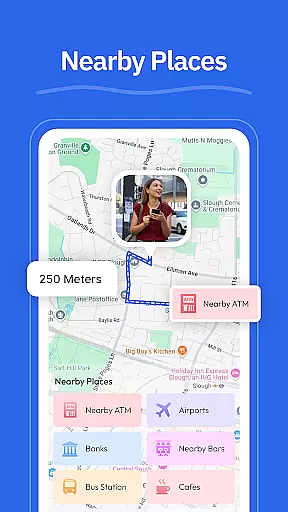
Another advantage of the app's route planning capabilities is its integration with other features like Nearby Places. Travelers can easily locate essential services such as gas stations, restaurants, and ATMs along their planned routes. This holistic approach not only aids in efficient navigation but also enriches the overall travel experience by incorporating practical considerations into every trip.
User-friendly interface
Accurate GPS tracking
Voice-guided navigation
Comprehensive location tools
Real-time traffic updates
Limited international maps
Occasional lag in updates
Ads in free version
Consumes battery quickly
Requires constant internet

Find AI powered cameras, ALPRs, and other surveillance infrastructure near you
 4.70
4.70
The fastest and most convenient way to pay for parking on our lots.
4.40
This app is military GPS coordinate systems helper. (MGRS, UTM & DMS Maps)
4.80
Turn your tablet or Android powered unit into a full blow Android Auto headunit.
2.30
Navigate confidently with our precise Digital Compass app & Direction Compass!
4.70
Maps, Driving Directions & GPS navigation using directions app & GPS App
4.30
GPS Navigation: Get map directions and find the shortest routes to avoid delays!
4.00
Explore offline maps with radar, satellite view, and real-time alerts.
3.60
Avoid delays. Get real-time GPS navigation, safety alerts and live traffic.
4.10
Parcel map, property lines, owner, acres, land use, zoning and more from Regrid.
4.60
Voice GPS with driving directions, offline maps navigation GPS for safe travel
4.50
Rideshare, taxi cabs, and more for your airport travels and everyday trips.
4.50
Simple & easy to use a compass app. Get accurate directions.
4.20
Find radar, speed camera, flight tracker. Use hud, location tracker, speedometer
4.20
Number locator, real connection map
4.10
Use GPS Maps and GPS Voice Navigation to find your way and get directions
4.10
Start your next adventure confidently using our Accurate Compass App
3.70
NJ TRANSIT information and ticketing at your fingertips
3.70
Get route map navigation with 3D satellite view, and live earth camera streaming
3.70


User Reviews