
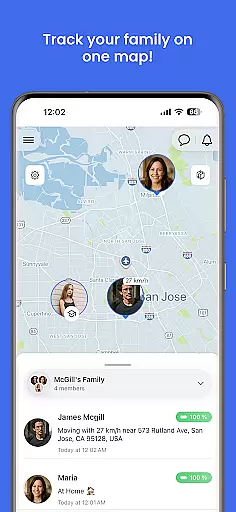
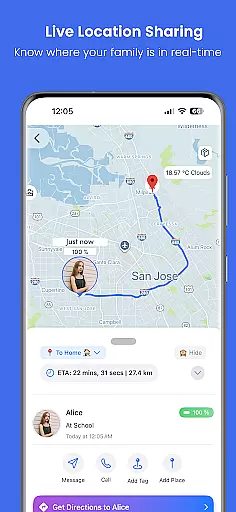
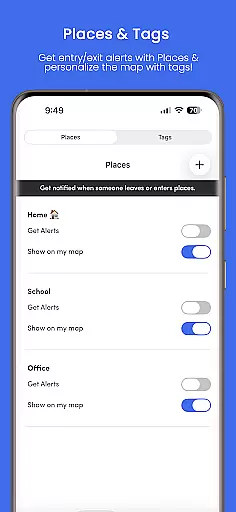
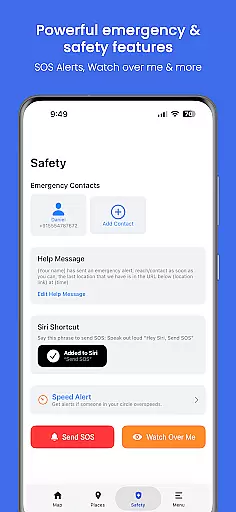
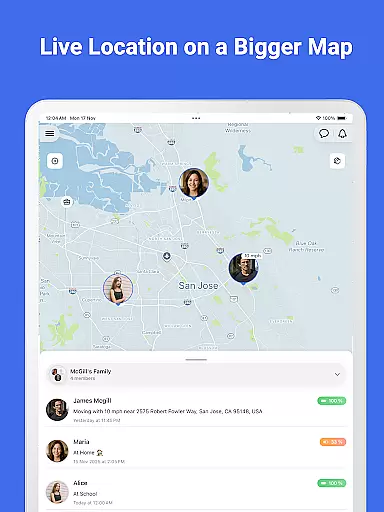

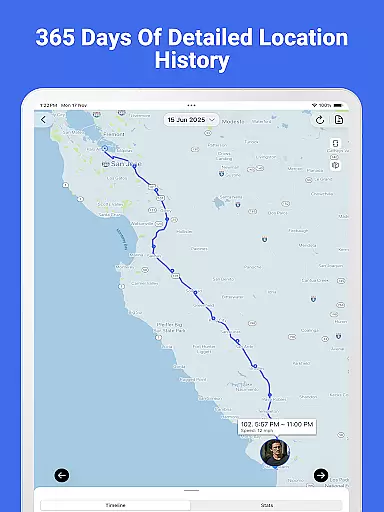
Family Nest is a secure child GPS tracker designed specifically for parents and legal guardians who want to ensure their children's safety. The app provides real-time location tracking with high GPS accuracy, allowing parents to monitor their child's whereabouts anytime, anywhere. It also offers features like private Nests (formerly Circles) for organizing children, entry/exit alerts for safe zones, and trip history with detailed route patterns.
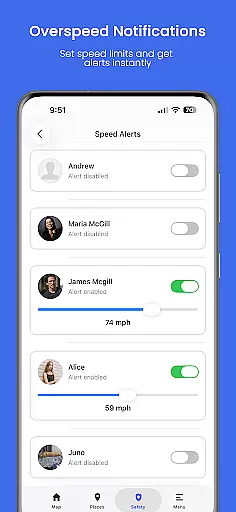
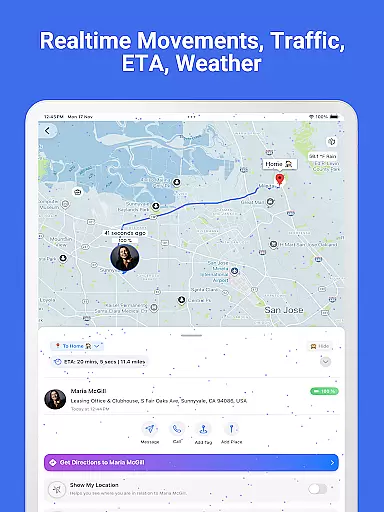
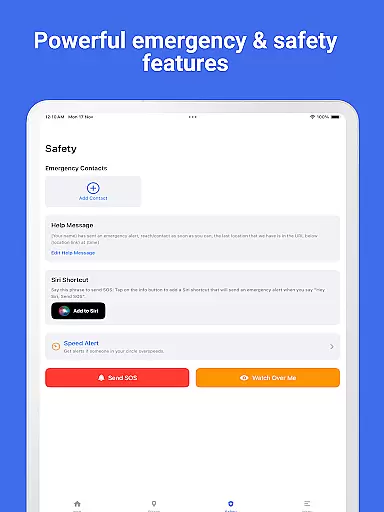
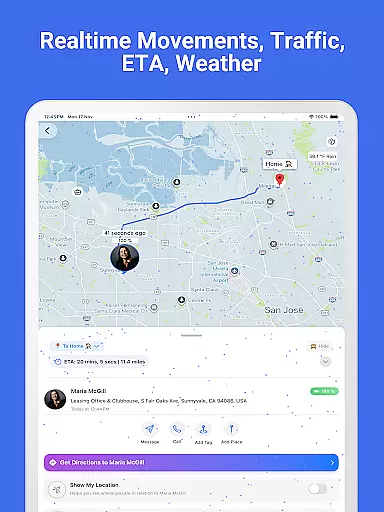
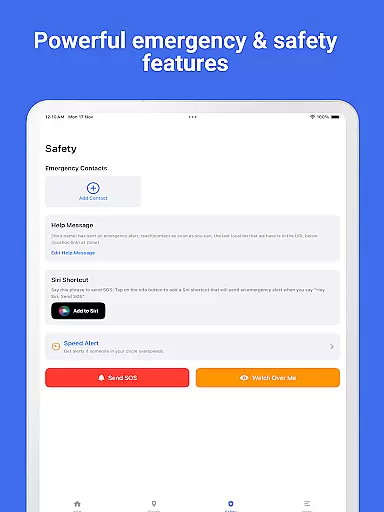
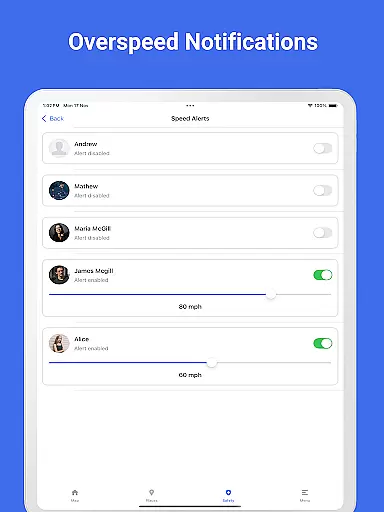
In addition to location tracking, Family Nest includes driving safety tools such as overspeeding notifications and real-time traffic updates. Parents can also detect fake GPS usage and receive SOS emergency alerts for instant assistance. With its forever-free plan and optional premium features, Family Nest ensures privacy protection and peace of mind for families.
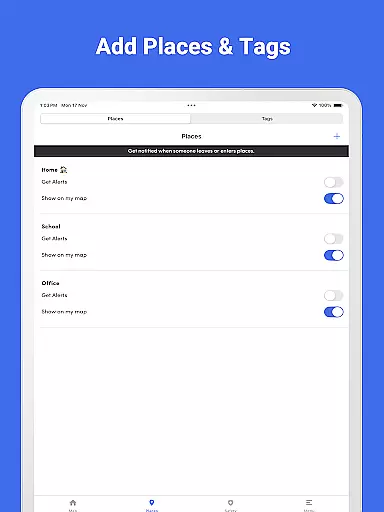
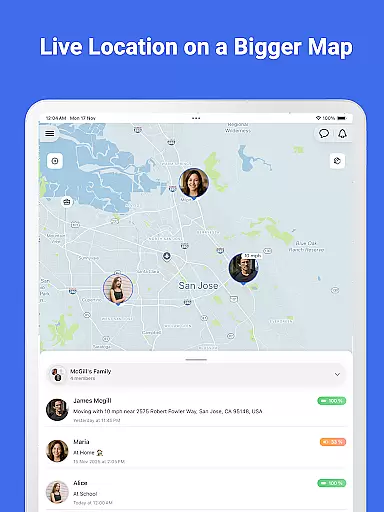
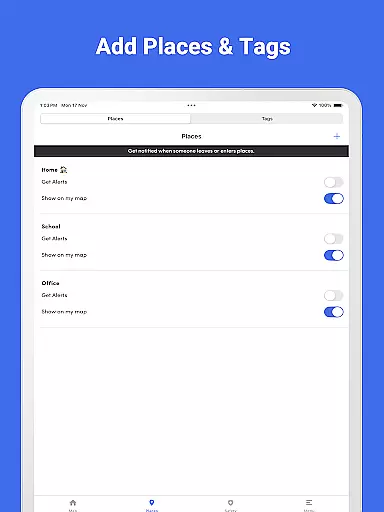
Family Nest stands out with its comprehensive set of parental control tools tailored for daily parenting needs. One key feature is the real-time GPS tracking that updates every 2-3 seconds, ensuring parents always know their child's precise location. The app allows the creation of private Nests to group children and organize them efficiently, while geofencing capabilities provide entry/exit alerts for predefined safe zones.
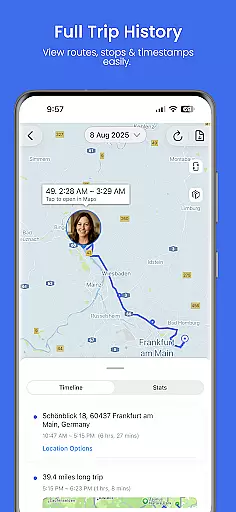
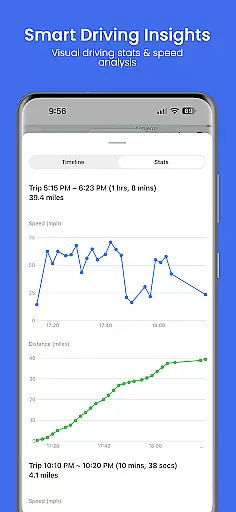
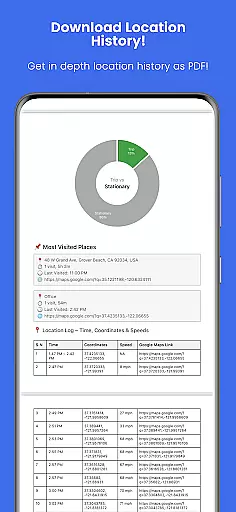
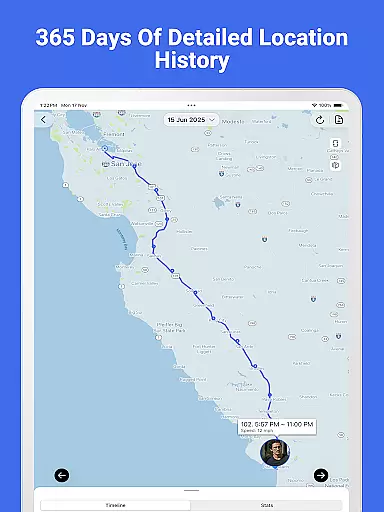
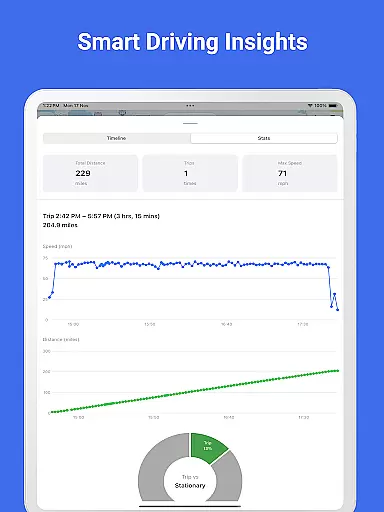
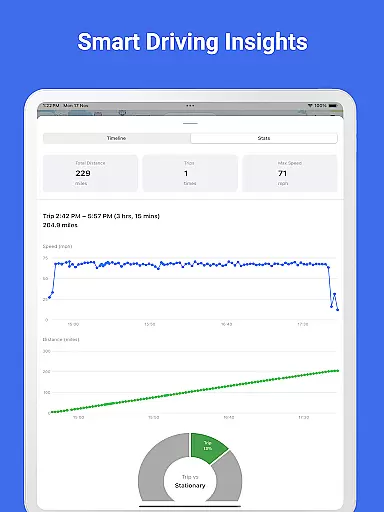
Parents can view detailed trip histories, including stops and route patterns, and export this data as PDF reports with speed and distance graphs. Additional features include overspeeding notifications, detection of fake GPS locations, and an SOS emergency alert button. Premium users also benefit from priority support, unlimited safe zone alerts, and up to 30 days of location history.
Family Nest provides reliable parenting content that is validated by experts in child safety and location tracking. The app's features are designed with input from professionals who understand the nuances of keeping children safe in today's world.
The app includes tools such as real-time GPS tracking, geofencing alerts, and driving safety notifications, all of which are grounded in providing accurate and actionable data for parents. These features have been refined through expert consultation to ensure they meet the needs of modern families.
Parents using Family Nest can trust that the information and alerts they receive are not only timely but also come from a place of deep understanding of child protection protocols. This level of expert validation offers peace of mind to guardians relying on the app for their family's security.
Growth tracking in Family Nest isn't just about physical location; it's about the development of good habits and safety practices over time. The app accurately logs travel history and behavioral patterns, allowing parents to monitor their child's progression towards independence responsibly.
With precise GPS technology, Family Nest captures detailed trip histories including speed and distance metrics, which are crucial for analyzing a child's growth in adhering to safe travel behaviors. Parents can export this data as comprehensive PDF reports, aiding in discussions about responsible mobility.
This meticulous tracking empowers parents to guide their children effectively, ensuring that each step towards autonomy is taken within the bounds of safety and under parental guidance.
Real-time GPS tracking
Private Nests organization
Driving safety alerts
SOS emergency button
Forever-free plan
Limited to parental use
Premium features costly
Requires constant internet
No adult tracking
Geofencing limits

AI Motion Video Maker & Ideas
 4.4
4.4
Happiest Baby App replaces the SNOO App (the mobile companion to SNOO & SNOObie)
3.20
Discover fun videos, kids songs, bedtime stories and games
3.60
Little loved one's monitoring, Sleep tracking and Parenting content.
3.80
Protect kids online safety through GPS tracking,screen time control,app blocking
4.20
Fun Ideas for Parents
4.70
FamilyMode helps you manage your family’s digital lives—at home or on the go.
4.30
Babysitting video camera - Turn your two phones or tablets into a single nanny.
4.40
Findnumber: Real-time location tracker for ultimate family security
4.20
3D Baby size, Fruit comparisons, Smart Checklist, Trending Names & Training.
4.90
Track baby’s development & growth week by week with BabyCenter’s pregnancy app!
4.90
Daily Routine & Timer for kids, ADHD, & Autism
4.80
Sleep better with white noise app! Discover rain sounds, fan noise and more.
4.70
All-in-one pregnancy app, contraction timer, kick counter & due date calculator
4.40
Comprehensive Parental Control & Child Safety — Hear & Protect Your Child World
4.30
Limit screen time, Block Apps & Games, Monitor with Parental control app
4.20
Affirmations | Stories | Bible
4.10
SemLog aims to raise awareness among families and their children
3.40
Track pregnancy health and wellness with pregnant tracker from healthcare advice
4.1


User Reviews