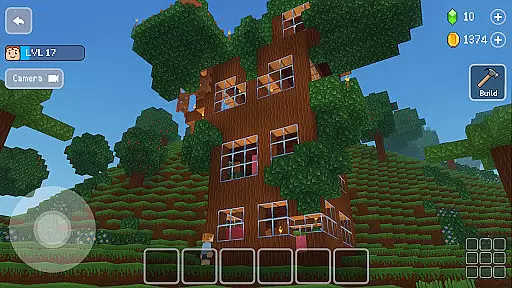
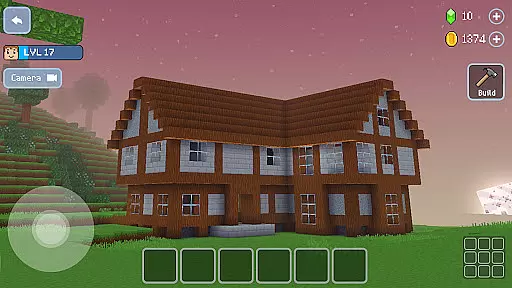
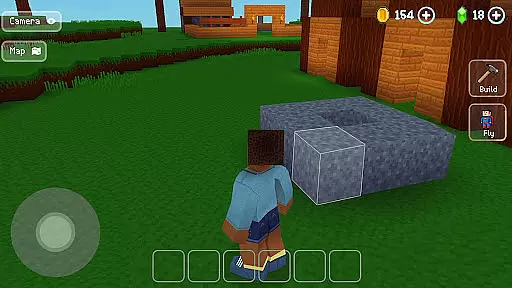
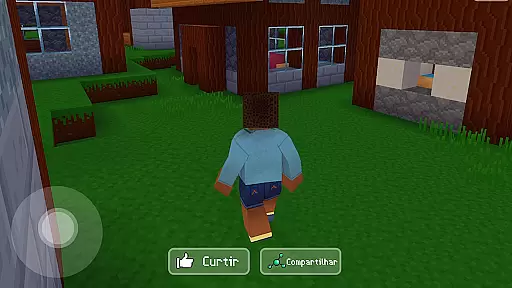
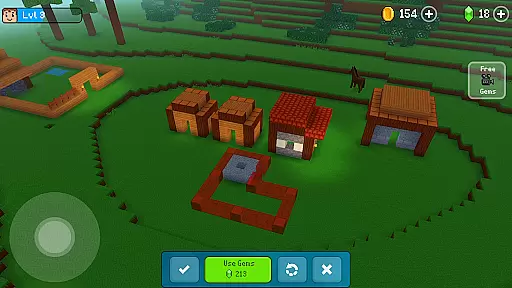
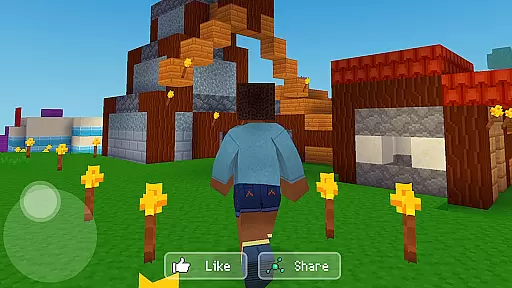
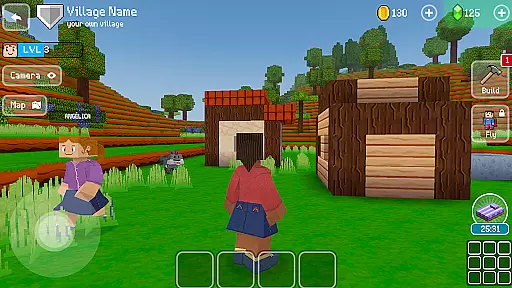

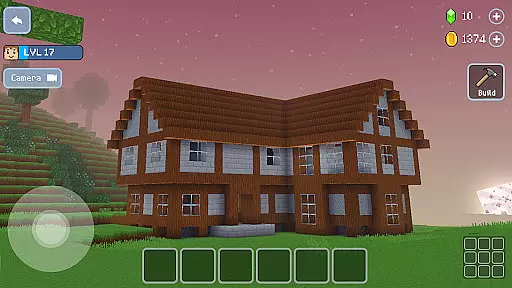
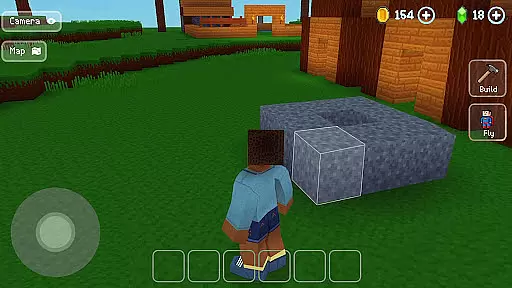
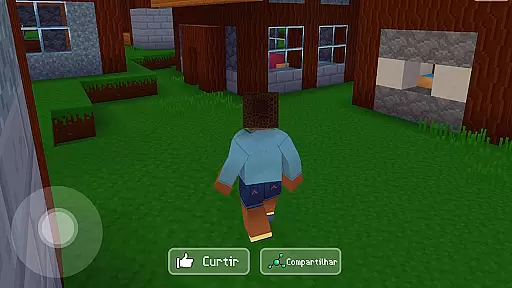
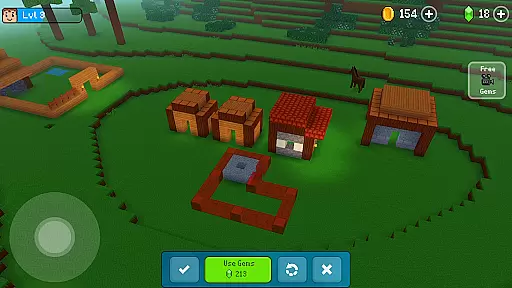
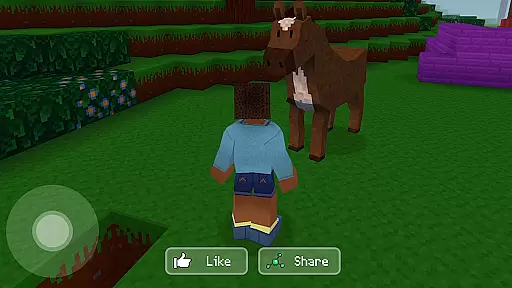
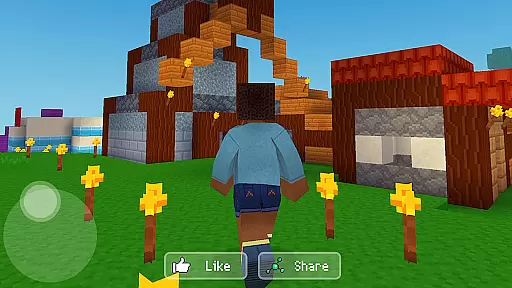
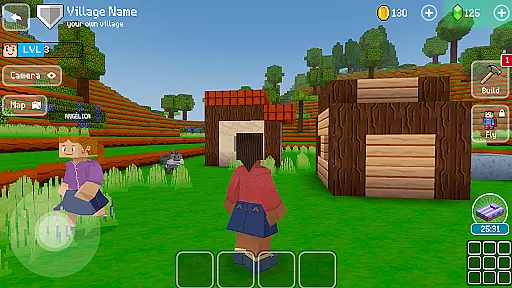
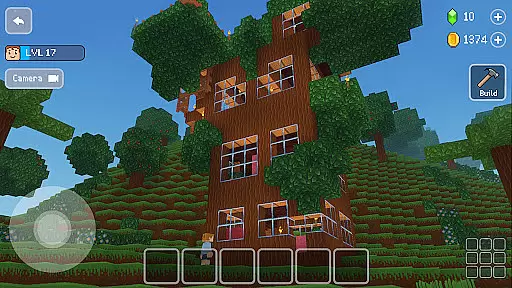
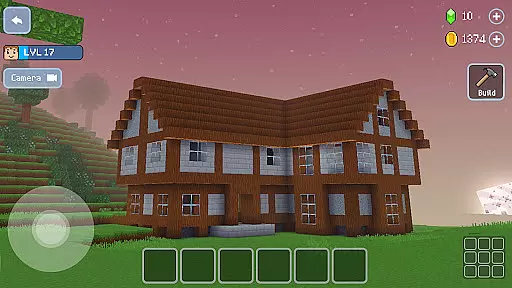
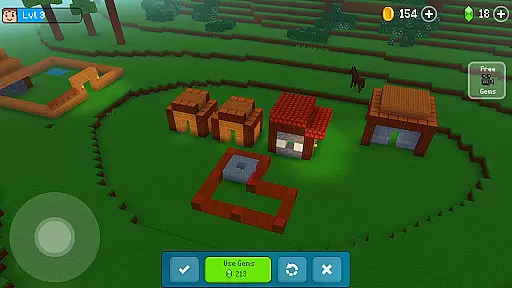
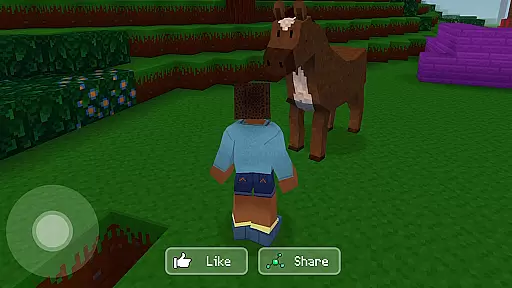
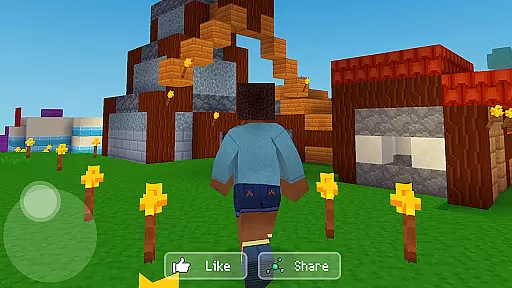
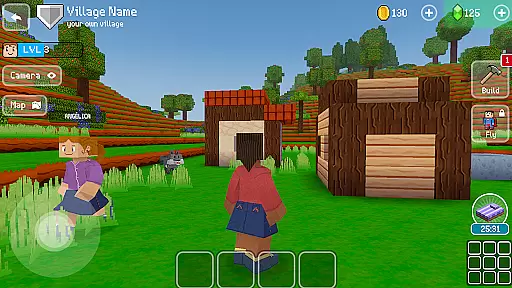
Block Craft 3D is an engaging arcade-style building game that allows players to craft and expand their own villages or freely construct in an open-ended world. The core function of this app revolves around creativity and construction, enabling users to build a variety of structures from houses to complex landmarks like the Eiffel Tower. One of its standout features is the ability to simulate life, providing not just a construction platform but also an ecosystem where players can adopt animals and interact with a vibrant community.
The game stands out in the Arcade category by offering a monster-free environment, focusing purely on construction and exploration. With multiplayer capabilities, it emphasizes social interaction, letting players visit friends' cities, collaborate on projects, and even trade custom blocks and crafted items. This feature-rich sandbox experience provides both an escape and a creative outlet, making it valuable for those who enjoy simulation and building games.
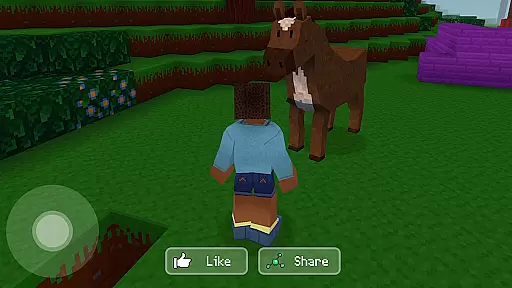
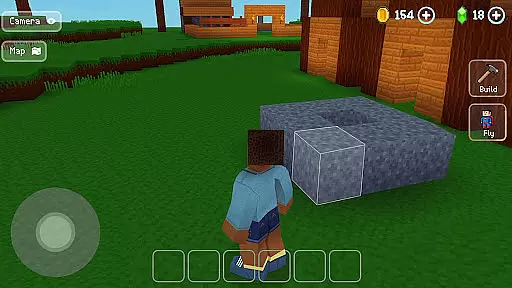
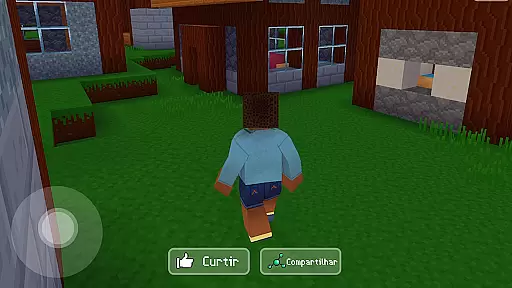
Block Craft 3D boasts an impressive array of features designed to enhance the building experience. Its pixel graphics present a unique aesthetic that complements the creative freedom offered within the game. Players can choose and customize their characters, adding a personal touch to their in-game presence. The inclusion of animals such as dogs, cats, and even elephants introduces an element of companionship and additional gameplay depth.
Another remarkable aspect is the multiplayer functionality, which allows users to engage with a community of builders. You can visit other players' worlds, help them complete constructions, and exchange ideas. Moreover, the game promotes economic simulation by letting players create, craft, and sell custom blocks and furniture for gems. For those less inclined to start from scratch, blueprints and guides offer a helping hand. These features collectively ensure a dynamic and enriching user experience, setting Block Craft 3D apart from other titles in the Arcade genre.
Arcade authenticity in Block Craft 3D refers to how well the game captures the essence of classic arcade experiences while providing a modern twist. This is crucial for engaging players who appreciate retro gaming elements.
The game achieves this by incorporating pixelated graphics and simple yet addictive gameplay mechanics reminiscent of traditional arcade games. The use of 3D environments adds a contemporary touch, making it appealing to both nostalgic players and newcomers.
Players benefit from this blend of old and new by enjoying a familiar yet fresh experience. The game's design encourages creativity and exploration, allowing users to build and explore vast worlds while appreciating the nostalgic pixel art style.
This combination of nostalgia and innovation enhances user engagement, as players can relive fond memories while discovering new possibilities within the game.
Control responsiveness is a critical aspect of any arcade game, including Block Craft 3D. It refers to how quickly and accurately the game reacts to player inputs, which directly impacts the overall gaming experience.
In Block Craft 3D, control responsiveness is ensured through intuitive touch controls that allow players to easily navigate and interact with the environment. Whether building structures or exploring the world, users will find the controls smooth and precise.
This level of responsiveness benefits players by providing a seamless and enjoyable experience. Quick reactions and accurate movements enable players to fully immerse themselves in the creative process without frustration.
Ultimately, responsive controls enhance the game's appeal, making it accessible and entertaining for a wide range of players, thus increasing its replay value and user satisfaction.
Highly creative
Engaging pixel art
Multiplayer support
Economic simulation
Pet interaction
May lack depth
In-app purchases
Repetitive tasks
Simple graphics
Steep learning curve

Welcome back to Vice City. Welcome back to the 1980s.
 3.30
3.30
BallStack is a vibrant match-3 game where you stack and match colorful balls!
4.1
Frenetic party game, pass the bomb to the other players!
3.80
Antistress & relaxing games,stress relief; Antistress toys, calming games.
4.20
Playing venom RPG alien games? Set spider alien isolation base, with no survivor
4.30
A fluid, action-packed arcade space shootout!
4.0
Relax and catch fish for your aquarium while earning rewards in these tank games
4.40
This app is a very fast emulator
3.40
Venture into the galaxy to fight against the invasion of space invaders.
4.60
Amid the vastness of the universe, you are a Black Hole about to be swallowed!
5.00
Join the breathtaking chase!
4.80
R-TYPE game
4.60
Sega Saturn Emulator
4.20
Get into your tractor to cut grass and harvest the crops in our mowing simulator
4.10
Mine planets, upgrade your space ship, battle others, and dominate the galaxy!
3.90
A fast, full-featured GBA emulator with link cable emulation.
3.90
Play retro games with ease – NES, SNES, PSX, PSP & more supported
4.4
M64Pro FZX Classic Emulator for Android
4.4
Reach high, and shine in the neon world in 3D!
4.1


User Reviews