

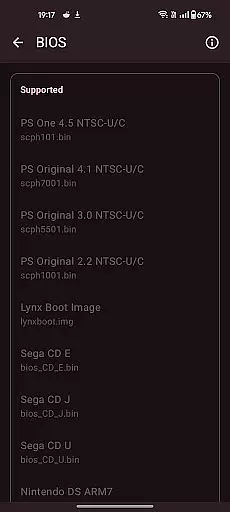
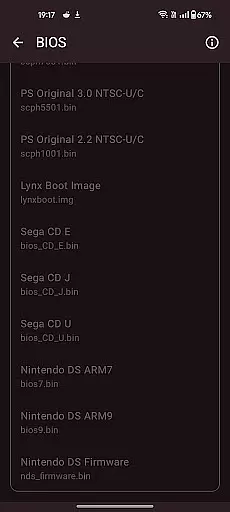
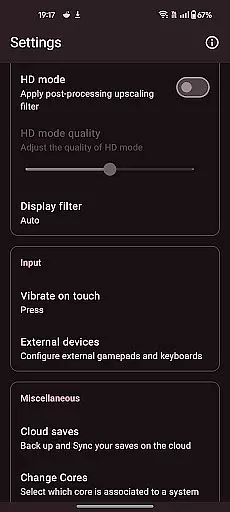
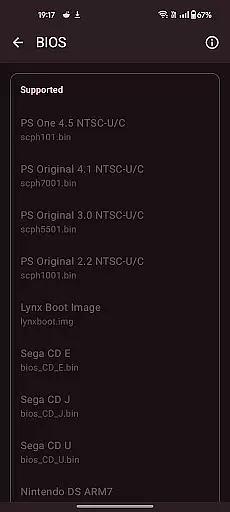
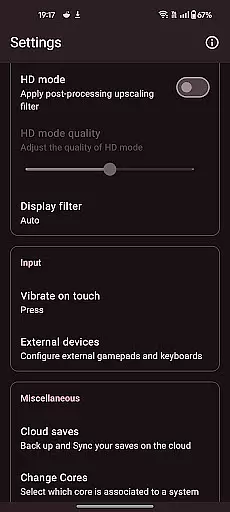

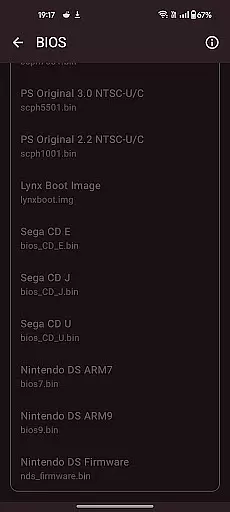
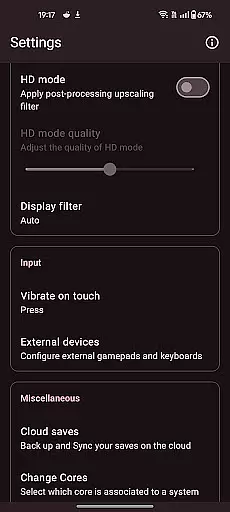
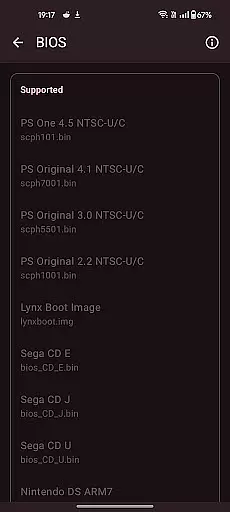

Retro emulator classic is an all-in-one emulator app designed for Android users who want to relive the nostalgia of retro gaming. This app supports a wide range of systems including Atari, Nintendo, PlayStation, Sega, and more, making it a versatile choice for retro gaming enthusiasts. Whether you're playing on a phone, tablet, or TV, Retro emulator classic offers smooth performance with an intuitive interface and no ads.
One of the standout features of this app is its support for multiple gaming systems, which allows users to enjoy games from different eras and platforms without needing to switch between multiple apps. Additionally, the app provides automatic save and restore states, optimized touch controls, and video filters that enhance the gaming experience. These features make it easy for users to pick up and play their favorite retro games anytime, anywhere.
The app is particularly useful for gamers who own a large collection of legally acquired ROM files and want a centralized platform to access them. With cloud save sync, quick save/load slots, and support for zipped ROMs, Retro emulator classic ensures that users can manage their game library efficiently while enjoying a seamless gaming experience.
Retro emulator classic stands out due to its comprehensive feature set tailored for retro gaming aficionados. The app supports a vast array of gaming systems such as Atari, Nintendo, PlayStation, and Sega, among others. This extensive compatibility ensures that users can access games from various platforms within a single app, streamlining their gaming experience.
Among its notable features are automatic save and restore states, which allow users to save their progress at any point and return to it later without hassle. The app also offers optimized touch controls with full customization options, enabling players to adjust the control layout according to their preferences. Furthermore, Retro emulator classic includes video filters and display simulation effects like LCD/CRT, enhancing the visual authenticity of retro games.
Additional functionalities include ROM scanning and library indexing, fast-forward support, and local multiplayer capabilities. These features collectively contribute to a rich and immersive gaming experience, catering to both casual players and dedicated collectors of retro games.
Arcade authenticity and nostalgia are at the heart of Retro emulator classic, providing users with an immersive experience that brings back memories of classic gaming. The app supports a wide range of systems including Atari, Nintendo, PlayStation, Sega, and more, ensuring that every beloved arcade game is covered.
The emulator goes beyond just playing games; it offers video filters and display simulation features that mimic the original LCD or CRT screens, enhancing the nostalgic feel. These authentic visual effects paired with accurate sound emulation deliver an unmatched retro gaming atmosphere.
Users benefit from customizable touch controls and support for zipped ROMs, making gameplay both convenient and true to the original experience. Whether you're reliving your childhood or discovering these classics for the first time, Retro emulator classic ensures every moment is as genuine as possible.
Control responsiveness in Retro emulator classic is designed to offer players a seamless and intuitive gaming experience. With full customization options for touch controls, users can adjust the interface to their preference, ensuring quick and accurate inputs during gameplay.
The application supports gamepad and tilt-stick functionalities, allowing for a more traditional and tactile control scheme. This feature is crucial for games that require precise movements and fast reactions, providing gamers with the responsiveness needed to succeed.
Fast-forward support and quick save/load slots further enhance control efficiency, enabling players to manage their gaming sessions effectively. By prioritizing user input accuracy and minimizing latency, Retro emulator classic guarantees a smooth and enjoyable gaming session on any Android device.
User-friendly interface
Wide system compatibility
Automatic save states
No in-app advertisements
Cloud save synchronization
Device performance may vary
ROMs not included
Advanced systems require powerful hardware
Limited touchscreen optimization for some games
Occasional bugs reported

Neogeo MVS/AES Emulator
 3.30
3.30
Antistress & relaxing games,stress relief; Antistress toys, calming games.
4.20
A fluid, action-packed arcade space shootout!
4.3
PC Engine/TurboGrafx-16 Emulator
4.50
Restore peace and order in the city
3.20
John GBA is GBA emulator. This emulator is easy to use.
3.10
Premium version. Save the galaxy from alien shooter in this classic game
4.50
Jump and fly your way through danger in this rythm-based action platformer!
4.70
Thoughtful strategy and tactical thinking are required to win each battle!
4.30
Amid the vastness of the universe, you are a Black Hole about to be swallowed!
5.00
*Try for free.* Survive alone in a Roguelike Reverse Bullet Hell.
4.80
Local offline 2 3 4 player multiplayer minigames - race, tanks, football
4.60
Use superpower in your magic hands. Defeat the enemies in a fun elemental game.
4.50
Eat & evolve your shark in the ultimate shark survival game!
4.50
Outrun cops, ignite the thrill of a high-speed chase!
4.50
Playing venom RPG alien games? Set spider alien isolation base, with no survivor
4.30
Running game: dance in a twerk battle and become the twerk hero in our fun race!
4.30
Machine Gun Fire Rumbles in the Jungle
4.2
Divine powers at your fingertips! An innovative and frantic shoot-'em-up!
4.2


User Reviews