
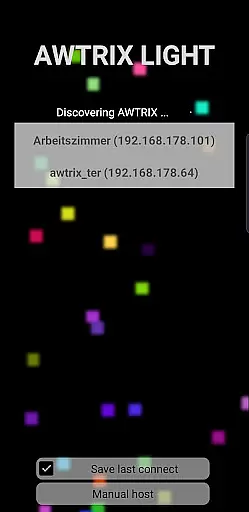
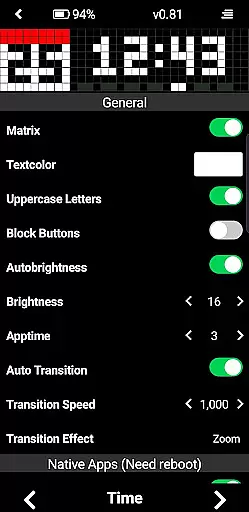
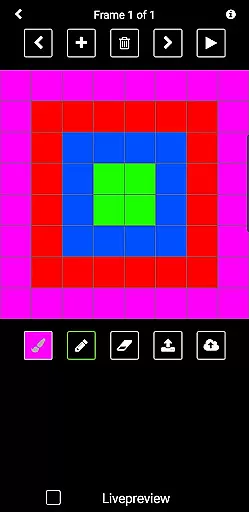
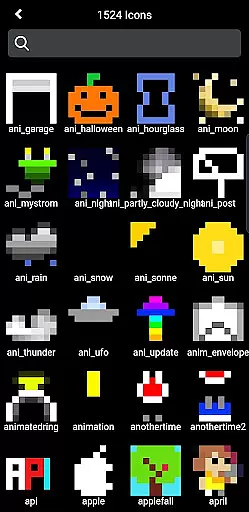
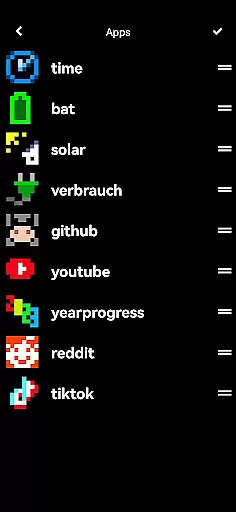
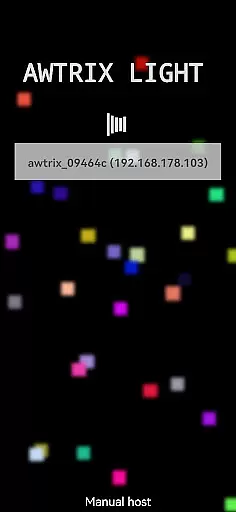
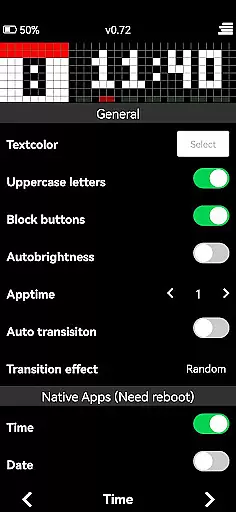
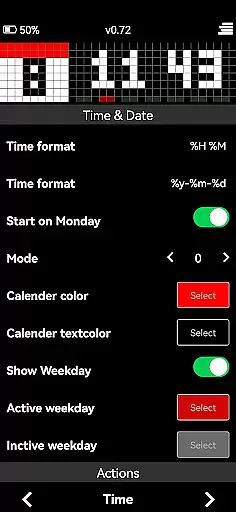
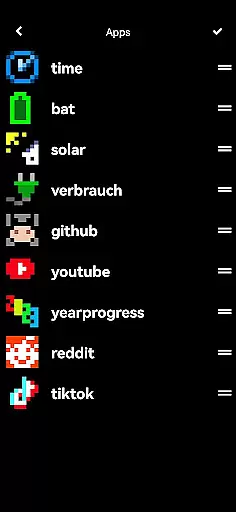

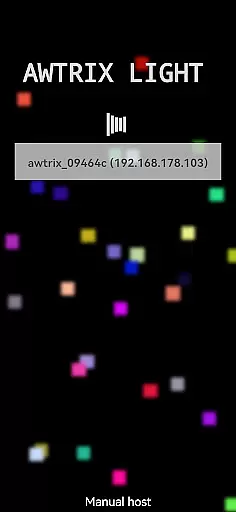
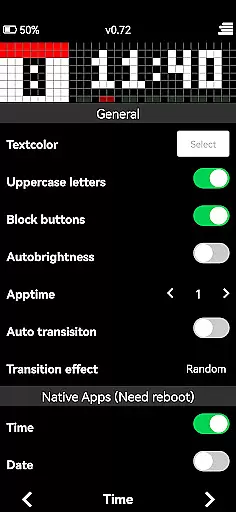
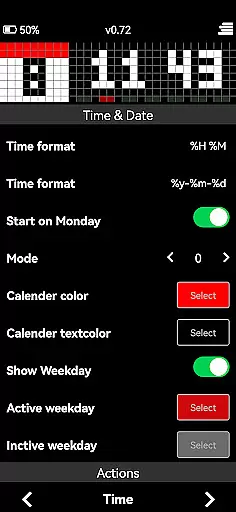
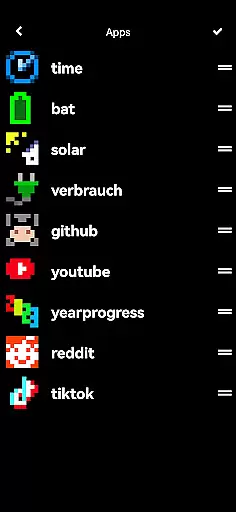

AWTRIX 3 is an innovative entertainment app that allows users to manage their Awtrix devices seamlessly from their smartphones. With its intuitive interface, the app provides complete control over essential features such as live view, text color customization, and one-click icon updates. Users can also access their AppLoop, preview and delete icons directly on Awtrix, and enjoy exclusive access to the Awtrix icon database. The app goes beyond basic management by enabling users to create custom icons and share them with a vibrant community of Awtrix enthusiasts.
This powerful application serves as a crucial tool for Awtrix Light users, offering both practical device management and creative freedom. By purchasing AWTRIX 3, users not only enhance their personal experience but also actively contribute to the ongoing development and innovation of the Awtrix ecosystem. Whether you're looking to customize your device's appearance or expand its functionality through community-created content, AWTRIX 3 delivers a comprehensive solution for all your Awtrix management needs.
AWTRIX 3 stands out in the entertainment category through its comprehensive feature set designed specifically for Awtrix device management. The app's most notable feature is its live view capability, which allows real-time monitoring and adjustment of your Awtrix display. Users can easily modify various settings, including text color customization, ensuring their device perfectly matches their desired aesthetic.
The app streamlines icon management through several innovative features. With one-click icon updates, users can refresh their display elements instantly. The built-in icon database provides exclusive access to a vast collection of display options, while the icon management system lets users view, preview, and delete icons directly on their Awtrix device. Most impressively, AWTRIX 3 includes a robust icon creation tool that enables users to design custom icons and share them with the active Awtrix community, fostering creativity and collaboration among users.
These features collectively offer significant value to users by combining essential device management tools with creative possibilities. The ability to both consume and contribute to the growing library of display elements makes AWTRIX 3 an indispensable tool for maximizing the potential of Awtrix devices while supporting the broader user community's innovation and engagement.
AWTRIX 3 offers a diverse range of content options that keep users engaged with fresh and exciting features. The app provides live views, customizable settings, and access to an exclusive icon database.
Users can update icons with a single click, preview them on their device, or delete them as needed. This constant update of visual elements ensures that the content remains dynamic and engaging.
The ability to create custom icons and share them with a community adds another layer of variety. This collaborative aspect not only enhances user experience but also fosters creativity within the AWTRIX ecosystem.
One of the standout features of AWTRIX 3 is its ability to maintain high levels of user engagement and retention. With functionalities like AppLoop access and comprehensive control over device settings, users are encouraged to interact with the app regularly.
The intuitive interface allows for easy navigation through various features such as adjusting text colors and managing icons. These interactive elements ensure that users remain engaged over extended periods.
By offering exclusive content and continuous updates, AWTRIX 3 successfully retains its user base. The opportunity to contribute creatively by designing custom icons further solidifies user commitment, making it an indispensable tool for Awtrix enthusiasts.
User-friendly interface
Comprehensive feature set
Active community support
Regular updates
Creative freedom
Premium purchase required
Awtrix device dependency
Limited cross-platform support
Advanced features may overwhelm beginners
Database access restrictions

Air Horn - Siren Sounds Prank, Fun way to wake up your Friends and Family
 4.3
4.3
Rain and lightning effects for your Philips Hue lights
4.30
A wonderful collection of the most beautiful sounds of animals and birds
4.4
Journey to the world’s oldest rainforest and meet its Indigenous Custodians.
4.0
Fun brain twisting challenge with trending Whirlpool Filter.
4.70
Practice and master your ESP and intuition with five mode trainer.
4.20
Direct access to the most complete Guitar Tab Archive in Spanish: LaCuerda.net
4.60
Come and watch short dramas, reels with diverse genres!
4.40
Bold original series & hit movies that don't hold back.
4.40
Catalog & tracker of your DVD, Blu-ray & Digital Movie and TV Collection Library
4.80
Stream Live TV, News & Documentaries. Watch Full Seasons with PBS Passport.
4.80
Hand-drawn, cartoon OC creator - original character creator
4.70
Your Avatar, Endless Fun
4.60
Create and play realistic-looking mock Emergency Alert System messages.
4.30
NFL, NBA, NHL, MLB, local sports coverage, shows, movies & news!
3.20
Stream videos to VIDAA & VEWD TVs from Hisense, Sharp, Skyworth, Vestel & TiVo
3.00
EVP Recorder / Voice Recorder for ghost hunting, to communicate with ghosts.
4.0
Stream over 80 hours of exclusive mashups and remixes by DJ Rehab.
4.2
Christmas Globe: Transform your Wear OS device into a festive timekeeper!
4.2


User Reviews