
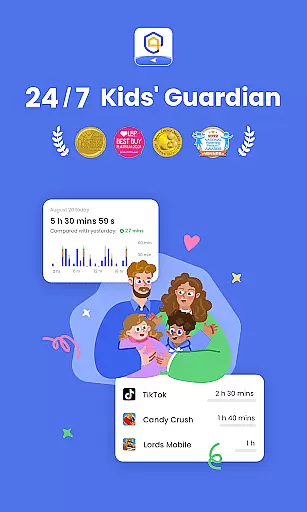
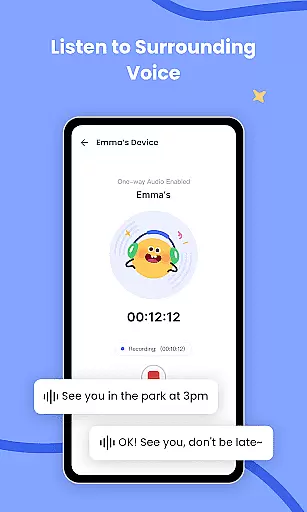
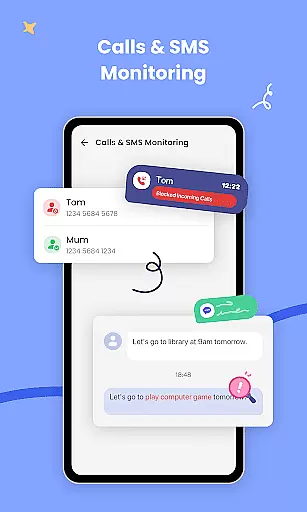
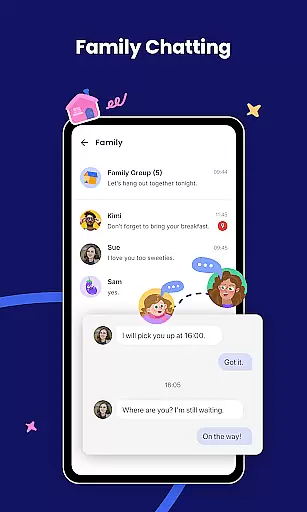
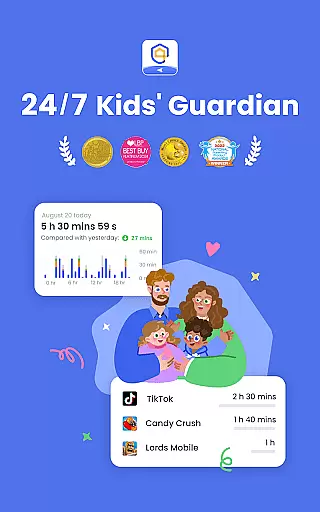
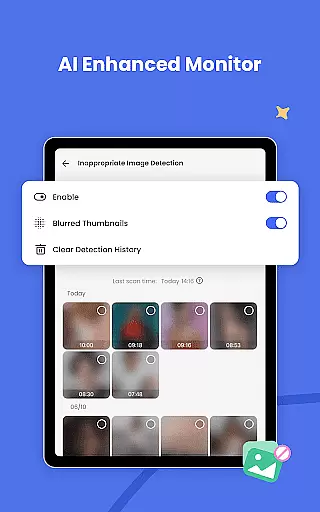
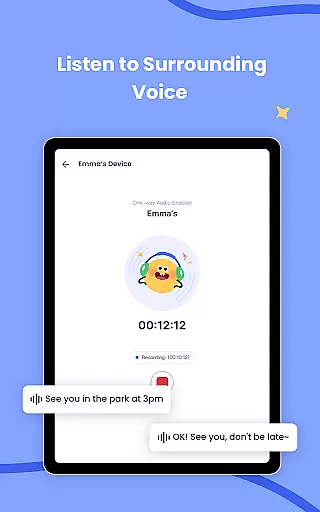
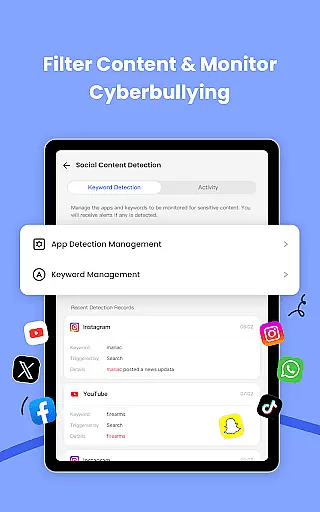
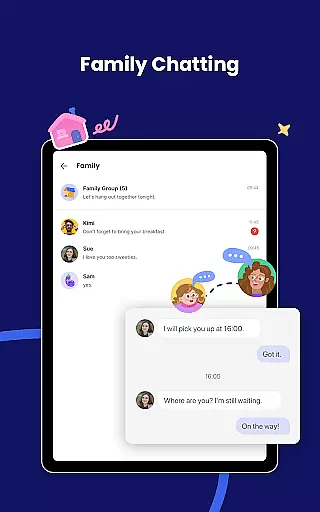
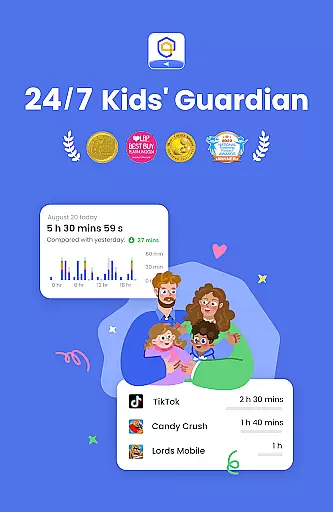
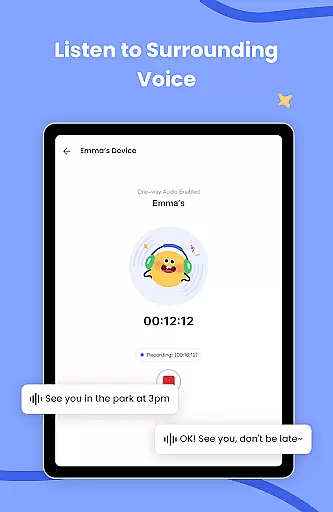
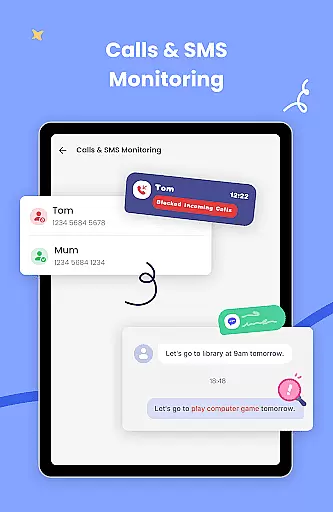
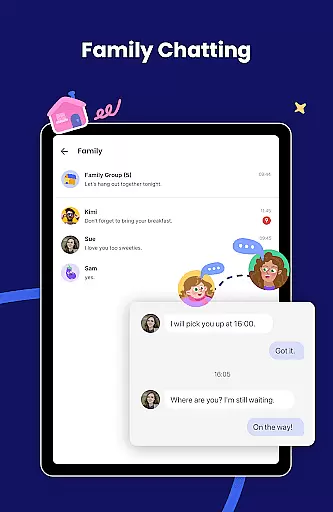
AirDroid Parental Control is a sophisticated mobile application specifically designed for parents who want to ensure their children's safety in today's digital age. This comprehensive parental control solution offers real-time monitoring of children's device activities including screen time management app usage tracking and web content filtering. By utilizing advanced AI technology the app provides intelligent protection against inappropriate online content and potential cyberbullying threats.
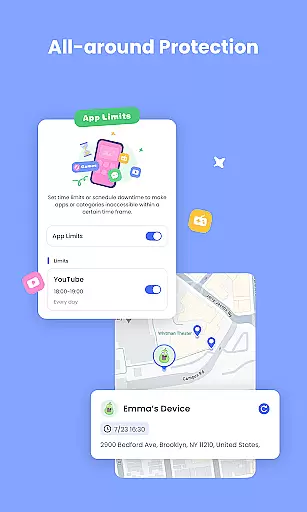
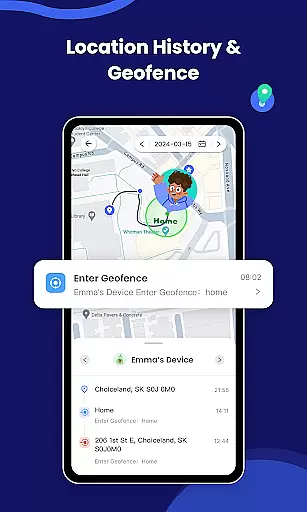
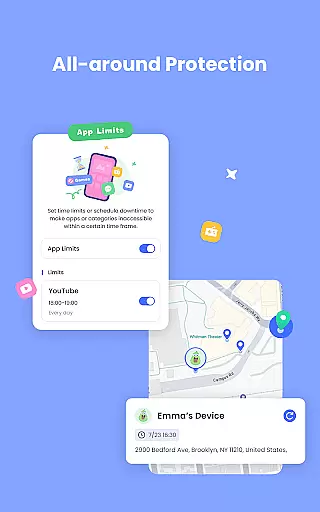
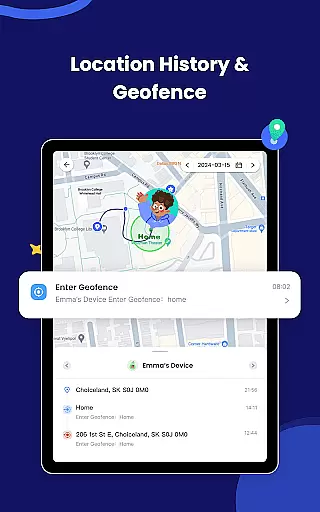
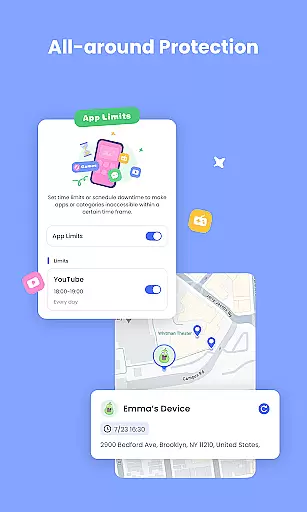
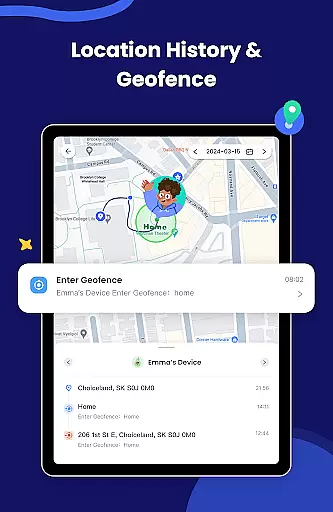
The application operates on both Android platforms allowing parents to remotely supervise their children's digital lives. Through its intuitive interface caregivers can easily set up usage schedules block inappropriate apps and even track their children's physical location using GPS technology. The app's unique features such as geofencing alerts and remote device charging notifications demonstrate its commitment to providing complete peace of mind for concerned parents.
While offering a 3-day free trial of its premium features AirDroid Parental Control requires a subscription for full access to its extensive monitoring capabilities. The app's value lies in its ability to help parents maintain a healthy balance between their children's digital engagement and real-world experiences while ensuring their safety in both environments. This makes it an essential tool for modern families navigating the complexities of raising children in a technology-driven world.
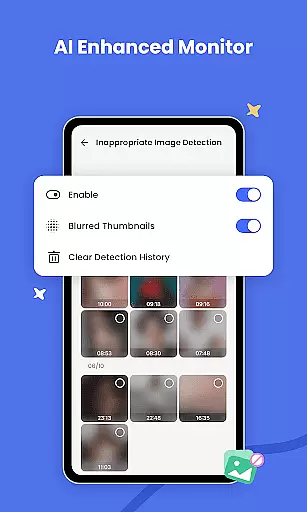
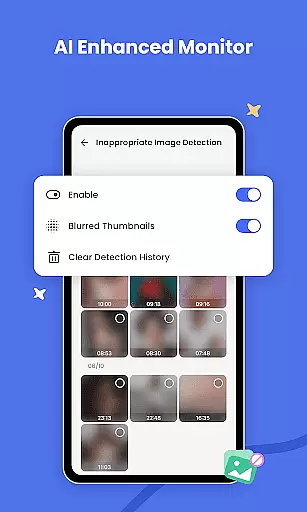
AirDroid Parental Control offers a comprehensive suite of monitoring tools designed to keep children safe in both physical and digital environments. The app's standout feature is its AI-powered content monitoring system which goes beyond basic keyword filtering to provide intelligent context-aware protection against inappropriate content and potential cyber threats.
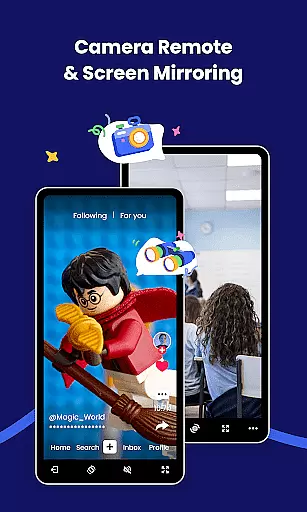
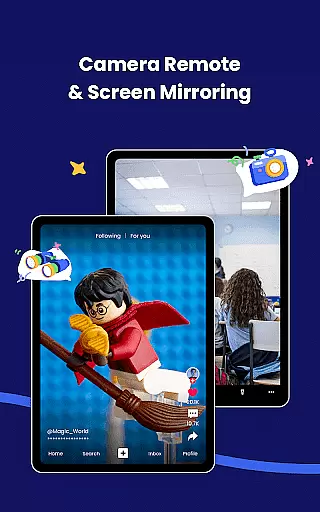
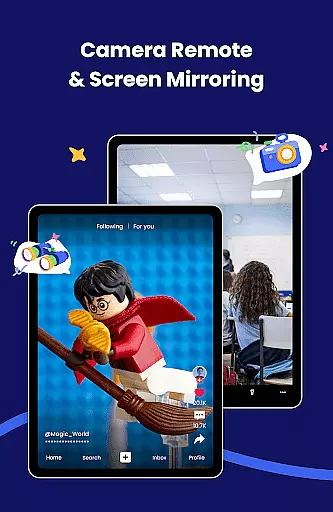
Parents can take advantage of real-time screen mirroring to see exactly what their children are doing on their devices. The app also provides detailed usage statistics helping parents understand how much time their kids spend on different applications. With features like GPS location tracking geofencing alerts and app blocking capabilities caregivers can maintain constant awareness of their children's whereabouts and digital activities.
The application allows setting time limits for device usage ensuring that children don't become overly engrossed in their gadgets during school hours or bedtime. Additionally remote notifications about battery status and location changes offer peace of mind knowing that you're always connected to your child's safety. These robust features make AirDroid Parental Control a valuable tool for modern parenting challenges.
AirDroid Parental Control App places a strong emphasis on the credibility of its parenting content and ensures thorough expert validation. The app is designed with safety as a priority, offering high safety features that are both reliable and effective. Through its AI-enhanced content monitoring system, the app provides intelligent, context-aware filtering which represents a significant advancement in online protection.
The app's dedication to expert validation is evident in its multi-faceted approach to child safety. It offers real-time monitoring, sync app notifications, and an app blocker, all of which are developed based on expert recommendations to keep children safe from cyberbullying and online fraud. These features have been fine-tuned to ensure they meet the needs of concerned parents who require trustworthy solutions.
Parents benefit greatly from the peace of mind that comes with using a service that is backed by expert validation. They can monitor their child's digital environment, knowing that the safeguards in place are based on sound advice and up-to-date knowledge. This level of credibility in the app's content means that parents can trust the alerts and information they receive regarding their child's online activities.
Growth tracking accuracy is a pivotal feature of AirDroid Parental Control, allowing parents to accurately monitor various aspects of their child's digital growth and physical whereabouts. With tools like GPS location tracker and location alerts, the app provides precise data about a child's location history and movements, ensuring parents are always informed about their child's whereabouts.
The app employs advanced algorithms to deliver accurate growth tracking data, including screen time analytics and app usage statistics. Parents can set up unique schedules and permissions, which help in cultivating healthy digital habits and support the developmental growth of their children. The battery check feature also contributes to consistent tracking by alerting children to charge their devices, thus maintaining continuous monitoring.
This meticulous approach to tracking provides immense value to users, as it empowers parents to guide their children's growth proactively. By having access to detailed reports and real-time data, parents can make informed decisions regarding their child's digital consumption and safety. The accuracy of this data is crucial for parents who need to stay vigilant in today's fast-paced digital world.
AI-powered monitoring
Real-time screen mirroring
Comprehensive location tracking
App usage management
Remote device management
Subscription required
Privacy concerns
Complex setup
Limited free trial
Device limit

SENSORYSOOTHE and SENSORSAFE: Making car seats smarter and families safer.
 4.70
4.70
Educational resource for parents to inspire creativity in their children.
4.00
With BabyCam you can monitor your baby using your mobile phone, tablet, PC or TV
4.40
The Baby’s Bounty App is your hub to register for our diaper banks in Nevada
3.70
Little loved one's monitoring, Sleep tracking and Parenting content.
3.80
Track your labor contractions
4.90
Parental control App for Location, Remote Camera, Screen Mirroring, Block Apps.
4.60
Pregnancy+ App has helped 80m moms track their pregnancy with info & support!
4.80
All-In-One Pregnancy Tracker, Your Baby's Milestones, Growth Stages & Parenting.
4.90
Track your pregnancy, kick & contraction counter, baby & mom's heartrate monitor
4.60
GPS phone tracker: find kids on map. Location tracking and parental control.
4.50
FamilyMode helps you manage your family’s digital lives—at home or on the go.
4.30
Family parental control app: limit screen time, block apps, GPS tracker.
4.20
Protect kids online safety through GPS tracking,screen time control,app blocking
4.20
Findnumber: Real-time location tracker for ultimate family security
4.20
Watching baby, helping parents
4.10
Screen Time, App and Web Block & Monitoring, Location Tracker
3.60
SemLog aims to raise awareness among families and their children
3.40
Lullabies, Night Light & Age-based Routines to help your baby fall asleep
4.1


User Reviews