
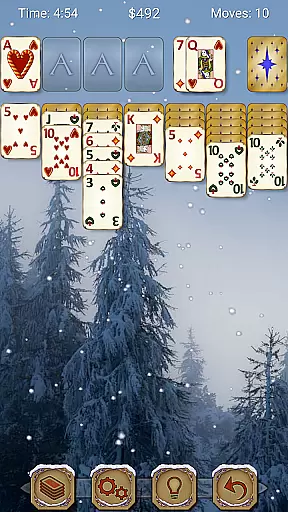
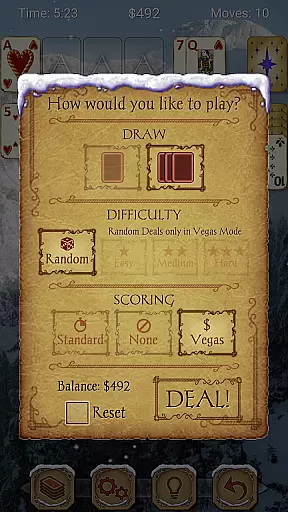
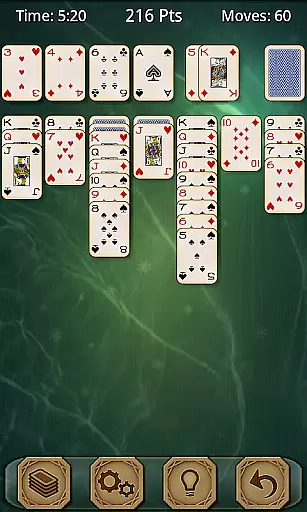
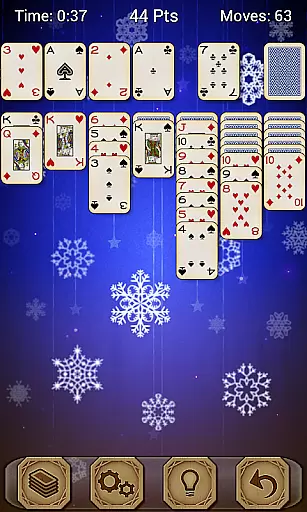
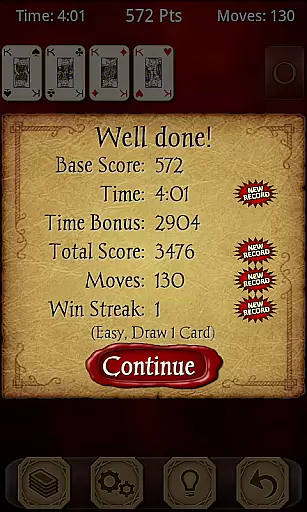
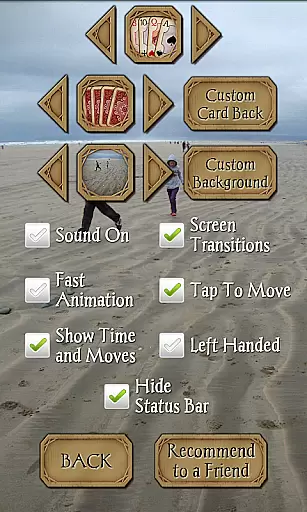
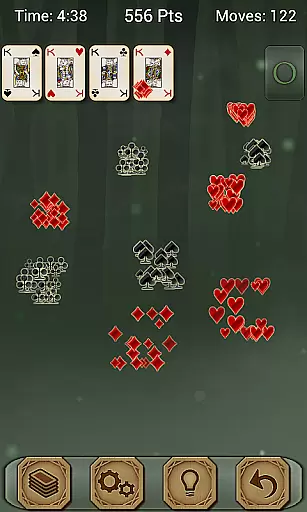
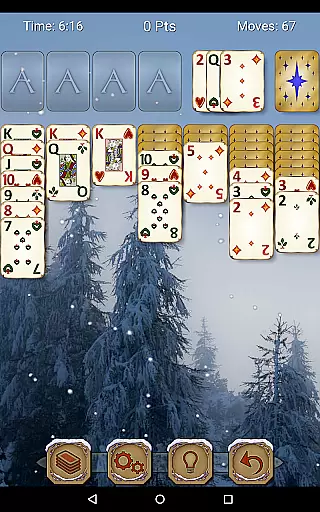
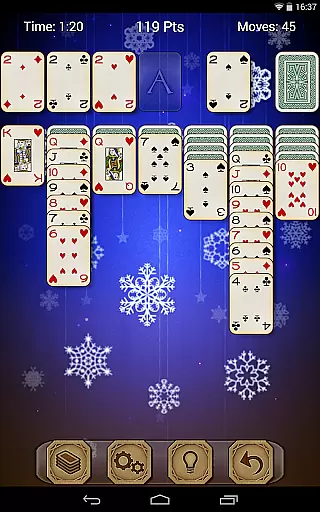
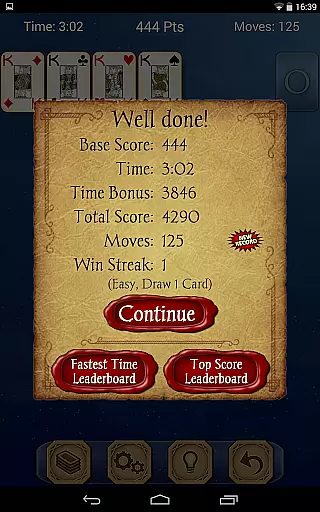
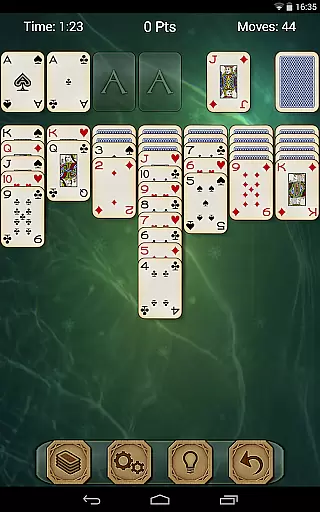
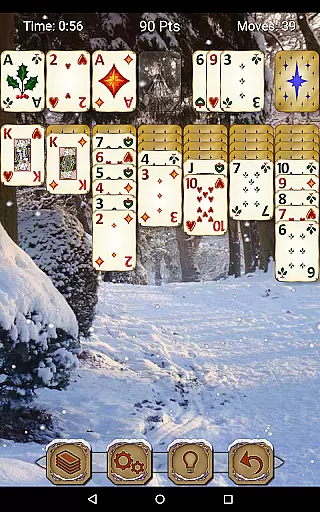
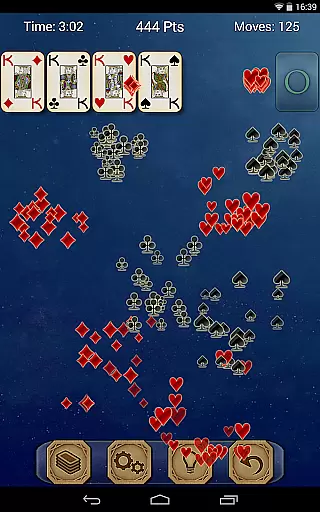
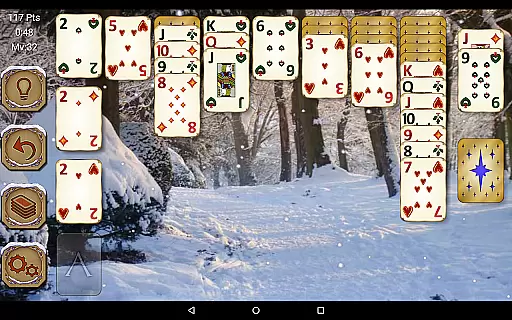
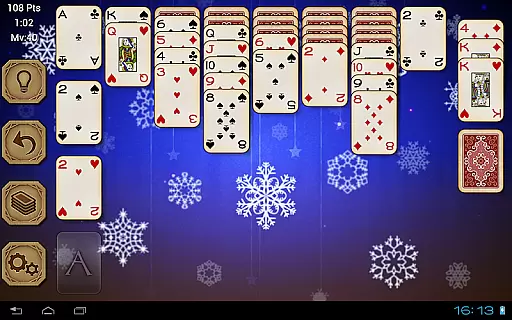
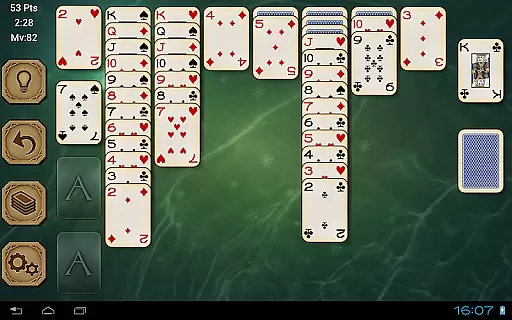
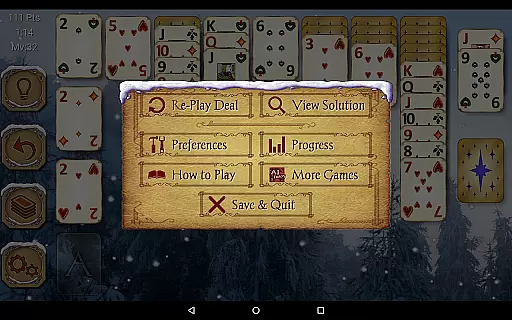
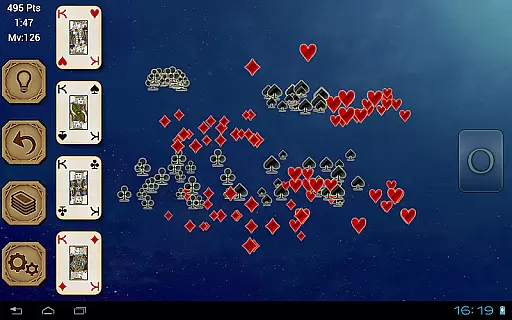
Solitaire Pro is a premium card game app developed by AI Factory, offering the classic Solitaire experience (also known as Klondike and Patience) with enhanced features. The app provides extensive customization options including 1 or 3 card draw modes, various scoring systems, difficulty levels, and layout preferences. It caters to both casual players and enthusiasts who seek an immersive and personalized Solitaire experience.
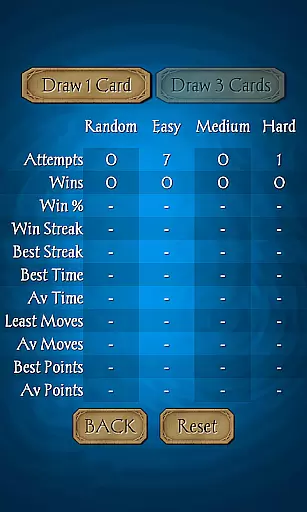
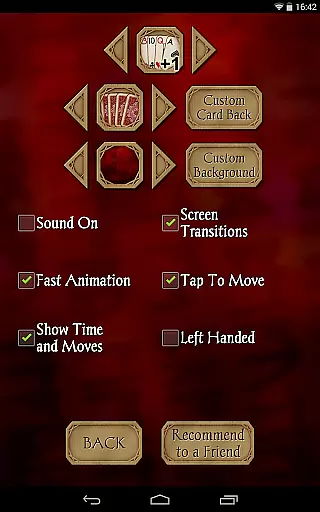
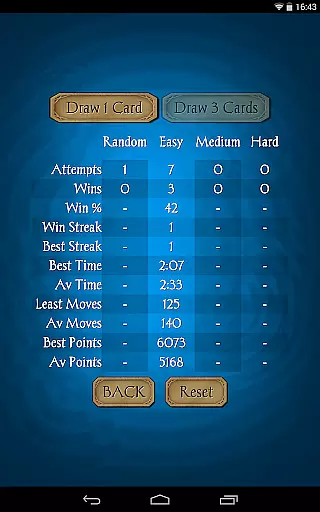
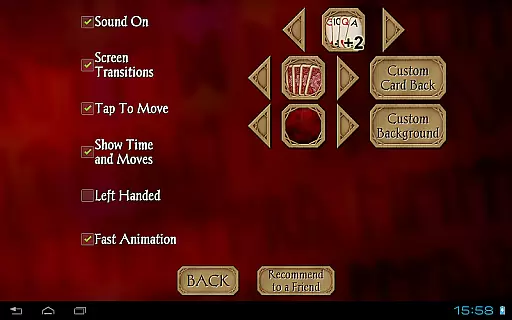
One of the key highlights of Solitaire Pro is its ability to let users tailor the gaming environment to their liking. Players can choose from multiple card sets, card backs, and backgrounds, or even upload their own images for a unique touch. With support for both landscape and portrait modes, undo functionality, hints, and comprehensive statistics tracking, this app ensures a comfortable and engaging gameplay session on both phones and tablets.
The app's versatility makes it suitable for different types of players. Whether you're looking to relax with a simple game or challenge yourself with more complex setups, Solitaire Pro delivers a polished experience that combines traditional gameplay with modern enhancements.
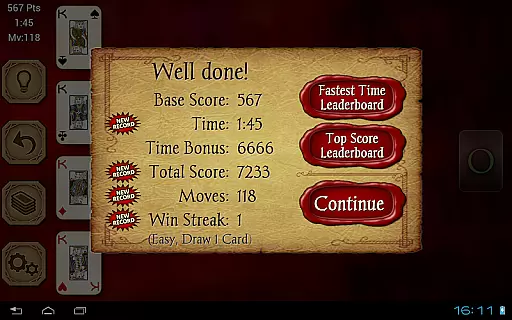
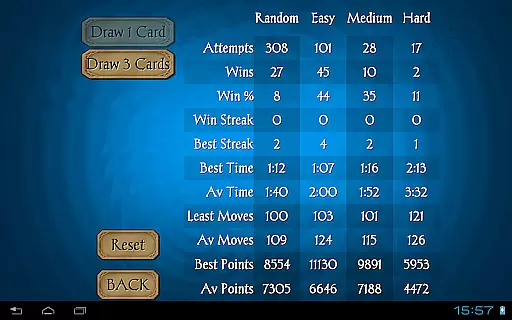
Solitaire Pro stands out with its wide array of customizable features designed to enhance user experience. The app offers four difficulty levels ranging from easy to hard, allowing players to select their preferred challenge level. Additionally, it includes achievements and leaderboards through Google Play Games, providing a competitive edge for those who enjoy tracking their progress against others.
A notable feature is the ability to view solutions for non-random games, which helps users learn and improve their strategies. The app supports both standard and Vegas scoring systems, along with 1-card and 3-card draw options, catering to different play styles. Users can also personalize their gaming interface by selecting from various card sets, card backs, and backgrounds, or by uploading their own images for a truly unique setup.
Practical features such as tap-to-move card functionality, undo and hint options, and detailed game rules and help sections make Solitaire Pro accessible to players of all skill levels. Its compatibility with both phone and tablet devices in both landscape and portrait orientations ensures a seamless experience across different devices and resolutions.
Random Number Generation (RNG) fairness is crucial in card games like Solitaire Pro to ensure every game starts with a unique and unpredictable shuffle. This app guarantees that each session presents a new challenge, maintaining the excitement and unpredictability essential for an engaging experience.
Solitaire Pro employs advanced algorithms to generate random deals, providing users with varying difficulty levels from easy to hard. These algorithms are designed to meet industry standards for randomness, ensuring that no two games are alike and offering players a fair chance at victory every time they play.
The certification of RNG processes in Solitaire Pro adds another layer of trust. Players can be confident that the game's outcomes are not manipulated, preserving the integrity of both casual play and competitive leaderboards available through Google Play Games.
In digital card games, control fluidity and minimal input latency are vital for a seamless user experience. Solitaire Pro excels in this area by offering responsive controls that allow players to tap and move cards effortlessly across the screen, making gameplay intuitive and enjoyable.
The app supports various device orientations and resolutions above 320x240, ensuring that whether you're using a phone or tablet, landscape or portrait mode, your interactions remain smooth. This adaptability enhances the overall fluidity of the gaming experience on different devices.
Additionally, features such as undo and hints require instant feedback. Solitaire Pro has been optimized to provide quick responses to these actions, allowing players to make strategic decisions without delay. This responsiveness ensures that even complex moves can be executed with precision, keeping players immersed in their quest for high scores and leaderboard dominance.
User-friendly interface
Extensive customization
Multiple difficulty levels
Supports landscape and portrait
Comprehensive statistics
No free version available
Limited social features
Occasional bugs reported
Paid app only
Graphics could be improved

Reiner Knizia's classic card game, Masters Gallery
 4.60
4.60
Enjoy a beautiful solitaire card game with classic rules and relaxing play.
4.60
Play Solitaire card game and experience pure brain training.
4.50
Classic Solitaire game you love! Offline, easy, and relaxing!
4.80
Classic Solitaire: A smart mix of fun, relaxation, and brain training!
4.90
Build a dice pool to purify Astrea's corruption and save the Star System.
4.10
Craft and plan your strategy with Vault of the Void's dynamic deckbuilding!
4.40
The original digital version of the cult-classic kitty card game!
4.40
An official UNO adventure full of card-slinging fun and unexpected thrills!
4.40
Restore and customize the truck exclusively to your own through Solitaire!
4.60
Easy play. Relax with daily solitaire fun!
4.60
Learn how to play BlackJack, when to Hit, Stand, Split, Double or Surrender.
4.60
Krumit's Tale is a solo card-based dungeon crawler - a follow-up to ‘Meteorfall’
4.30
Lyric Party tests your knowledge of your favorite hit songs.
4.20
Spider Solitaire Pro, classic Spider Solitaire Klondike game,as Freecell,Pyramid
4.20
Kill the monsters & grab the loot in the classic card game!
3.70
Shards of Infinity is the follow up deckbuilder to Ascension.
3.40
Fantasy Realms - A combo-licious card game.
3.10
Build a squad of gnomes and embark on a roguelike adventure with card battles!
4.1


User Reviews