
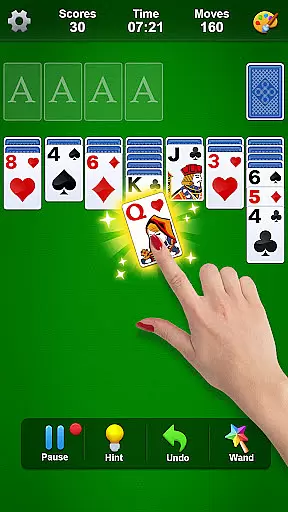
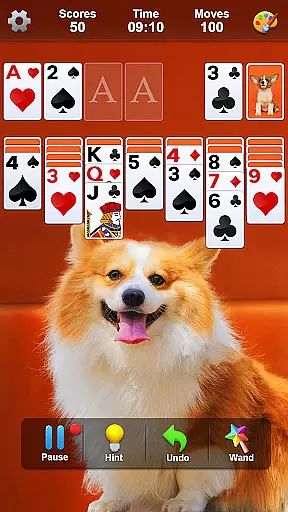
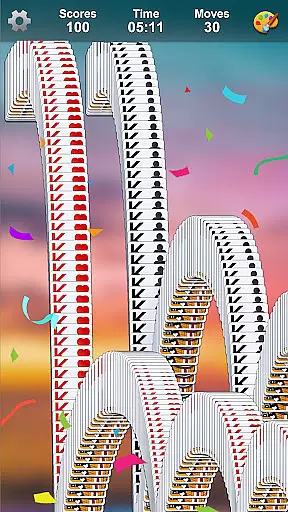
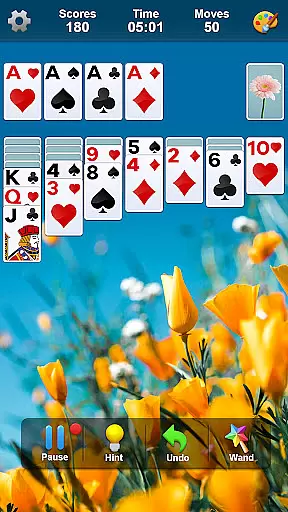
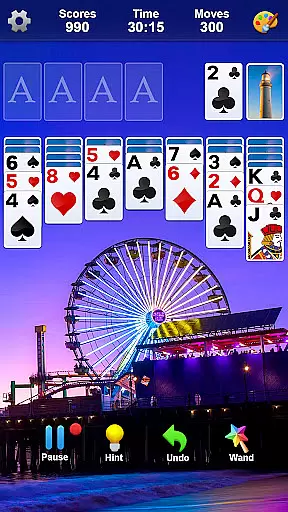
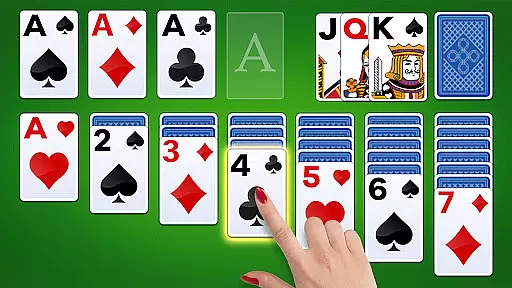
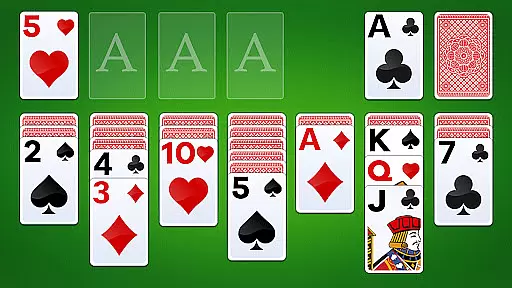
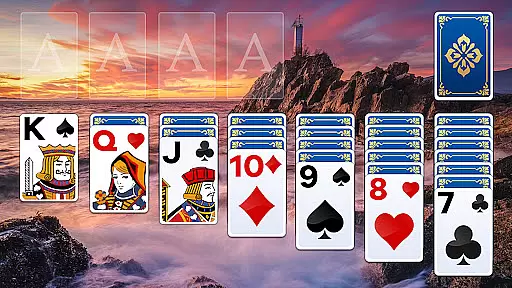
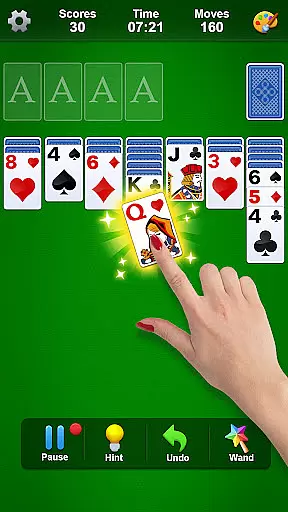
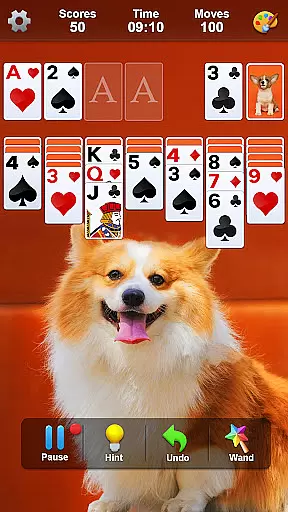
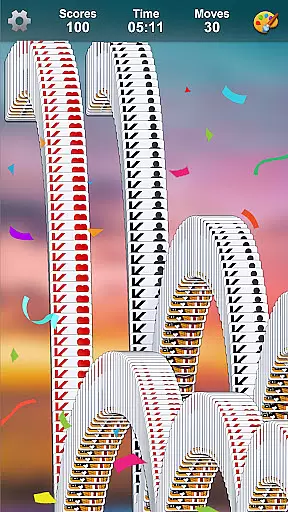
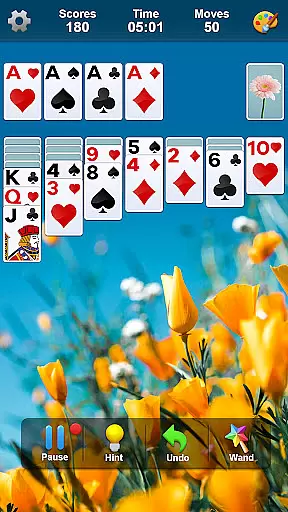
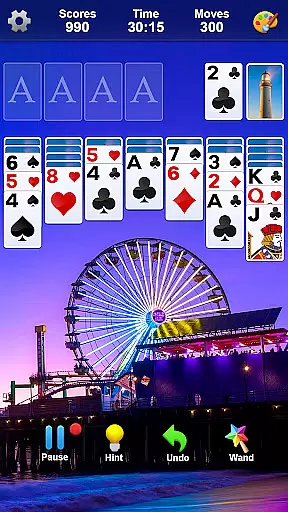
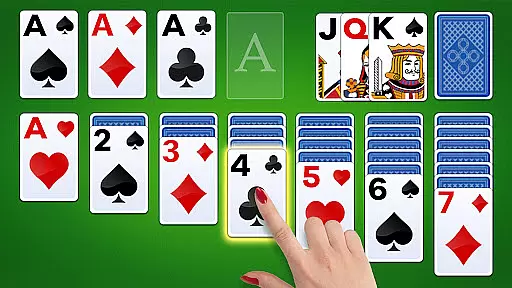
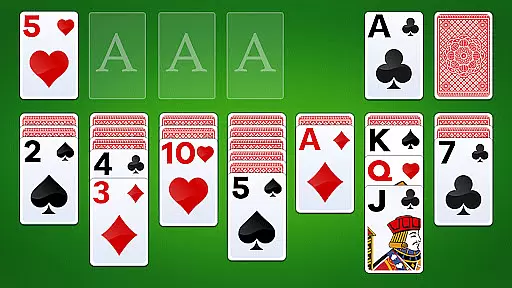
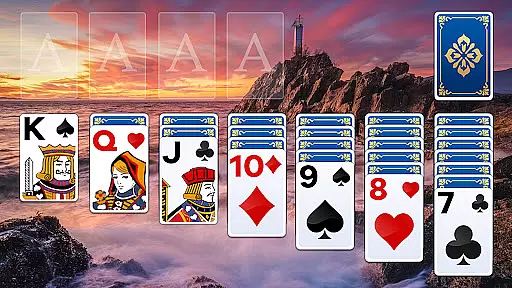
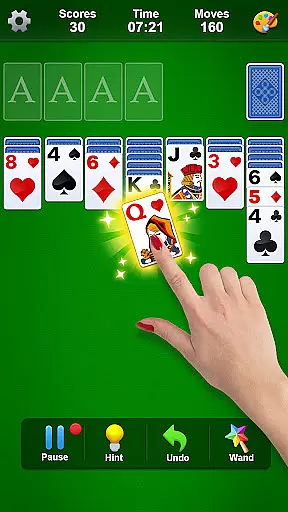
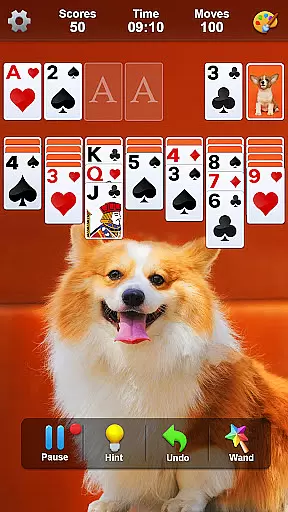
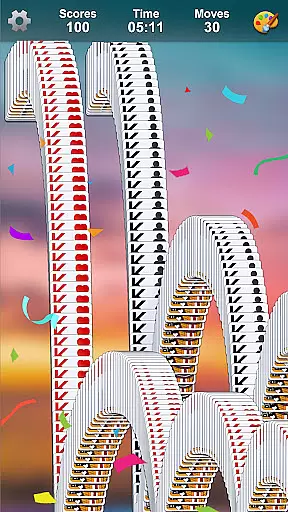
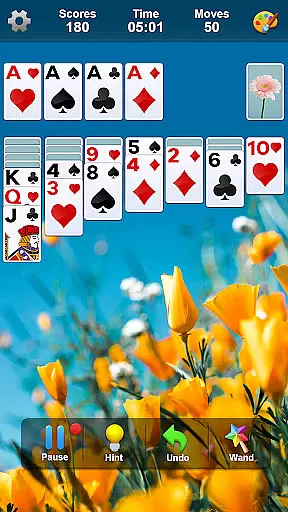
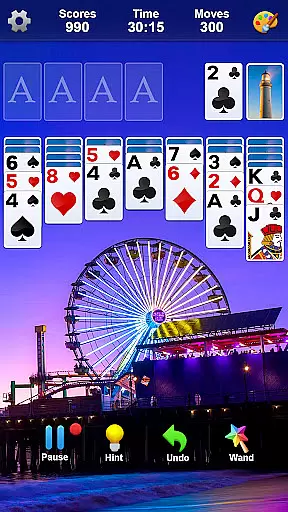
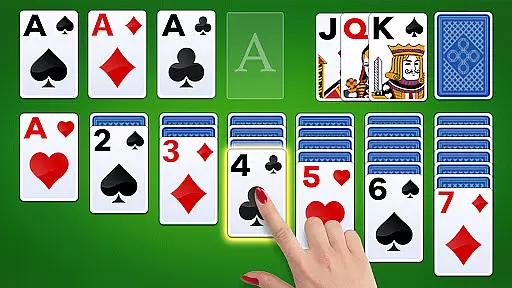
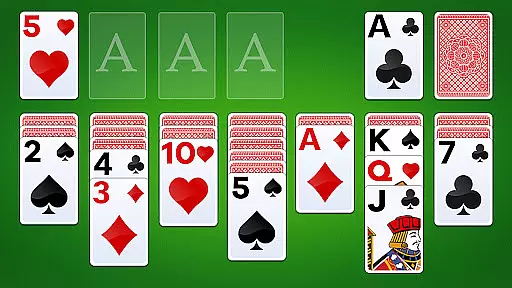

Classic Solitaire is a timeless card game that offers both entertainment and mental exercise. This app brings the traditional card game to your mobile device with a fresh design while maintaining its classic charm. Enjoy features like daily challenges, customizable themes, and multiple play modes including 1-card or 3-card flip options.
The game is completely free to play and does not require an internet connection, making it perfect for relaxation and brain training anytime, anywhere. Whether you're a fan of the original Solitaire or new to the game, this app provides a seamless experience with crisp graphics and easy-to-read cards.
Classic Solitaire stands out with its comprehensive feature set tailored for both casual and serious players. The app includes exciting challenges and events, customizable card themes and backgrounds, and unlimited free undo options. It also offers specialized modes such as left-handed play and adjustable font sizes for enhanced accessibility.
Players can choose between 1-card or 3-card flip modes and select from winnable or random game setups. With beautiful graphics and smooth performance, the game ensures an engaging experience whether online or offline. These features collectively deliver a rich and versatile gaming experience that caters to various preferences and playing styles.
Random Number Generation (RNG) fairness is crucial in card games like Solitaire to ensure every shuffle and deal is genuinely random and not predictable. This randomness guarantees that each game provides a unique challenge, maintaining the excitement and unpredictability of traditional card play.
Classic Solitaire by LinkDesks employs certified RNG protocols to mimic the randomness of physical card shuffling. This meticulous attention to fair play ensures that no two games are alike, offering players an authentic experience with every session.
For users, this means enhanced replayability and assurance that their skill, rather than manipulated outcomes, dictates their success. The certification aspect adds a layer of trust, assuring players that the game adheres to high standards of fairness and integrity.
Control fluidity and input latency are vital for a seamless gaming experience, especially in digital card games where quick decision-making can impact gameplay. Fluid controls allow players to execute moves effortlessly, enhancing the overall enjoyment and engagement with the game.
In Classic Solitaire, LinkDesks has optimized control mechanisms to ensure swift responses to player inputs. Whether you're rearranging cards or accessing features like undo or hint options, the interface reacts promptly, minimizing delays and maximizing fluidity.
This optimization benefits players by reducing frustration and allowing them to focus on strategy and fun rather than fighting with unresponsive controls. As a result, gamers can fully immerse themselves in solving puzzles and mastering challenges without technological hindrances affecting their performance.
User-friendly interface
Customizable themes
Offline play capability
Daily challenges
Free to play
Limited social features
No multiplayer mode
Ads may interrupt
Basic tutorials only
Occasional bugs

Sit on the Iron Throne
 4.60
4.60
A unique card-based rogue-like with more than a hundred hours of content!
3.90
Fast-paced card brawl in the wacky world of Meteorfall
3.50
Play anywhere anytime the most popular card game
4.70
Solitaire Games: Play fun card games and boost your IQ!
4.80
Defeat the Uberlich in this challenging, deck-building roguelike adventure!
4.20
Solitaire Classic Pro, like Spider, Klondike Solitaire,FreeCell,Pyramid,Tripeaks
4.40
Play and Master the Fun Classic Card Games with Friends
4.60
An official UNO adventure full of card-slinging fun and unexpected thrills!
4.40
Learn the tricks in classic Spades offline. No Wifi, Spades always feels right!
4.90
Easy play. Relax with daily solitaire fun!
4.60
Collect sets and runs but don't give away a card your opponent needs!
4.60
Play your cards carefully in this 4 player trick-taking card game!
4.60
Beautiful customisable Klondike challenge - 3 levels, 1 or 3 card draw!
4.60
Swipe left, swipe right, be the King.
4.50
The classic Hand & Foot experience with a premium, easy to play, offline design.
4.10
Become a hero or a villain as you make choice in the fairy Middle Ages!
3.50
Sinister solitaire. Four cards, one fate.
4.3
Cloud, Rain, Fog, Ice, Fire Magic Puzzle Card Game
4.5


User Reviews