
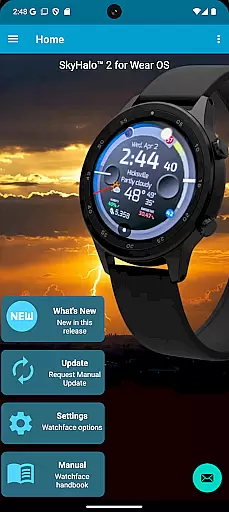
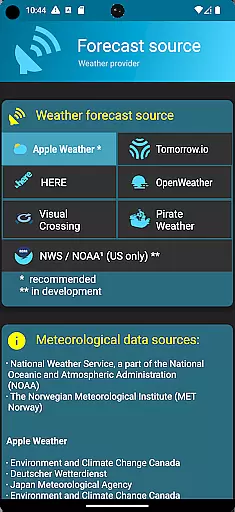
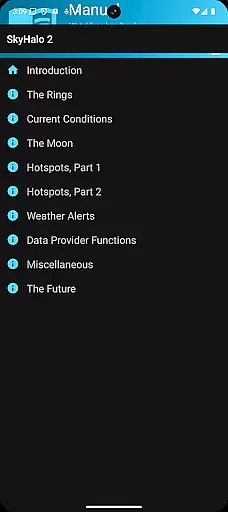
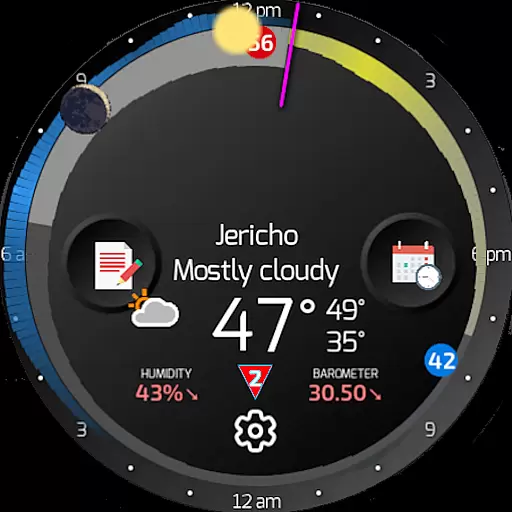
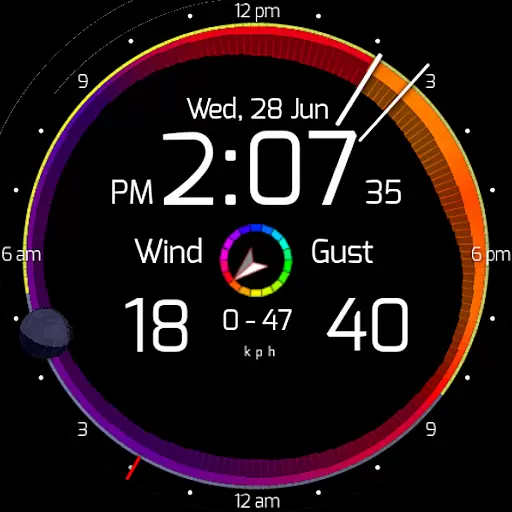
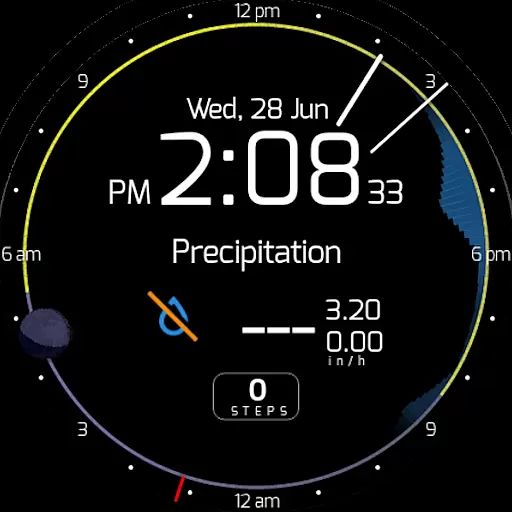
SkyHalo 2 Weather is an advanced weather forecasting application designed specifically for Wear OS 5+ smartwatches. This powerful app provides users with comprehensive weather data directly on their wrist, making it an essential tool for outdoor enthusiasts and professionals alike. The app supports multiple weather forecast sources, including Apple Weather, Google Weather, and OpenWeather, ensuring reliable and accurate updates.
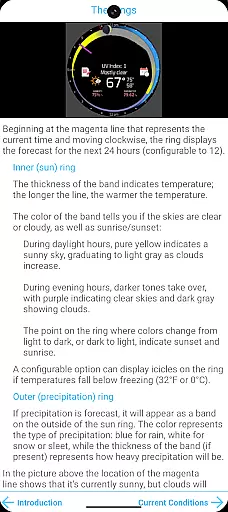
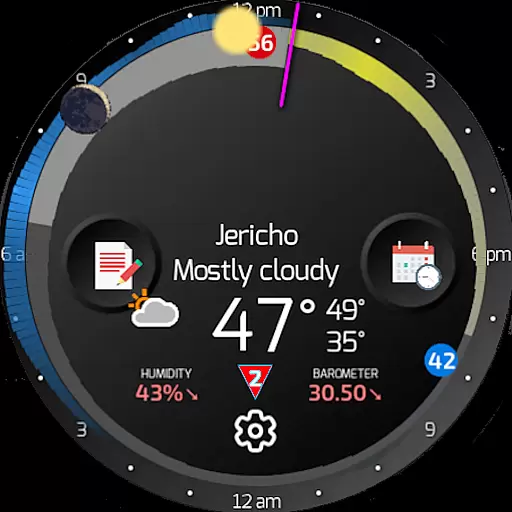
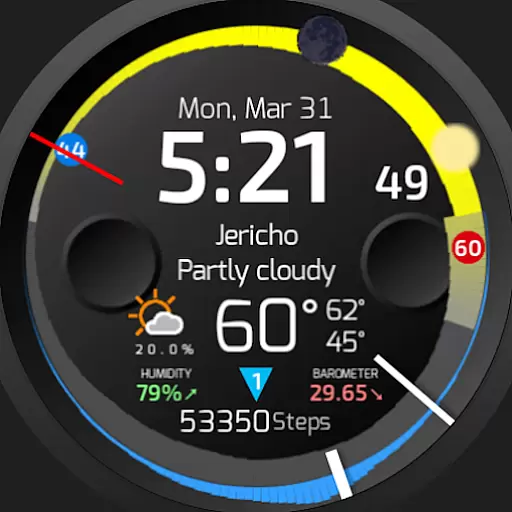
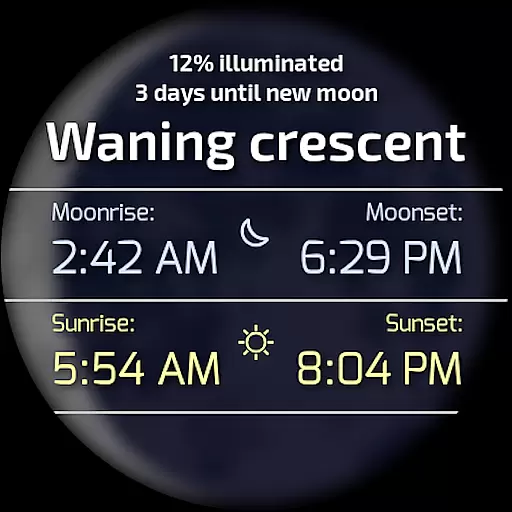
One of the standout features of SkyHalo 2 is its unique graphical representation of weather conditions. Through intuitive halos and rings, users can quickly interpret temperature, cloudiness, and precipitation forecasts. Additionally, the app offers detailed insights into barometric pressure, wind speed, and moon phases. With support for up to three customizable complications, SkyHalo 2 allows users to tailor their watch face to display the most relevant weather information for their needs.
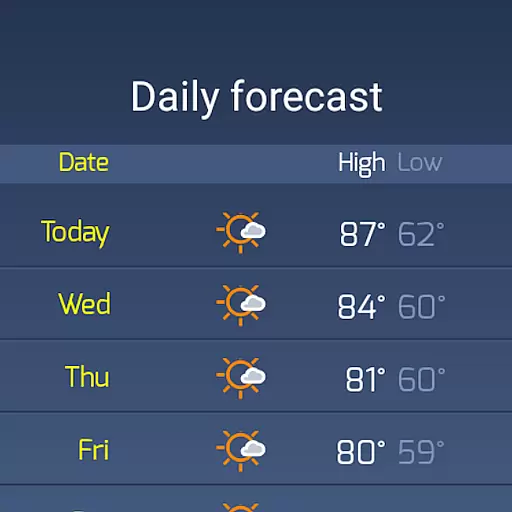
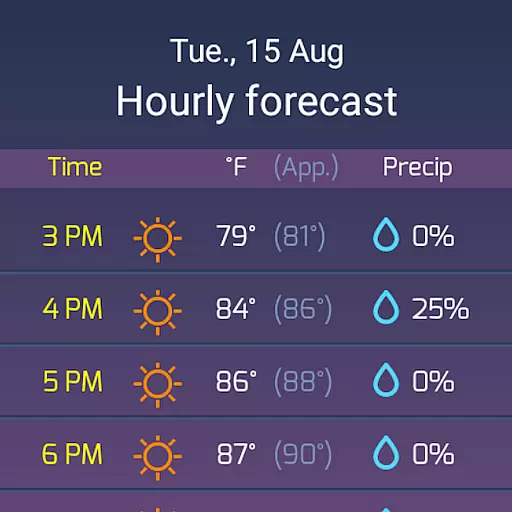
SkyHalo 2 Weather boasts an impressive array of features that cater to various user preferences. The app provides continuous weather forecasts for up to 48 hours, daily forecasts extending to 10 days, and hourly forecasts covering 72 hours. Users can also receive global weather alerts, which is particularly useful for travelers or those living in areas prone to sudden weather changes.
The app's interface is both visually appealing and highly functional. By utilizing a system of colored rings and halos, SkyHalo 2 presents complex weather data in an easily digestible format. For instance, the thickness of the ring indicates temperature, while its color reflects cloud coverage. Furthermore, the app includes interactive elements such as tap-to-view details on moon phases and weather alerts, enhancing user engagement and experience. Customization options like unit preferences and color schemes ensure that each user can personalize their weather tracking experience.
Forecast accuracy and data credibility are crucial for any weather application, and SkyHalo 2 excels in these areas. The app offers users a choice of ten global forecast sources, including Apple Weather, Google Weather, OpenWeather, and Open-Meteo, ensuring comprehensive and reliable data coverage.
SkyHalo 2 provides continuous forecasts for up to 48 hours, daily forecasts extending to 10 days, and hourly forecasts reaching up to 72 hours. This extensive forecasting capability allows users to plan their activities with confidence, knowing they have access to precise and timely weather information.
In addition to temperature predictions, the app includes detailed insights such as rain and snow forecasts, barometer readings, wind displays, and sun/moon rise and set times. These features collectively enhance the credibility of the data provided, giving users a holistic view of upcoming weather conditions.
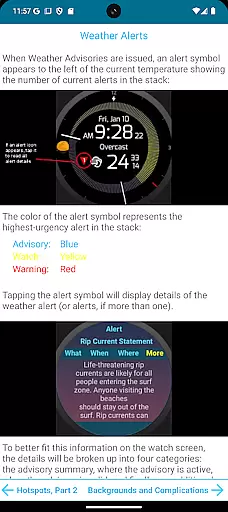
The inclusion of severe weather alerts further underscores the app's commitment to data accuracy and user safety. By tapping on an alert icon, users can access detailed advisory information, including severity levels, timing, and geographic impact, thus enabling them to make informed decisions based on trustworthy data.
SkyHalo 2 Weather stands out for its impressive temporal and spatial forecast range, providing users with extensive weather insights that span both time and geography. The app supports continuous forecasts for up to 48 hours, daily forecasts for up to 10 days, and hourly forecasts extending to 72 hours, offering remarkable depth in planning capabilities.
One innovative feature is the ability to tap along the right edge of the display to jump ahead through weather rings, showing the next twelve, twenty-four, and thirty-six hours. This interactive element enables users to quickly assess how weather patterns will evolve over time without navigating through multiple screens.
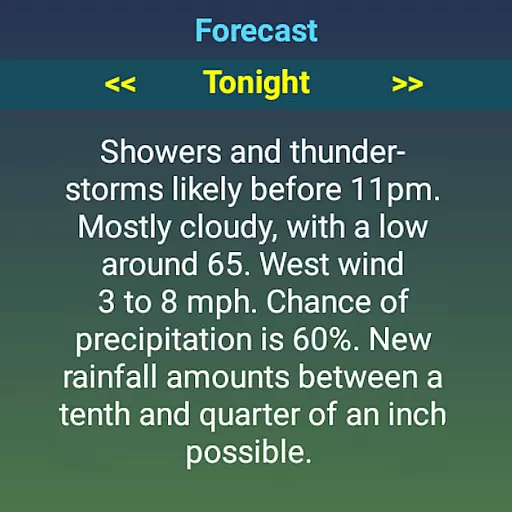
The app also includes a detailed table of daily and hourly forecasts, accessible by tapping the extended forecast icon. Users can explore a series of screens presenting descriptive three-day forecasts, enhancing their understanding of future weather conditions. Such thoroughness ensures users remain well-prepared for changes in weather across different periods.
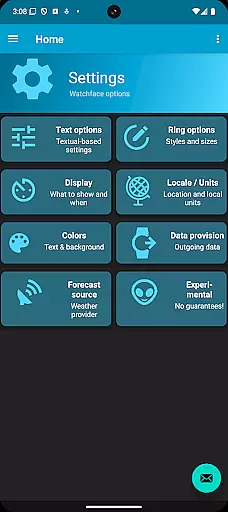
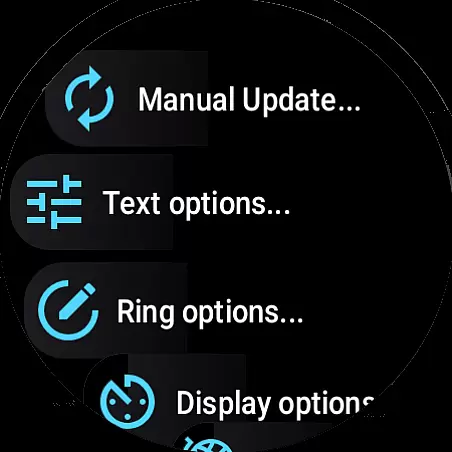
Moreover, SkyHalo 2 incorporates configurable options like choosing between real or apparent temperatures, selecting 12h/24h time formats, and switching between imperial and metric units. These settings allow users to tailor the forecast presentation to their preferences while maintaining clarity and precision in weather tracking over both short-term and long-term intervals.
User-friendly interface
Multiple forecast sources
Customizable complications
Accurate weather alerts
Visually intuitive design
Requires separate watchface
Limited free features
High battery consumption
Complex setup process
Occasional sync issues

Live Alabama weather from James Spann—forecasts, radar, alerts, Spanncams.
 4.70
4.70
My Aurora Forecast is the app for Northern Lights and Aurora Borealis alerts.
4.60
The reliable and trusted global air quality, wildfire, pollen, PM2.5 forecast
4.70
My Aurora Forecast Pro is the app for the Northern Lights and Aurora Borealis.
4.70
Your Reliable Weather Companion
4.10
The weather channel, tiempo weather forecast, weather radar & weather map
4.70
Weather channel forecasts weather daily & hourly, local and national air quality
4.70
Prepare for severe weather with notifications, future radar, and live alerts.
4.60
All-in-one weather radar launcher with rain, temperature maps & local forecast.
4.30
Live Weather Forecast app with acu weather radar, weather alert & weather widget
4.80
Hurricane Tracker, Rain Map
4.80
My Tide Times Pro is the only tide tables and forecasts application you'll need.
4.80
Weather radar, satellite, wind, waves, ocean and hurricane forecasts.
4.70
Track lightning strikes with our thunderstorms map, radar and lightning alarm.
4.70
Weather watch face for Wear OS 5
4.40
Accurate weather forecast and beautiful weather & clock widgets
4.20
An unofficial app version of the National Weather Service (Weather.gov)
3.90
A powerful tool for ultimate weather awareness
3.50
Most precise & accurate compass app give true North South East West directions.
3.00


User Reviews