
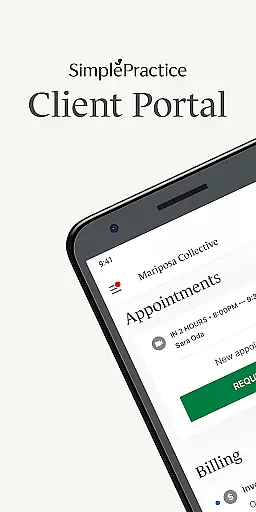
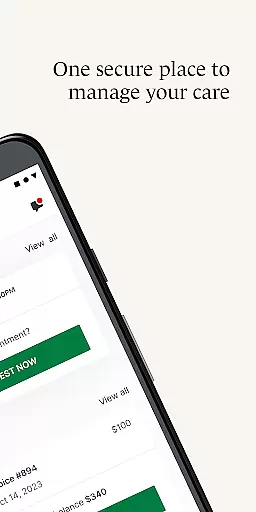
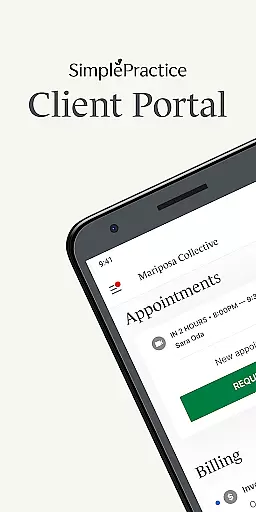
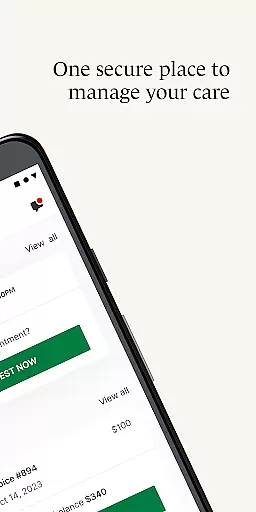
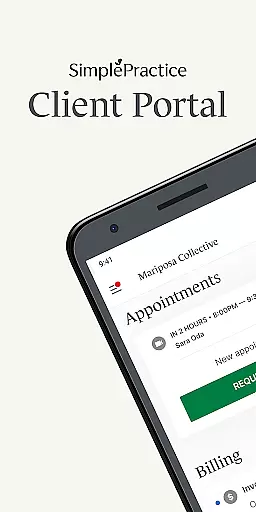
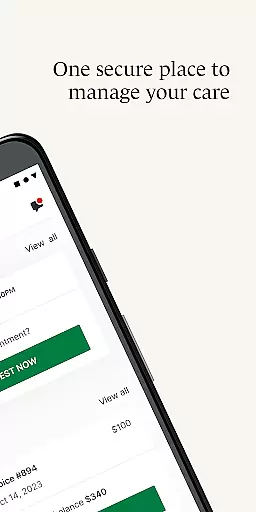
SimplePractice Client Portal is a secure mobile application designed specifically for individuals receiving various wellness services from practitioners using SimplePractice. This app serves as a comprehensive platform to manage healthcare needs, including behavioral health, counseling, speech pathology, and more. With its user-friendly interface, clients can conveniently access their personal information, communicate with practitioners, schedule appointments, and handle payments, all while ensuring privacy and security.
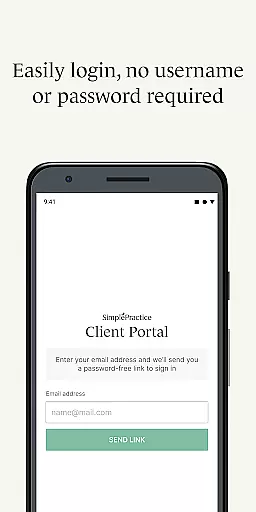
The app offers innovative features such as passwordless login through passcode or biometrics, personalized notifications for messages and invoices, secure messaging, appointment management, digital payments, telehealth capabilities, and profile switching. These functionalities empower users to take control of their healthcare journey efficiently and securely, enhancing the overall client experience by providing seamless access to essential services from anywhere at any time.
SimplePractice Client Portal stands out with its array of sophisticated features tailored to enhance the client experience. One of the key highlights is the passwordless login option, allowing users to securely access their accounts using a passcode or biometric authentication if enabled on their Android device. This feature not only simplifies the login process but also adds an extra layer of security.
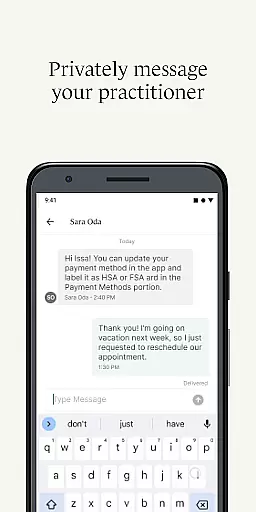
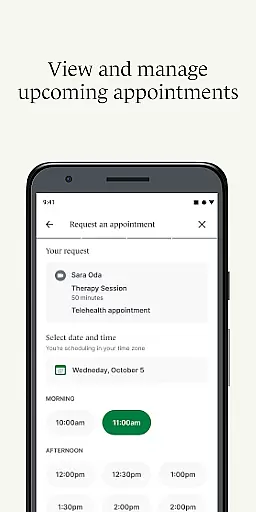
Another significant aspect is the personalized notification system, which ensures that clients never miss important updates from their practitioners. Whether it's a new message, invoice, or document, push notifications are sent directly to the user's phone. Additionally, the app facilitates secure messaging, enabling direct communication with practitioners while maintaining confidentiality. The ability to view upcoming appointments, request new ones, make digital payments, complete paperwork online, join telehealth sessions, and switch between multiple profiles further enriches the user experience, making healthcare management more accessible and efficient.
In the realm of healthcare applications, ensuring the credibility of medical content is paramount. SimplePractice Client Portal excels in this area by providing a secure and private communication channel between patients and practitioners. This ensures that all shared information, from therapy notes to treatment plans, is both reliable and authenticated by licensed professionals.
The app facilitates access to essential services such as telehealth appointments, digital paperwork, and secure messaging. These features are designed not only for convenience but also to maintain high standards of privacy and security required in medical communications. Practitioners using the platform are responsible for enabling specific functionalities, which means users receive personalized care tailored to their therapeutic needs.
Furthermore, SimplePractice supports various wellness services including behavioral health, occupational therapy, and physical therapy. By integrating these diverse disciplines under one platform, it assures users that they are engaging with a comprehensive system endorsed by experts across multiple fields. The ability to manage care for oneself or loved ones through an intuitive interface enhances user confidence in the quality and authenticity of the provided content.
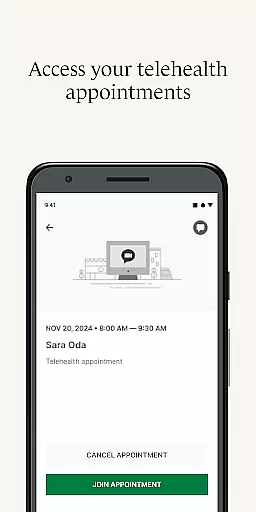
Teleconsultations have become a cornerstone of modern healthcare delivery, offering flexibility and accessibility without compromising on quality. SimplePractice Client Portal elevates this experience by embedding telehealth capabilities directly within its application. Users can join virtual appointments seamlessly, eliminating the need to search for meeting links or download additional software.
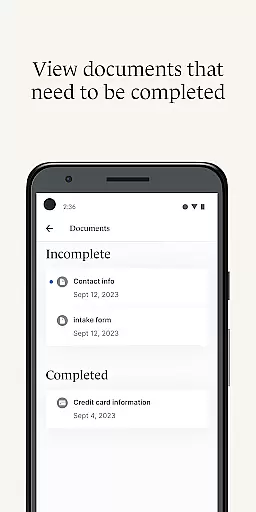
This integration extends beyond mere video calls; it encompasses a holistic approach to remote care management. Features like secure messaging allow ongoing dialogue between sessions, ensuring continuity of care. Additionally, practitioners can send invoices, documents, and questionnaires digitally, streamlining administrative processes while maintaining professional standards during consultations.
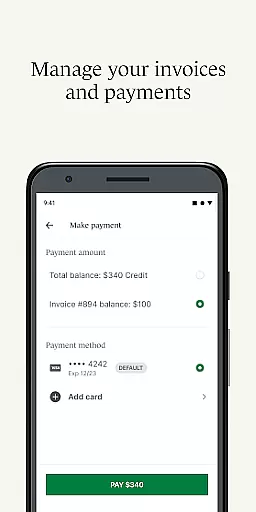
Moreover, the app's support for digital paymentsu2014including HSA and FSA cardsu2014enhances financial transactions related to healthcare services. By allowing clients to pay bills directly through the app, SimplePractice reduces friction points often associated with traditional payment methods. Overall, these enhancements contribute significantly towards delivering high-quality teleconsultations that meet contemporary demands for efficient yet personalized healthcare solutions.
User-friendly interface
Secure communication
Comprehensive care management
Convenient telehealth options
Personalized notifications
Limited to invited users
Feature availability varies
Requires practitioner setup
No standalone usage
Device compatibility issues

Health Care at Your Fingertips
 4.60
4.60
Behavioral Health Portal
4.70
Leafly is a weed app for finding dispensaries, cannabis strains, & more.
4.70
Modivcare members can book and manage trips.
4.50
The Omada app enhances your program experience and helps you stay engaged.
4.50
Manage your prescriptions anytime, anywhere with the Publix Pharmacy mobile app.
4.80
MHealth is the mobile version of MEDITECH’s Patient and Consumer Health Portal.
3.10
Your donation experience just got smoother; Donor Hub is your go-to place.
4.70
ASCCP Management Guidelines- There’s an app for that!
4.60
Donating blood and platelets is easier than ever with The American Red Cross.
4.80
Radiographic Positioning Guide for Medical Imaging Professionals and Students
4.50
Control your hearing aids discreetly with the touch of a finger
4.30
Master AEMT with 1,400+ study items, TEIs, practice tests, and scoring.
4.10
Explore human anatomy with this rich learning experience.
4.00
Conveniently receive lab results, schedule lab appointment and pay your bills
3.70
Care Simplified by MyChart
3.40
A fantastic 3d reference that includes over 300 structures and a quiz function.
3.00
A scientifically-proven method to help people with dementia or memory impairment
4.5
OKN Strips, OptoDrum, OKN
4.3


User Reviews