
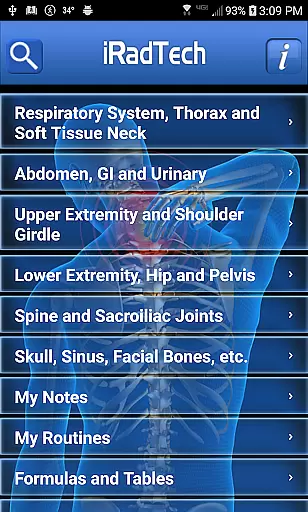
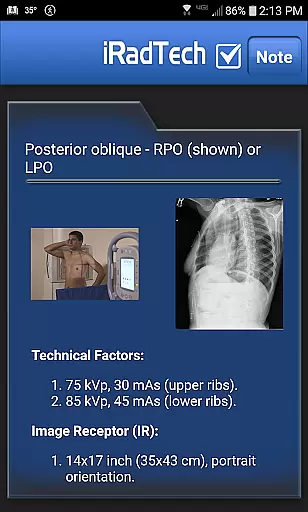
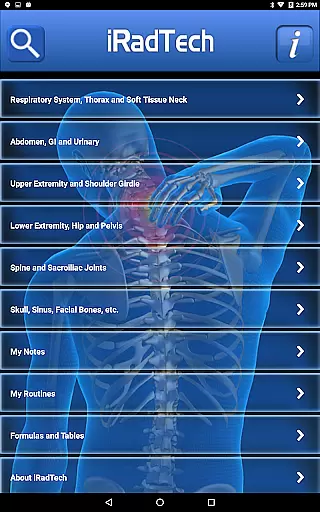
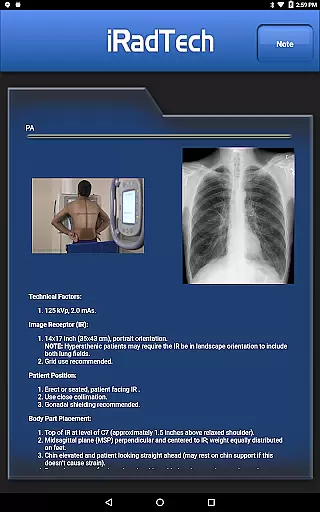
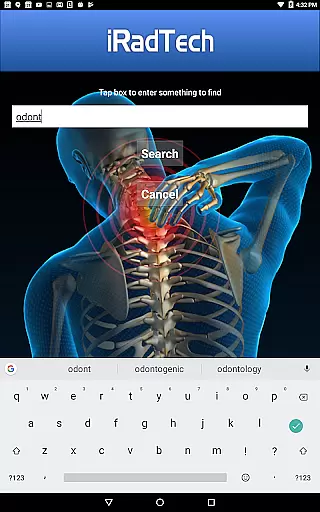
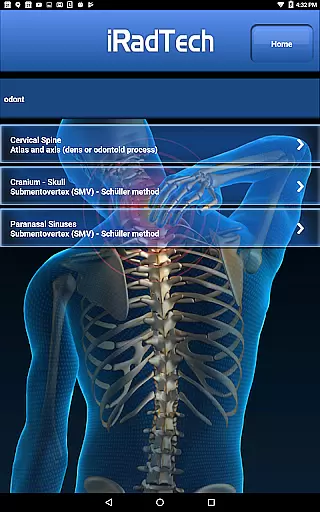
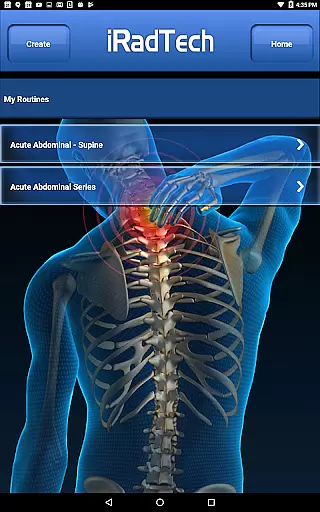
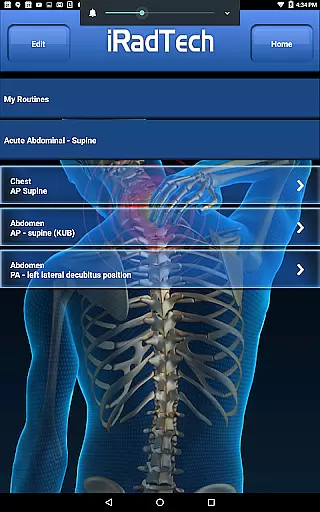
iRadTech is a comprehensive radiographic positioning guide designed for medical imaging professionals and students. This application serves as an essential digital reference similar to traditional x-ray pocket guides, offering detailed instructions for over 200 radiographic positions. Each position includes technical factors, image receptor specifications, patient positioning guidance, respiration instructions, central ray details, image quality pointers, and structures demonstrated.
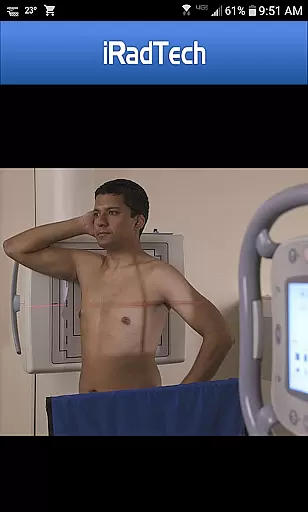
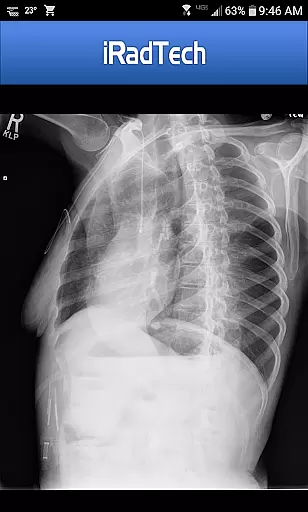
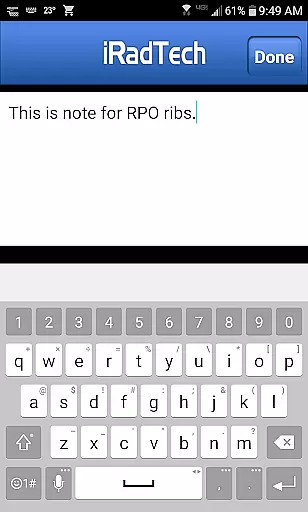
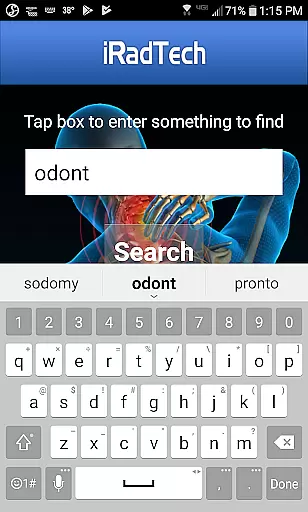
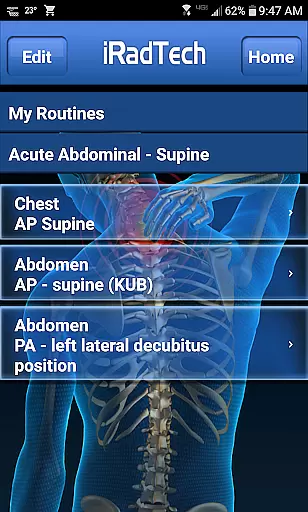
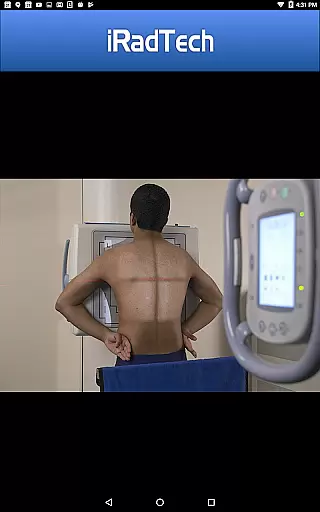
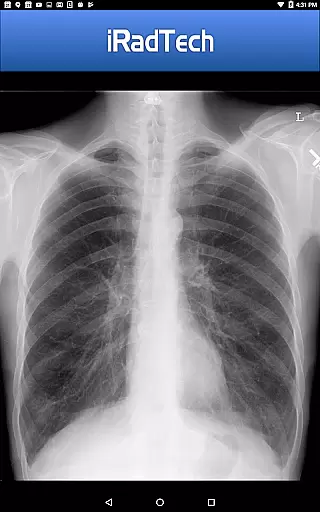
The app provides suggested technical factor settings for digital imaging systems and features representative radiographic images that can be enlarged for detailed inspection. It also displays properly positioned human models with correctly collimated areas of interest. Additional functionalities include a helpful NOTE tab for saving techniques, a search function for quick access to specific content, and organizational tools like My Routines and My Notes for efficient workflow management.
Developed using ARRT Content Specifications, iRadTech covers nearly all entry-level radiographic positions and includes optional positions frequently used in clinical practice. With content referenced to the latest ASRT Radiography Curriculum and crafted by experienced radiography educators, this app is an invaluable study aid for students and a handy reference for technologists and clinical instructors.
iRadTech stands out with its extensive range of features tailored for radiography professionals. The app offers more than 200 detailed radiographic positions, each meticulously described with technical factors, image receptor size and orientation, patient positioning, respiration instructions, central ray specifics, image quality points, and structures shown. These descriptions are developed using ARRT Content Specifications and referenced to the most recent ASRT Radiography Curriculum.
In addition to textual instructions, iRadTech provides visual aids such as enlargeable representative radiographic images and photographs of human models correctly positioned and collimated. A unique NOTE tab allows users to save special techniques or terms related to each position. The app's search functionality enables quick location of specific content within position titles and instructions, enhancing usability.
Organizational tools like My Routines let users group selected positions into saved routines, while My Notes allows saving unrelated notes. Optional positions judged useful by experienced educators are included, making it a versatile tool for both academic study and practical reference in clinical environments.
In the field of medical imaging, the credibility of content is paramount for both professionals and students. iRadTech ensures the highest level of accuracy by developing its radiographic positioning guide using ARRT Content Specifications. This guarantees that nearly all entry-level radiographic positions are covered, providing users with reliable information they can trust.
The application offers detailed instructions for over 200 radiographic positions, each meticulously crafted to include technical factors, patient positioning, and image quality points. These instructions are not only comprehensive but also referenced against the most recent ASRT Radiography Curriculum and national positioning texts, ensuring alignment with current standards and practices.
What sets iRadTech apart is the expert oversight in its content creation. The guide has been written and edited by two Ph.D. radiography educators, each boasting more than 30 years of teaching experience. Their expertise ensures that users receive authoritative guidance, whether they are studying for exams or seeking a reliable reference in clinical settings.
By incorporating feedback from educational colleagues and including optional positions judged as handy references, iRadTech provides an invaluable tool for anyone involved in medical imaging. Users can confidently rely on this application for both study and practical use, assured by the depth of expert review behind every piece of information provided.
While iRadTech does not provide teleconsultation services directly, it enhances the quality of remote consultations through its comprehensive radiographic positioning guide. Medical professionals can rely on the app's detailed instructions when discussing imaging procedures with colleagues or during virtual training sessions, ensuring clarity and precision in communication.
The inclusion of enlargeable representative radiographic images and properly positioned human models within the app allows for accurate visual references during teleconsultations. Practitioners can share these visuals with peers or students, facilitating better understanding and discussion of complex imaging techniques without the need for physical materials.
Furthermore, features such as My Routines and My Notes enable personalized organization of content, which can be particularly useful during remote consultations. By grouping selected positions into saved routines, professionals can quickly access relevant information, streamlining the consultation process and improving overall efficiency.
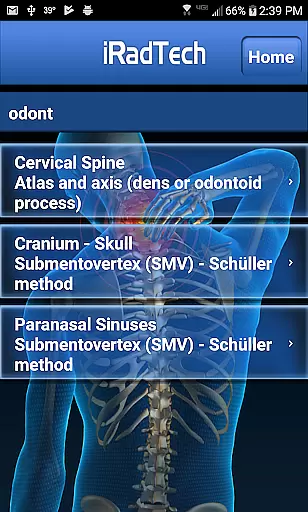
With search functionality that finds terms within position titles and instructions, iRadTech supports swift retrieval of necessary data during teleconsultations. This ensures that healthcare providers can offer timely and informed advice, maintaining high-quality interactions even when physically distant from their clients or patients.
User-friendly interface
Comprehensive position details
High-quality radiographic images
Convenient note-saving options
Developed by experienced educators
Limited to radiography field
No offline functionality
Premium features require payment
Occasional updates needed
Interface may feel dated

Spruce is the leading platform for HIPAA-compliant communication and care.
 4.90
4.90
myVCA is your tailor-made guide to raising a healthy and happy pet.
4.90
MHealth is the mobile version of MEDITECH’s Patient and Consumer Health Portal.
3.10
Medication reminder, Medicine list, Trackers for BP, glucose, weight, water, etc
4.70
Over 1,200 review questions and 5 exams—pass the NREMT with EMT Review Plus!
4.10
Take your aphasia therapy to the next level with 4 evidence-based advanced apps
4.70
The doctor will see you now
4.70
Manage your health care in one easy place
4.40
Anthem/Wellpoint and other health insurance plans
4.60
A comprehensive 3D atlas of the human body
4.80
Amplify surrounding sounds, conversations, TV or lectures for louder hearing.
4.70
Take on apraxia and aphasia with a powerful video-driven speech therapy app.
4.60
Check and Track your Blood Pressure & Heart Rate.
4.50
Personalized hearing experience and health data tracking
4.50
The OptumRx app empowers you to become an advocate of your pharmacy benefits.
4.40
Use the phone microphone or headset mic as sound amplifier for louder hearing.
4.30
Voice pitch monitor for speech therapy, LSVT, Parkinson's, singing & trans
4.30
Your pocket guide to following The Monash University Low FODMAP diet.
4.20
Explore human anatomy with this rich learning experience.
4.00


User Reviews