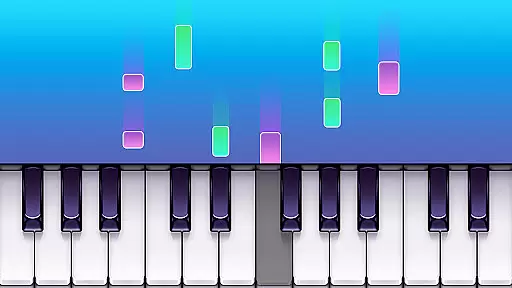
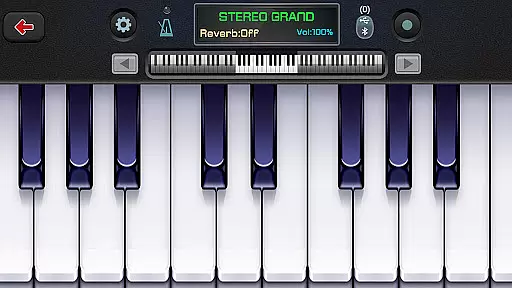
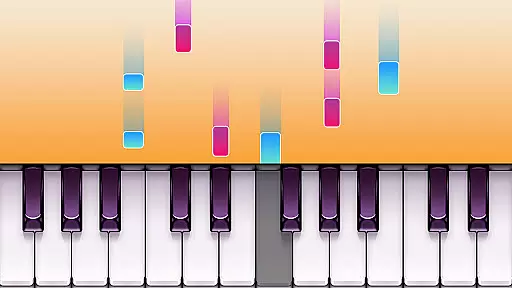
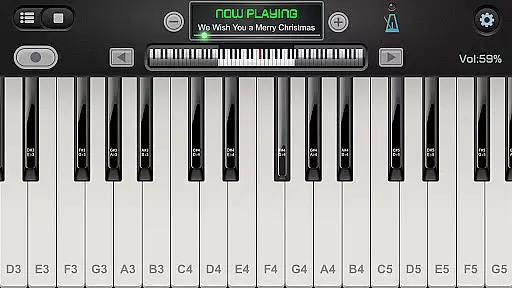
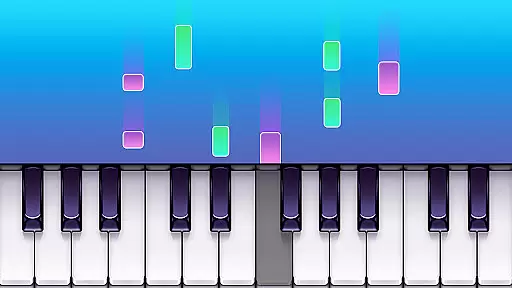
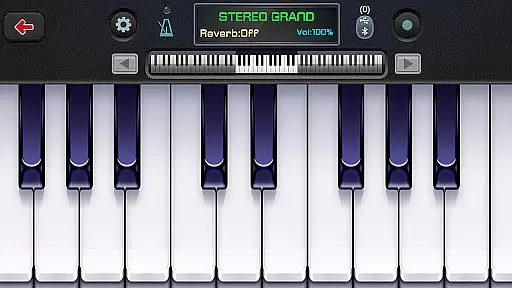
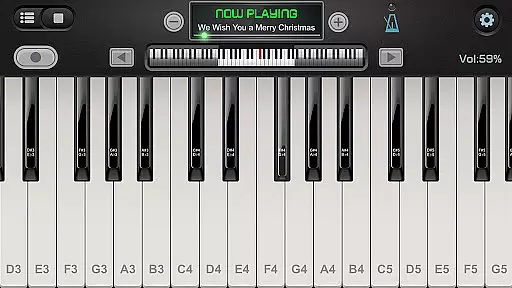
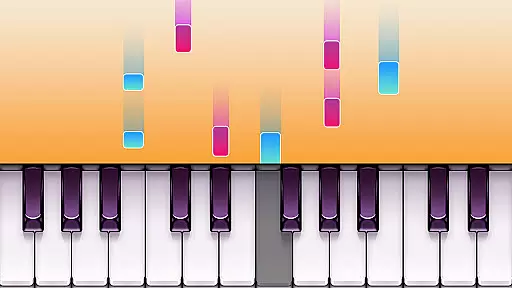
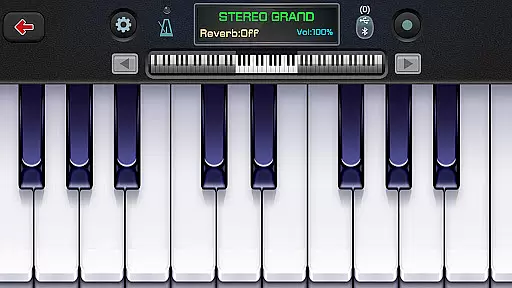
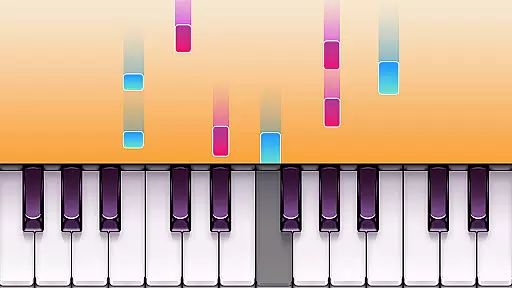
Real Piano For Pianists is a premier virtual piano simulator designed for both aspiring and professional pianists. This app offers an impressive 88-key keyboard interface that mimics the experience of playing on a real piano, providing users with an authentic musical journey. With support for multitouch gestures and compatibility across phones and tablets, it ensures a seamless performance on various devices. The inclusion of an ADSR filter enhances sound quality, making each note resonate with clarity.
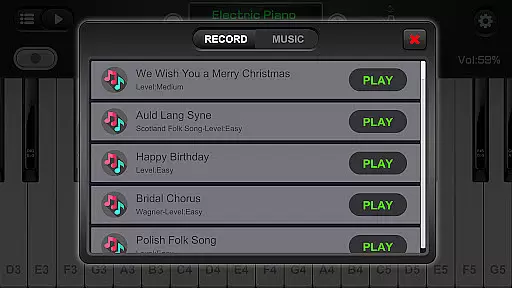
Beyond its core functionality, Real Piano For Pianists stands out with its diverse instrument simulations and multiple play modes. Users can explore different sounds such as Grand Piano, Organ, and Harpsichord, among others. Whether practicing solo or engaging in dual-player mode, this app caters to varied musical preferences and learning styles. Additionally, features like MIDI recording and playback allow musicians to capture their compositions effortlessly, while the built-in metronome aids in maintaining rhythm during practice sessions.
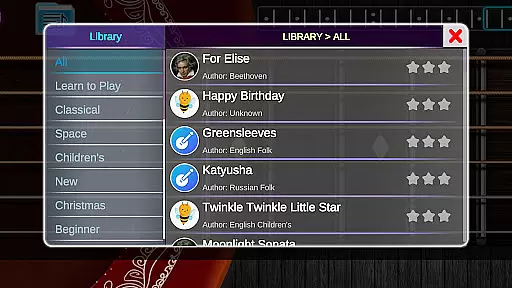
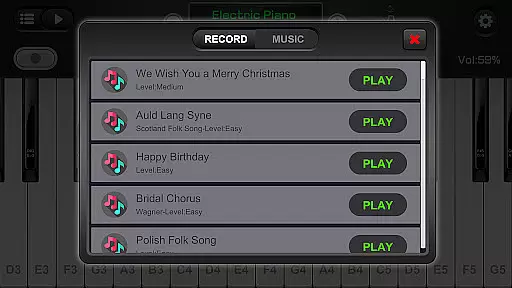
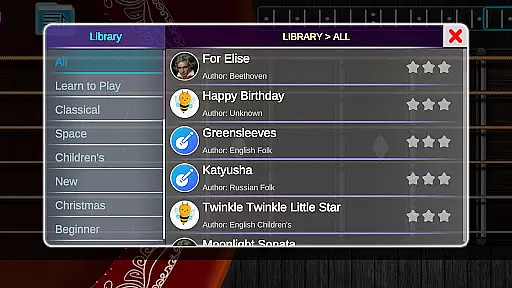
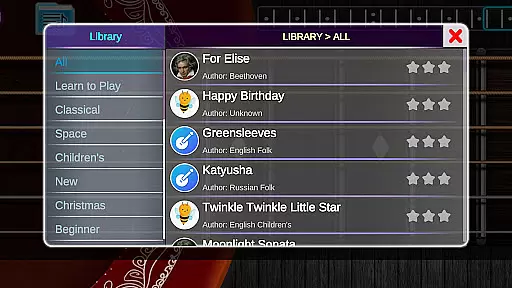
This application is ideal for anyone looking to learn piano chords and notes without access to a physical instrument. Its comprehensive song library includes popular classics, enabling users to practice well-known pieces at their own pace. By offering adjustable keyboard sizes and force touch capabilities, Real Piano For Pianists ensures comfort and precision for every user, making it an invaluable tool for music enthusiasts worldwide.
Real Piano For Pianists boasts a rich array of features designed to enhance the digital piano-playing experience. One standout aspect is its full 88-key keyboard, which provides a complete range of notes akin to a traditional piano. This feature is complemented by single-row, double-row, and chord modes, allowing users to customize their playing style according to preference or skill level. Moreover, the app supports multitouch gestures, ensuring smooth transitions between notes and chords.
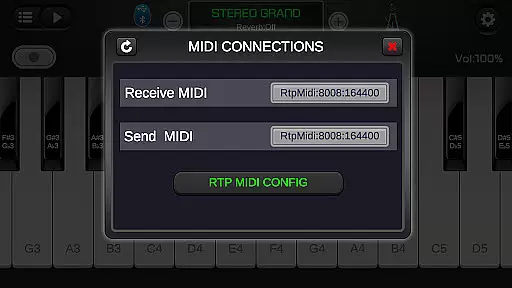
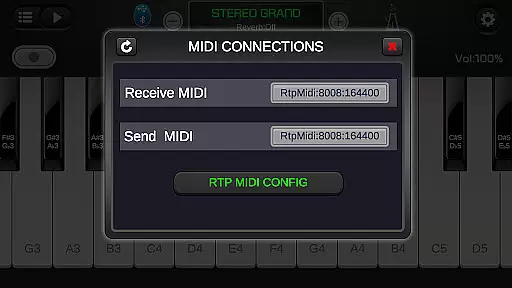
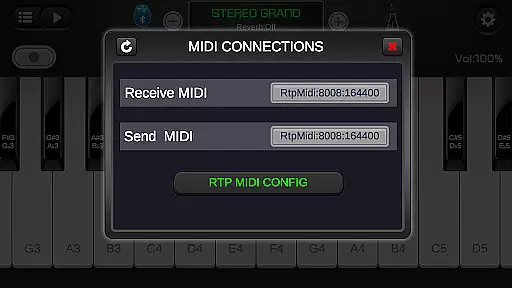
The app's versatility extends to its compatibility with external digital pianos, enabling users to connect their devices and enjoy a hybrid setup. With over 128 different keyboard sounds and instruments available, including options like Bright Piano and Pipe Organ, musicians have ample room for creative expression. Advanced functionalities such as MIDI and ACC audio recording further elevate the app's utility, letting users document their progress and share compositions easily.
Additional highlights include adjustable keyboard width and force touch sensitivity, catering to individual ergonomic needs. The built-in metronome serves as a reliable tempo guide, while the extensive library of free popular and classic songs offers endless inspiration. These features collectively make Real Piano For Pianists not just a simulator but a comprehensive musical companion suitable for learners and professionals alike.
Rhythm judgment precision is crucial for any music app, especially one that simulates playing the piano. Real Piano For Pianists excels in this area by offering accurate feedback on your performance timing.
The app uses advanced algorithms to analyze each keystroke and its timing, comparing it against the original piece. This allows users to understand where they need improvement in their rhythm and tempo control.
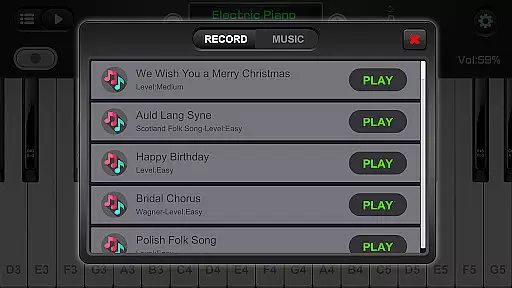
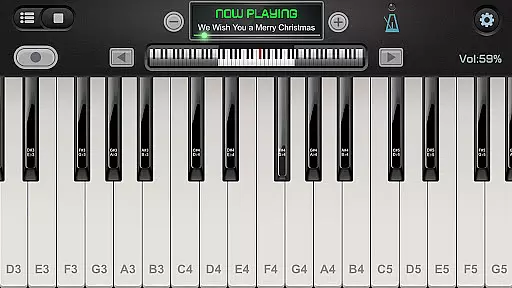
With features like MIDI recording and playback, users can review their performances and see how closely they match the intended rhythm. The metronome tool further enhances rhythm training by providing a steady beat reference.
This level of precision benefits both beginners learning basic timing and advanced players refining their skills. By mastering rhythm judgment through this app, users can significantly improve their overall piano playing ability.
A diverse and high-quality music library is essential for keeping users engaged and motivated. Real Piano For Pianists offers an impressive collection of free popular and classic songs across various genres.
The app includes 128 different keyboard sounds and various instruments such as Grand Piano, Organ, Harpsichord, and Accordion. This variety allows users to explore different musical styles and find what suits their preferences best.
Beyond traditional piano sounds, the app provides multiple built-in sound effects including Bright Piano, Music Box, Pipe Organ, Rhodes, and Synthesizer. These options enable users to experiment with unique combinations and create personalized musical experiences.
Whether you're interested in classical masterpieces or modern compositions, the extensive music library ensures there's always something new to learn and enjoy. This diversity not only enhances practice sessions but also broadens users' musical horizons.
User-friendly interface
High-quality sound output
Multiple instrument simulations
Supports external piano connection
Comprehensive song library
Limited free content
Occasional ads interruption
Advanced features require purchase
Interface may overwhelm beginners
Heavy app size
Fight with Boyfriend in Friday Night Funkin Music Battle & Rock the beat FNF
 4.50
4.50
Space Music Box!
3.40
Kpop Music Hunter Battle! All songs in rhythm game. Tap tiles to feel the magic.
4.40
A favorite of music teachers, Note Rush boosts note reading speed and accuracy.
4.20
Paradise of parkour & rhythm game — Muse Dash!
4.50
Music rhythm game. Become an amazing guitarist and play famous songs
3.80
The coolest rhythm game on this damn Play Store (respectfully)
4.80
All Hit Songs In Your Piano Game? Feel The Magic, Don't Miss The Tiles
4.70
Satisfying beats and rhythm with your monster band. Relaxing music, cute friends
4.70
Feel the Rhythm. Race the Galaxy!
4.80
Play Kpop piano music: Tap tiles, collect score, dance in rhythm, play with fun!
4.70
"Tap to the beat and challenge your fingers with cute cats in PopCat Tiles!"
4.50
Tap to start and control the ball jump with beats in the hop-ball music game.
4.50
Ride a sonic skateboard, slash beats, and master the rhythm!
4.40
Follow the music to slide the skateboard & wield the lightsaber
4.40
Fun musical games. Learn to play instruments, wonderful songs and sounds
4.30
Ball jump tiles music game in 3D scene
4.10
Create a kids' marching band with fun instruments and interactive music & rhythm
4.10
Game of song, dual vocal, swipe, tap piano magic tiles pad & harmonize pop songs
3.70


User Reviews