
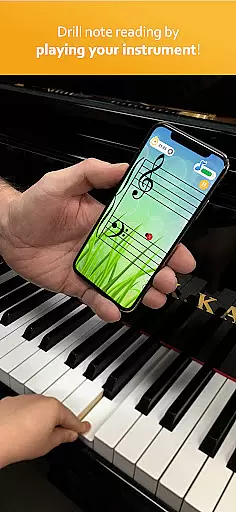
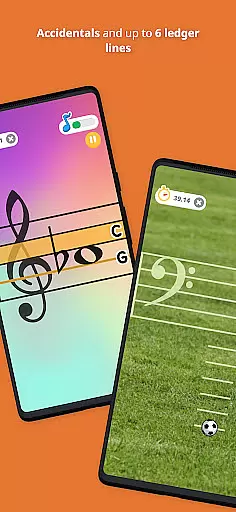
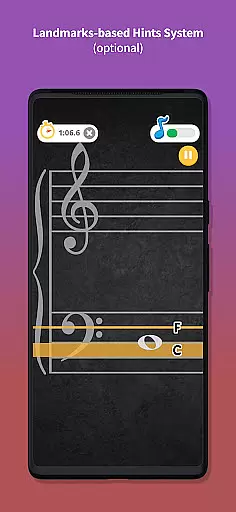
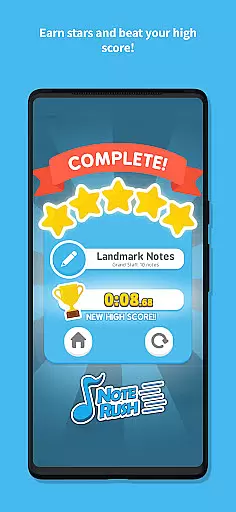
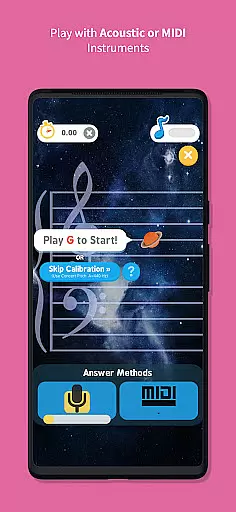
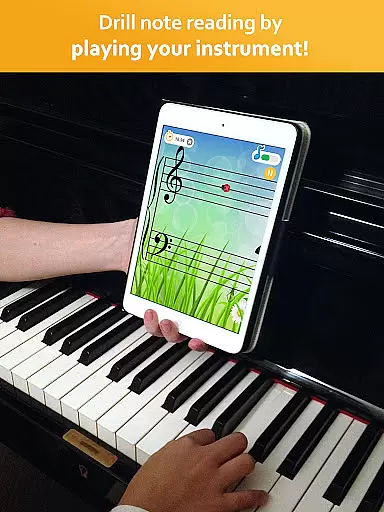
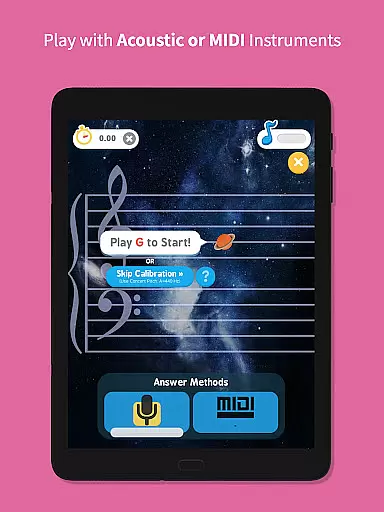
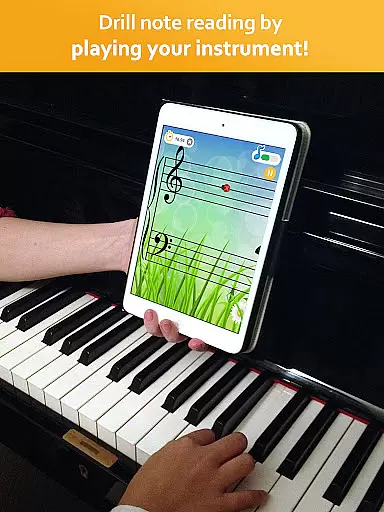
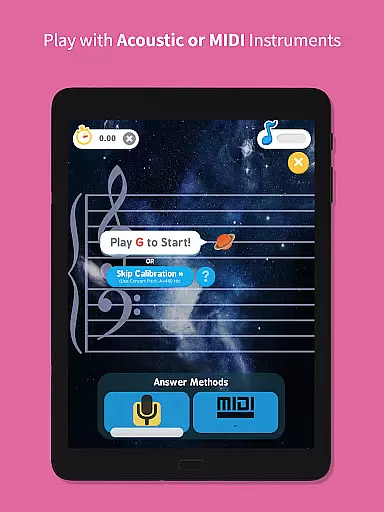
Note Rush is an innovative music learning app designed to enhance note reading skills for musicians of all levels. The application functions as a virtual flashcard system that listens to your acoustic or MIDI instrument, providing instant feedback on note identification speed and accuracy.
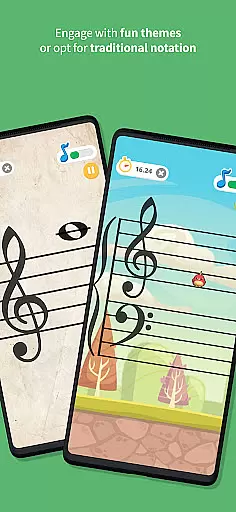
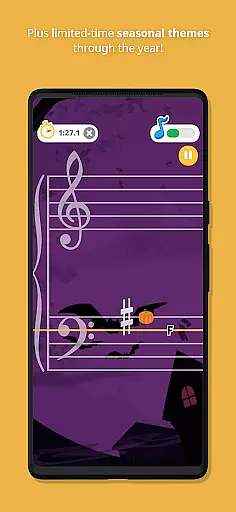
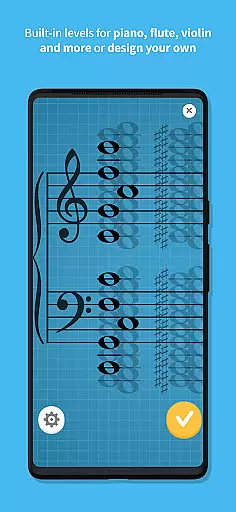
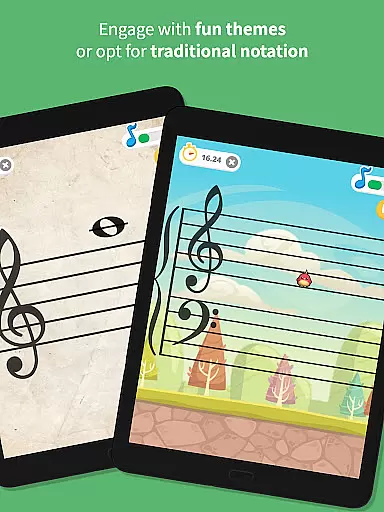
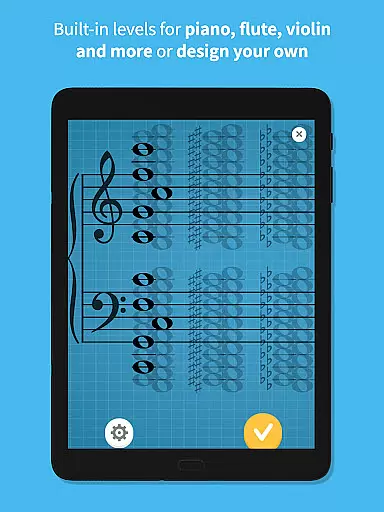
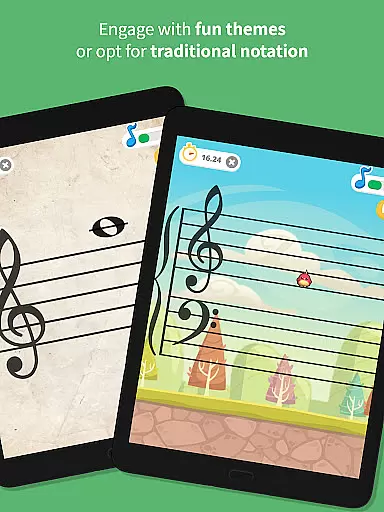
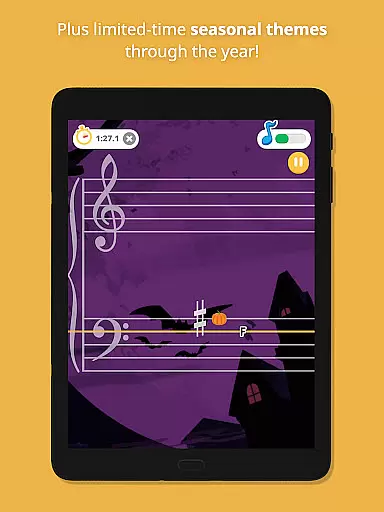
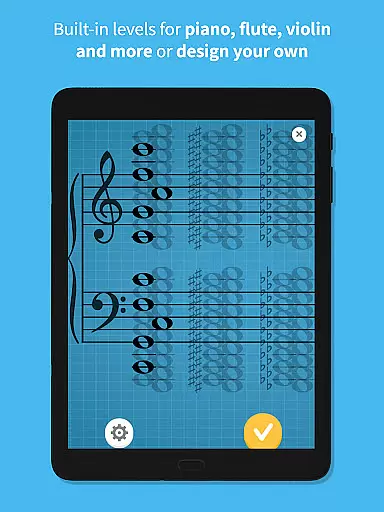
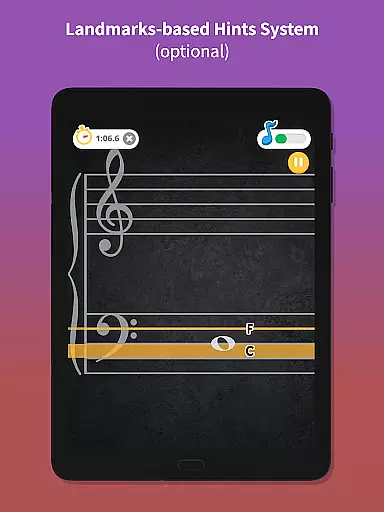
Key features include built-in levels for piano and other instruments, custom level design, and a unique landmarks-based hints system. These tools help users develop a strong mental model of note positions on their instrument. Whether you're a beginner or an advanced musician, Note Rush offers engaging ways to improve sight-reading through fun themes and traditional notation options.
The app's value extends beyond individual practice, as it includes features specifically designed for music teachers. Educators can create customized note sets and easily share them with students through App Links or QR Codes, making it an excellent supplement to traditional music lessons.
Note Rush stands out in the music education market through its comprehensive feature set tailored for both learners and educators. The app's core functionality revolves around its interactive note recognition system that works with actual musical instruments, providing real-time feedback on performance accuracy.
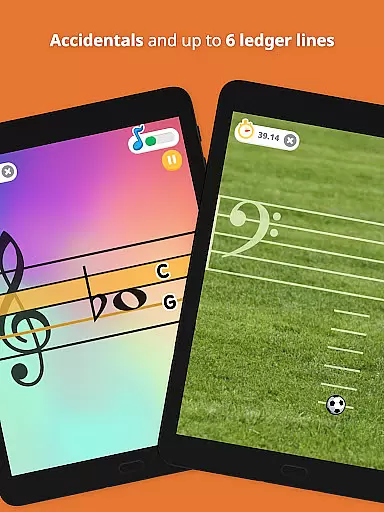
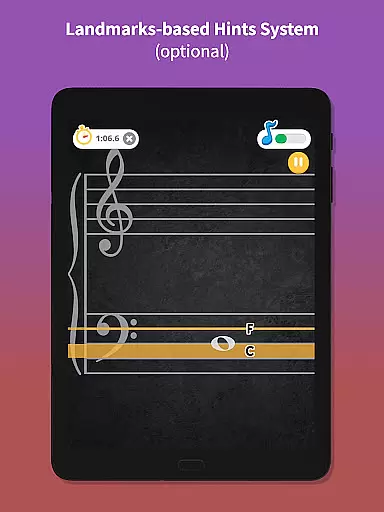
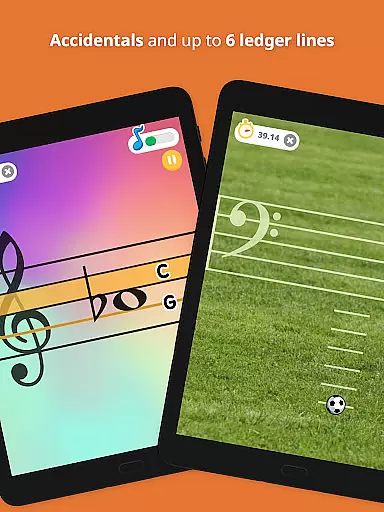
One of the most distinctive features is its landmarks-based hints system, which helps students develop intervallic reading skills by highlighting key reference notes. This approach supports various teaching methods, from intervallic to traditional mnemonics. The app also offers extensive customization options, including individual note selections, sharps and flats, and multiple staff configurations (treble, bass, grand staff).
For music educators, Note Rush provides powerful tools for creating personalized learning experiences. Teachers can design custom levels targeting specific student needs, incorporate up to six ledger lines, and utilize App Links or QR Codes to send tailored exercises to students. These features make it an invaluable tool for both classroom instruction and remote learning scenarios.
Rhythm judgment precision is essential for any music learning app as it directly impacts the accuracy of performance feedback. Note Rush excels in this area by providing real-time, precise evaluations of note timing and rhythm as users play their instruments.
The application listens to each note played on acoustic or MIDI instruments, offering instant feedback that helps students understand their timing errors. This immediate response mechanism ensures learners can adjust their playing to match the correct rhythm, enhancing their overall musicality.
For users, this feature translates into a reliable practice tool that sharpens their rhythmic skills. The app's ability to accurately judge and provide feedback on rhythm nuances allows musicians to refine their internal clock, making performances more polished and professional.
Ultimately, the precision in rhythm judgment offered by Note Rush not only aids in effective self-practice but also complements traditional teaching methods, creating a comprehensive learning environment that adapts to various teaching styles and student needs.
A diverse and high-quality music library is crucial for engaging users and providing a rich learning experience. Note Rush addresses this need by incorporating a wide range of preset levels tailored for different instruments, including piano, ensuring there is content suitable for learners at all stages.
Beyond the built-in levels, Note Rush offers customizable level design, allowing teachers and students to create personalized note sets. This flexibility supports targeted practice sessions focusing on specific areas of difficulty, thus catering to individual learning curves and objectives.
Users benefit from this extensive and adaptable library as it keeps the learning process dynamic and interesting. With options to include sharps, flats, and various staff configurations, Note Rush ensures comprehensive coverage of musical concepts, maintaining high standards of educational content.
In summary, the diversity and quality of Note Rush's music library not only enhance user engagement but also facilitate a deeper understanding of music theory and notation, empowering learners to progress confidently in their musical journey.
Real-time audio feedback
Customizable note sets
Teacher-friendly features
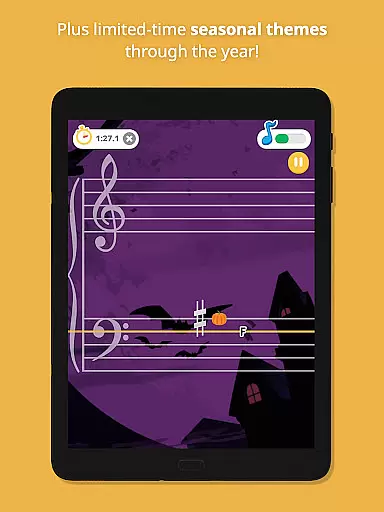
Engaging learning themes
Cross-instrument support
Limited free content
Requires instrument
Internet connection needed
No video tutorials
Premium subscription cost

"Tap to the beat and challenge your fingers with cute cats in PopCat Tiles!"
 4.50
4.50
Tap Piano Cat Tiles will transport you to a world of fun in music games
4.60
Hop the kitty ball on color tiles with latest hits! Collect cute singing animals
4.50
Tap music to the beat! Just dance to pop songs! Enjoy the pocket rhythm game!
4.60
Create your own music with the help of a merry crew of beatboxers!
4.90
Full Weeks and All Mods!
4.20
Unlock your amazing rhythm beat & theme. Perfect for music lovers of all ages!
4.60
Bounce to the Beat! Tap, Dash & Feel the Music!
4.70
Feel the Rhythm. Race the Galaxy!
4.80
Beat tiles music game
4.70
Incredible funky Sprunki music game with all the popular mods!
4.70
Cat music games! Dancing on cute piano tiles and meow in rhythm games!
4.60
Tap to start and control the ball jump with beats in the hop-ball music game.
4.50
Ride a sonic skateboard, slash beats, and master the rhythm!
4.40
Rotate, rhythm, and soar through a cosmic music adventure.
4.30
Fun song games! A fun challenge of piano tiles & magic tiles. Hop to the beat!
4.30
Create a kids' marching band with fun instruments and interactive music & rhythm
4.10
The answer to all the questions, shall be Reborn through the sound of the piano.
3.90
Customize lowriders, cruise online with friends, and trade in a vibrant city!
3.90


User Reviews