
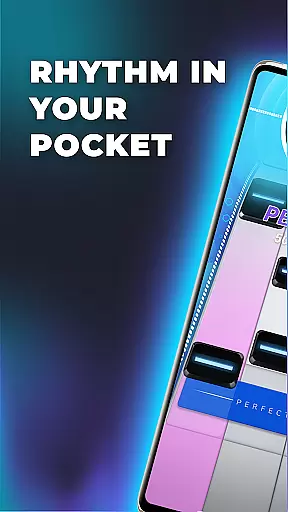
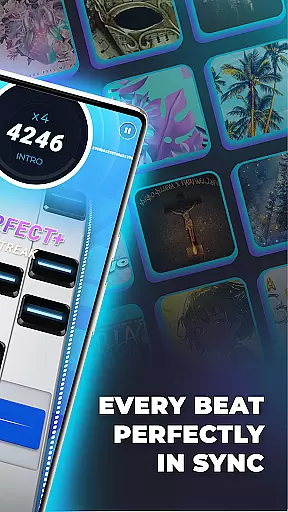
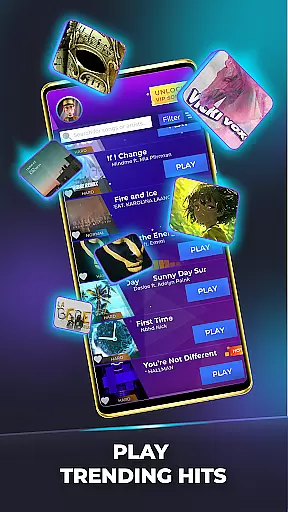

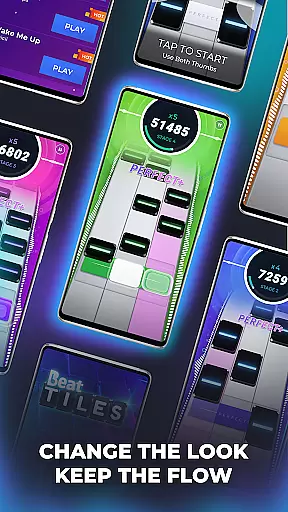
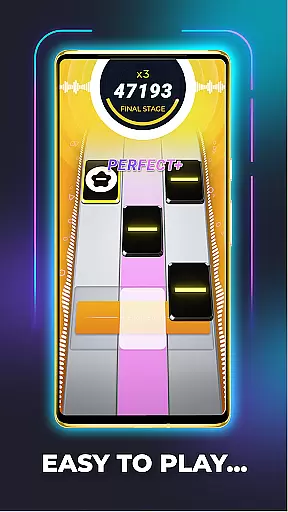
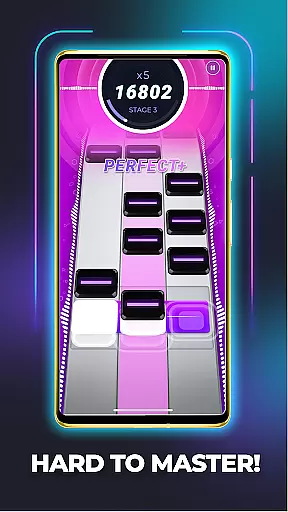
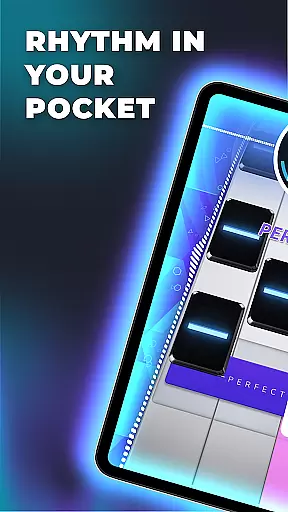
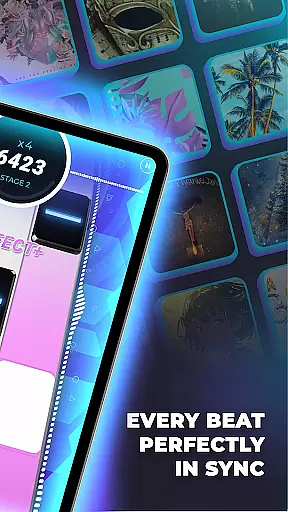

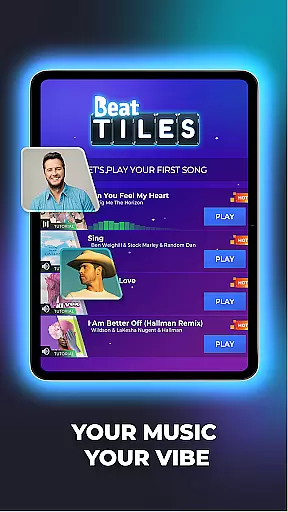
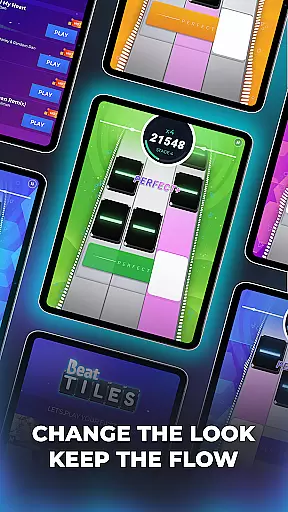
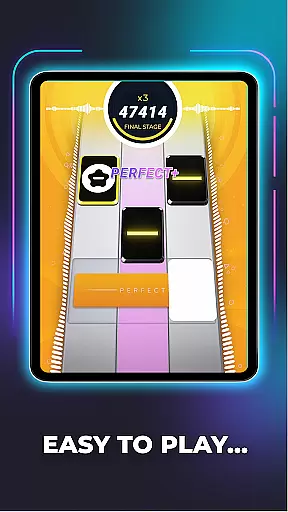
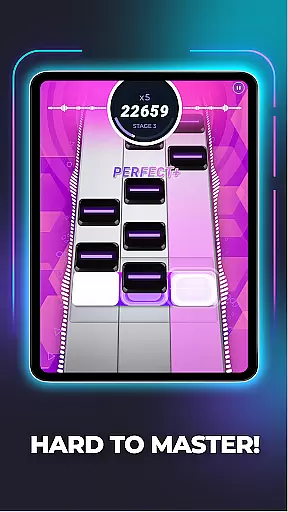
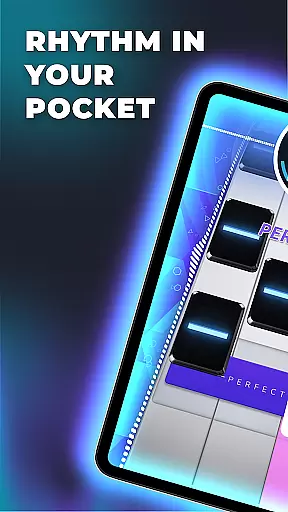
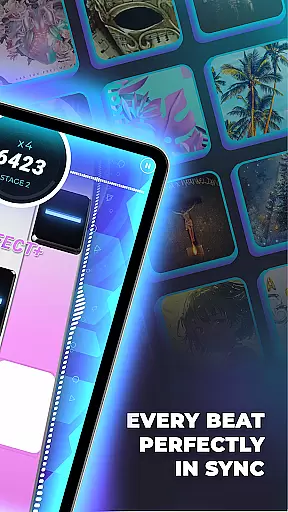

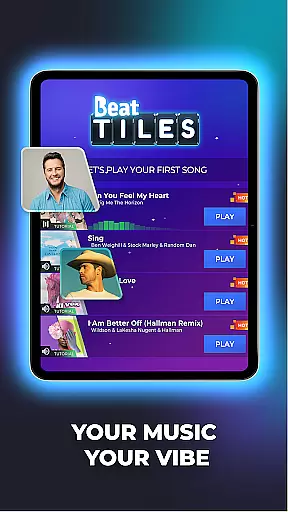
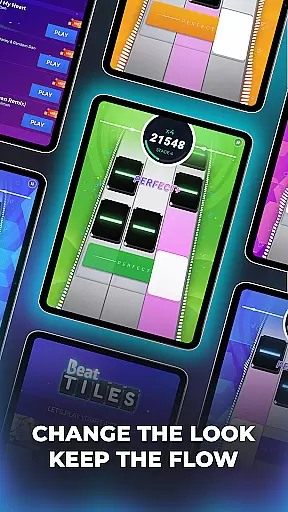
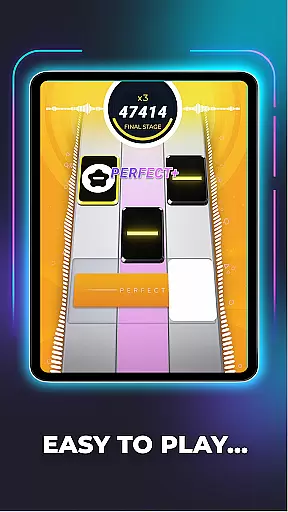
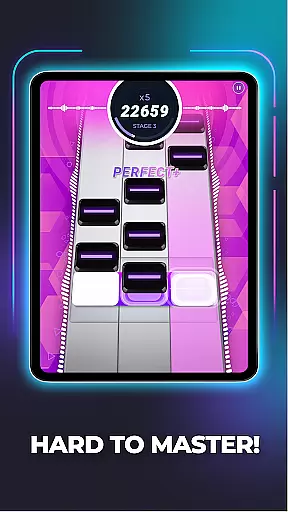
Beat Tiles: Music Game offers an immersive music gaming experience where players tap to the rhythm of their favorite songs. This mobile game brings together a wide selection of genres including pop, rock, electronic, and hip-hop, allowing users to sync with the beat through colorful tiles. Each level presents unique challenges with varying tile shapes and sizes that test players' timing and rhythm skills.
As players progress, they can customize their experience by creating personal playlists and adjusting game settings like sound effects and tile appearance. The increasing difficulty of levels provides a thrilling experience for all ages, making it a universal choice for music lovers everywhere.
Beat Tiles stands out with its diverse musical library, offering players the chance to choose from various genres and create personalized playlists. The game's core mechanic involves matching tiles to the beat of the song, which come in different colors and patterns, ensuring each level is distinctive.
Customization options abound as players can modify sound effects and visual elements within the game. With progressively challenging levels, Beat Tiles keeps the gameplay engaging and tests the player's rhythmic precision. Its adaptive difficulty makes it suitable for both casual gamers and rhythm game enthusiasts alike.
In Beat Tiles, rhythm judgment precision is at the core of gameplay. The game meticulously tracks your taps to ensure they align perfectly with the beat of each song. This level of accuracy ensures that players are fully engaged in the musical experience.
The app employs advanced algorithms to analyze and match player inputs with the song's tempo. This creates a seamless connection between the player's actions and the music, making every tap feel responsive and precise. Such attention to detail elevates the overall gaming experience.
Players benefit from this precision by enjoying a more immersive and rewarding experience. As they improve their timing and rhythm skills, they can tackle increasingly complex songs. This keeps players motivated to continue honing their abilities while enjoying their favorite tracks.
Beat Tiles boasts an impressive music library diversity, offering a wide array of genres such as pop, rock, electronic, hip-hop, and more. This extensive selection ensures that players of all musical tastes can find songs that resonate with them. Each track is carefully curated to provide a high-quality listening experience.
The game's library is not only diverse but also rich in quality. Players can expect clear sound effects and well-mastered tracks that enhance the gameplay. Whether you're into energetic beats or soothing melodies, the library caters to every mood and preference.
With regular updates and new additions, the music library remains fresh and exciting. Players can continually discover new songs and expand their playlists. This commitment to variety and excellence ensures that Beat Tiles remains a top choice for music game enthusiasts.
Engaging gameplay
Variety of music genres
Customizable playlists
Adjustable difficulty levels
Vivid tile designs
Repetitive gameplay
In-app purchases needed
Ads between levels
Complex controls
Limited free tracks

Drum set app with various lessons to help you learn to play the drums like a pro
 4.40
4.40
A cute music game that every cat lover will enjoy playing!
4.00
Play like a mini piano on Beat Tiles 2: Piano Master anytime&anywhere!
3.60
Ball jump tiles music game in 3D scene
4.10
Cat music games! Dancing on cute piano tiles and meow in rhythm games!
4.60
Game of song, dual vocal, swipe, tap piano magic tiles pad & harmonize pop songs
3.70
Create a kids' marching band with fun instruments and interactive music & rhythm
4.10
Conduct an orchestra of musical Monsters from the hit game My Singing Monsters!
4.20
Customize lowriders, cruise online with friends, and trade in a vibrant city!
3.90
Create your own music with the help of a merry crew of beatboxers!
4.90
Thump to the rhythm and bounce to the beat with these fuzzy musical monsters!
4.70
Incredible funky Sprunki music game with all the popular mods!
4.70
Jam with Sprunki Monster in this ultimate music game
4.60
"Tap to the beat and challenge your fingers with cute cats in PopCat Tiles!"
4.50
Fight with Boyfriend in Friday Night Funkin Music Battle & Rock the beat FNF
4.50
Be a Magic Pianist: POP & Classic Songs
4.30
Fun song games! A fun challenge of piano tiles & magic tiles. Hop to the beat!
4.30
A favorite of music teachers, Note Rush boosts note reading speed and accuracy.
4.20
Piano meets rhythm. Music meets magic. Your next addiction starts here!
3.90


User Reviews