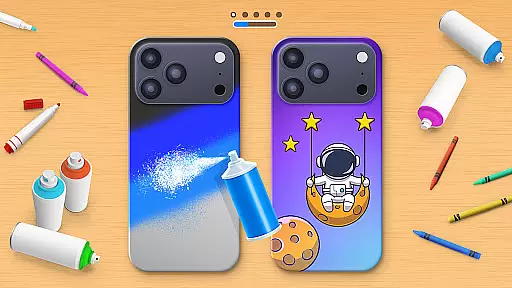
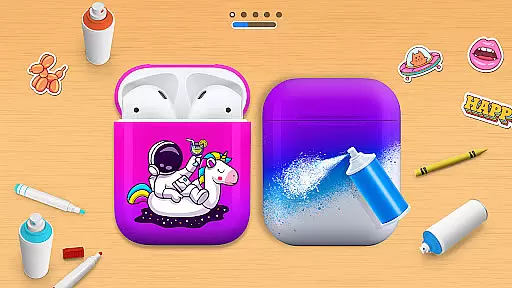
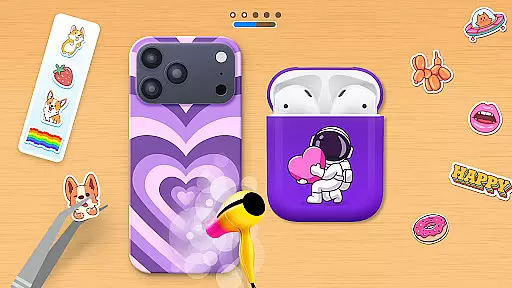
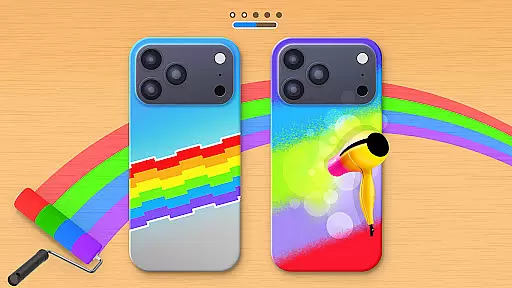
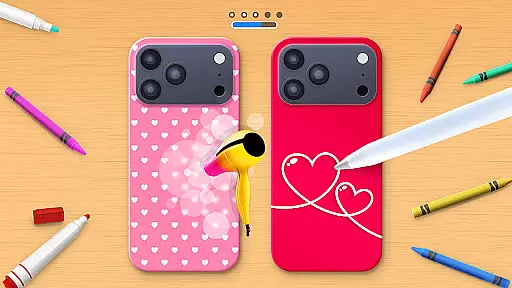
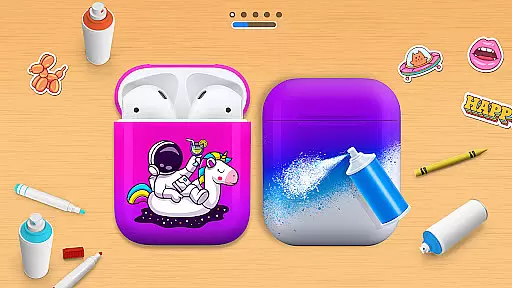
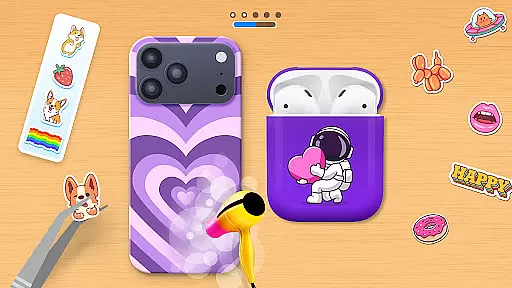
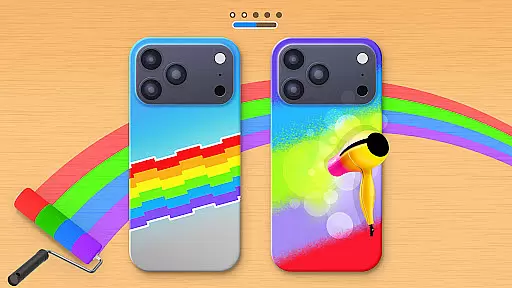
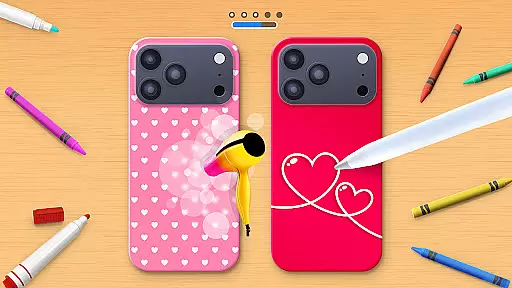
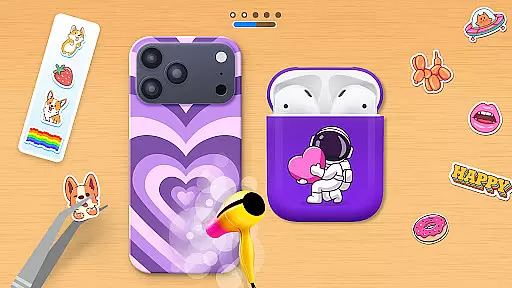
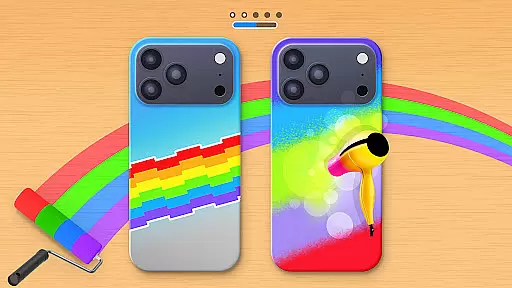
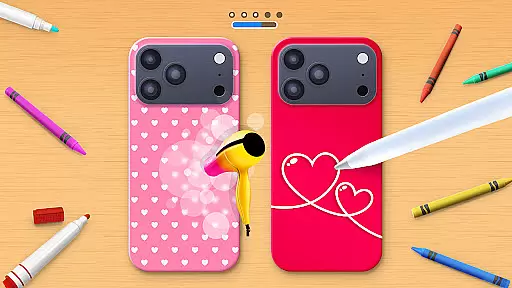
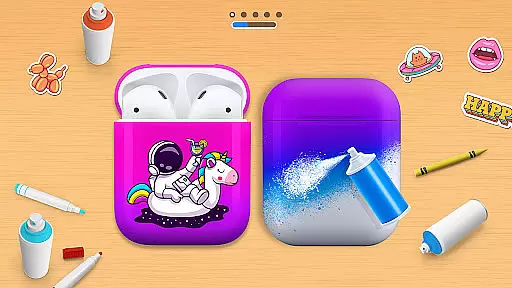
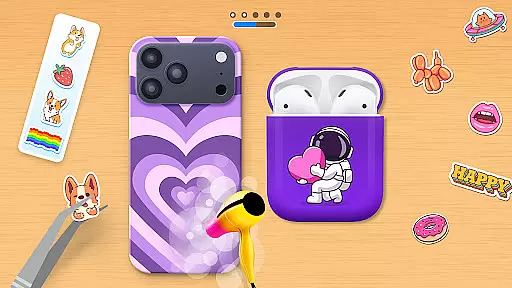
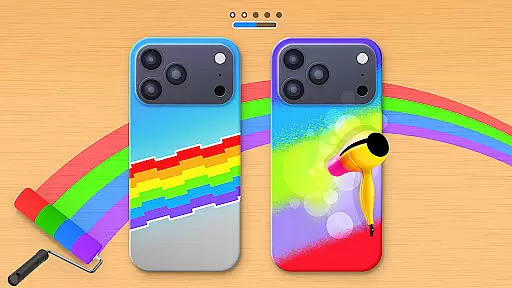
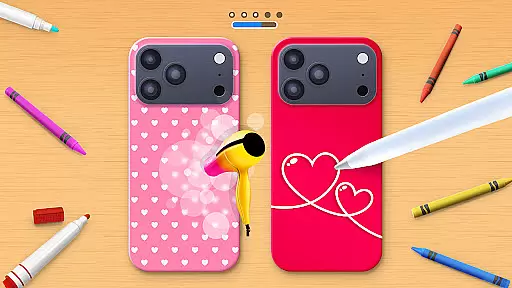
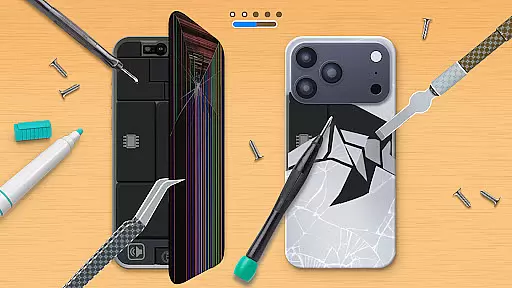
Phone Case DIY is a creative simulation game that allows users to design and customize their own phone cases, earbuds, and headphones. With endless color options and patterns, the app provides a platform for expressing personal style through digital crafting. The intuitive interface makes it easy to paint, draw, and apply stickers, while features like acrylic art and slime design offer unique customization possibilities.
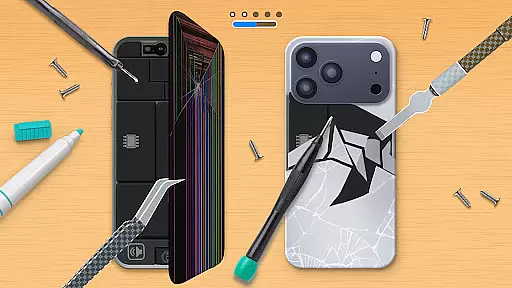
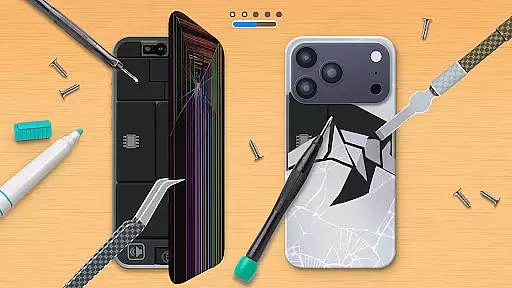
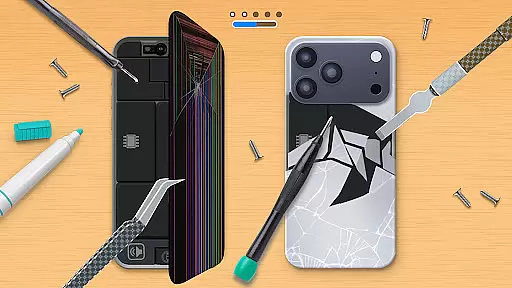
Beyond basic design functions, the app includes a leaderboard for showcasing skills, profile customization for personal expression, and even phone case repair challenges. Whether you're looking to create eye-catching designs or simply enjoy a relaxing creative outlet, Phone Case DIY delivers a comprehensive artistic experience that appeals to both casual players and design enthusiasts.
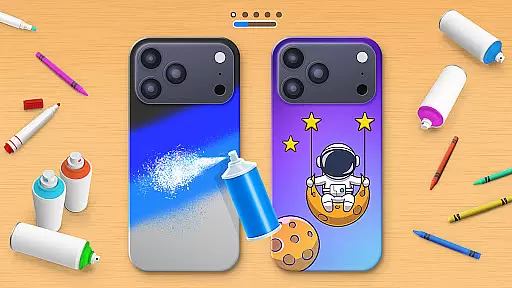
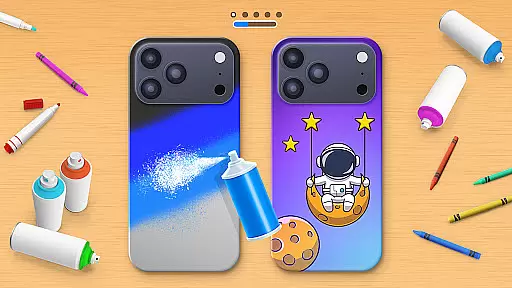
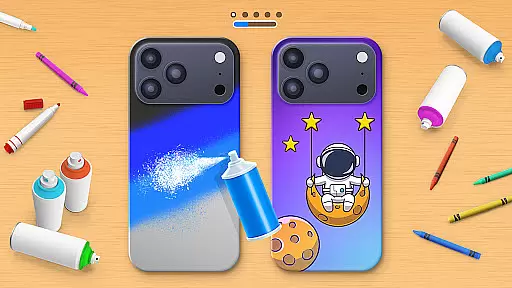
Phone Case DIY stands out with its comprehensive set of creative tools and features. The app's painting system allows users to work with various mediums including spray paint, acrylics, and tie-dye effects. Advanced color mixing capabilities enable precise shade creation, while the extensive sticker library provides diverse decorative options.
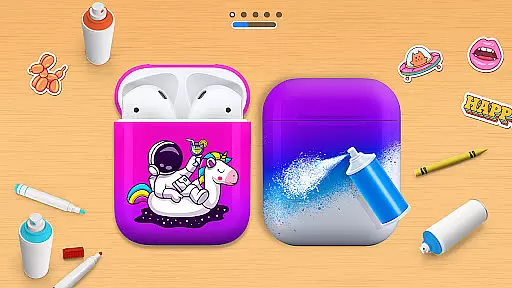
The app goes beyond simple phone case design by incorporating headphone and earbud customization, complete with coordinated pattern matching. Unique features like the global leaderboard foster community engagement, while the phone case repair function adds an extra layer of challenge. Additional elements such as profile customization and cleaning tools create a well-rounded creative experience that keeps users engaged and encourages experimentation with different artistic styles.
In Phone Case DIY, the economic system is designed to encourage creativity and personal expression through a rewarding process. Players can unlock new colors, patterns, and stickers as they progress, creating a dynamic feedback loop that keeps users engaged.
The game incorporates an in-depth virtual economy where players earn points by completing designs and climbing leaderboards. These points can then be used to purchase unique customization options, ensuring that the more you create, the more resources you have to further personalize your creations.
Players benefit from this robust system by enjoying continuous engagement with fresh content and tools at their disposal. This approach not only enhances user retention but also fosters a sense of accomplishment as they see their collection of designs grow over time.
Resource management in Phone Case DIY involves balancing various elements such as colors, stickers, and accessories to create aesthetically pleasing designs. The game offers a wide array of resources that players must manage effectively to produce visually appealing phone cases.
Players are given the tools to mix paints, apply acrylics, and use spray paints on their cases. Each resource has its own properties and uses, requiring strategic thinking about when and how to apply them for the best results. This balance ensures that no single strategy dominates the gameplay experience.
This balanced approach allows users to experiment freely while maintaining a challenge that encourages skill development. As players become more adept at managing these resources, they can achieve more complex and satisfying designs, enhancing both their enjoyment and their creative output.
User-friendly interface
Extensive customization options
Variety of artistic tools
Engaging gameplay elements
Community features
Limited offline functionality
Some features require premium
Occasional performance issues
Ads between sessions
Steep learning curve

Play on ANY CITY in the world!
 3.70
3.70
Manage the Shelter in Seoul, devastated since the nuclear explosion.
4.70
Raise crops and animals in this farming simulator!
4.20
Ready to be a billionaire and build your bank empire? Start your adventure now!
4.60
Laugh, play, take care, learn and relax with the cutest virtual friend
4.50
Inspect papers, Prevent smuggling—keep border safe or profit from corruption.
4.30
Family, house & life simulator - build your dream home in a virtual world!
4.50
The Ultimate Cosmic Destruction Simulator
4.60
Be the leader of wobblers from ancient lands, spooky places, and fantasy worlds.
4.10
Help your child, in a story-driven nurture game based on true events
4.80
Start painting, match paint, merge colors and get creative in this coloring game
4.60
Design airplanes in this flight sim and see how they fly with realistic physics.
4.30
Make yummy Jelly and start your Mukbang livestream
4.20
7 years packed with fun
4.20
Explore sandbox simulator featuring crafting and socializing in Portia
4.10
Rediscover your engineering creativity in this bridge building masterpiece.
4.10
Manage your own supermarket. Order products and expand your store simulator game
3.90
Construction Simulator returns with a map inspired by the Canadian landscape.
3.40
Rule the night as a club security!
4.2


User Reviews