
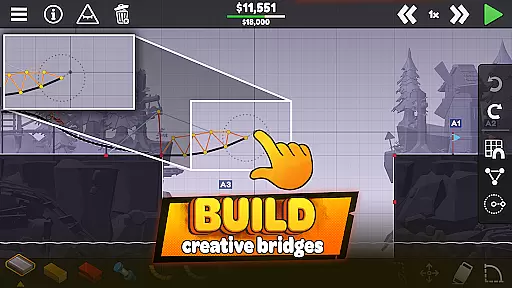


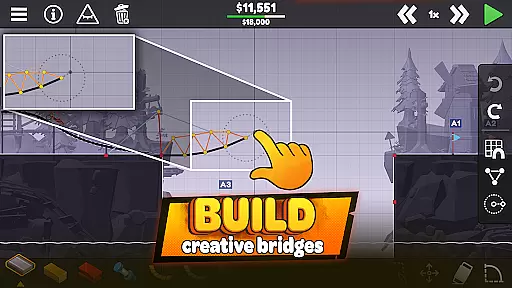


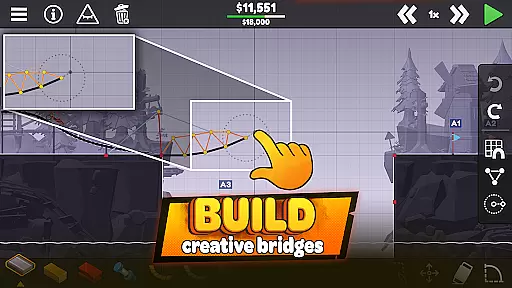


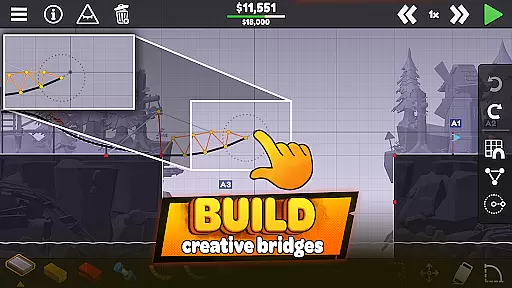


Poly Bridge 3 is a simulation-based puzzle game that challenges players to build intricate bridges using engineering skills and creative problem-solving. The game features an Open World Campaign with over 150 levels spread across a dozen unique worlds, each introducing new mechanics such as jumps and hydraulics.
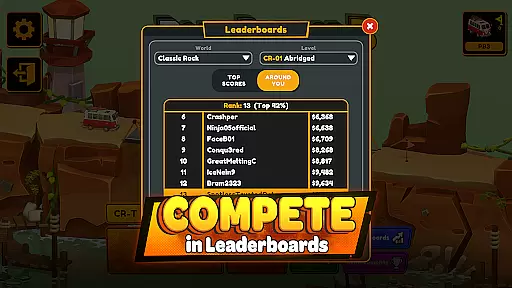
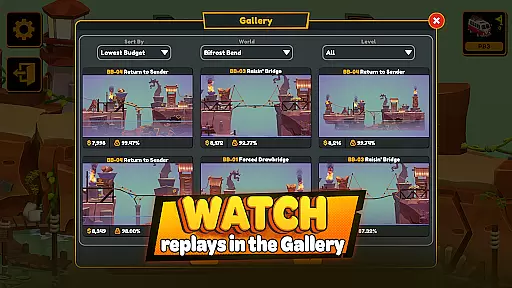
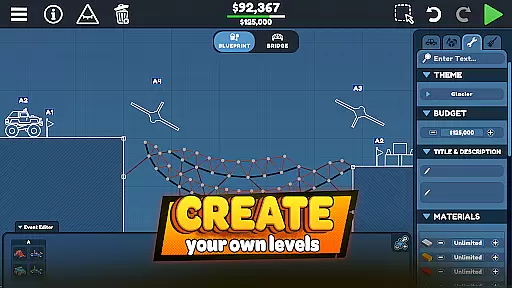
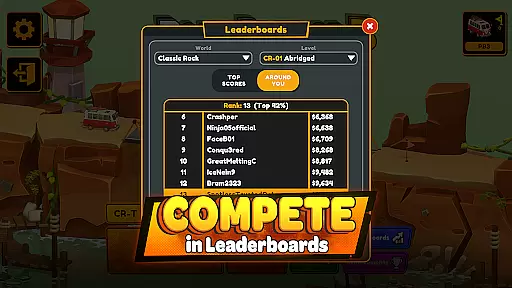
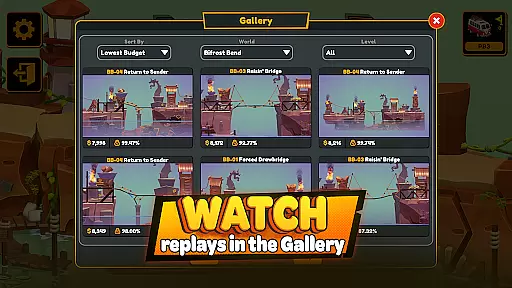
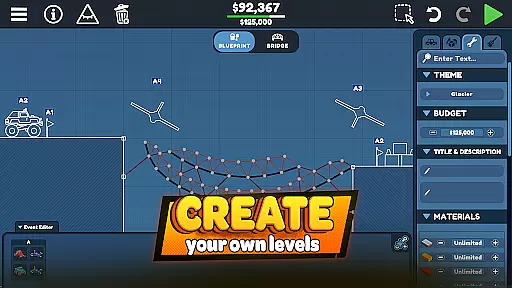
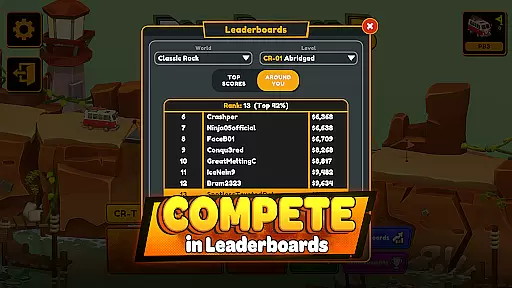
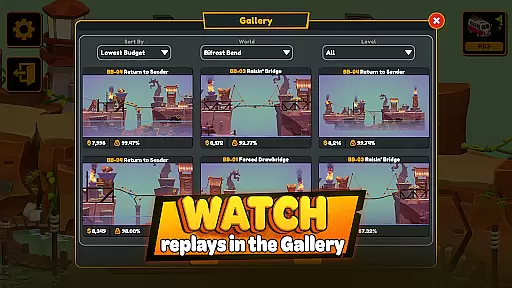
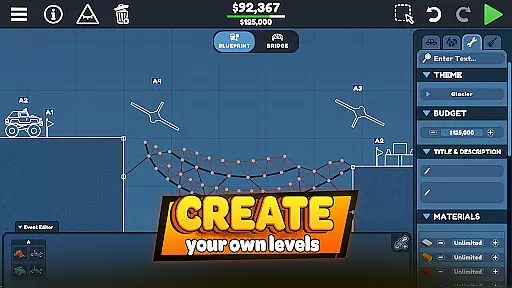
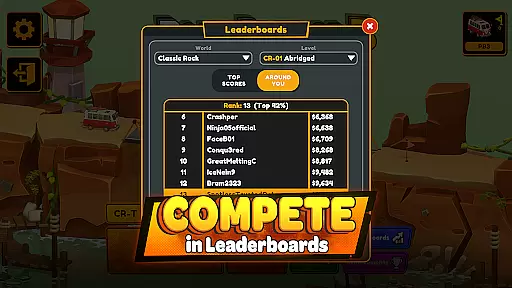
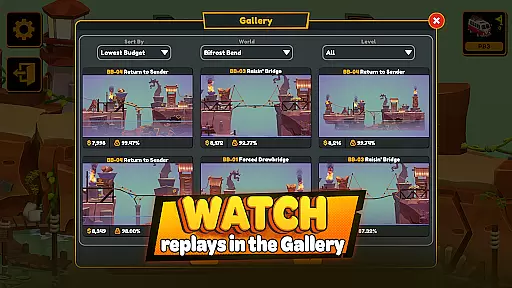
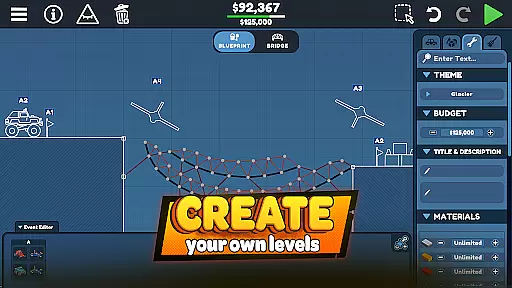
Players can enjoy various modes including the structured campaign or the unrestricted Sandbox mode, which allows limitless creativity in bridge construction. With leaderboards and galleries showcasing player solutions, Poly Bridge 3 offers both competitive and collaborative experiences. Its custom physics engine ensures reliable and consistent bridge performance, making it a top choice for simulation enthusiasts.
Poly Bridge 3 stands out with its innovative mechanics like jumps and hydraulics, allowing players to design dynamic structures. The Open World Campaign provides diverse environments, from Vaulty Towers to Bifrost Bend, each presenting unique challenges and encouraging experimentation.
The game's Sandbox mode removes restrictions, enabling players to push their engineering skills to the limit without constraints. Leaderboards add a competitive edge, while the Gallery lets users explore creative solutions from the community. Powered by a custom physics engine, Poly Bridge 3 delivers accurate simulations, ensuring every bridge behaves predictably and consistently.
In Poly Bridge 3, the economic system is intricately tied to your engineering decisions. Every material used in constructing bridges impacts both cost and structural integrity.
The game challenges players to optimize their resource allocation while maintaining functional bridge designs. This delicate balance creates a dynamic feedback loop where every choice directly affects the overall budget and success rate.
Players can track their spending patterns across different levels, receiving detailed reports on material efficiency and cost-effectiveness. This feature helps users refine their building strategies over time.
The economic depth extends to competitive elements too, as cost-efficient designs often rank higher on global leaderboards, adding an extra layer of strategic consideration to the gameplay experience.
Resource management in Poly Bridge 3 requires careful planning and precise execution. Players must allocate materials like roads, cables, and hydraulic components within strict constraints.
The game offers various types of building materials, each with distinct properties affecting both cost and strength. This variety creates multiple approaches to solving construction challenges while maintaining structural integrity.
Advanced simulation tools provide real-time feedback on material stress points, allowing players to optimize their designs before final implementation. This feature ensures that resource allocation decisions are both informed and efficient.
Through its balanced resource management system, Poly Bridge 3 encourages creative problem-solving while maintaining realistic engineering constraints, making every successful bridge design a rewarding achievement.
Engaging puzzles
Innovative mechanics
Variety of levels
Custom physics engine
Creative freedom
Steep learning curve
Repetitive gameplay
Limited tutorials
Occasional bugs
High difficulty spikes

ASMR Cooking Minigames to calm & relax
 4.50
4.50
Rule the night as a club security!
4.5
Incredible Sandbox Playground - Beats Ragdolls
4.50
Make 'em move!
4.30
Cook in the kitchen, Serve food: Manage the dash fever in my restaurant games!
4.20
I made a game for a certain kind of person. To hurt them.
3.30
Control the traffic flow. Decide when the cars can pass and avoid crashes
4.60
Gas station simulator. Play & earn money offline. Grow petrol station business!
4.40
One to rule them all
3.90
Manage the Shelter in Seoul, devastated since the nuclear explosion.
4.70
Can you infect the world?
4.70
Be a miner: Mine cash in this idle clicker simulator game as gold digger tycoon.
4.50
Fly around the world with Aerofly FS Global Flight Simulator
4.30
A fun and challenging bridge builder puzzle game.
4.20
Drive trucks along challenging routes inspired by Bolivia
4.20
Raise crops and animals in this farming simulator!
4.20
Experience the ultimate vehicle simulator with realistic soft-body physics
4.20
Become a pilot! Fly and land in airports around the world with iconic airplanes
4.20
Be the leader of wobblers from ancient lands, spooky places, and fantasy worlds.
4.10


User Reviews