
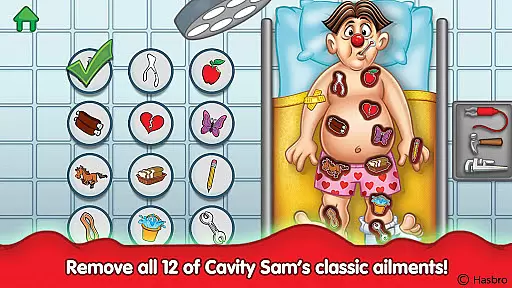
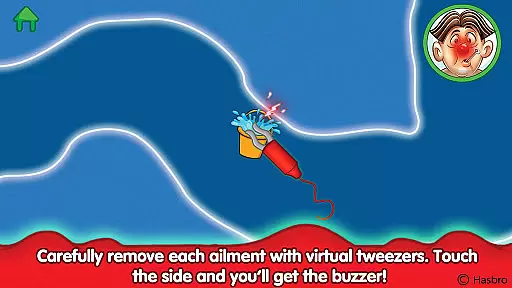
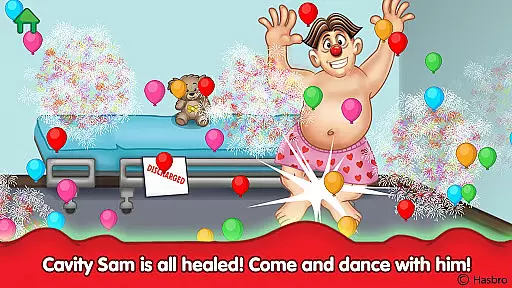
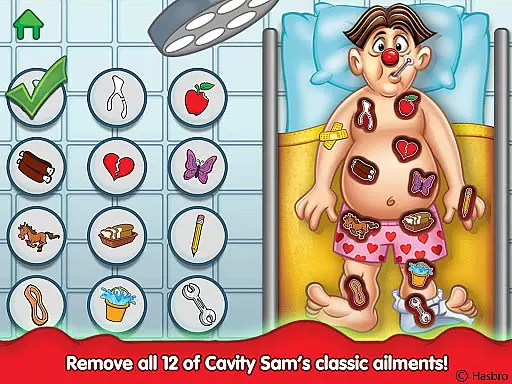
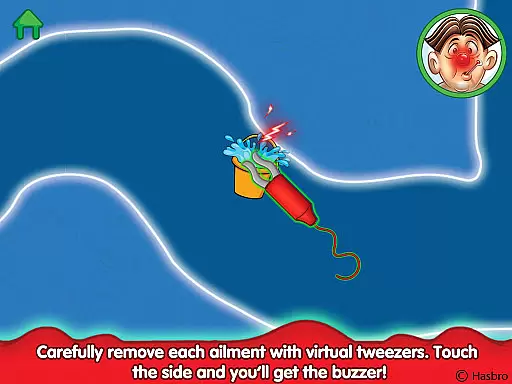
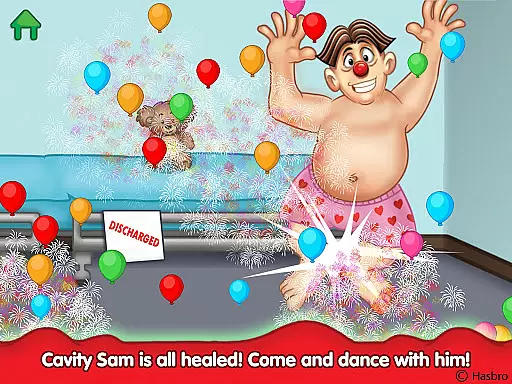
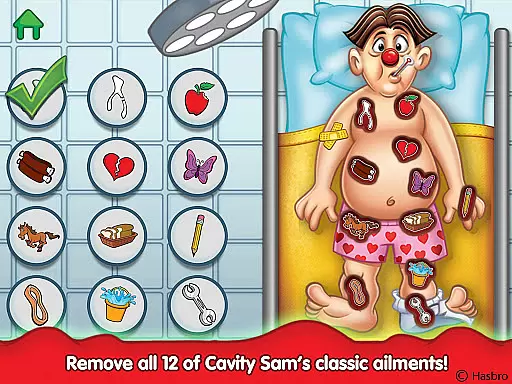
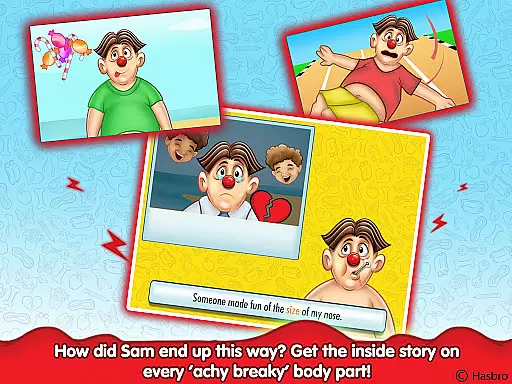
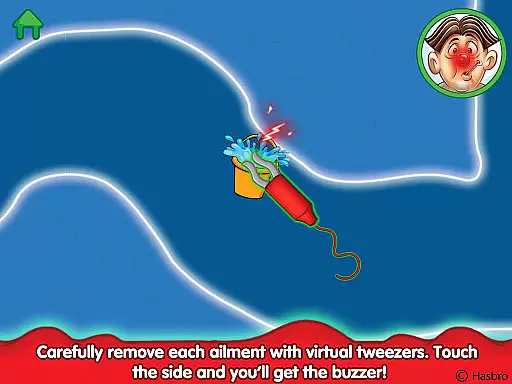
Operation is an educational app that brings the classic OPERATION board game to life on mobile devices. Designed for children, this interactive experience tests hand-eye coordination and fine motor skills while introducing twelve entertaining short stories. The app features virtual tweezers that challenge users to carefully remove ailments from Cavity Sam without touching the sides, triggering a buzzer and vibration if they fail. Beyond the tactile gameplay, kids can learn about each ailment through fun rhyming narratives and 'read along' medical files, making it both engaging and informative.
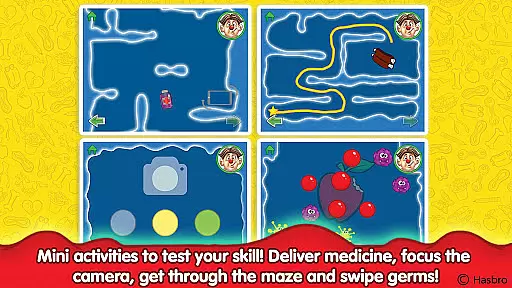
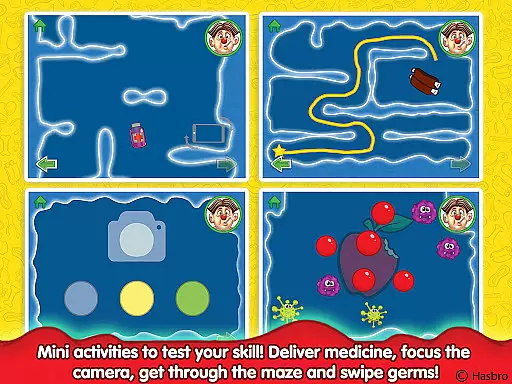
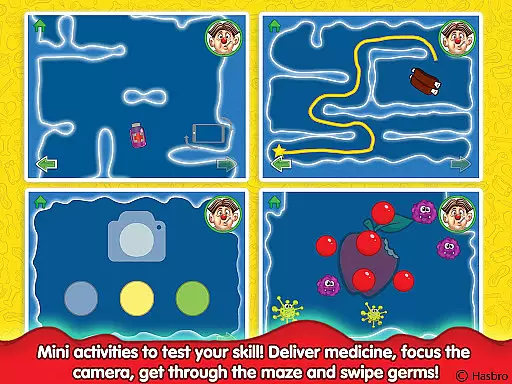
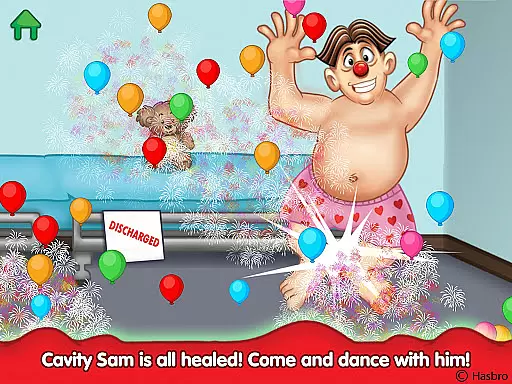
The app goes beyond the traditional board game by offering additional activities such as navigating mazes within Cavity Sam's body, focusing a surgical camera, delivering medicines by tilting the device, and eliminating germs with swipe gestures. Each successful operation includes a relatable story behind the ailment and an easy-to-read 'lesson learned' that promotes healthy habits. With beautiful animations and classic 'tweezer' play for all twelve funny ailments, Operation delivers a rich, immersive experience that educates and entertains young users.
Operation offers a variety of features that extend beyond the classic board game experience. The app includes all twelve original funny ailments like Charlie Horse, Butterflies in the Stomach, and Broken Heart, each requiring careful removal using virtual tweezers. In addition to the core gameplay, children can navigate mazes inside Cavity Sam's body, focus a surgical camera to diagnose issues, tilt their device to deliver medicines, and swipe away germs to help him recover. These interactive elements provide a multifaceted learning experience that develops hand-eye coordination and fine motor skills.
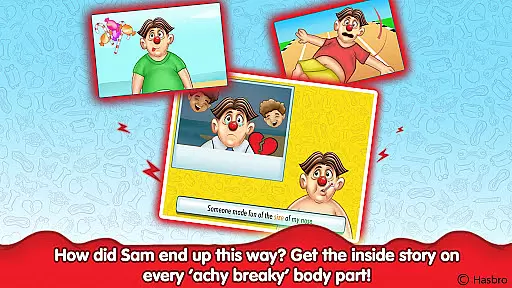
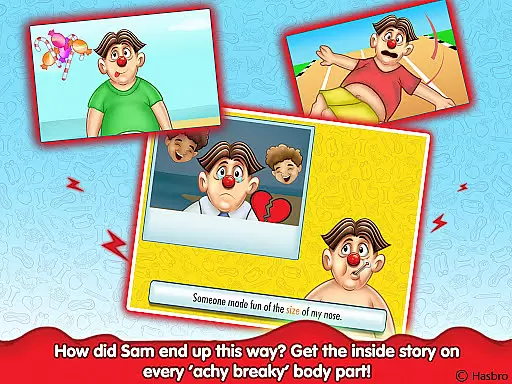
Beyond the physical challenges, Operation incorporates storytelling into its gameplay. Each ailment comes with a fun rhyming narrative that explains how Cavity Sam ended up in his predicament, accompanied by 'read along' medical files for emerging readers. After successfully completing an operation, kids receive a 'lesson learned' tip that teaches them how to stay healthy in real life. The combination of beautiful animations, engaging narratives, and tactile feedback creates an immersive environment where children can practice essential skills while having fun.
In the realm of educational apps, content accuracy is paramount, and Operation delivers meticulously on this front. The app presents twelve classic ailments, each rooted in whimsical yet factual narratives that educate children about health issues while maintaining an element of fun. These tales are crafted with care to ensure they align with real-life medical concepts, albeit presented through the lens of Cavity Sam's humorous predicaments.
Operation goes beyond mere gameplay by integrating 'Read along' medical files that provide detailed insights into every ache and pain Cavity Sam experiences. This feature not only entertains but also enlightens young users with accurate information regarding various ailments, fostering a learning environment that is both engaging and informative.
The app's authoritative content is further bolstered by its partnership with trusted global brands for kids, ensuring that the educational material is vetted and reliable. By transforming traditional learning into interactive stories, Operation successfully merges entertainment with education, offering children a trustworthy source to expand their knowledge about health and wellness.
While Operation may not offer conventional personalized learning paths, it excels in providing a unique educational journey through its diverse range of activities. Each of the twelve ailments presents a distinct challenge, allowing children to engage with different tasks such as navigating mazes, focusing surgical cameras, delivering medicines, and eliminating germs. This variety ensures that each user can find an activity that resonates with their interests and skills.
The app encourages self-paced learning by enabling users to select which ailment to tackle next, thereby creating a customized experience based on individual preferences. After every successful operation, kids receive easy-to-read 'lessons learned,' which they can apply to their own lives, promoting personal growth and healthy habits.
Moreover, the fun rhyming narrative and beautiful animations make the learning process enjoyable and memorable. By incorporating these elements, Operation creates a dynamic and adaptive environment where children are motivated to explore, learn, and develop their fine motor skills at their own pace, thus crafting a truly personalized educational adventure.
Interactive gameplay
Educational content
Engaging stories
Beautiful animations
Classic nostalgia
Simple graphics
Limited age range
Repetitive tasks
No multiplayer mode
Occasional bugs

Grazing Risk Monitoring Service
 4.0
4.0
Learning the ancient Viking language made simple
4.70
Gain new skills in 10 minutes
4.70
A magical world of fun, building, and learning with Mickey Mouse and more!
4.20
AI Language tutor: Speak fluently with Lucy’s personalized coaching
4.70
Nighty Night Circus - Bedtime story for kids
4.10
Deal Craps (Practice Craps Payouts)
3.80
Experience the sky, planet earth and the solar system like never before
4.90
Hasbro’s classic CANDY LAND game is now a gorgeous interactive storybook app.
2.30
Perform physics experiments with your phone. (by the RWTH Aachen University)
4.70
2026 DVSA Driving Theory Test revision with Hazard Perception + Highway Code
4.60
Turn scrolling hours into improving your knowledge, communication, intelligence
4.50
Astronomy Guide to the Night Sky
4.40
Practice Casino Roulette Payouts for Table Game Dealers and Croupiers
4.40
An aviator’s preparation, study and test tool for FAA Knowledge Exams.
4.30
An aviator’s preparation, study and test tool for FAA Knowledge Exams.
3.90
Explore the City of the Sun in Augmented Reality
3.70
Quiz App to help case managers studying for CCMC Certification, 200+ Questions
3.40
Visit Daniel's house & make believe. Play doctor, make music, & feed fish.
3.20


User Reviews