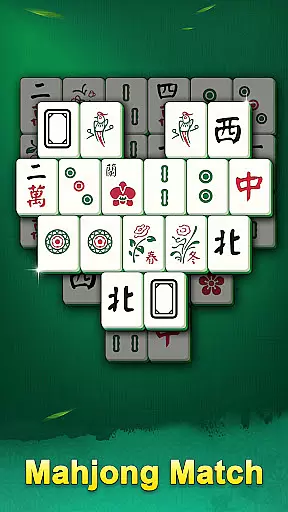
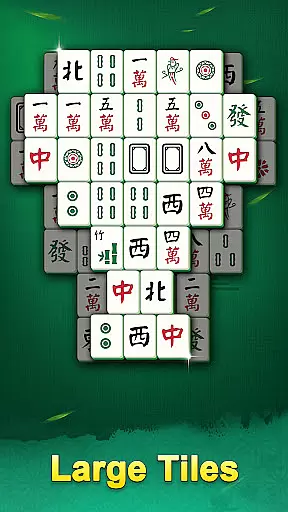
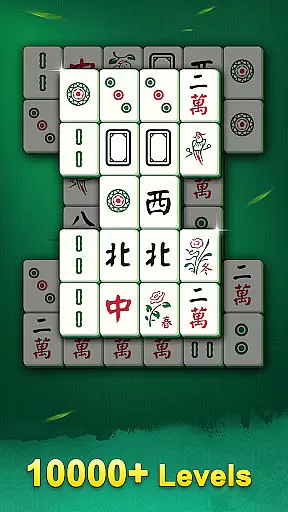
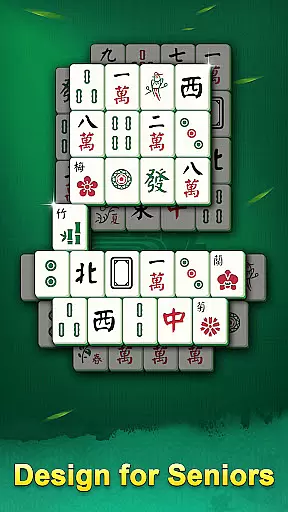
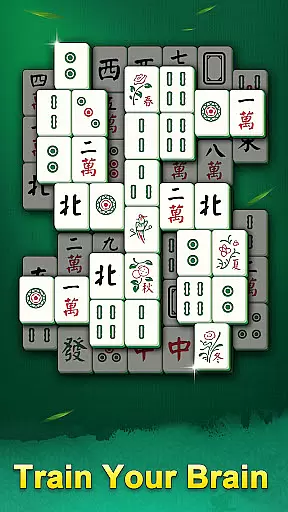
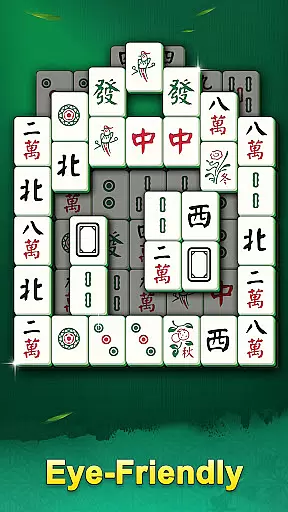
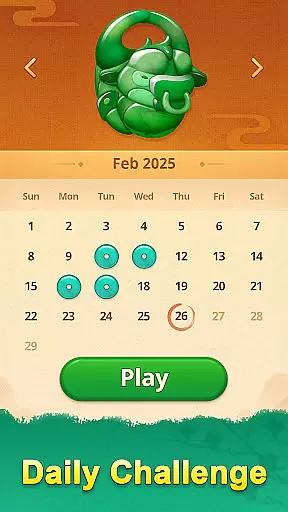
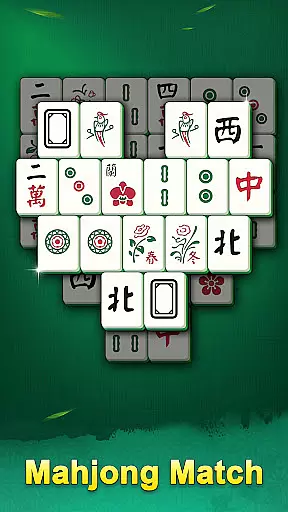
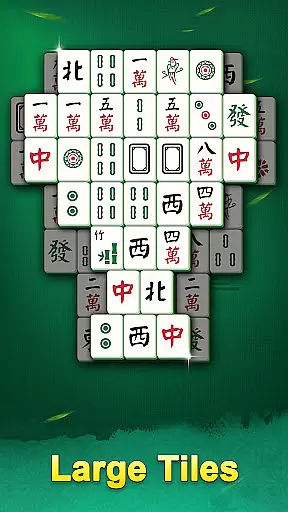
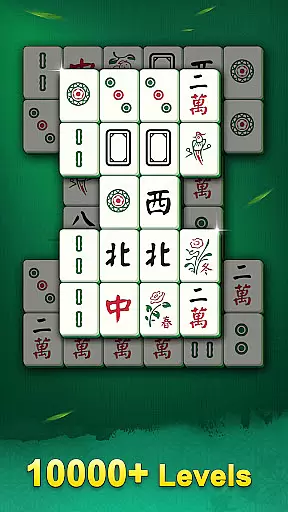
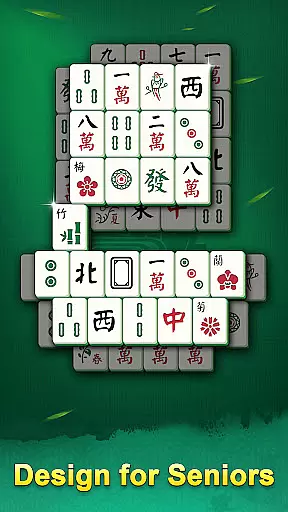
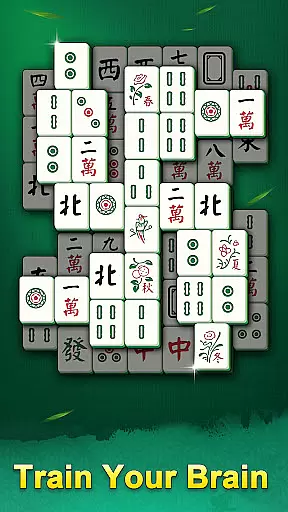
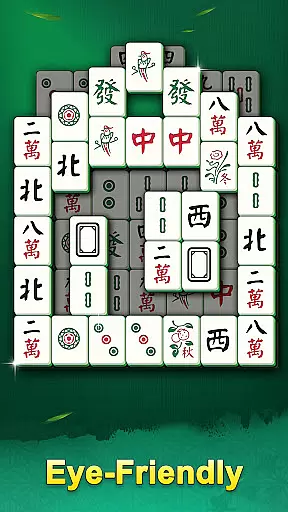
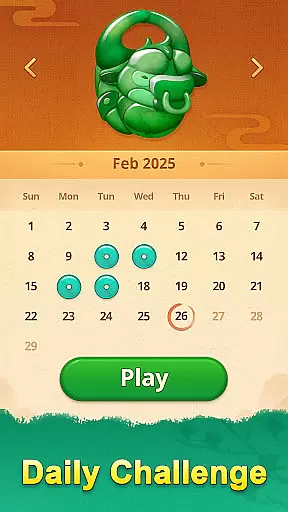
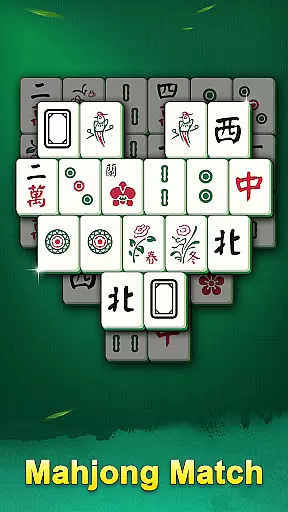
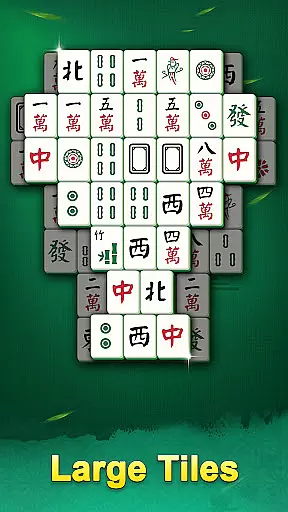
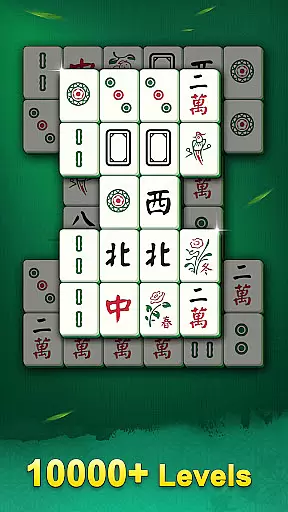
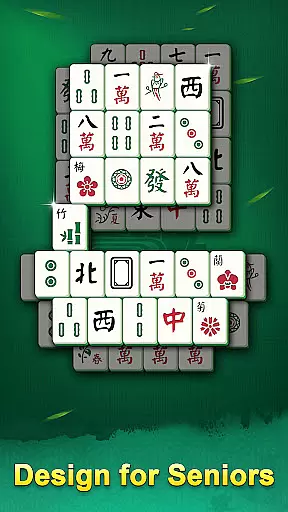
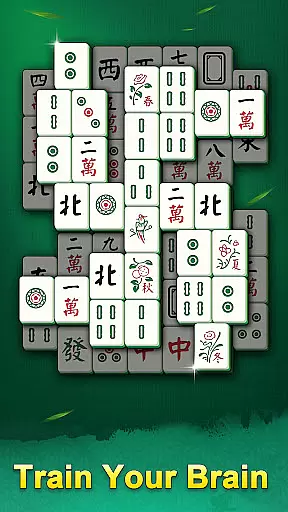
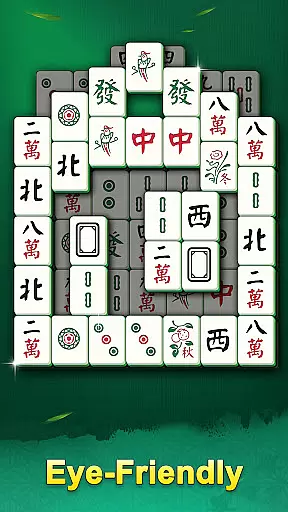
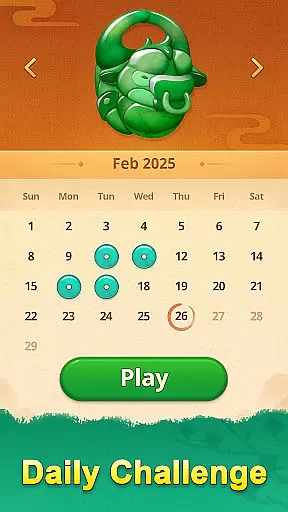
Mahjong Mingle is a user-friendly board game tailored for seniors, featuring large tiles and an intuitive interface. The game combines classic mahjong tile-matching with innovative designs, offering thousands of levels to suit different play styles. With multiple modes including Classic and Daily Challenges, it provides both relaxation and mental stimulation.
Designed for accessibility, Mahjong Mingle supports offline play and is optimized for phones and tablets. Players can enjoy stunning graphics and useful prompts like hints, shuffle, and undo features. Whether seeking a cognitive workout or simply a way to unwind, this game offers a pressure-free experience that helps reduce stress and improve sleep quality.
Mahjong Mingle stands out with its thoughtful design elements crafted specifically for senior players. Its hallmark is the use of large, easy-to-see tiles complemented by unique themes and clear visuals. The inclusion of thousands of levels ensures variety, while options such as hints, shuffle, and undo provide assistance when needed.
The game also offers flexibility in difficulty through various modes like Classic and Daily Challenges. These modes cater to different moods and skill levels, ensuring sustained engagement. Additionally, Mahjong Mingle's offline functionality allows uninterrupted gameplay anytime, anywhere—perfect for users who want convenience without compromising on quality or enjoyment.
In Mahjong Mingle, rule authenticity is at the core of its design. The game ensures that each level adheres to traditional Mahjong solitaire rules while offering a modern twist. This balance between classic and innovation allows players to enjoy familiar gameplay with added excitement.
The flexibility in gameplay is evident through various modes such as Classic and Daily Challenges. Players can choose their preferred style, whether they seek a relaxing experience or wish to test their skills under time constraints. Such adaptability caters to different moods and preferences, enhancing user engagement.
Unique features like hints, shuffle, and undo options provide assistance without compromising the challenge. These tools are carefully integrated to maintain the integrity of the game while offering help when needed. As a result, both novice and experienced players find value in mastering the tile-matching puzzles.
Mahjong Mingle focuses on providing an enriching single-player experience rather than AI opponents. The game emphasizes thoughtful level design over competitive play, ensuring that each puzzle offers a satisfying challenge tailored to individual skill levels.
Instead of AI opponents, the game includes thousands of handcrafted levels that adapt to player progress. This approach allows for a personalized journey where difficulty increases gradually, keeping players motivated and engaged without the need for artificial competition.
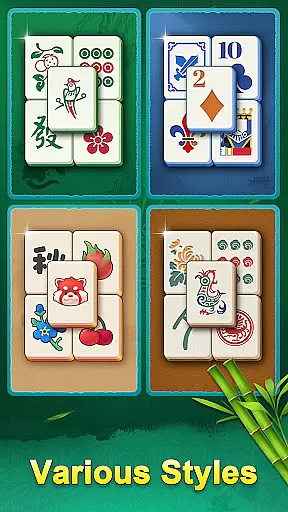
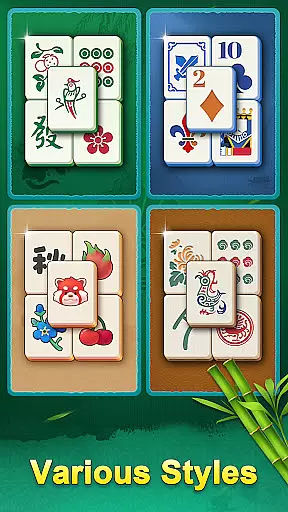
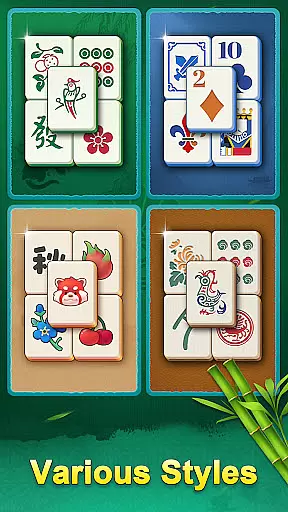
For those seeking variety, the inclusion of different tile designs and themes adds depth to the gameplay. While there may not be AI adversaries, these elements ensure that every session feels fresh and engaging, encouraging continuous exploration within this beloved board game genre.
Senior-friendly design
Thousands of levels
Offline play support
Useful prompts available
Multiple game modes
Limited appeal for younger users
Few social features
Ads between levels
No multiplayer mode
Paid hints in some cases

Retro pixel art mahjong solitaire with handcrafted boards and timeless gameplay
 4.1
4.1
Train your brain with classic backgammon and become the lord of this board game!
4.30
Challenge your mind in the ultimate mathematical strategy game!
4.20
Become the best merchant in Istanbul!
4.60
Compete to create the most perfect ecosystem in the award-winning board game!
4.90
Mahjong Match: Relaxing and Fun Mahjong Tile Puzzle! Designed for seniors!
4.80
Easy and relaxing zen coloring game. Tap to color. Enjoy the coloring time.
4.90
The Offline Version of Sudoku classic puzzle game without advertisements.
4.80
Play bingo, roll dice, and relax with a brain-boosting MONOPOLY board game!
4.70
Enjoy tile matching puzzles and unlock fun stories!
4.90
The Ultimate Chess Experience. For Beginners and Grandmasters!
4.80
The official award-winning domino building strategy game comes to life!
4.80
Official digital version of the board game Gaia Project.
4.70
Become a chess master
4.70
The official digital version of the world's favourite explosive cat-based game!
4.60
Solo RPG Engine & GM Emulator
4.50
Flip & Write game from the Roll Player universe. Expert Game of the Year nominee
4.00
Become a Conqueror, Explorer and Merchant! The race to settle Catan has begun!
2.30
A brilliant tile placement game: build territories & French medieval landscapes
2.20


User Reviews