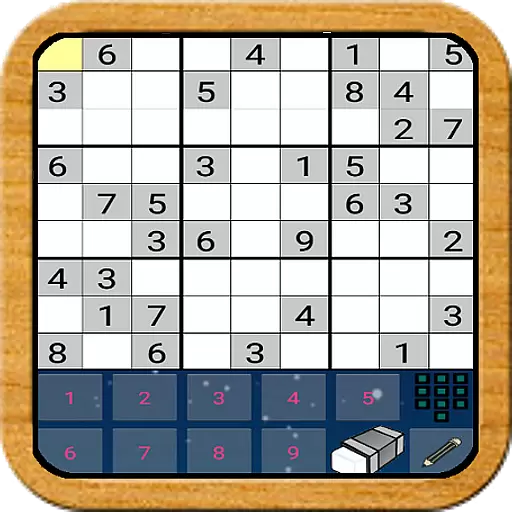
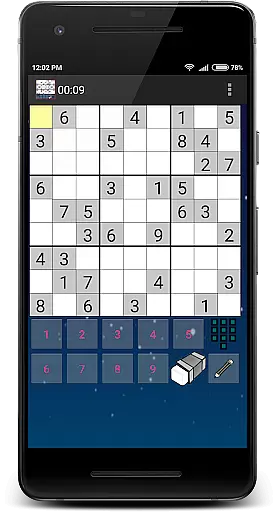
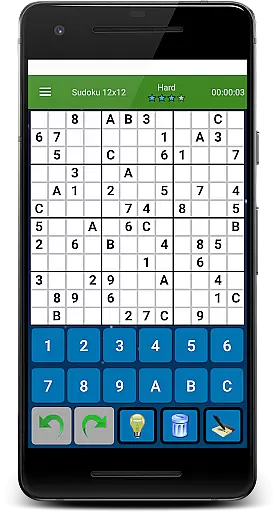
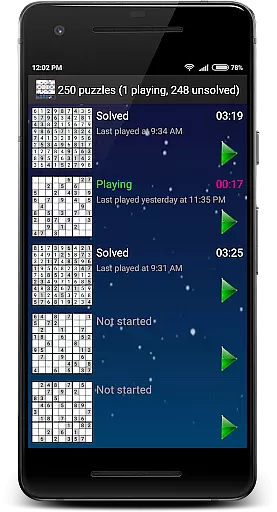
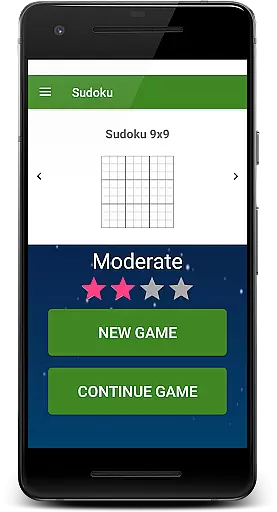
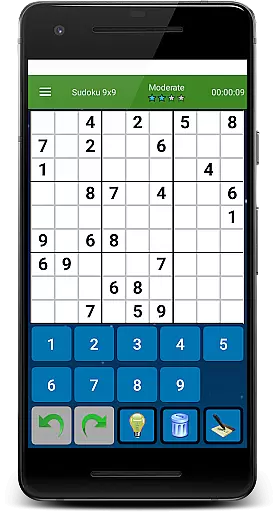
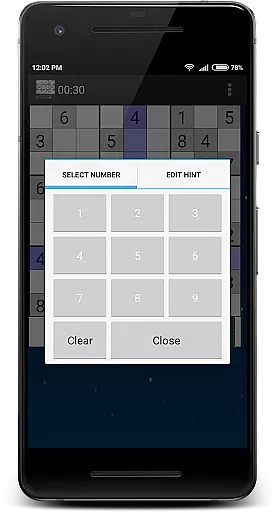
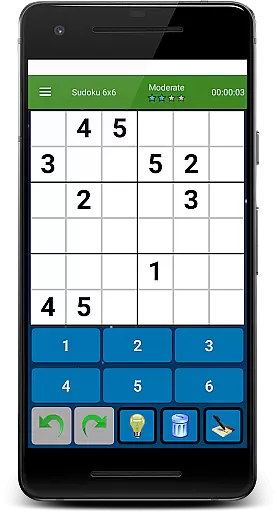
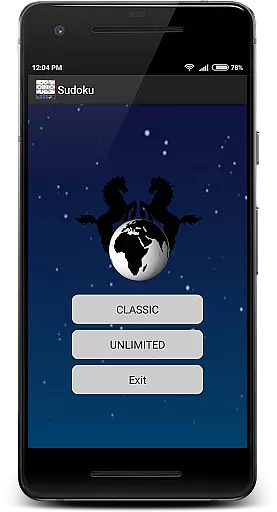
Sudoku Ultimate Offline puzzle brings the classic number-placement challenge to your fingertips with a completely ad-free experience. Designed for puzzle enthusiasts, this app offers a logic-based game where you fill a 9x9 grid so that each column, row, and 3x3 sub-grid contains all digits from 1 to 9.
With innovative features like game time tracking and history logs, Sudoku Ultimate supports multiple gameplay styles including Classic mode with 1000 unique puzzles and Unlimited mode offering 6x6, 9x9, and 12x12 grids. Difficulty levels are strategically designed, providing an engaging experience for beginners and experts alike.
This sudoku app stands out with its versatile gameplay options. Choose between Classic mode, which includes 1000 puzzles across four difficulty levels, or Unlimited mode, offering three grid sizes: 6x6, 9x9, and 12x12. Each mode challenges players with progressively complex strategies rather than simply increasing the number of pre-filled cells.
Additional features include a no-advertisement policy, ensuring uninterrupted focus, and advanced tracking of game time and solving history. Developed under the GNU General Public License, this free-to-play game combines accessibility with sophisticated design, making it ideal for both casual and serious players.
Sudoku Ultimate Offline puzzle upholds the authentic rules of classic Sudoku while offering flexible variations. The primary goal remains to fill a 9u00d79 grid so that each column, row, and 3u00d73 sub-grid contains all digits from 1 to 9.
This game innovatively extends its rule set by providing multiple gameplay styles. Players can enjoy the Classic mode with 1000 unique puzzles or explore the Unlimited style, which includes 6x6, 9x9, and 12x12 grids. Each variation maintains the logical essence of Sudoku, ensuring an engaging yet familiar experience.
Difficulty levels are thoughtfully designed, not merely by the number of preset values but by the strategies required to solve the puzzles. This approach offers a genuine and adaptable challenge for both beginners and seasoned players.
While Sudoku Ultimate Offline puzzle does not feature an AI opponent in the traditional sense, it provides an intelligent system that generates puzzles based on solving strategies rather than simply adjusting the number of preset values. This method ensures a more authentic and challenging experience.
The game offers four difficulty levels across two gameplay stylesu2014Classic and Unlimited. Each level demands different logical approaches, effectively simulating the unpredictability of an AI-driven opponent.
Players benefit from this design as it encourages deeper engagement with the game's mechanics, enhancing their problem-solving skills without the need for direct competition. This strategic depth makes every session uniquely challenging.
Completely free
No ads
Multiple grid sizes
Strategic difficulty levels
Game history tracking
Limited visual design
No online multiplayer
Complex for beginners
Offline only
Repetitive long-term

Play a comic book come to life in this exciting adaptation of the hit card game!
 3.70
3.70
Handcrafted Sudoku puzzles by the most popular Sudoku channel!
4.50
Fantasy Christmas Color.Paint by number on holiday coloring book to relax.
4.90
The famous Ravensburger board game from star designer Stefan Feld.
4.30
The popular roll & write game by Paolo Mori
3.90
Compete to create the most perfect ecosystem in the award-winning board game!
4.90
Lords of Waterdeep is a strategy board game, set in the D&D world of Waterdeep.
3.80
Mahjong Slide: Zen, a Relaxing and Fun Matching Game!
4.70
Color to relax with tons of zen coloring pages in Color Oasis coloring game.
4.80
Mahjong match game with large tiles, senior-friendly design, and offline play.
4.90
Plan, Build, Conserve
4.80
Colorful Twist on Dice
4.70
Domino Frenzy - Tile board game.
4.70
Abstract Surreal coloring pages, color by number, relax coloring book, color app
4.70
Roll, roll, roll your dice, Yatzy wins the prize.
4.70
City Building Strategy Game: find the perfect spot for every polyomino piece!
4.60
Train your brain with classic backgammon and become the lord of this board game!
4.30
Develop your Tribe in the Stone Age, a digital adaptation of classic board game.
4.20
The city of London has hired you to redesign their Underground lines!
4.0


User Reviews