
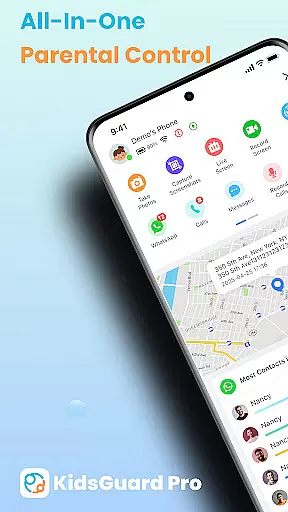
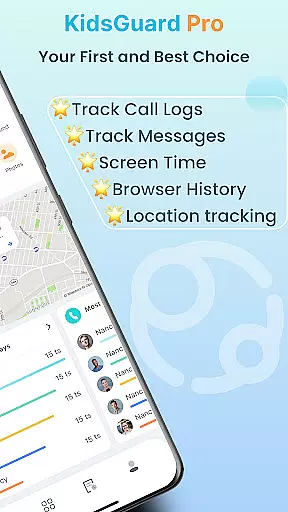
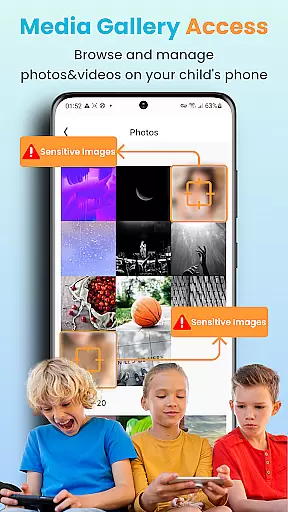
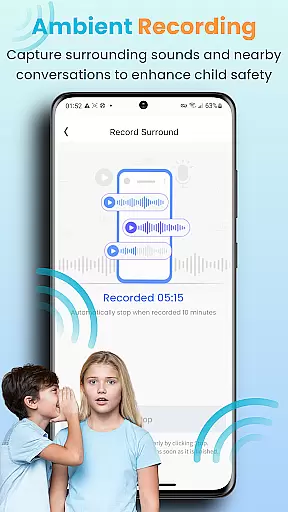

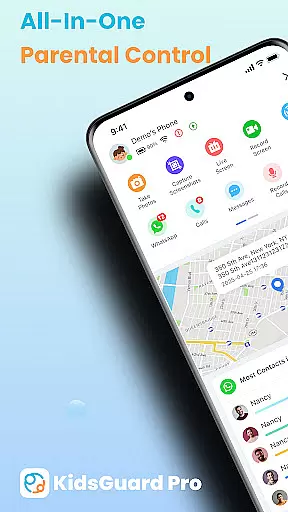
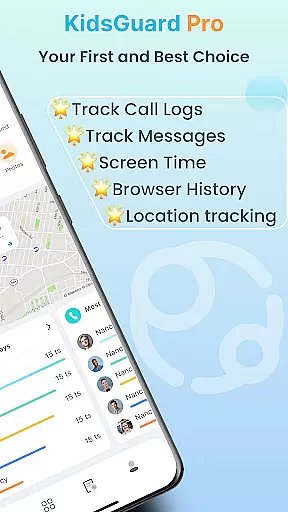
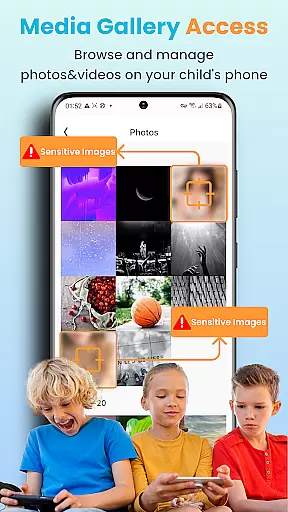
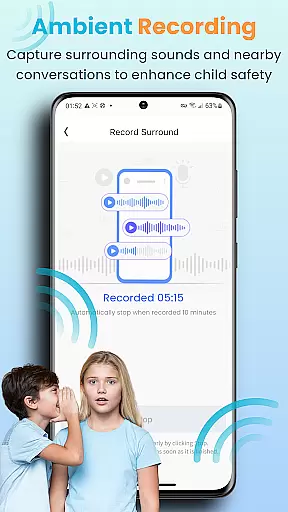
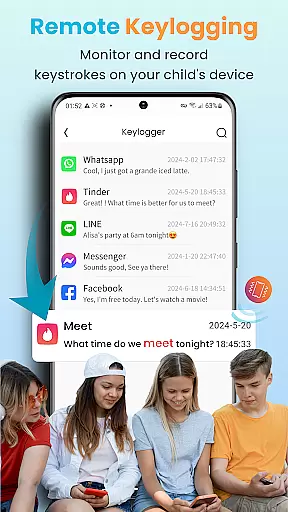
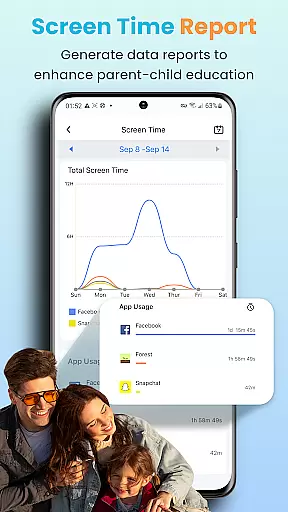
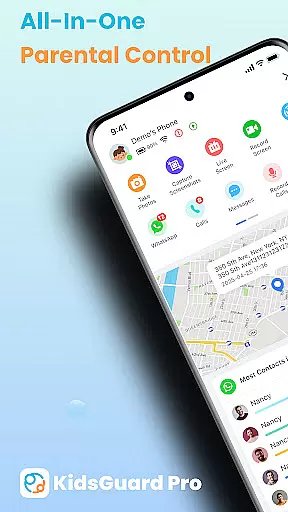
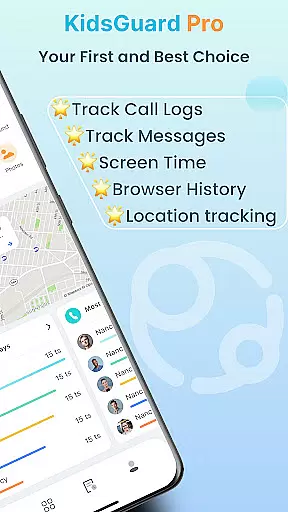
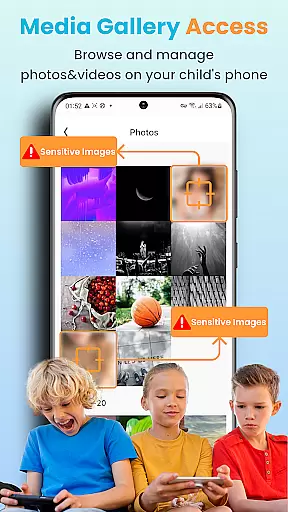
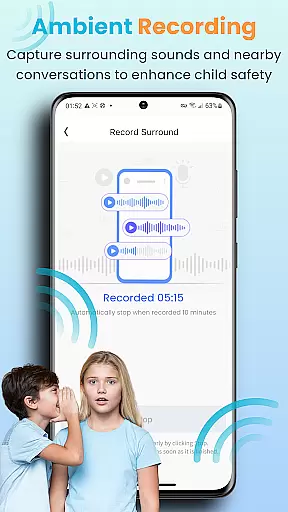
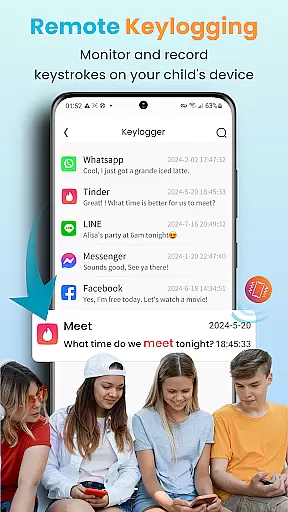
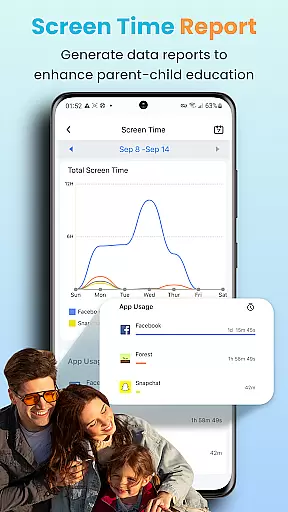
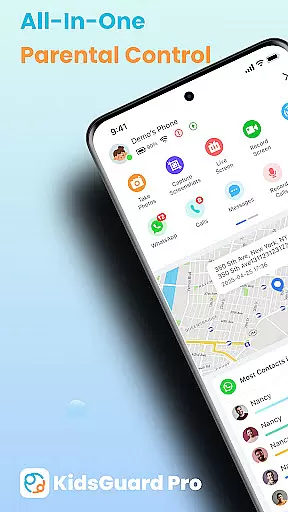
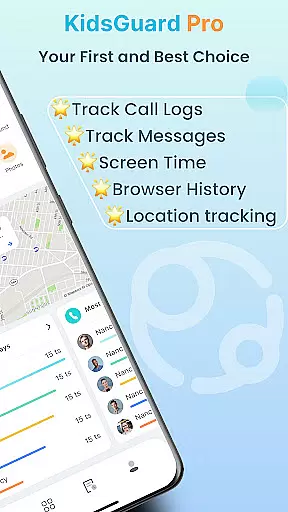
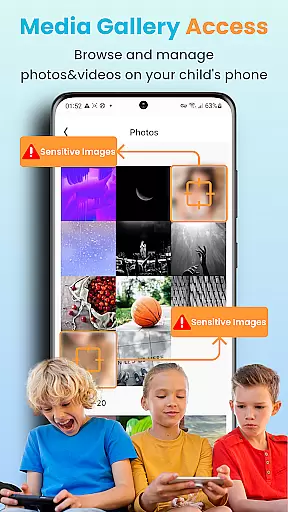
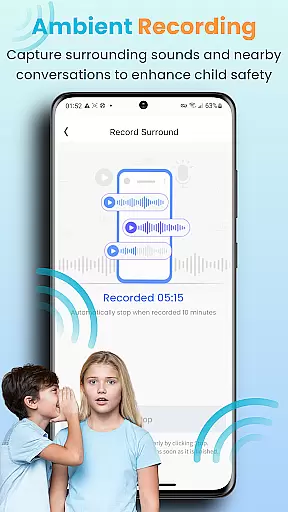
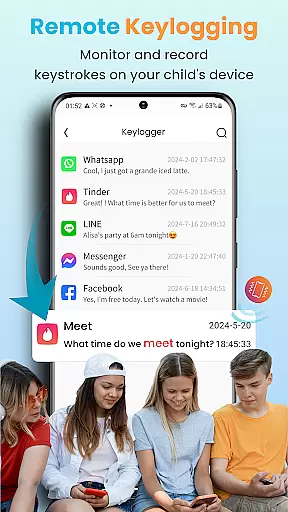
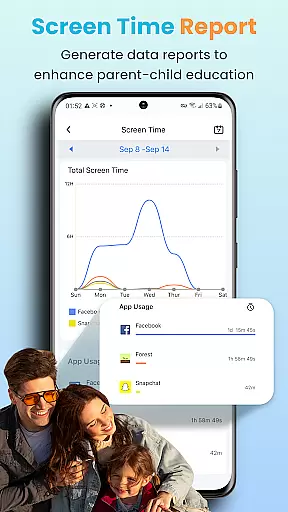
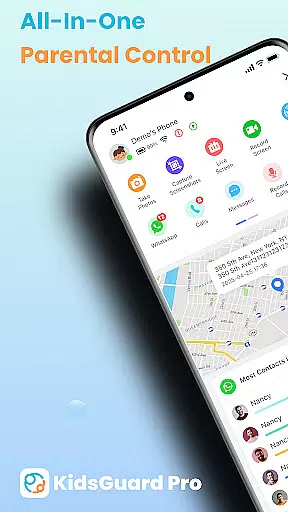
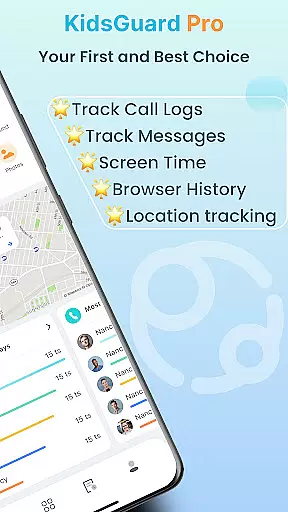
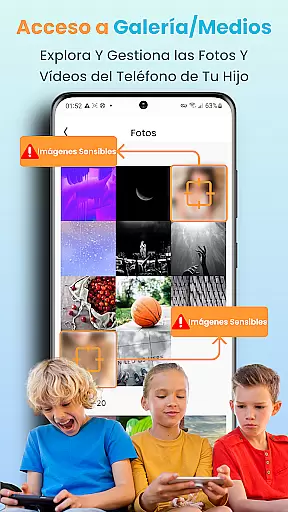
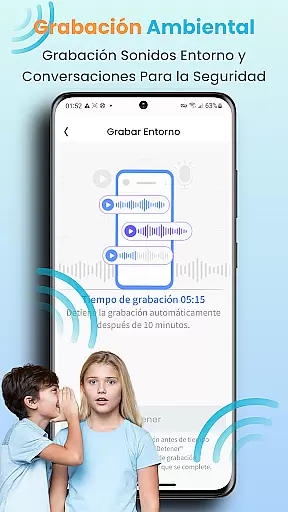
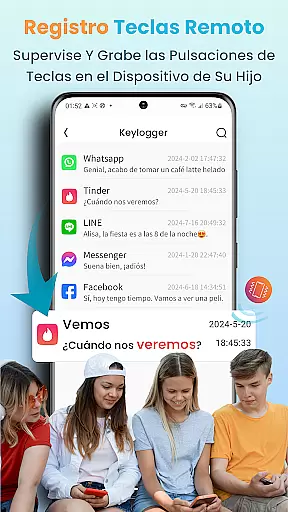
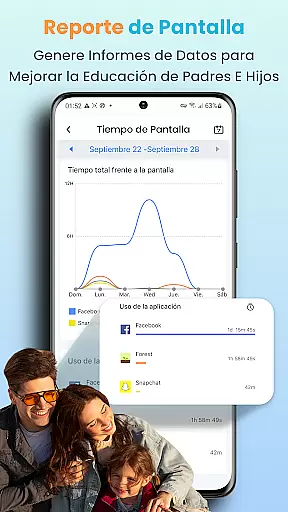
KidsGuard Pro is an advanced parental control application that allows parents to remotely monitor their children's digital activities across multiple platforms. The app provides comprehensive oversight of social media interactions, location tracking, and device usage patterns.
With its user-friendly interface, parents can easily track their child's TikTok and YouTube activity, monitor sensitive conversations on popular messaging apps, and receive real-time location updates. This ensures a safer online environment while promoting responsible device usage among children.
The application's robust features make it an essential tool for modern parenting, offering peace of mind through 24/7 monitoring capabilities and customizable alerts. Parents can now actively participate in their child's digital growth while maintaining appropriate boundaries.
KidsGuard Pro distinguishes itself through its extensive feature set tailored specifically for concerned parents. The app's signature functionality includes advanced monitoring of social media platforms like TikTok and YouTube, providing detailed insights into children's online behavior patterns.
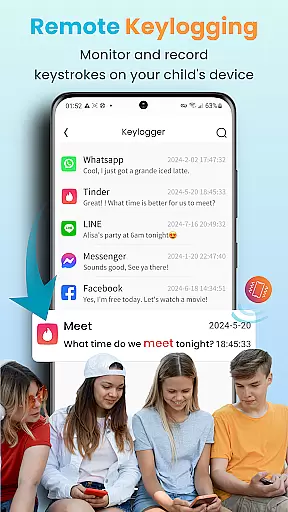
One of the app's standout capabilities is its sophisticated text detection system. Parents can set custom keywords related to potential dangers such as violence or drugs, triggering automatic alerts when these terms appear in their child's communications across various messaging platforms.
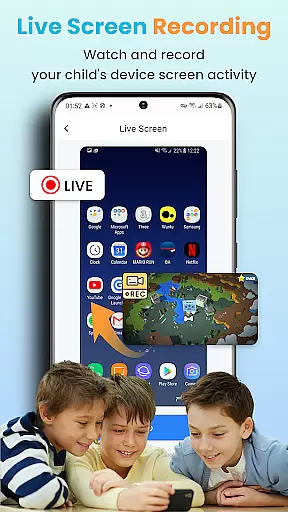
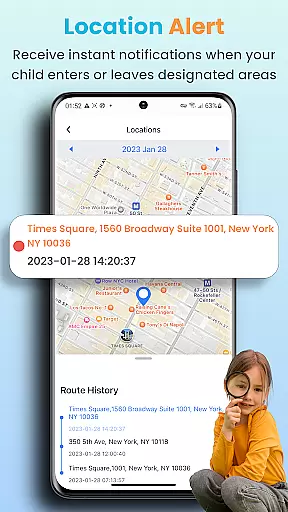
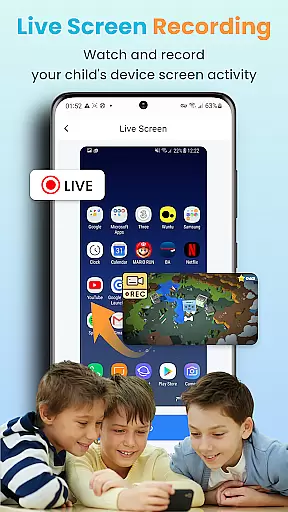
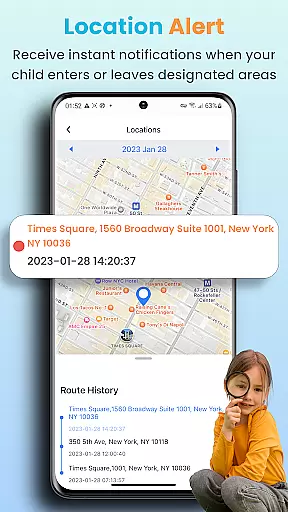
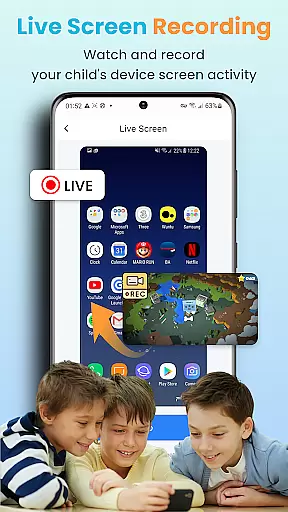
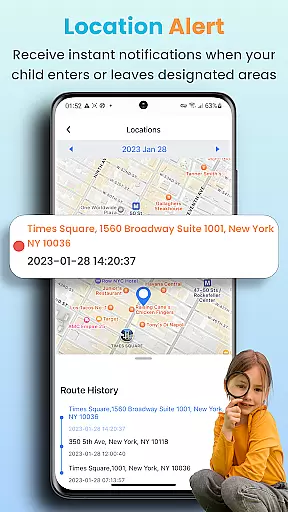
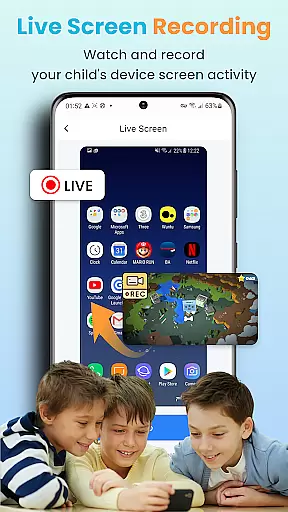
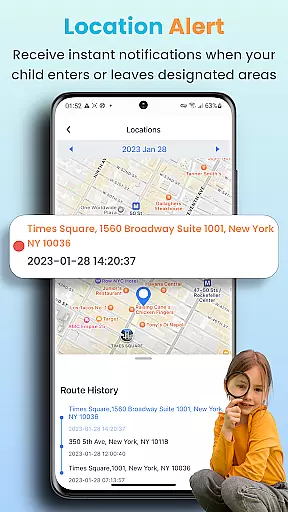
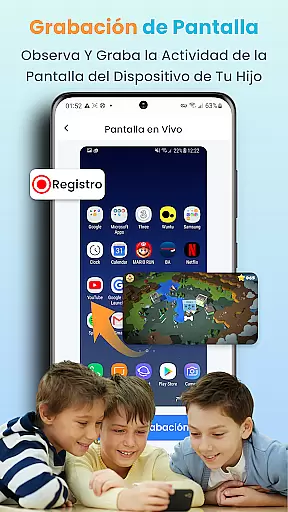
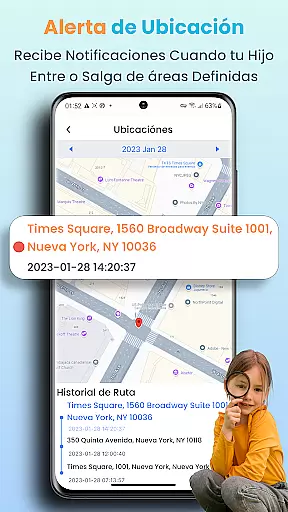
The application also offers powerful location tracking tools, including geofencing capabilities that notify parents when their children enter or leave designated areas. Additionally, its remote screenshot and screen recording functions provide real-time visibility into device activities, ensuring maximum protection without compromising user privacy.
In the realm of parenting applications, content credibility is paramount to ensure that the advice and tools provided are both safe and effective for children's development. KidsGuard Pro positions itself not just as a monitoring tool but as an essential aid in safeguarding children's online presence. The app offers features like Suspicious Text Detection and TikTok & YouTube History viewing, which are developed based on extensive research into digital behavior patterns among youth.
Each function within KidsGuard Pro is designed with expert consultation to address real concerns parents have today, such as cyberbullying, exposure to inappropriate content, and excessive screen time. By allowing parents to set sensitive keywords for detection across various platforms including WhatsApp, LINE, Viber, Kik chat history, WeChat, YouTube, Facebook, Instagram, and QQ, it ensures that any alarming conversations or activities can be flagged immediately.
The benefit of using KidsGuard Pro lies in its comprehensive approach towards child safety online; from tracking location through Real-time Location Tracker to providing thorough usage reports that detail daily device activity. Parents gain peace of mind knowing they're equipped with reliable information curated by professionals who understand the digital landscape children navigate daily.
Ultimately, this level of expert-validated content empowers caregivers not only to react swiftly when necessary but also proactively guide their kids toward healthier tech habits. With ClevGuardu2019s global reputation backing up these claimsu2014having served over one million users worldwideu2014parents can trust KidsGuard Pro as a credible ally in modern-day parenting challenges.
Growth tracking accuracy refers to how precisely an application measures and records developmental milestones and behaviors over time. For KidsGuard Pro, this translates into delivering detailed insights about children's interactions with technology, enabling parents to monitor growth trends effectively. Through functionalities such as Instant Screenshot and Record Screen capabilities alongside Thorough Usage Reports, the app captures precise snapshots of user behavior at any given moment.
By leveraging advanced algorithms, KidsGuard Pro analyzes data points ranging from social media engagement (like TikTok & YouTube History) to communication patterns detected via Suspicious Text Detection. This meticulous collection process allows for accurate representation of where attention is focused most often, helping identify potential areas of concern early on.
Parents utilizing KidsGuard Pro receive actionable intelligence regarding their childu2019s digital footprint u2013 whether it involves recognizing signs of self-harm or depression through flagged messages or understanding habitual tendencies linked to certain apps. Such granular visibility supports informed decision-making around setting boundaries and encouraging balanced lifestyles.
Moreover, beyond mere observation, having access to consistently updated metrics means being able to measure progress against established goals related to reducing screen time or improving academic performance. Thus, KidsGuard Pro doesnu2019t merely track growthu2014it facilitates meaningful interventions aimed at fostering positive change throughout critical stages of adolescence.
Comprehensive monitoring
User-friendly interface
Real-time alerts
No root required
Multi-platform support
Premium subscription
Privacy concerns
Technical setup
Limited free features
Device compatibility

Comprehensive Parental Control & Child Safety — Hear & Protect Your Child World
 4.30
4.30
AI Motion Video Maker & Ideas
4.4
Track your pregnancy, kick & contraction counter, baby & mom's heartrate monitor
4.60
Affirmations | Stories | Bible
4.10
Watching baby, helping parents
4.10
Babysitting video camera - Turn your two phones or tablets into a single nanny.
4.40
Keep track of your stored breastmilk
4.40
Track your labor contractions
4.90
Parental control App for Location, Remote Camera, Screen Mirroring, Block Apps.
4.60
A simple way to track your baby’s breastfeeding, diaper changes, sleep patterns.
4.90
Pinardin - Smart Parental Control, Online Safety & GPS Tracking!
4.80
Pregnancy+ App has helped 80m moms track their pregnancy with info & support!
4.80
The Most Trusted Co-Parenting App.
4.60
GeoLog - Real-Time Location Tracker
4.40
Cherish every beat - capture your baby's heart sounds with our app
4.30
Protect kids online safety through GPS tracking,screen time control,app blocking
4.20
Educational resource for parents to inspire creativity in their children.
4.00
Monitor screen time and build healthy habits with Family Safety
3.90
SemLog aims to raise awareness among families and their children
3.40


User Reviews