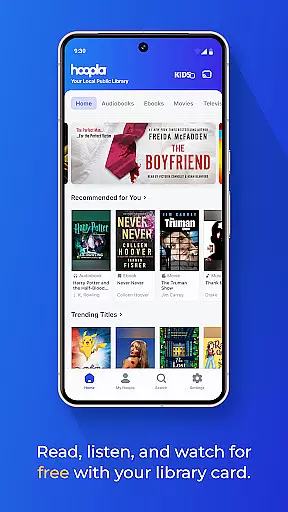
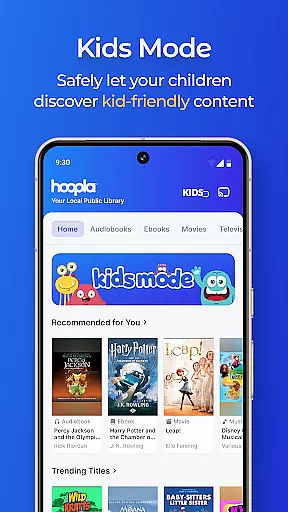
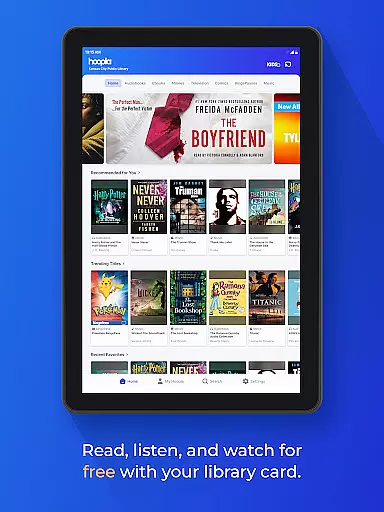
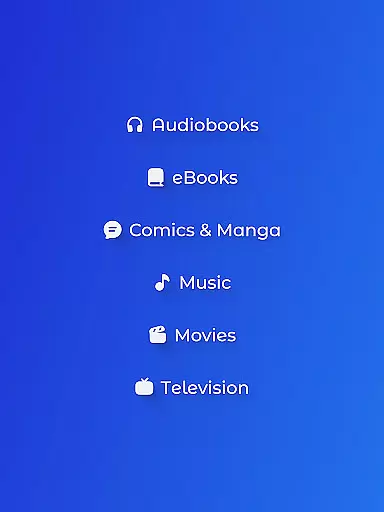
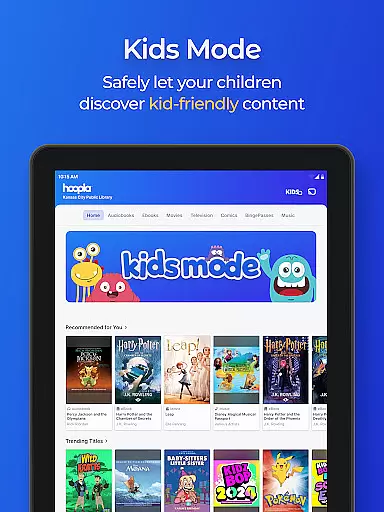
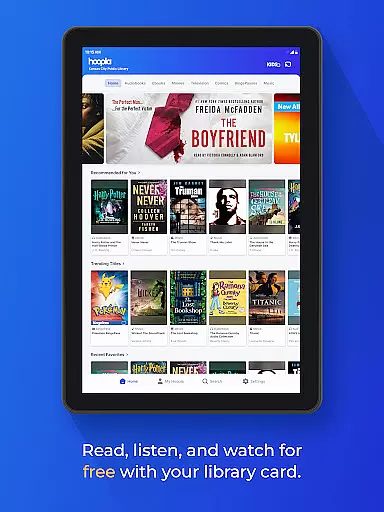
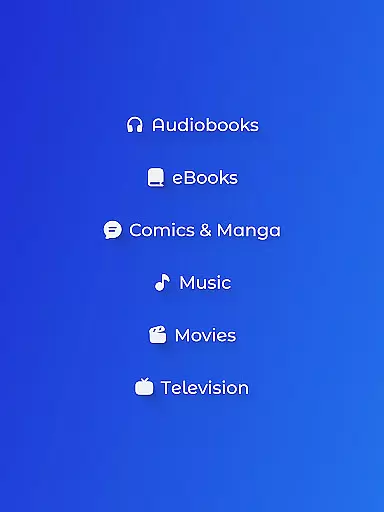
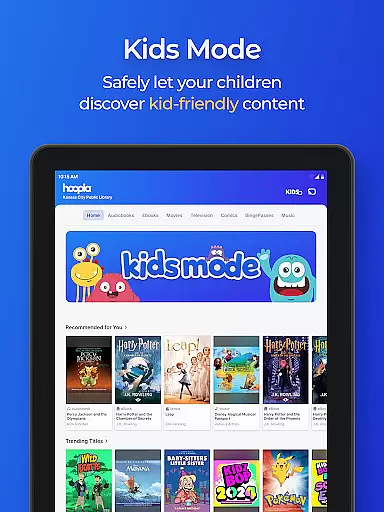
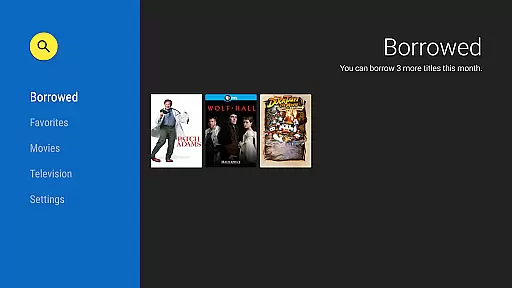
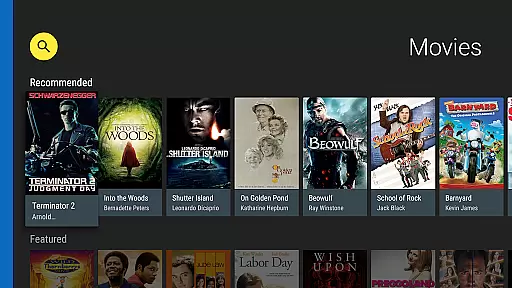
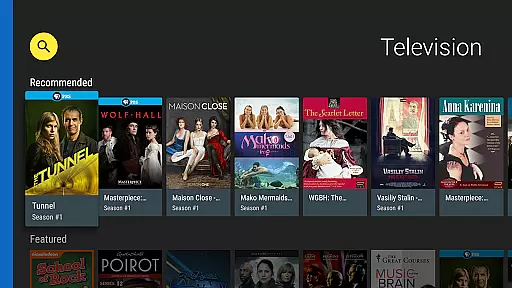
Hoopla Digital is a comprehensive digital media platform that provides users with access to over 1.5 million titles across various formats including eBooks, audiobooks, comics, movies, TV shows, music, and more. The service stands out by offering all this content without ads or late fees, relying solely on library cards from participating libraries for access.
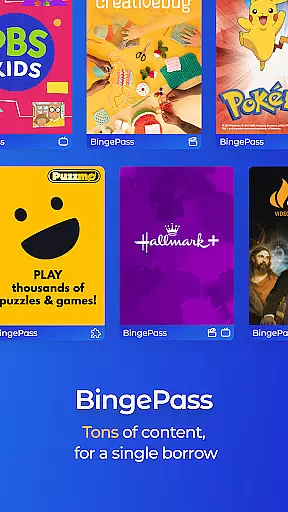
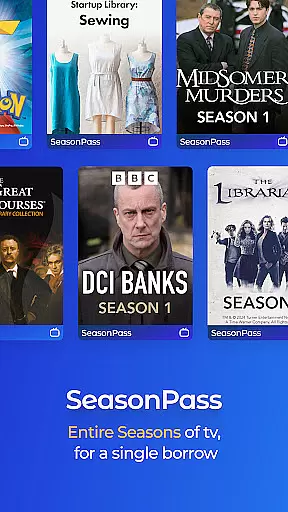
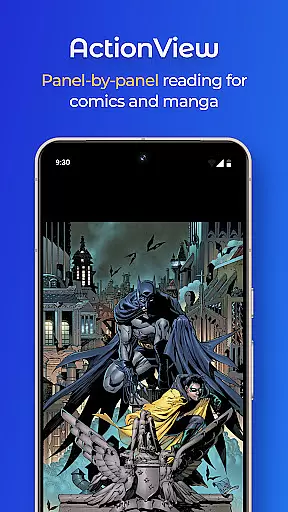
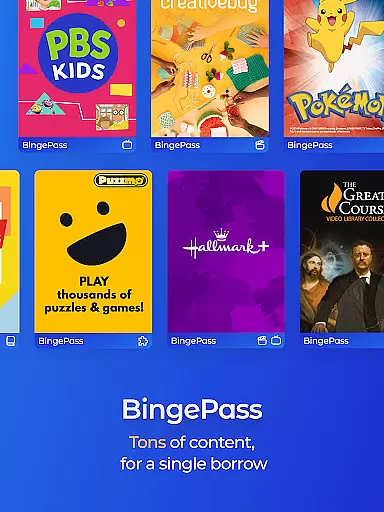
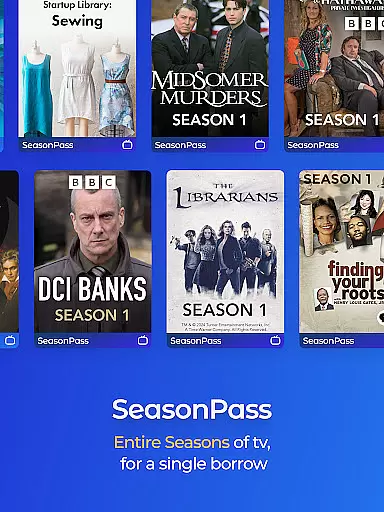
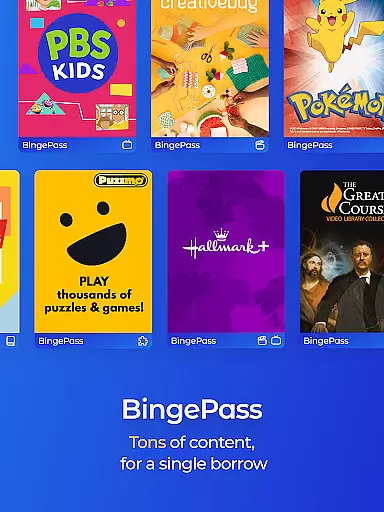
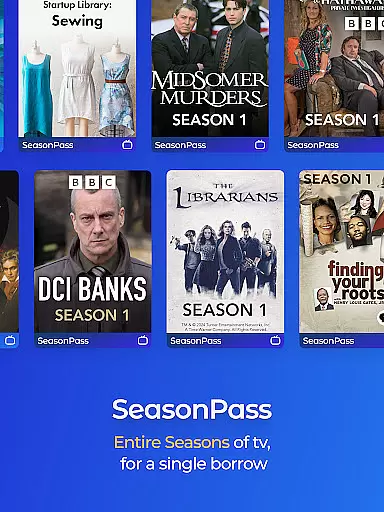
One of the key features of Hoopla Digital is its diverse content library which caters to all interests and age groups. From best-selling novels to educational documentaries, users can enjoy unlimited streaming or downloading options. The inclusion of innovative technologies like ActionView enhances the reading experience for comics and manga fans. Additionally, unique offerings such as BingePass and SeasonPass provide extended access to curated collections.
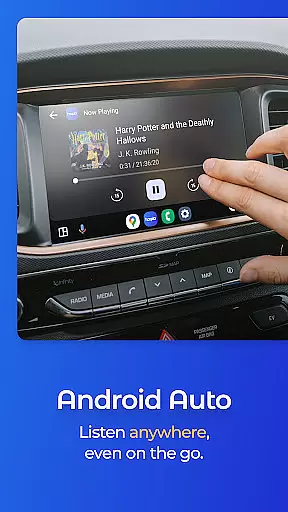
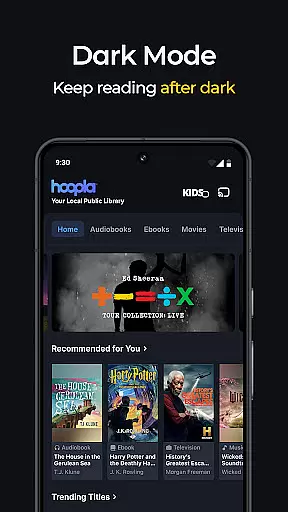
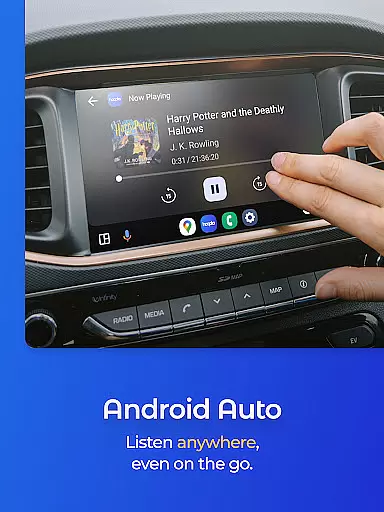
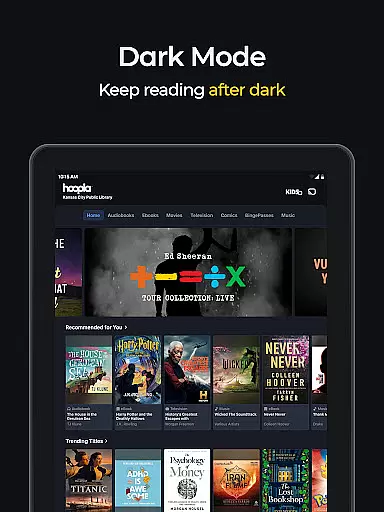
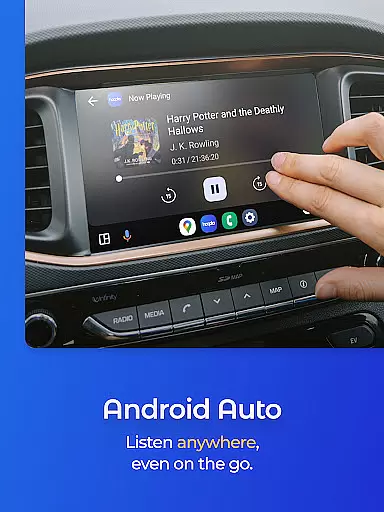
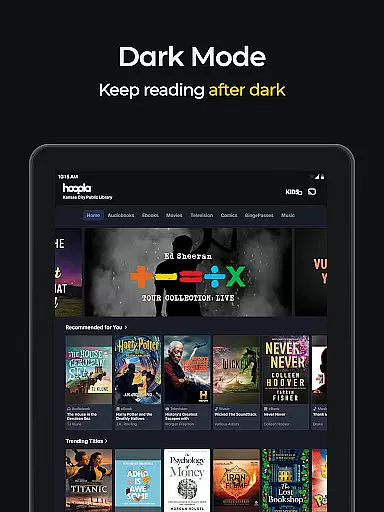
The app's compatibility with Android Auto and its seamless cross-device syncing make it ideal for users who are always on the move. Whether commuting to work or going on a road trip, Hoopla ensures uninterrupted entertainment and learning opportunities. Its user-friendly interface and specialized features like Dark Mode further enhance accessibility and comfort during use.
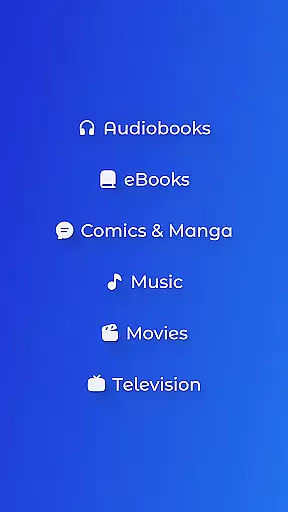
Hoopla Digital distinguishes itself through several notable features designed to maximize user convenience and satisfaction. First and foremost is the extensive range of content available - eBooks, audiobooks, movies, TV shows, music albums, comics, and manga. This variety ensures there's something for everyone, regardless of personal preferences or interests.
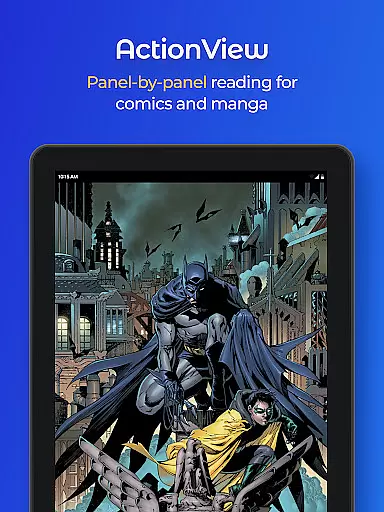
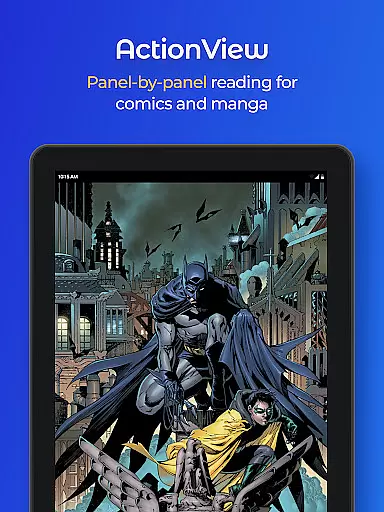
A significant advantage of Hoopla Digital is its proprietary technology, ActionView, which revolutionizes how users engage with graphic content. By presenting comics and manga in a panel-by-panel format, it creates an immersive storytelling experience. Furthermore, the introduction of BingePass and SeasonPass allows users to explore entire series or collections with just one borrow, making it easier to dive deep into favorite genres or discover new ones.
Practical functionalities such as offline downloads, Android Auto integration, and synchronized bookmarks across devices highlight Hoopla's commitment to accessibility and ease of use. These features ensure that whether at home or on-the-go, users can seamlessly transition between different environments while maintaining continuity in their digital consumption habits.
Hoopla Digital offers an extensive e-book library with over 1.5 million titles, ensuring users have access to a diverse range of reading materials. The platform's vast collection includes everything from gripping mysteries and thought-provoking non-fiction to heartwarming romance and captivating historical tales.
Each e-book on Hoopla is carefully curated to celebrate diversity, offering content that resonates with readers from all walks of life. This ensures that users can find titles that match their unique interests and preferences.
Copyright authenticity is a top priority for Hoopla. By partnering directly with publishers and authors, the platform guarantees that all e-books are legally licensed and authentic. Users can enjoy their favorite books with peace of mind, knowing they are accessing legitimate content.
The service also adds new content daily, keeping the library fresh and up-to-date. With no subscription required, users can access these e-books for free using their library card from a participating library, making it an affordable option for avid readers.
Hoopla Digital excels in format compatibility, providing users with multiple ways to enjoy their favorite content. Whether you prefer reading e-books, listening to audiobooks, or watching movies and TV shows, Hoopla supports various formats to suit your needs.
The app allows users to stream content immediately or download it for offline enjoyment. This flexibility ensures that you can access your favorite books, music, and videos anytime, anywhere, without worrying about internet connectivity.
In addition to traditional e-books and audiobooks, Hoopla offers innovative features like ActionView for comics and manga. This groundbreaking technology provides a panel-by-panel reading experience, bringing graphic novels to life and enhancing user engagement.
Hoopla also supports Android Auto compatibility, allowing users to integrate their entertainment experience with their vehicle. Whether you're on a road trip or running errands, you can easily access your favorite content through this seamless integration.
User-friendly interface
Extensive content library
No ads or late fees
ActionView technology
Cross-device syncing
Library card required
Limited to participating libraries
Content availability varies
Occasional wait times
Download limits per month

“There was one last piece of cake. My little sister said ‘Me too!’”
 4.00
4.00
Words spoken by native English speakers and full definitions.
4.60
Find, discuss, and organize your world of books and shows.
4.60
Bible Study App with Audio Book, Verse of the Day, and Devotionals.
4.80
Read and study the Bible and other content in over 1,000 languages.
4.80
Scan. Price. Grade.
4.60
Watch real short episodes in just minutes— addictive, you won't be able to stop!
4.70
Read books PDF, EPUB, WORD, KINDLE, MOBI! Your ebook reader among reading apps.
4.80
My Bible offers a comprehensive app by providing offline access, daily verses.
4.80
Flora of Virginia Project (www.floraofvirginia.org)
5.00
The Bible Audio Guide
4.80
A lightweight reader for comics and mangas files (.cbr, .cbz, .cbt, .pdf, ...)
4.80
Discover, track, and share your reading with friends & our community of readers
4.60
Bilingual dictionary with English translations of Modern Standard Arabic words.
4.30
Pretty Moon information App with Complications and Tile
4.30
Read the romance stories on the go. Take my breath away, The Spoiled Girl
4.30
Essential Technical Rescue Field Operations Guide 6, the Industry Standard Guide
4.20
Zerobooks Light Novel Reader by GOLDENAGATO
4.20
Read Trending Romance Stories
4.00


User Reviews