
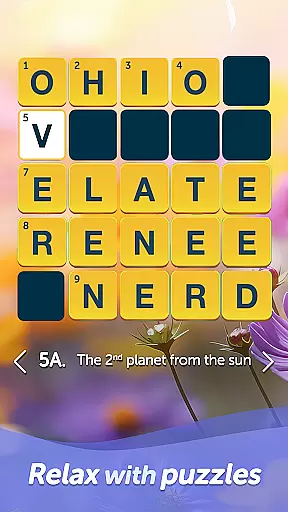
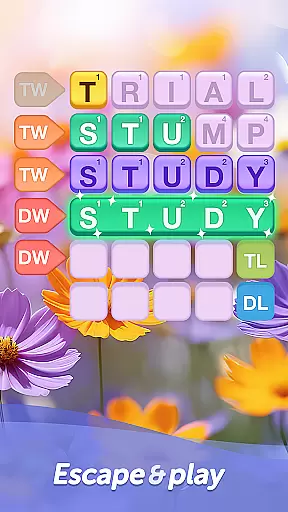
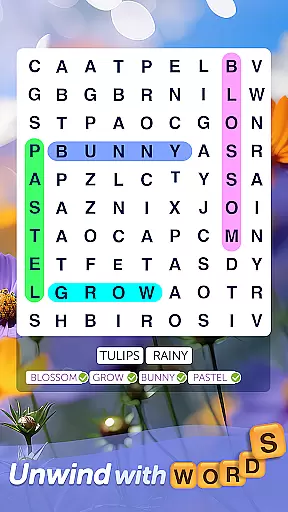
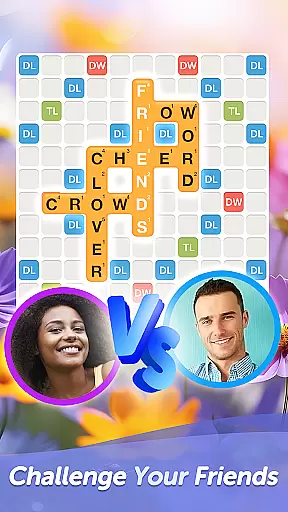
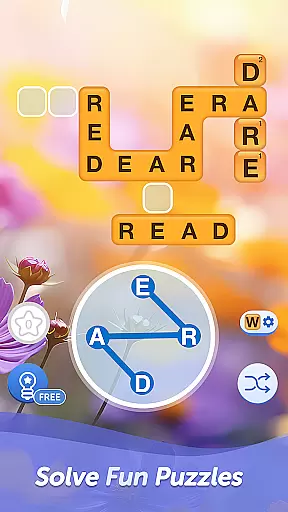

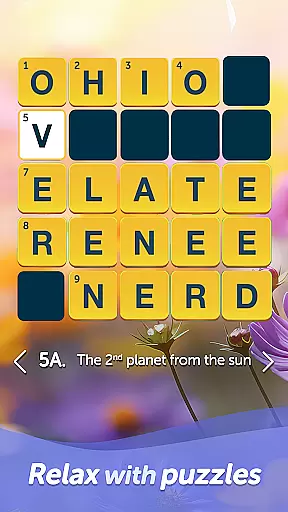
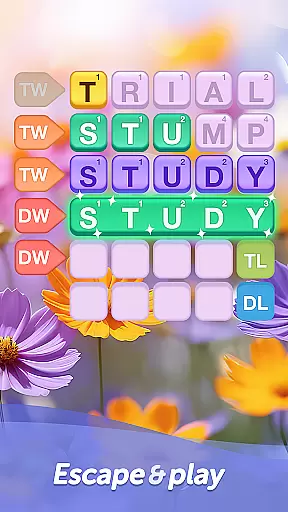
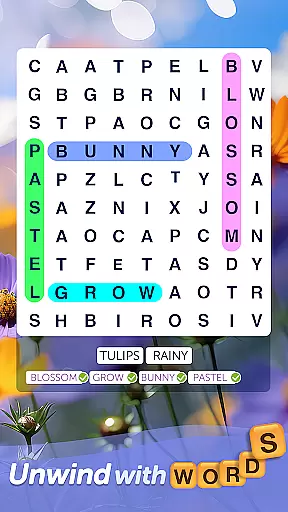
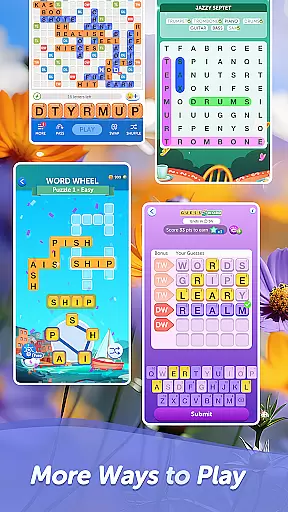
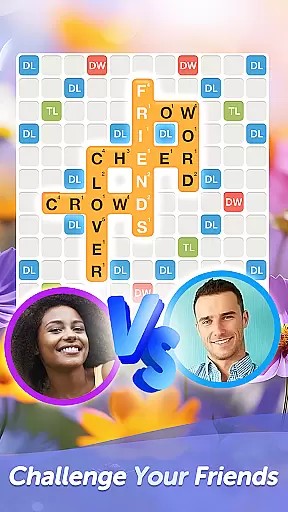
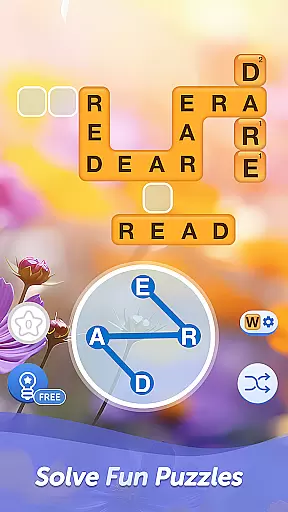

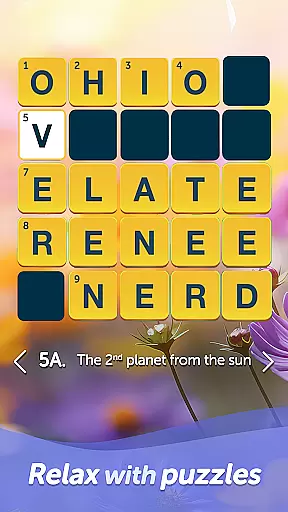
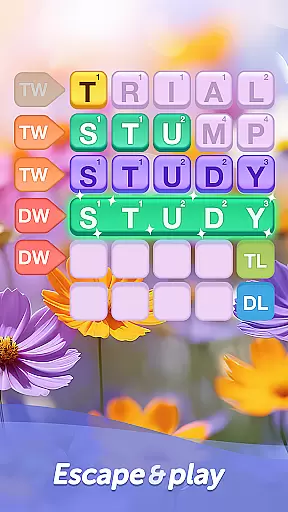
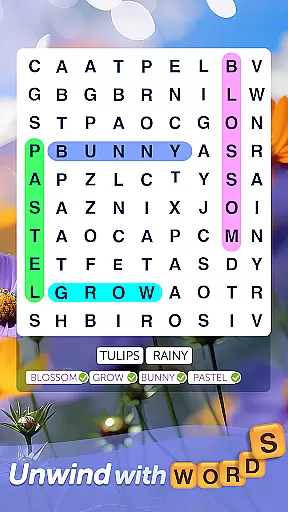
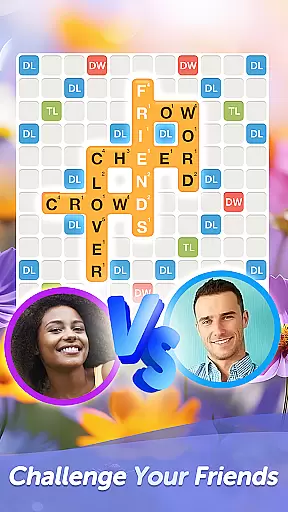
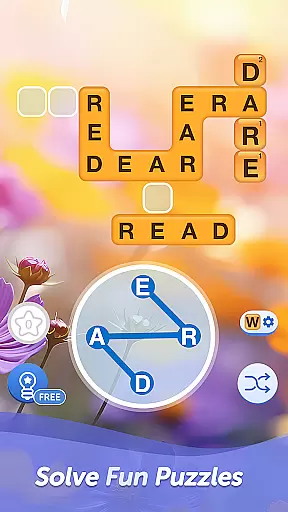

Words With Friends Word Game is a premier multiplayer word game that combines the excitement of classic board games with modern mobile gameplay. This app allows players to unscramble letters, form high-scoring words, and compete against friends or AI opponents in engaging crossword-style challenges. The game features multiple modes including solo challenges and multiplayer showdowns, making it ideal for both casual and dedicated word game enthusiasts.
Beyond basic gameplay, Words With Friends offers various ways to enhance your experience. Players can complete word goals to earn rewards, customize their gaming style with unique stickers and tile designs, and participate in limited-time events like Word Wheel mini-games. Whether you're looking to expand your vocabulary, train your brain with challenging puzzles, or simply enjoy some friendly competition, this app provides endless opportunities for word-based entertainment.
The true value of Words With Friends lies in its ability to connect people through intellectual competition while helping users improve their language skills. Its social features enable players to challenge friends across different platforms, while the Smart Match system ensures fair and engaging battles against strangers. With regular content updates and themed events every six weeks, the game maintains fresh and exciting challenges for its community of word game aficionados.
Words With Friends stands out among word games with its comprehensive feature set designed to maximize player engagement. The core gameplay revolves around forming words on a crossword-style board, where strategic placement can lead to higher scores. The app's Smart Match technology creates balanced matches by analyzing player skill levels, ensuring competitive games regardless of experience.
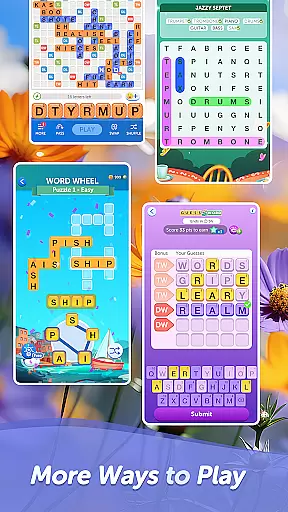
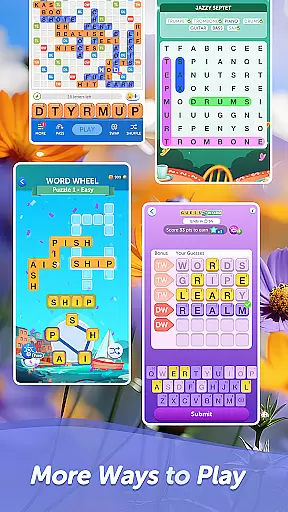
A key innovation is the Rewards Pass system, which introduces seasonal themes and collectible items, giving players additional incentives to achieve specific word goals. The Solo Challenge mode lets users test their skills against increasingly difficult AI opponents called WordMasters, providing an alternative to multiplayer matches. Furthermore, the Word Wheel mini-game adds variety by presenting time-limited anagram puzzles that push players' quick-thinking abilities.
Customization options extend beyond mere aesthetics, allowing players to express their personalities through Stickers, Tile Styles, and Profile Frames. The app also caters to different player preferences by offering both free and ad-free versions (through previous purchases of Words With Friends Pro). These features combine to create a dynamic word gaming experience that appeals to casual players and competitive wordsmiths alike.
In Words With Friends, clue quality and clarity are essential for an engaging word game experience. The game provides clear and precise clues that guide players in forming words, ensuring that each move is intuitive and logical. This clarity helps players quickly identify potential word combinations on the board.
The game's design emphasizes user-friendly gameplay by offering well-structured hints that maintain a balance between challenge and assistance. Players can enjoy solving word puzzles without feeling overwhelmed or confused, thanks to the thoughtful crafting of each clue provided during their gaming sessions.
With high-quality clues, users can enhance their vocabulary while enjoying strategic gameplay. Each hint not only aids in finding valid words but also encourages learning new terms, making every session both entertaining and educational. This focus on clear guidance enriches the overall gaming experience for all participants.
Words With Friends offers a wide array of puzzle varieties that cater to different player preferences and skill levels. From classic crossword-style challenges to themed WordMasters battles, the game ensures diverse gameplay experiences. Players can explore various modes such as multiplayer showdowns or solo challenges against AI opponents.
The inclusion of unique mini-games like Word Wheel adds another layer of excitement. These limited-time events require players to unscramble letters quickly, testing their speed and accuracy under pressure. Such diversity keeps the gameplay fresh and engaging over time.
By regularly updating content with new themes every six weeks, Words With Friends maintains player interest through novelty and innovation. This commitment to variety ensures that thereu2019s always something new to discover, keeping enthusiasts coming back for more brain-teasing fun.
User-friendly interface
Variety of game modes
Regular content updates
Social connectivity features
Customizable gaming experience
In-app purchases required
Ads between moves
Steep learning curve
Limited offline functionality
Occasional server issues

Crossword & Trivia Game for Christian
 4.60
4.60
Guess the imposter in this addictive party word game
4.60
Word search puzzle game for brain training
4.70
Word search games, anagram, crossword & logic puzzle! Brain training and relax!
4.90
Using letters and numbers, decode hidden words in this сryptogram game!
4.40
Mind-challenging word game — form words with letters and beat your opponent!
4.50
101 offline games: words, puzzles, quizzes! Play, learn and compete!
4.70
Play this visually-pleasing word game specially designed for seniors!
4.90
Word Solitaire: sort words by category in a relaxing word puzzle game!
4.40
Link related words, train your brain, and relax with calming word puzzles!
4.90
Train your brain with word puzzle games for adults and enjoy word search offline
4.90
Get the incredibly addicting word search game that everyone is talking about!
4.70
Logic word search puzzles! Brain game, unscramble letters! Daily crossword games
4.50
Daily crossword puzzles for brain training! Master vocabulary with word games!
4.50
Play word games with friends! Smart puzzles, custom tiles & multiplayer fun!
4.40
Play heads up with family and friends in an amazing charades and guessing game!
4.30
Get the Party Started with the Ultimate Charades Game! Give Hints, Make Guesses.
3.90
Scramble Words Puzzle Game
4.1
Who is the Imposter? The ultimate group game for 3 to 30 players!
4.4


User Reviews