
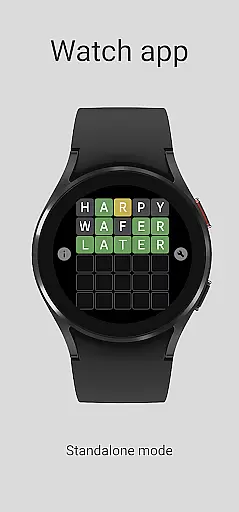
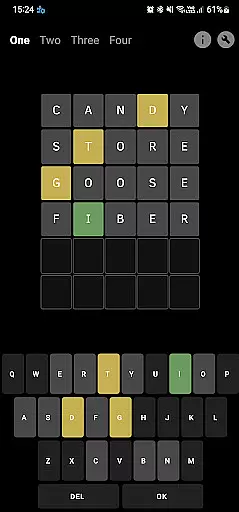
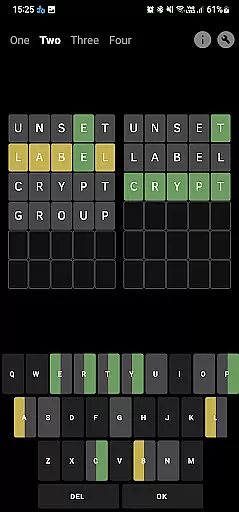
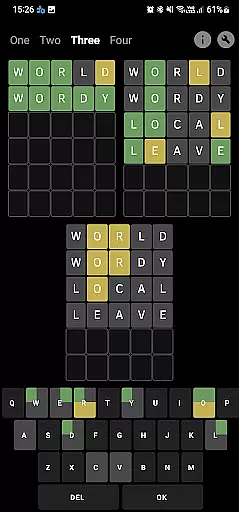
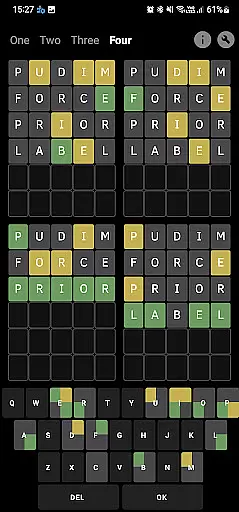

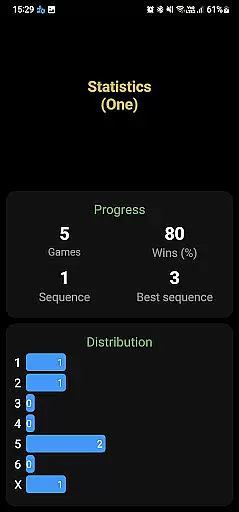
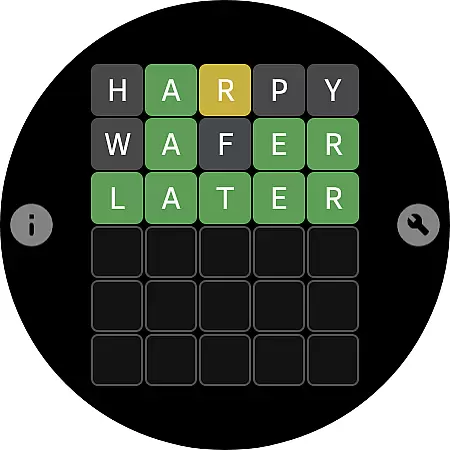
Word - Daily word game is an engaging word-guessing application designed for both smartphones and smartwatches with Wear OS. It supports multiple languages including English, Portuguese, Spanish, Italian, and French. The app offers a variety of modes such as 'One', 'Two', 'Three', and 'Four' exclusively on the phone app, alongside an Endless mode available on the watch app. With 1636 words per language, users can enjoy challenging word puzzles while tracking their statistics.
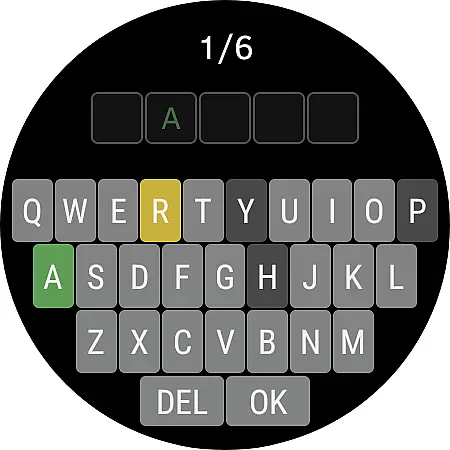
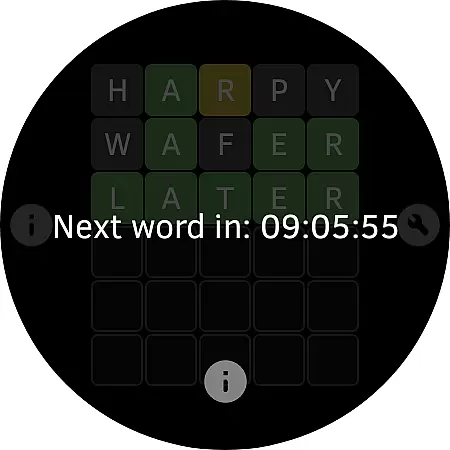
The core function of this app revolves around guessing words through color-coded hints. Green indicates correct letters in the right position, yellow shows correct letters in the wrong spot, and gray marks incorrect letters. This intuitive system makes it easy for players to learn and adapt quickly. Whether you're using it on your phone or smartwatch, Word - Daily word game provides a seamless experience tailored to enhance vocabulary skills and provide entertainment.
This app is particularly useful for individuals looking to improve their linguistic abilities or simply enjoy a daily mental challenge. Its compatibility across different devices ensures that users can engage with the game anytime, anywhere. By offering diverse language options and customizable settings, Word - Daily word game caters to a wide audience seeking both fun and educational value.
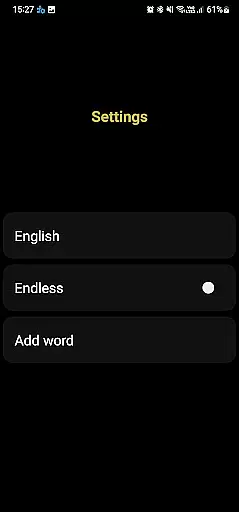
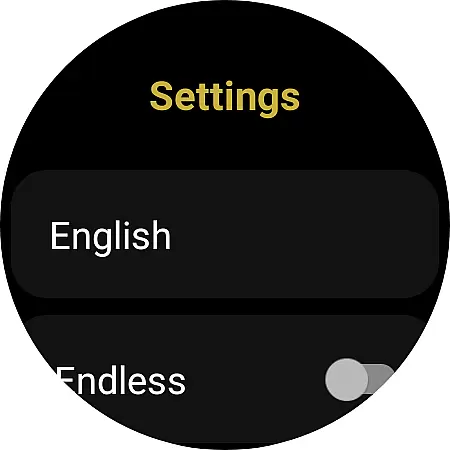
One of the standout features of Word - Daily word game is its support for multiple languages, allowing users to switch between English, Portuguese, Spanish, Italian, and French before starting a game. Each language comes with a robust dataset of 1636 words, ensuring plenty of variety and challenge. Additionally, the app includes several unique modes like 'One', 'Two', 'Three', and 'Four' which are exclusive to the phone version, providing diverse gameplay experiences.
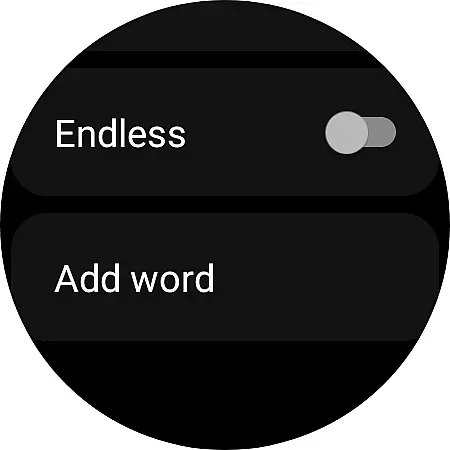
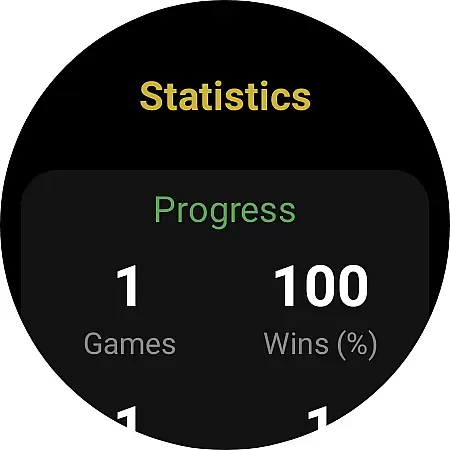
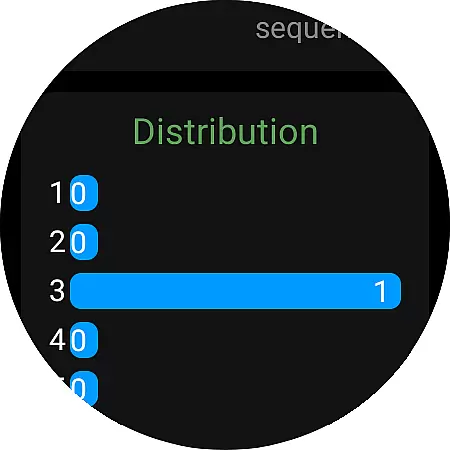
The app also boasts an Endless mode specifically designed for smartwatches with Wear OS, enabling continuous play without interruptions. Users can check their performance through detailed statistics, adding a competitive edge to the experience. Furthermore, the ability to add new words enhances user engagement by allowing personalization and expansion of the word database. These features collectively create a dynamic and interactive environment where players can constantly discover new challenges and improve their skills.
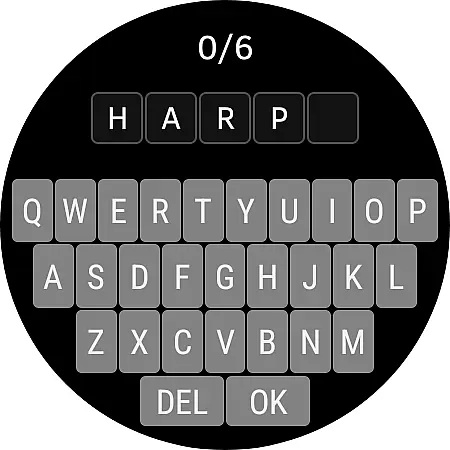
Another notable aspect is the visual feedback system, which uses green, yellow, and gray colors to indicate correct, misplaced, and incorrect letters respectively. This intuitive design helps users quickly understand their progress and adjust strategies accordingly. For smartwatch users, clicking on the board reveals a game keyboard, streamlining the input process. Overall, these thoughtful implementations ensure that Word - Daily word game remains accessible and enjoyable across different platforms and devices.
Clue quality and clarity are essential in word games as they guide players toward the correct solution without causing frustration. In Word - Daily word game, clues are presented through color-coded feedback on letters. Green indicates a correct letter in the right position, yellow shows a correct letter in the wrong spot, and gray marks an incorrect letter.
This system ensures that players receive clear and precise information about their progress. The logical structure of feedback allows users to quickly adapt their strategy with each guess, making the gameplay both intuitive and engaging. Additionally, this mechanism eliminates ambiguity, providing a satisfying challenge for players.
The app's consistent approach to clue delivery across different languages maintains the same level of clarity and enjoyment. Whether playing in English, Portuguese, Spanish, Italian, or French, users can expect the same high-quality experience. This uniformity in clue presentation helps maintain player interest and encourages continued engagement with the game.
Puzzle variety is crucial for maintaining user interest and ensuring long-term engagement. Word - Daily word game offers diverse challenges through its multilingual support and unique game modes. Players can choose from five languages including English, Portuguese, Spanish, Italian, and French, each containing 1636 words, providing extensive replay value.
The game features multiple modes named 'One', 'Two', 'Three', and 'Four' available exclusively on the phone app. These modes introduce different levels of complexity and strategic depth, catering to various player preferences and skill levels. Furthermore, the endless mode on the watch app adds another layer of variety, allowing continuous play without predefined limits.
By incorporating third-party libraries for its word datasets, the game ensures a broad spectrum of puzzles while maintaining regular updates. This approach not only enhances puzzle diversity but also allows developers to address any offensive or missing words promptly. Such commitment to variety and quality keeps the gameplay fresh and exciting for all users.
User-friendly interface
Multi-language support
Variety of game modes
Detailed statistics tracking
Endless mode for watches
No shared data between devices
Limited language interface
Third-party word library
Compatibility issues
Ads may be present

Great Word Game with Friends!
 4.80
4.80
Heads Up, charades for kids family & friends. Enjoy guessing game in holiday!
4.60
Who's the impostor? Give clues, bluff your way through - the perfect party game
4.90
Challenge your brain with online learning and solve word puzzles!
4.90
Solve crossword puzzles challenge your brain and expand your vocabulary
4.90
Looking for inspiration? Enjoy offline Bible word games and unlock daily verses.
4.80
A smart word game that's challenging your mind with more than 1000 levels
4.80
InWords is a word puzzle game where you list as many words as you can.
4.1
Zen Word - where challengers relax, solve word games, and train their minds!
4.80
Search for FAITH and FUN!
4.90
Word Trip – where players relax, solve word puzzles, and boost your brainpower!
4.90
Dive into the fun word puzzle games for adults! Train your brain with word games
4.80
Enhance your mind and unwind with word puzzles and solitaire. Play now!
4.80
A fun multiplayer word game. Who can make the highest scoring words?
4.80
Crossword puzzles for all ages- easy to hard games. All offline!
4.80
101 offline games: words, puzzles, quizzes! Play, learn and compete!
4.70
Daily Word Search Puzzles
4.10
Follow 25 rules and use your wits to escape from the horrifying school.
4.5
Who is the Imposter? The ultimate group game for 3 to 30 players!
4.5


User Reviews