
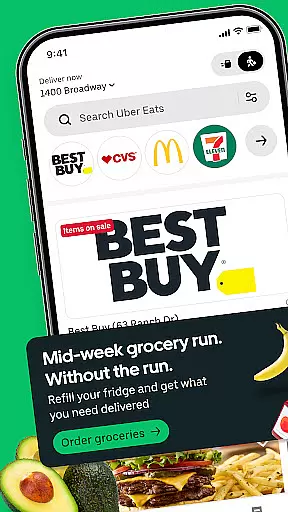
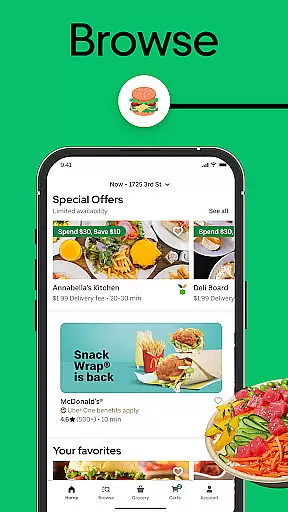
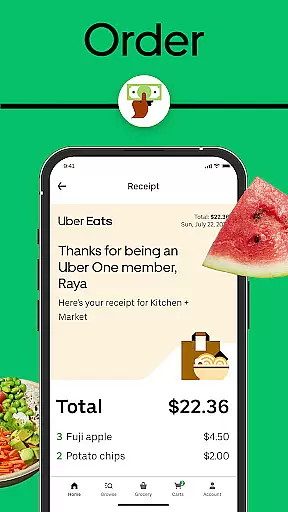
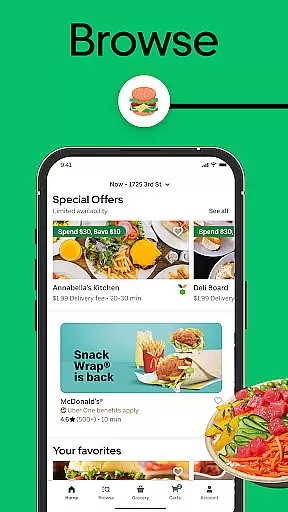
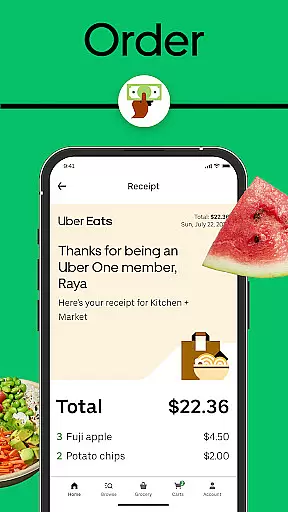
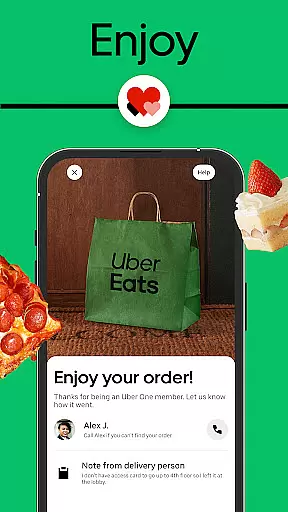
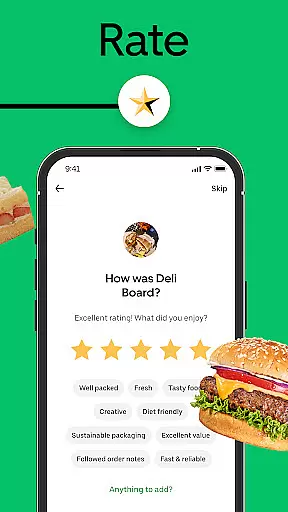
Uber Eats is a leading food and grocery delivery platform that connects users with thousands of local and national restaurants. The app allows you to browse by cuisine, restaurant, or specific dishes, offering options ranging from pizza and sushi to groceries and pharmacy items. With real-time order tracking, scheduled deliveries, and the Uber One subscription service, it provides a comprehensive delivery experience.
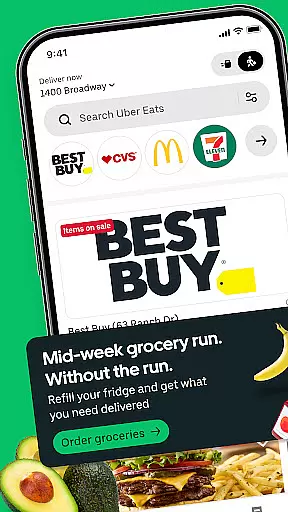
The app stands out through its seamless integration with popular chains like McDonald's, Starbucks, and Domino’s Pizza, as well as local eateries. Whether you're ordering dinner or picking up essentials, Uber Eats ensures convenience with features like Pickup, which lets you skip lines at restaurants. Available in hundreds of cities worldwide, it's an essential tool for busy urbanites seeking quick access to food and daily necessities.
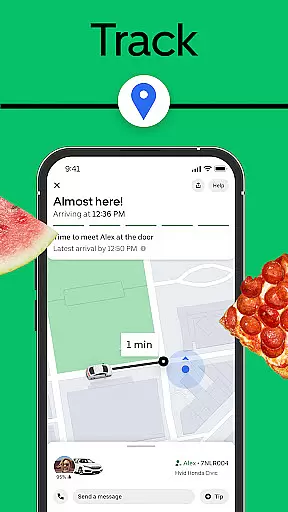
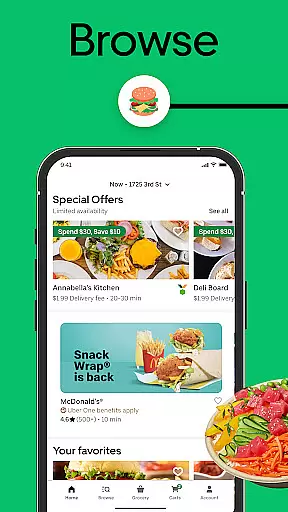
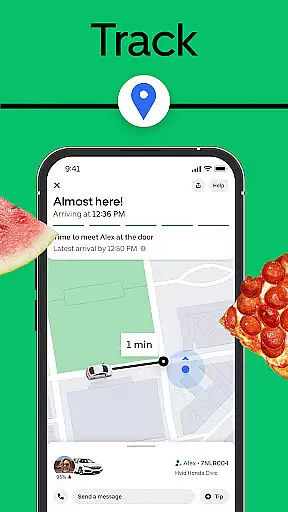
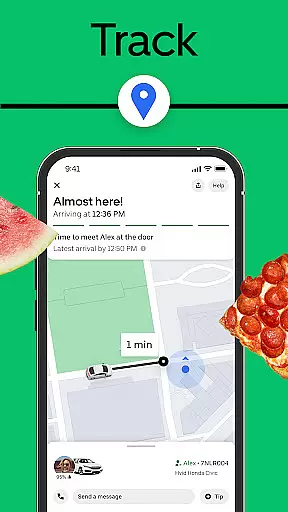
Uber Eats offers a variety of innovative features designed to enhance user experience. Its intuitive interface allows users to filter searches by cuisine type, restaurant name, or specific meals, making it easy to find exactly what you want. The real-time order tracking system provides updates on your delivery's progress via an interactive map, ensuring transparency throughout the process.
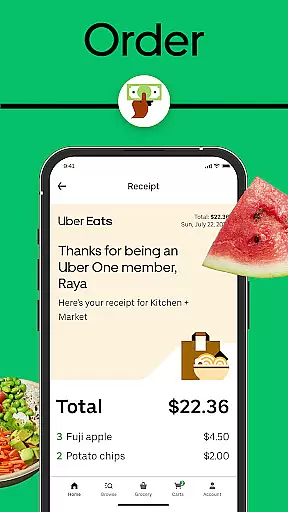
One standout feature is the Uber One subscription, which eliminates delivery fees and provides discounts on eligible orders over $15. Additionally, the Pickup option enables customers to place orders ahead of time and collect them directly from participating restaurants without waiting in line. These functionalities not only save time but also cater to diverse consumer needs, whether they’re craving late-night snacks or need household supplies delivered quickly.
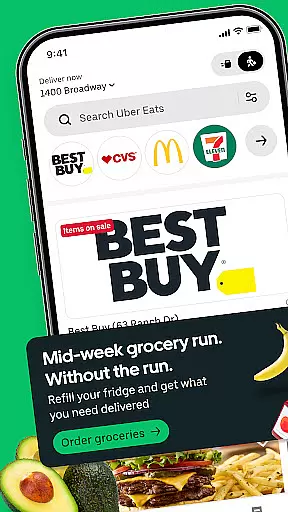
Uber Eats provides an extensive store locator feature that helps users find restaurants and grocery stores near their location. This functionality is crucial for food delivery apps as it ensures customers can easily access their favorite eateries or discover new ones.
The app allows searching by cuisine type, specific restaurant names, or particular dishes, making it highly versatile. Users can browse through thousands of local and national restaurants, ensuring they have plenty of options to choose from regardless of their cravings.
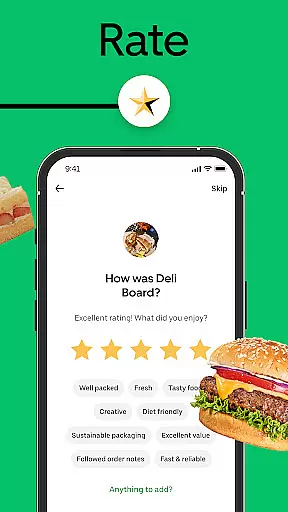
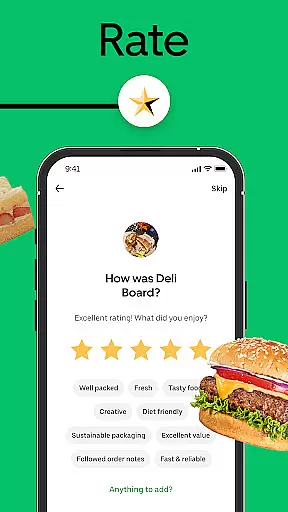
Additionally, Uber Eats includes filters for dietary preferences and ratings, enhancing the user experience by helping them make informed decisions. The real-time map view further aids in identifying nearby options, providing convenience and saving time when ordering food.
This comprehensive store locator not only improves accessibility but also encourages exploration of diverse culinary offerings, ultimately enriching the overall user experience on the platform.
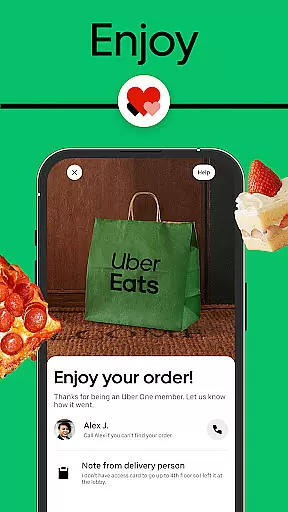
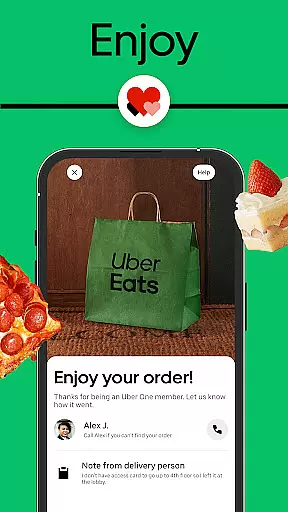
Uber Eats offers robust delivery services along with flexible pickup options, catering to various customer needs. The delivery service ensures that food is delivered promptly from a wide range of restaurants directly to the user's doorstep, maintaining quality and freshness throughout the process.
For those who prefer a quicker option or wish to avoid delivery fees, the app provides a seamless pickup service. Users can place orders ahead of time and skip waiting in lines at the restaurant, streamlining the entire dining experience.
Real-time order tracking adds another layer of transparency and control, allowing users to monitor their order status from preparation to arrival. This feature enhances trust and satisfaction as customers know exactly when to expect their meals.
Overall, these combined delivery and pickup functionalities create a versatile and reliable service, meeting different lifestyle requirements while ensuring convenience and efficiency.
User-friendly interface
Wide restaurant selection
Real-time order tracking
Flexible delivery options
Global availability
Occasional delivery delays
Subscription cost
Limited rural coverage
Variable food quality
Service fees apply

Order and pay ahead with the Raising Cane's app. Get Clickin' for Chicken™!
 4.80
4.80
Check out the most rewarding way to get Whataburger just like you like it!
3.30
Papa Johns Pizza, delivering an awesome pizza ordering experience for Android!
4.80
Order ahead. Earn Delicious Rewards.
3.20
Tons of tasty options, ready in an instant! Order for pickup or delivery.
4.70
The ultimate app to save recipes from Instagram, TikTok, Facebook & more.
4.60
KFC-US Mobile App
3.30
Order ahead & earn rewards
4.60
Order, Deals & Rewards
4.20
Sweeten the season!
4.90
Mobile Ordering - Order your favorite burgers, chicken, breakfast, and desserts
4.60
Choose From A Wide Array of Wines, Spirits, Beers & More
4.60
Earn rewards when you order online for delivery or pickup from Sonic Drive-In.
4.60
Everything you want right here
4.50
Order from Gopuff and get your essentials delivered in as fast as 15 minutes
4.50
Order your Buffalo Wild Wings favorites for takeout & delivery
4.50
Exclusive deals, mobile ordering & find your nearest BK® restaurant anytime
4.40
Order Beer, Snacks & More 24/7
4.20
My Recipes Your personal recipe collection in one APP. Private, offline, adfree.
4.2


User Reviews