
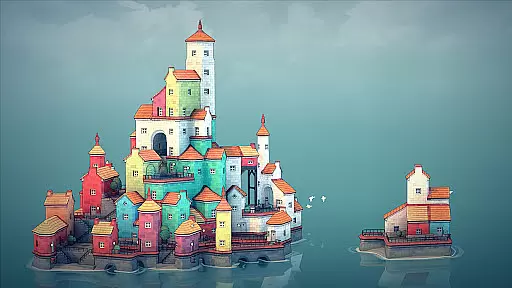
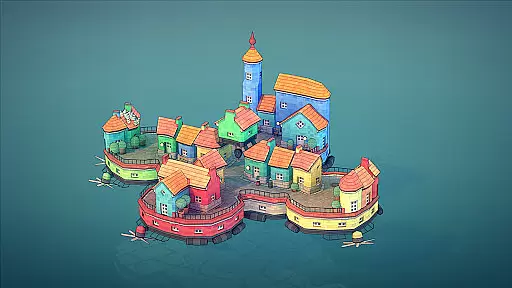
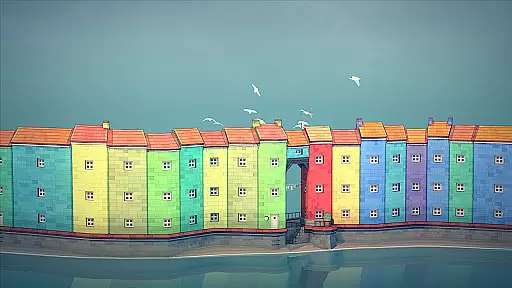
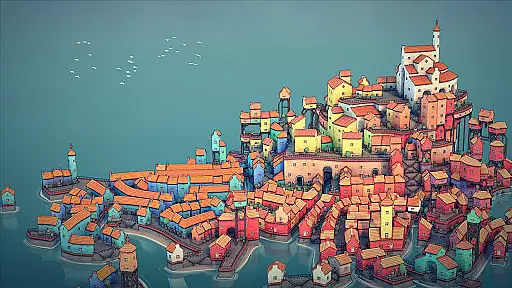
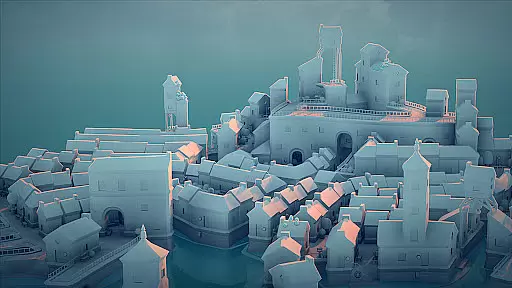
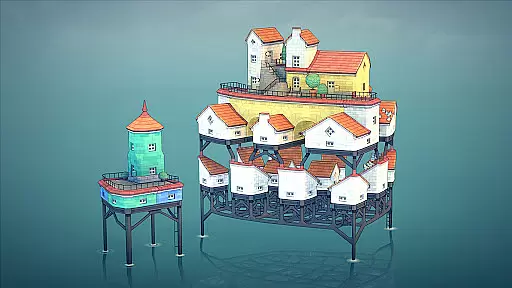
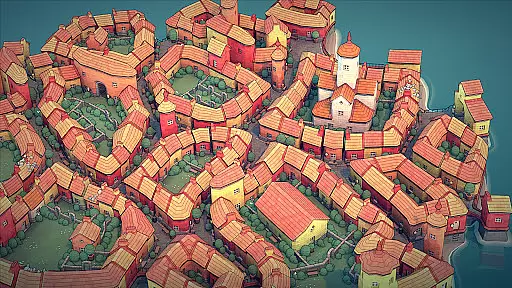
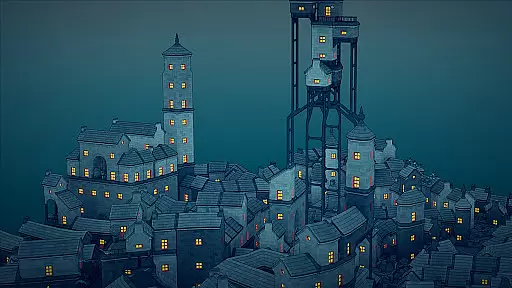
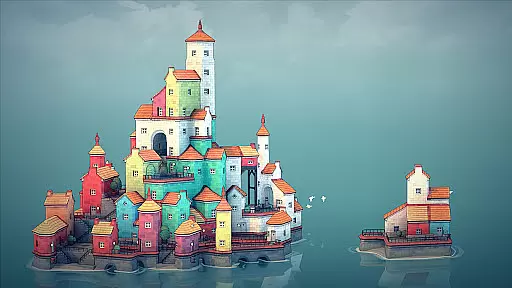
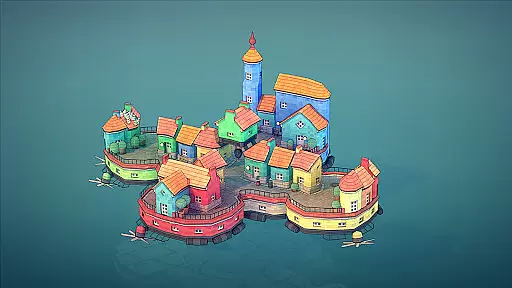
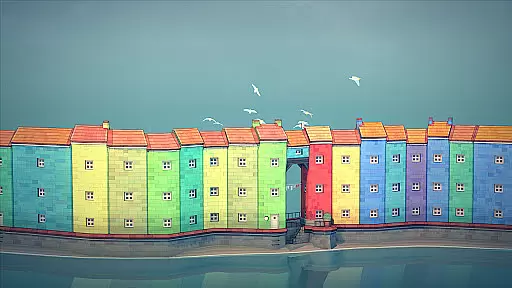
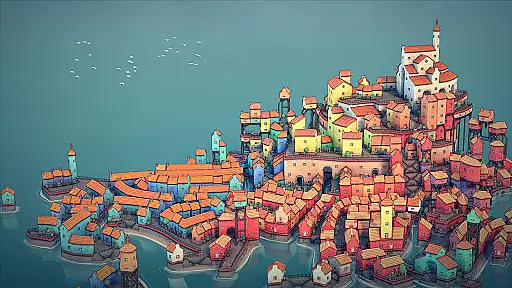
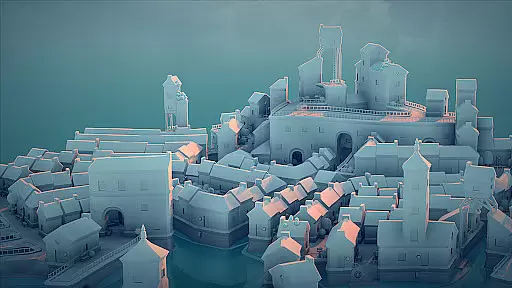
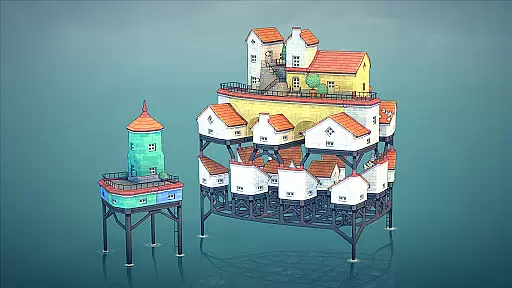
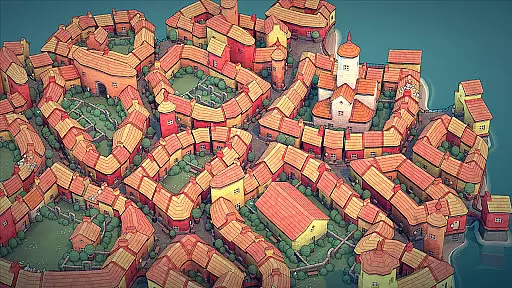
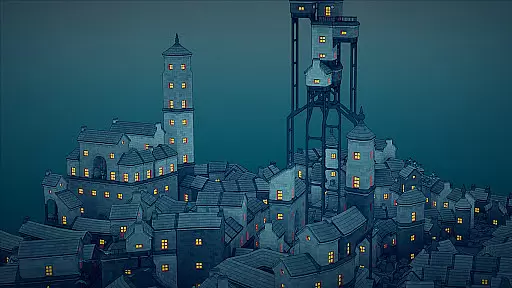
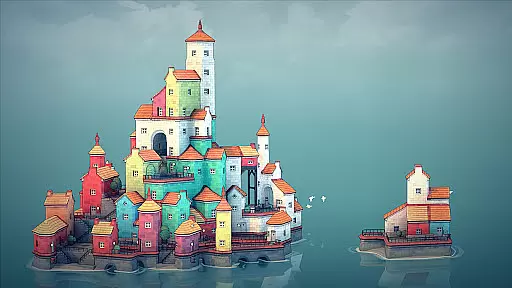
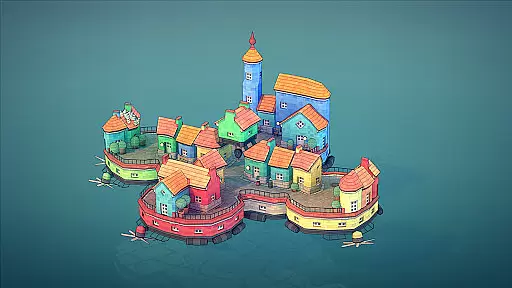
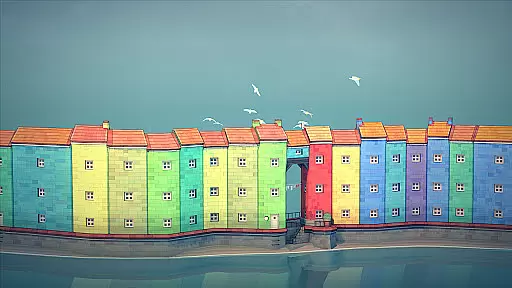
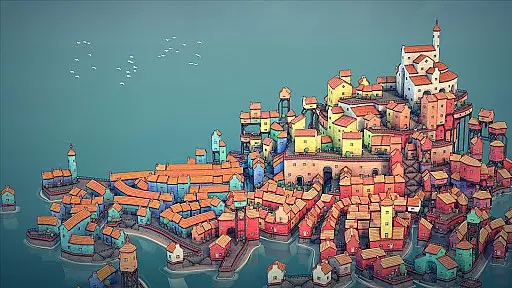
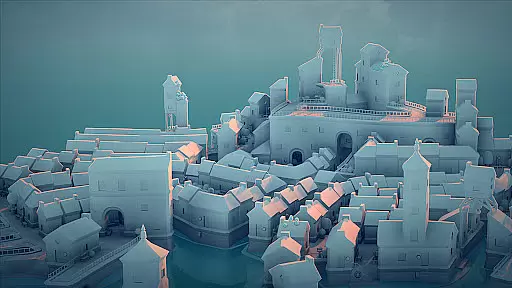

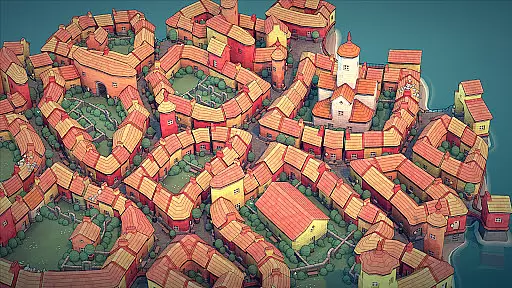
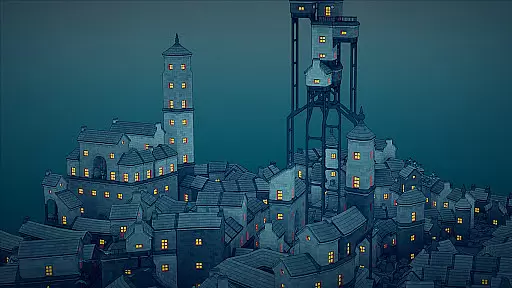
Townscaper is a casual building game that allows players to create charming towns on irregular grids. With no specific goals or gameplay, the app focuses purely on creativity and aesthetics. Users can place colored blocks to generate quaint houses, soaring cathedrals, and intricate canal networks.
The app's algorithm automatically transforms basic blocks into detailed structures like arches, stairways, and bridges, ensuring every creation is unique. Perfect for casual gamers who enjoy artistic expression, Townscaper offers a relaxing experience where beauty and imagination take center stage.
Townscaper stands out with its experimental approach to town-building. The app provides an intuitive palette system allowing users to pick colors and place blocks effortlessly. Its underlying algorithm intelligently converts these blocks into aesthetically pleasing architectural elements such as houses, gardens, and waterways.
One of the key features is the absence of rigid objectives, offering a sandbox environment where creativity thrives. Players can experiment with various configurations, resulting in diverse structures like sky cities on stilts or serene hamlets. This flexibility ensures a personalized and immersive experience for each user.
Townscaper exemplifies the essence of casual gaming through its straightforward and accessible core gameplay. The game requires no specific objectives or complex rules, making it easy for anyone to pick up and play immediately.
Players can select colors from a palette and place blocks on an irregular grid, which the game's algorithm automatically transforms into charming architectural structures. This intuitive mechanic allows users to focus purely on creativity and expression without worrying about intricate strategies or steep learning curves.
The beauty of Townscaper lies in its ability to turn simple actions into visually pleasing results. With each block placement, players witness the emergence of quaint houses, elegant arches, stairways, and bridges, all generated organically based on their configurations.
This approach not only simplifies the building process but also enhances the overall aesthetic appeal, offering a relaxing and enjoyable experience that encourages experimentation and personalization.
One of Townscaper's standout features is its adaptable session length, catering to various play styles and schedules. Whether you have a few minutes or several hours, the game accommodates your time constraints seamlessly.
Due to its lack of predefined goals or missions, players can engage with Townscaper for short bursts or extended periods without feeling pressured or interrupted. This makes it ideal for quick creative sessions during breaks or more immersive building sprees over weekends.
The gameu2019s structure supports both casual dabbling and dedicated construction projects. You can build small hamlets in brief sittings or develop expansive canal networks and sky cities when time permits, ensuring that every session feels productive and satisfying.
Ultimately, this flexibility enhances user engagement by allowing individuals to tailor their gaming experiences according to their available time and desired pace, promoting long-term retention and enjoyment.
User-friendly interface
Visually stunning results
Creative freedom
Relaxing experience
Innovative algorithm
Limited gameplay elements
No multiplayer mode
Repetitive over time
Basic color options
Lacks complex tools

FPse : The best and smoothest PSone Emulator available now!!
 4.50
4.50
Defeat your enemies by creating a larger army of bullets!
4.40
Manage car traffic by building roads and cities in this highway simulator game
3.70
Five new incredible party games to liven up any gathering!
3.30
Spice up your next game night with a threesome of hilarious adult party games!
4.4
Sort colorful balls in this relaxing puzzle game. Train your brain & have fun!
4.80
Zen Koi Pro features single player offline play, and shiny rare koi!
4.70
Short and sweet incremental mining game!
4.40
Get ready to mix, match, and conquer the fashion world, one battle at a time.
3.70
The award winning game where everything burns.
4.70
Repair, Refit, Repaint. Customize your truck today!
4.60
Draft dice in Sagrada to construct your stained glass window masterpiece.
4.60
Tricky Puzzle Fun Brain Story is a fresh brain game with everyday scenarios
4.50
A cozy idle farming game, watch tiny guys do tasks around the terrace.
4.20
Please solve the hexa puzzle.
4.0
Aim-Shoot-Blast: Perfect Shot
4.4
Protect nature, fight pests and harness the power of compost in Garden Invasion
4.3
Fun drinking & party game with dares, sips, timers, and a live leaderboard!
4.1
A companion app for score tracking while playing My Cows! on a roadtrip
4.4


User Reviews