

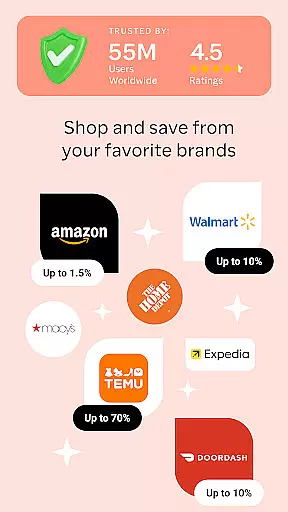
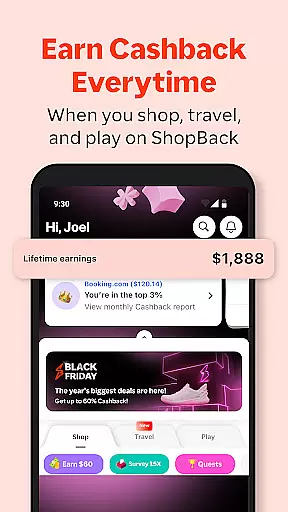
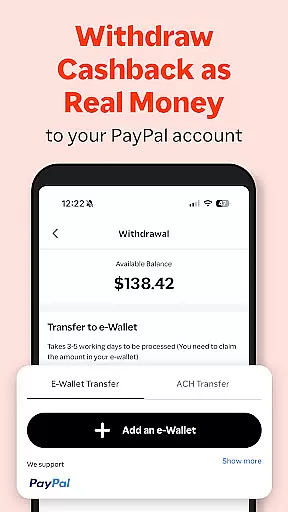

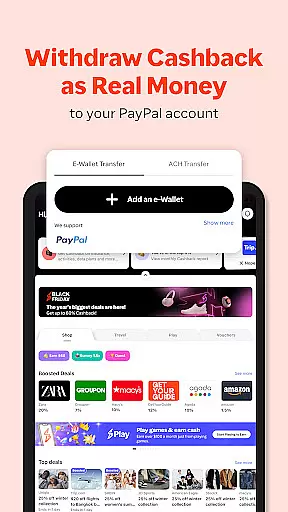

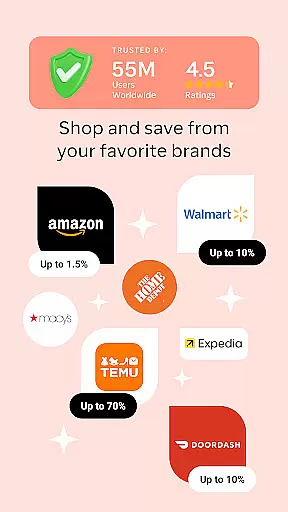
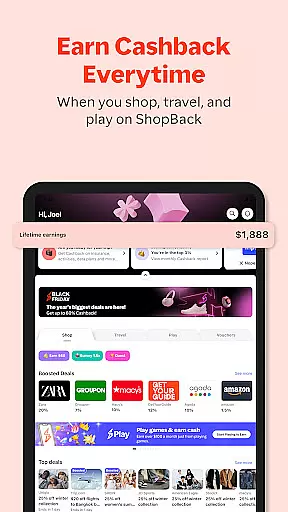
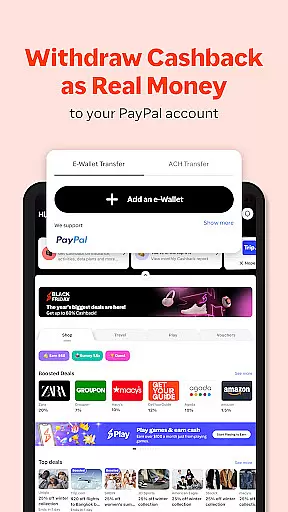
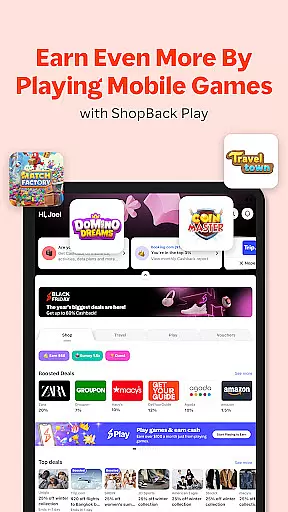
ShopBack is a leading shopping rewards application that enables users to earn Cashback on their purchases from over 3,500 online stores globally. The app provides an innovative way for shoppers to save money by offering Cashback rewards, exclusive coupon codes, and access to special promotions. Available in multiple markets including Singapore, Australia, and the United States, ShopBack supports various withdrawal methods such as PayPal and bank transfers.
Beyond online shopping, the app extends its Cashback offerings to offline outlets in select regions, allowing users to earn rewards through ShopBack Pay. With additional features like limited-time shopping quests and gift voucher purchases, ShopBack creates a comprehensive ecosystem for maximizing savings. This makes it an essential tool for smart shoppers looking to optimize their spending across different platforms.
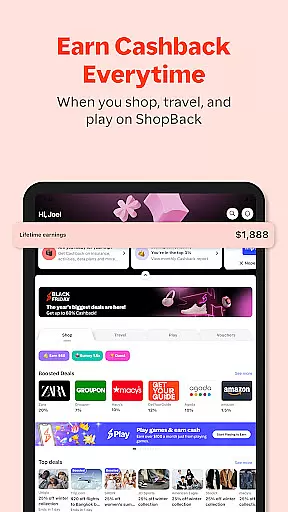
ShopBack stands out with its unique Cashback reward system, which allows users to earn a percentage of their spending back when shopping through the app. It aggregates deals from thousands of partner stores, providing users with a centralized platform to access discounts, coupon codes, and loyalty programs. The app's browser extension enhances this experience by automatically finding the best deals while shopping online.
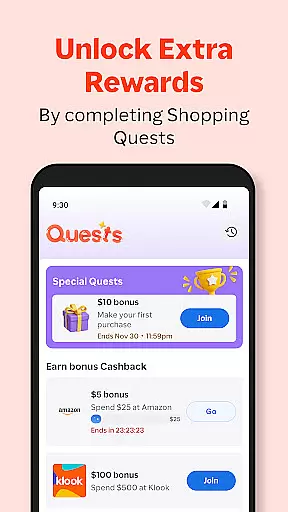
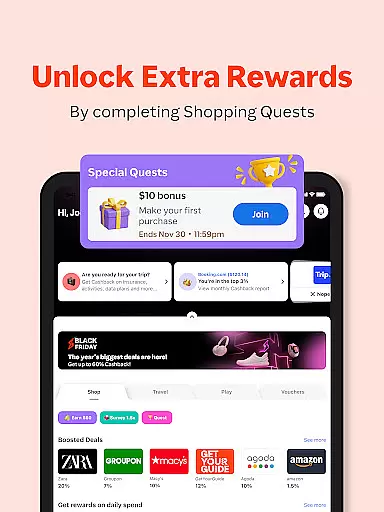
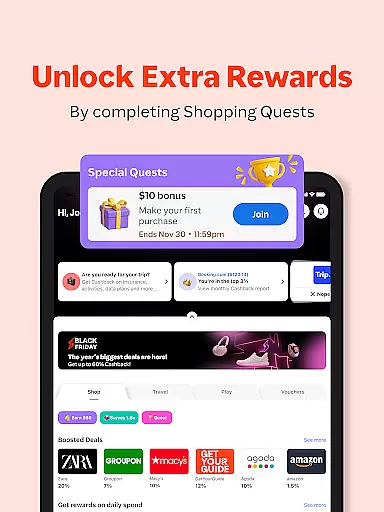
In addition to its core Cashback functionality, ShopBack offers innovative features like shopping quests that provide bonus rewards for completing specific tasks. Users can also purchase gift vouchers directly within the app, earning instant Cashback on these transactions. The inclusion of ShopBack Pay in certain markets further expands earning opportunities by integrating Cashback rewards into both online and offline payments at thousands of participating outlets.
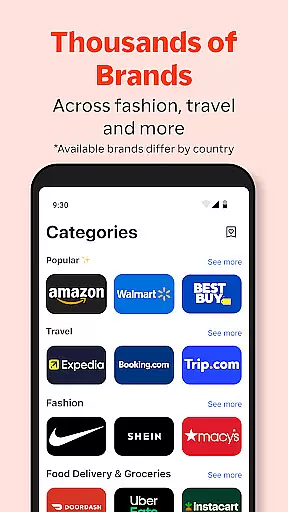
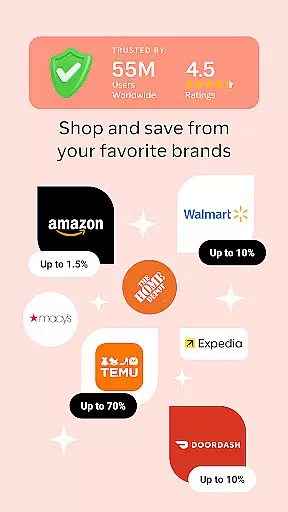
ShopBack offers an extensive selection of over 3,500 stores globally, ensuring a wide product variety for shoppers. This vast network encompasses numerous categories, making it easier for users to find exactly what they need. The app's structure is designed to simplify navigation through these categories, enhancing the shopping experience.
The app not only provides a broad range of products but also ensures that each category is well-organized. Users can easily browse through different sections, thanks to intuitive categorization that aligns with common shopping preferences. This organization helps in reducing the time spent searching for specific items and improves overall user satisfaction.
Moreover, ShopBack enhances its product offering by integrating online sales, coupon codes, loyalty programs, and credit card miles. These additional features provide users with more ways to save while shopping. By stacking these savings options, customers can maximize their benefits and enjoy a more rewarding shopping experience.
In summary, ShopBack's commitment to providing a diverse and well-categorized product selection empowers users to shop smarter. With easy navigation and stacked savings opportunities, shoppers can efficiently find and purchase products while enjoying significant financial benefits.
One of ShopBack's key strengths is its pricing transparency, which ensures that users are fully aware of how they can earn Cashback. The app clearly explains that Cashback comes from commissions paid by stores when users shop through ShopBack. This transparent model builds trust and allows users to understand the source of their savings.
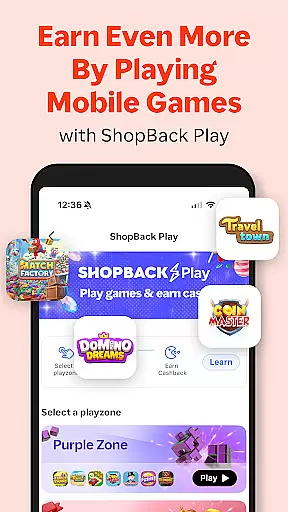
Furthermore, ShopBack offers competitive pricing by providing various ways to earn Cashback. Users can benefit from limited-time shopping quests that offer bonus Cashback, adding an element of gamification to their shopping experience. These quests encourage engagement and reward users with extra savings, enhancing the overall value proposition.
For users in select markets, ShopBack Pay presents another opportunity to boost rewards. By using this payment method at over 4,700 outlets, both online and offline, shoppers can earn additional Cashback. This feature not only increases earning potential but also extends the benefits beyond traditional online shopping.
Overall, ShopBack's transparent approach to pricing and its competitive earning opportunities make it an attractive choice for savvy shoppers. With clear explanations and multiple ways to save, users can confidently engage with the platform, knowing they are getting the best possible value for their purchases.
User-friendly interface
Wide merchant network
Multiple withdrawal options
Regular promotional campaigns
Offline payment integration
Limited offline availability
Country-specific restrictions
Withdrawal processing time
Variable Cashback rates
Occasional tracking issues

Shop, plan, order, and save
 4.70
4.70
Join a community of millions of members buying and selling second-hand items.
3.90
E-commerce Wholesale Marketplace: Shop and save on all your business supplies
4.40
TikTok Shop is an integrated e-commerce platform within the TikTok app, allowing users to discover and purchase products directly through short videos and live streams.
4.10
Shop online now, pay later. Flexible payments made to fit your budget.
4.50
Prescriptions, coupons, photos and shopping - it's all in the Walgreens app.
4.60
Shop for apparel: From jeans to dresses, to kids fashion and mens clothing!
4.80
The GameStop app was built to make shopping for gamers even easier.
3.10
Browse, search & buy millions of products right from your Android device.
4.40
Flexible payments, big savings
4.80
The Costco Mobile App is the easiest way to save time and money on the go.
4.70
Trendy Athleisure Wear. Affordable Skirts, Leggings, Functional & All Sizes!
4.60
The Live Shopping Marketplace
4.60
NCPMobile is the easy and intuitive way to scan and transmit your purchases!
4.50
The next generation of Samsung products are here.
4.50
Play store promo codes for apps + Appsfree + app sales + paid app sales
4.40
wholesale stores
4.10
Buy now, pay later with flexible payments made to fit your budget.
4.00
Save money. Live in style!
3.80


User Reviews