
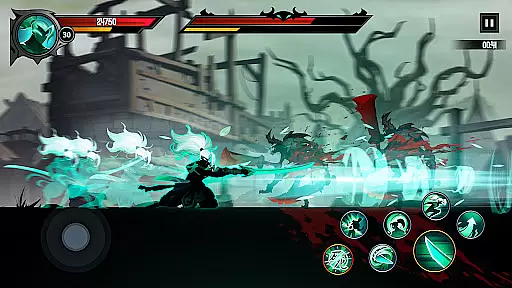
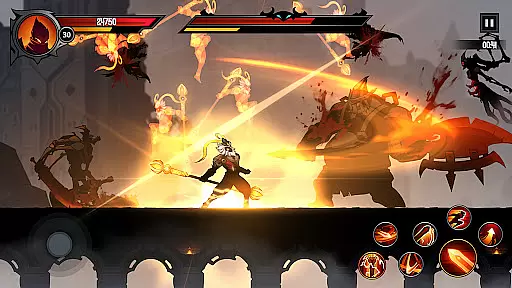
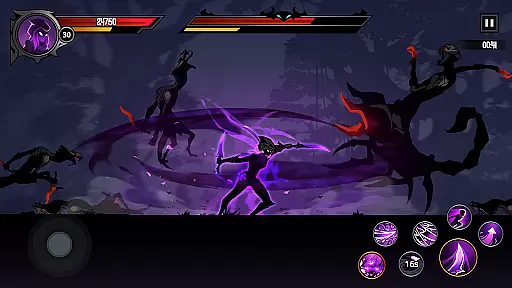
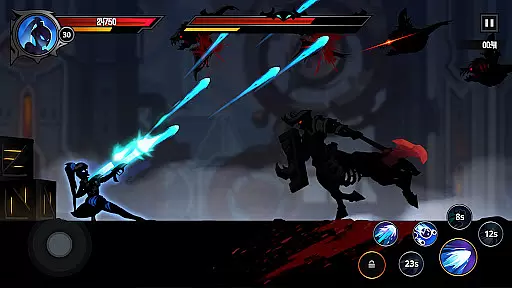
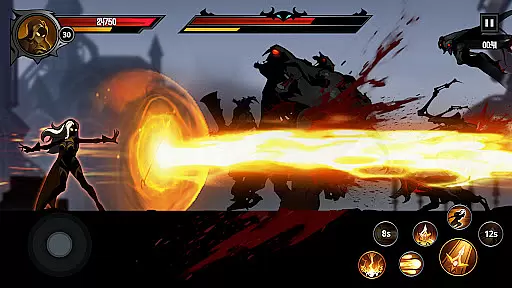
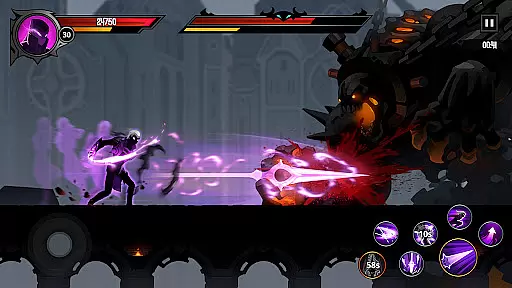
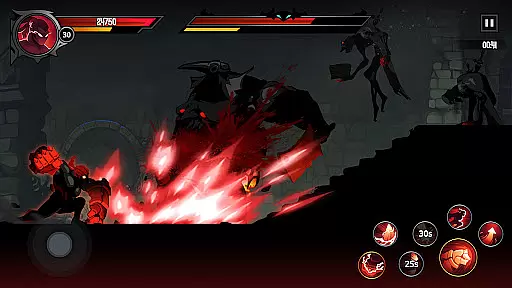
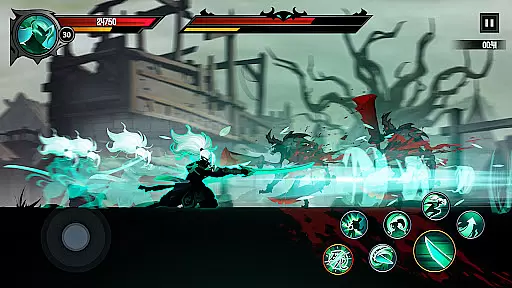
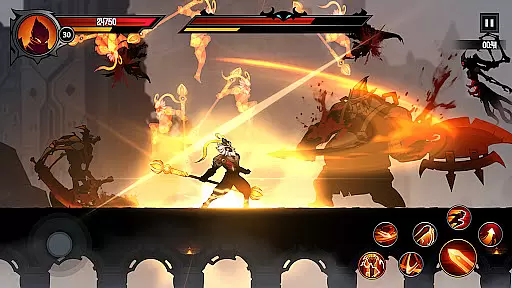
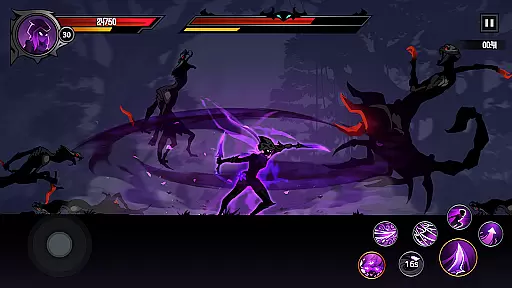
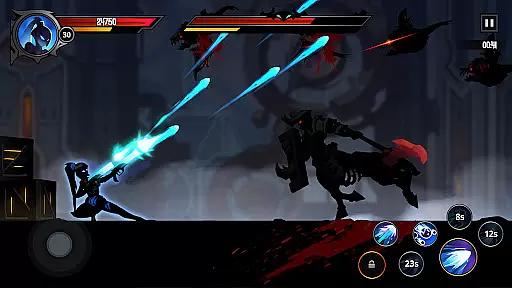
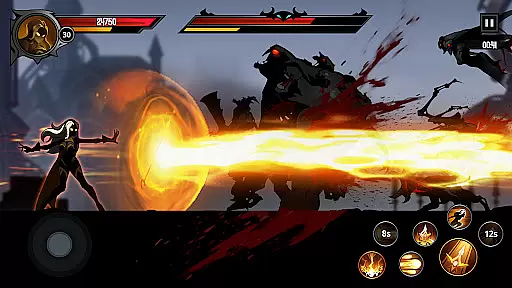
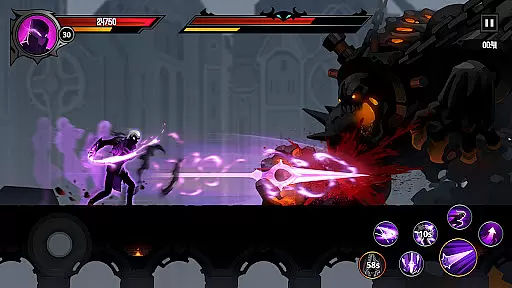
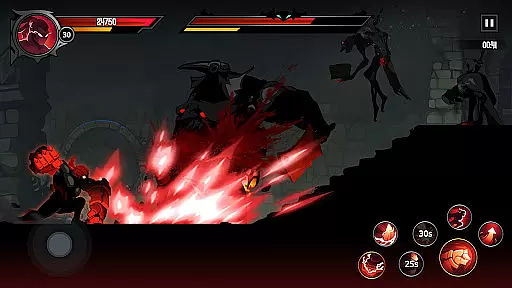
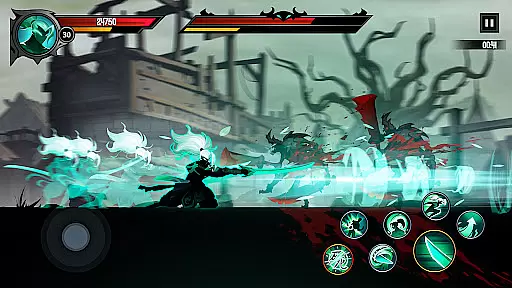
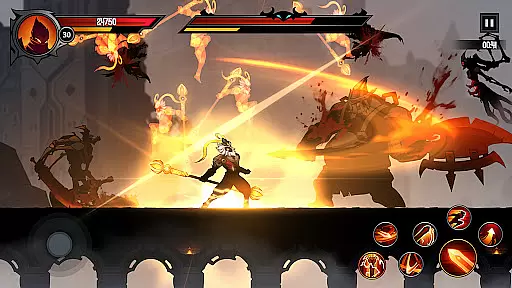
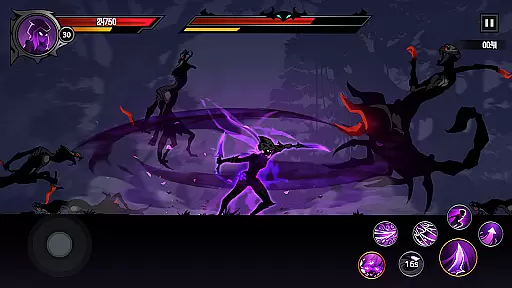
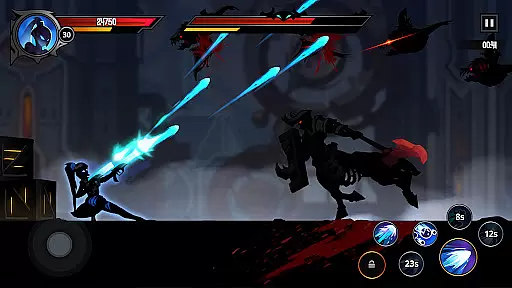
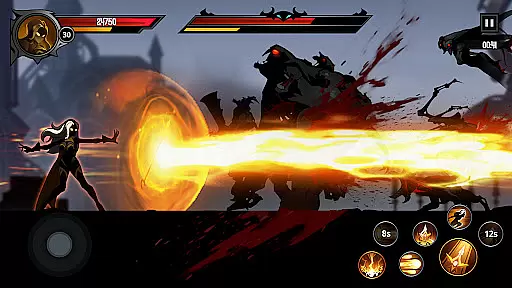
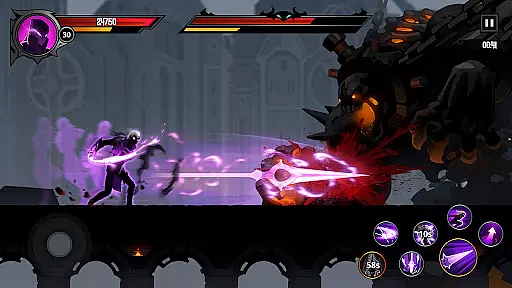
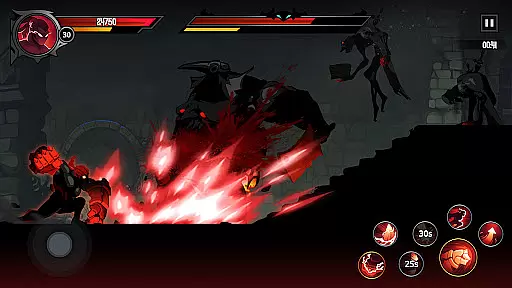
Shadow Knight: Ninja Fighting is an action-packed RPG that immerses players in a dark fantasy world. As a Shadow Knight, you must battle epic monsters and defeat the forces of Darkness to save the land of Harmonia. The game features stunning visuals and a rich storyline filled with shadow wars and legendary battles.
Players can explore diverse terrains, from mysterious towns to dangerous dungeons, while encountering various creatures like zombies, orcs, and spirits. With customizable gear and weapons, your Shadow Knight can stand out as you fight through immersive environments. The game offers both offline and online experiences, ensuring continuous progression even when you're away.
This Action RPG delivers an engaging experience for mobile gamers who enjoy hack-and-slash gameplay combined with deep storytelling. Suitable for those seeking adventure and epic combat, Shadow Knight provides countless hours of entertainment value.
Shadow Knight: Ninja Fighting boasts several standout features that enhance its gameplay. First is the extreme game feeling it offers through intense hack-and-slash mechanics set in a beautifully crafted dark fantasy world. Players can run, climb, and jump across complex terrains while uncovering hidden mystery points throughout their journey.
The adventure fantasy story draws players into endless battles where they encounter mythical beings such as spirits, dwarves, elves, and more. Each location presents unique challenges and enemies, culminating in epic boss fights that test your skills. Additionally, the gear-up system allows full customization of weapons, equipment, runes—letting players personalize their knights' appearance and abilities.
Completing missions earns valuable rewards like gems, energy keys, contributing to character upgrades even while offline. This feature ensures steady growth without constant playtime investment. Overall, these elements create an immersive experience that keeps players engaged long-term.
In Shadow Knight: Ninja Fighting, control responsiveness is a critical aspect that defines the player's experience. The game ensures that every tap, swipe, and command is registered instantly, providing a seamless interaction between the player and the character. This immediacy in control allows for precise movements and actions during combat, which is essential in an action-packed RPG setting.
The developers have optimized the game to minimize input latency, ensuring that players can execute complex maneuvers without delay. Whether it's dodging an enemy attack or unleashing a powerful skill, the controls are designed to respond with urgency. This optimization enhances the overall gameplay, making each battle feel more engaging and intense.
Players will appreciate the tight integration between their inputs and the character's actions on-screen. As they navigate through diverse terrains, engage in fierce battles, and explore mysterious points, the responsive controls provide a sense of mastery over their Shadow Knight. This connection is vital for players looking to immerse themselves fully in the dark fantasy world.
Ultimately, the combination of responsive controls and low latency creates an environment where players can perform at their best. It elevates the gaming experience by allowing them to react swiftly to any challenge they encounter, from epic monsters to powerful bosses. In Shadow Knight: Ninja Fighting, control responsiveness isn't just a feature; it's a cornerstone of the game's appeal.
Combat feedback tightness in Shadow Knight: Ninja Fighting refers to how the game communicates the impact of your actions during battles. With stunning visual effects and impactful sound design, every strike, spell, and special ability delivers a satisfying response that immerses players in the heat of combat. This tight feedback loop is crucial for maintaining engagement and excitement throughout each encounter.
The game employs a variety of techniques to ensure that combat feedback is both clear and gratifying. Visual cues such as blood splatters, particle effects, and enemy reactions provide immediate confirmation of successful hits. Meanwhile, dynamic audio elements amplify these moments with crunching sounds and explosive impacts, reinforcing the feeling of power and precision with every move made.
This attention to detail extends beyond mere aesthetics; it directly affects gameplay strategy and decision-making. Players can accurately gauge their performance and adjust tactics based on real-time feedback from the battlefield. Whether it's timing a dodge or chaining together combos, the tightness of combat feedback empowers players to refine their skills and become formidable Shadow Knights.
By prioritizing combat feedback tightness, Shadow Knight: Ninja Fighting sets itself apart as an action RPG that not only looks and sounds great but also feels incredibly rewarding to play. It transforms each battle into an exhilarating test of reflexes and strategy, keeping players invested in their quest to save Harmonia from darkness.
Stunning Visuals
Engaging Storyline
Variety of Quests
Customizable Gear
Offline Progression
Requires Internet
In-App Purchases
Complex Controls
Repetitive Missions
High Difficulty Level

EIGHT open-source Quake 1-3 engines brought to your Android device!
 4.70
4.70
Munch your way through 60 levels and over 140 objects!
4.40
HOOK away with SPEED & STYLE! Jump, Swing, Fly! Let's Play fun Action Game!
4.20
Die Again - Troll Game Ever A fantastic, goofy, crazy and always makes you laugh
4.50
Run, jump, and escape in the ultimate endless jungle adventure game!
4.10
A classic console-feeling action game
4.40
Hunt or hide? Choose your side: hunt down the fugitives or escape the back rooms
4.00
BLEACH anime action RPG. Relive the story, unleash Bankai, battle Hollows!
4.80
Rockstar Games invades the schoolyard in Bully: Anniversary Edition.
3.90
A roguelike hack'n'slash game
4.70
Agent Shooter FPS action shooter with sniper & cover missions.
4.70
Survive the post apocalypse in intense zombie shooting and gun games on doomsday
4.60
Throw shurikens and cut through your enemies!
4.60
There was never just one.
4.50
Brutal action-platformer
4.50
Step into cooking Games make tower burger and enjoy burger runner games for all
4.40
Command your army, crush the enemy, and reclaim the nation!
4.30
ANSWER THE SNIPER CALL
4.10
An unprecedented hardcore Soulsborn-like title on mobile
2.90


User Reviews