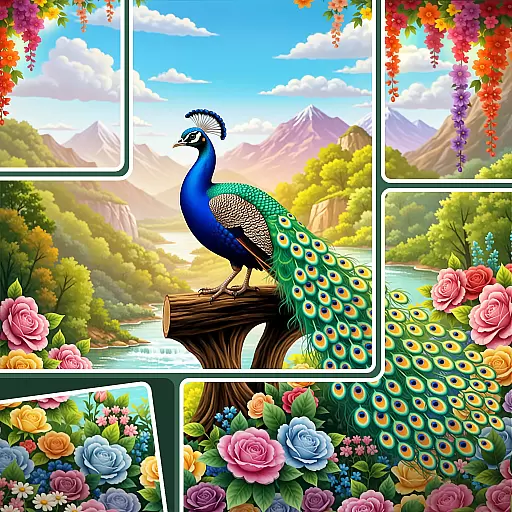
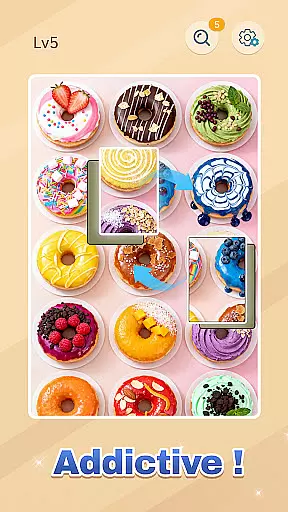
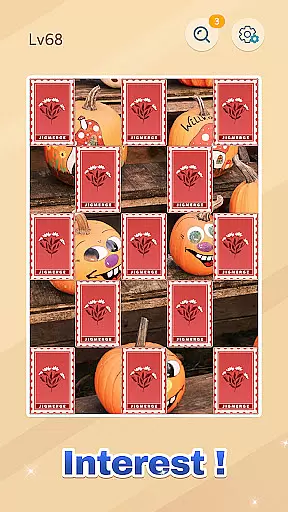
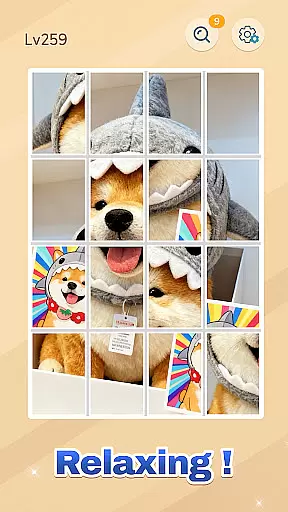

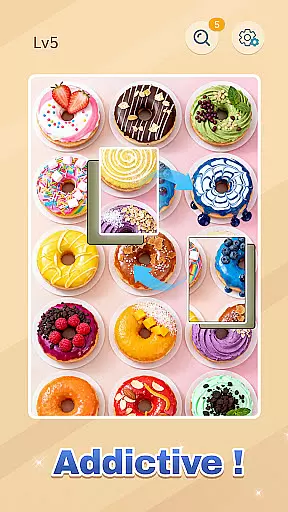
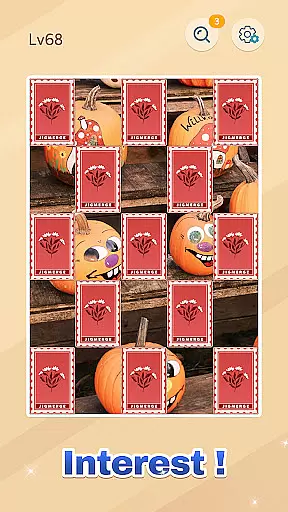
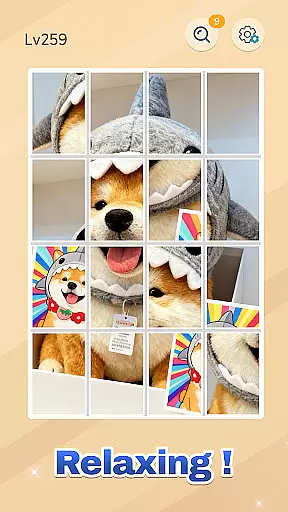

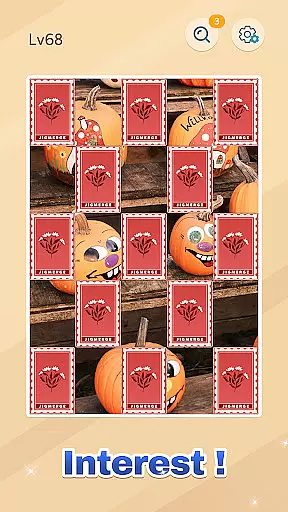
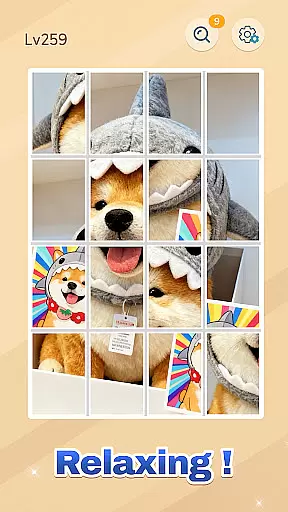

Jigmerge Puzzles is a casual puzzle game that brings photos to life through engaging jigsaw challenges. Players rearrange photo tiles to reconstruct stunning images, offering both relaxation and mental stimulation.
Unlike traditional puzzles, Jigmerge allows multiple creative solutions, making each playthrough unique. With intuitive touch controls, high-quality visuals, and diverse themes, it caters to all ages and skill levels.
Perfect for short breaks or extended sessions, this app provides an immersive experience that sharpens cognitive skills while delivering satisfying 'snap' moments as you solve.
Jigmerge Puzzles stands out with its innovative approach to classic jigsaws. The game offers multiple solutions per puzzle, encouraging creativity and strategic thinking. Its smooth drag-and-drop mechanics make gameplay seamless on both phones and tablets.
With offline support, players can enjoy the game without an internet connection. New monthly themes—featuring landscapes, art, and more—keep the content fresh and visually appealing.
The app also enhances brain function by improving focus, visual memory, and logical reasoning, all while providing a relaxing yet rewarding puzzle-solving experience.
At the heart of Jigmerge Puzzles lies an elegantly simple yet deeply engaging core gameplay mechanic. The game invites players to rearrange photo tiles, creating a seamless picture from fragmented pieces. This straightforward drag-and-drop approach ensures that users of all ages and skill levels can dive in without a steep learning curve.
The beauty of this casual game is in its intuitive controls. Players can effortlessly drag, swap, and merge tiles, experiencing the satisfaction of solving puzzles without unnecessary complexity. Each move is designed to feel natural, making it easy to lose track of time while piecing together stunning images.
Despite its simplicity, the game offers surprising depth. With multiple solutions possible for each puzzle, Jigmerge challenges players to think creatively and strategically. This perfect balance between accessibility and mental stimulation is what makes the gameplay so compelling and universally appealing.
Jigmerge Puzzles excels in providing flexible session lengths that cater to modern lifestyles. Whether you have five minutes or five hours, the game adapts perfectly to your available time. Quick play sessions allow you to complete a few moves or solve small sections of a puzzle during brief breaks throughout your day.
For those seeking longer gaming experiences, more complex puzzles offer extended challenges that can keep you engaged for hours. The automatic progress saving feature ensures you never lose your place, regardless of how long your gaming sessions last. This flexibility makes it ideal for both quick mental refreshers and extended periods of focused play.
The game's thoughtful design supports various playing styles without compromising the experience. You can seamlessly switch between short bursts of gameplay and marathon puzzling sessions, knowing your progress is always safe. This adaptability enhances the overall appeal of Jigmerge Puzzles as a go-to casual game for any occasion.
Intuitive controls
Offline play
Multiple solutions
High-quality visuals
Cognitive benefits
Limited social features
Few beginner tutorials
Ads between levels
Paid theme packs
Occasional bugs

Aim-Shoot-Blast: Perfect Shot
 4.0
4.0
Start with a simple lemon stand and grow into a business tycoon!
5.00
Build Your Tactical Fortress, One Gear at a Time!
4.20
Control Global Flights, Test Your ATC Skills!
4.30
A game where you swipe various objects to send them to the desired location
4.4
Be the Coin Master: attack friends & collect coins in this fun adventure game!
4.80
Play the Angry Birds game enjoyed by millions of players every day!
4.10
Heads or tails? Coin Flipper in an idle game about flipping coins!
3.60
Take passengers to their destinations! Become a great taxi driver in the city!
4.40
Keep Popgoes alive in a quirky collection of LCD minigame challenges!
5.00
A satisfying yarn puzzle. Unravel the tangled threads in the right order!
4.80
Fast, fun, and relaxing tap minigame challenges – anytime, anywhere!
4.70
Unfurl tent flaps, cut through bushes, slam doors, and poke some crocodiles!!!
4.70
The award winning game where everything burns.
4.70
Repair, Refit, Repaint. Customize your truck today!
4.60
Draft dice in Sagrada to construct your stained glass window masterpiece.
4.60
Style your hair with Hair salon, Spa Beauty salon - Make up doll game
4.50
Join Tom and friends and care for them. Create fun stories and play mini-games.
4.30
A fun and relaxing idle game
4.20


User Reviews