
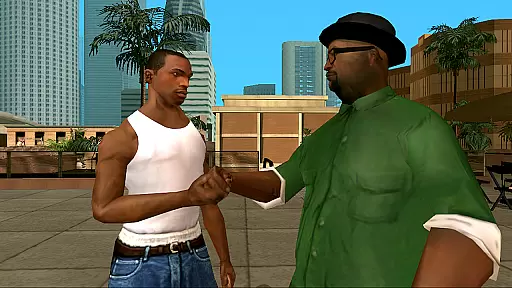

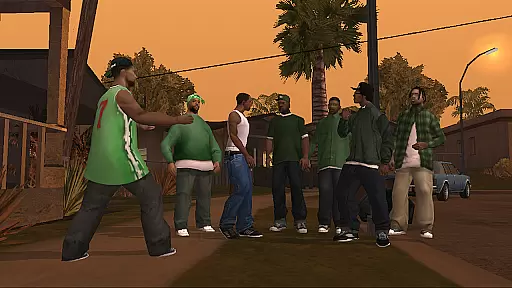
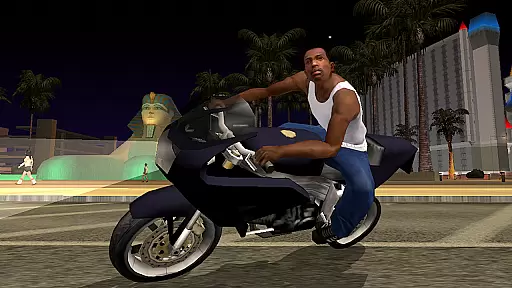
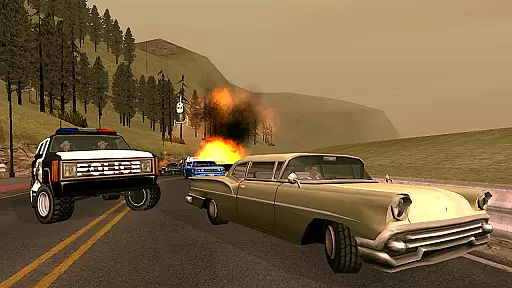
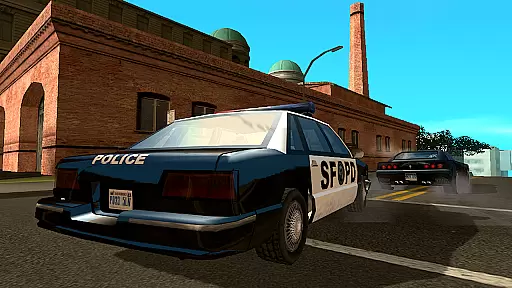
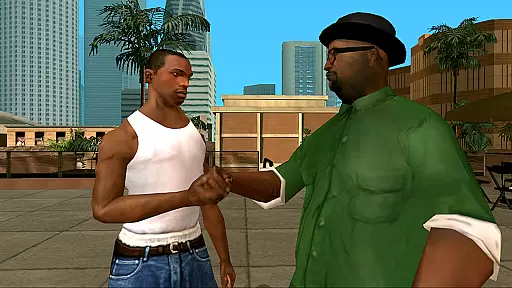

Grand Theft Auto: San Andreas is an action-packed open-world game that takes players back to the early 90s in the fictional state of San Andreas. Built specifically for mobile with remastered high-resolution graphics, the game features enhanced visual fidelity and over 70 hours of gameplay. The vast open-world environment includes three major cities - Los Santos, San Fierro, and Las Venturas - each offering unique landscapes and adventures.
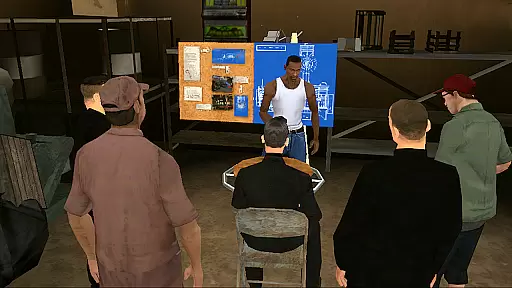
The storyline follows Carl Johnson as he returns home to deal with family tragedy and save his old neighborhood from corruption. Players will engage in a variety of missions ranging from gang warfare to business management while exploring a richly detailed world filled with side activities like gambling, learning new skills, and customizing vehicles. With dual analog stick controls and customizable options, this mobile version ensures smooth gameplay across all devices.
This mobile adaptation of Grand Theft Auto: San Andreas boasts several notable features designed to enhance user experience. The game offers cloud save support through Rockstar Social Club membership, allowing seamless transitions between devices without losing progress. It also supports multiple control schemes including compatibility with MoGa Wireless Game Controllers and select Bluetooth or USB gamepads.
Players can tailor their gaming experience using adjustable graphic settings which include enriched color palettes and improved character models. Additionally, contextual button displays ensure intuitive navigation by showing commands only when necessary. These thoughtful enhancements make it easier than ever to dive into the expansive universe of GTA: San Andreas on your mobile device.
Control responsiveness and latency are crucial aspects of any action game, determining how quickly and accurately a player's inputs are translated into in-game actions. In Grand Theft Auto: San Andreas, the developers have implemented dual analog stick controls specifically designed for mobile platforms. This allows players to have precise camera control and seamless movement commands, making the gameplay experience more immersive.
The game offers three distinct control schemes, ensuring that players can choose the one that best suits their playstyle. Additionally, customizable controls with contextual options allow buttons to appear only when needed, reducing clutter on the screen and enhancing responsiveness. These features collectively ensure that players can navigate the vast open-world environment smoothly and efficiently.
For players seeking an even more refined experience, Grand Theft Auto: San Andreas supports external controllers, including MoGa Wireless Game Controllers and select Bluetooth and USB gamepads. This compatibility further reduces input latency, providing a console-like experience on mobile devices. As a result, gamers can enjoy the full breadth of the game's over 70 hours of gameplay with minimal delay between their actions and the gameu2019s responses.
Combat feedback tightness refers to how well a game conveys the impact and effectiveness of combat actions to the player. In Grand Theft Auto: San Andreas, this is achieved through enhanced visual fidelity and detailed character models, which work together to provide immediate and clear feedback during combat scenarios. Players can see the direct results of their actions, whether it be the recoil of a weapon or the reaction of an opponent, creating a more engaging and responsive combat experience.
The remastered high-resolution graphics add another layer of immersion, with enriched color palettes and improved lighting effects that make every combat encounter visually striking. The tactile effects integrated by Immersion further enhance this feedback, providing physical sensations that match the on-screen action. This sensory input helps players feel each hit, shot, or explosion, tightening the overall combat feedback loop.
Moreover, the ability to tailor the visual experience with adjustable graphic settings ensures that players can optimize their game for the best possible performance. Whether prioritizing frame rate for faster feedback or graphical quality for more detailed encounters, users can fine-tune their settings to suit their preferences. This flexibility ensures that combat remains tight and responsive, regardless of the device's capabilities, offering a consistently thrilling experience throughout the expansive state of San Andreas.
Engaging storyline
Vast open-world exploration
High-quality graphics
Customizable controls
Cloud saving feature
Large file size requirement
Occasional performance issues
In-app purchases available
Complex controls initially
Requires frequent updates
NEOGEO's masterpiece game is now available in the app!
 4.10
4.10
Command your army, crush the enemy, and reclaim the nation!
4.30
A funny game with open world offline games and many Online multiplayer games
4.30
Fast-paced multiplayer fun. 3v3 & 5v5 matches, PvP brawls and battle royales!
4.20
Hunt your target & become a strong PVP sniper in this Epic 3D sniper FPS game
4.80
Try yourself at intense combat & tactical stealth missions in our shooting game!
4.40
Plan. Adapt. Assassinate.
4.80
Just a nice, normal game
4.20
Pick your weapon up and fight all the monsters to survive.
4.40
Become a commander and infiltrate the Planet of Heroes!
4.60
Childhood nightmares should remain in the past.
4.60
Step into cooking Games make tower burger and enjoy burger runner games for all
4.40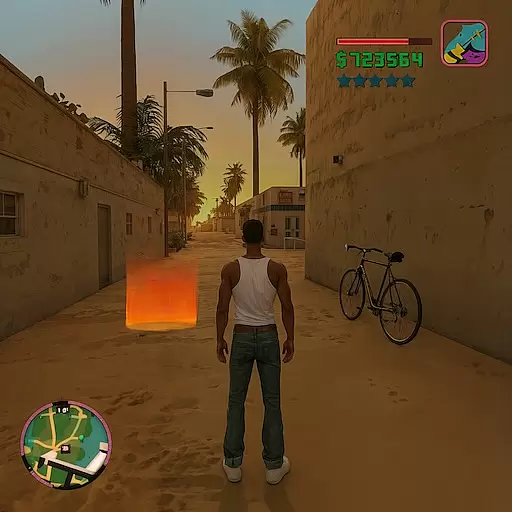
Grand criminal online open-world RP action game! Drive cars and commit crimes!
4.40
Race around the world!
4.30
Action-packed FPS For All
4.30
Wish-granting Mermaid’s Tears in the hands of SpongeBob… What could go wrong?
4.20
Descend deeper into the toy factory with more puzzles and a new threat looming
4.20
An unprecedented hardcore Soulsborn-like title on mobile
2.90
Run and jump through the depths of the jungle!
4.3


User Reviews