
GBA.emu is an advanced open-source Gameboy Advance emulator that offers a minimalist UI with a focus on low audio and video latency. It supports a wide range of devices, from the original Xperia Play to modern devices like the Nvidia Shield and Pixel phones. The app provides high-level BIOS emulation without the need for a BIOS file and supports .gba file formats, optionally compressed with ZIP, RAR, or 7Z.
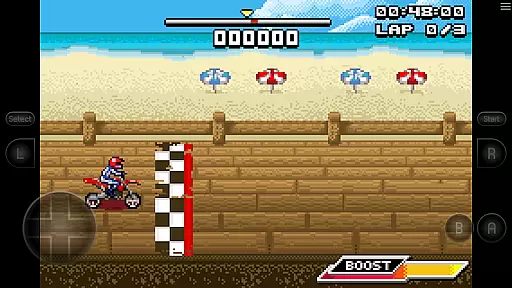
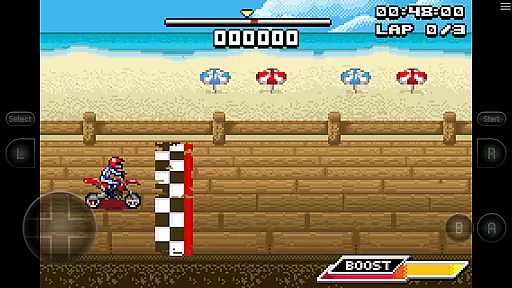
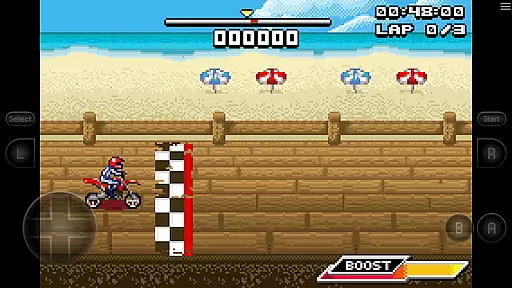
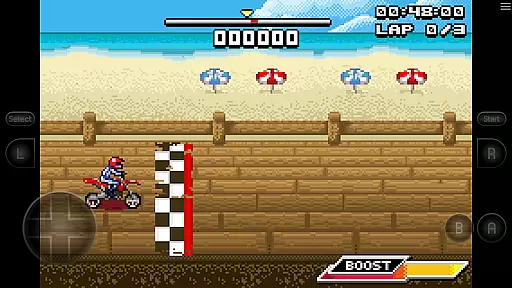
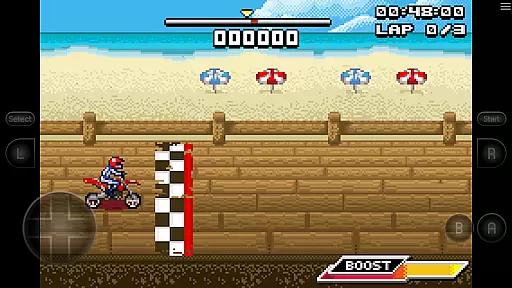
One of its standout features is the support for hardware sensors such as the accelerometer, gyroscope, and light sensors, making it versatile for various gaming experiences. Configurable on-screen controls and Bluetooth/USB gamepad & keyboard support compatible with any HID device recognized by the OS further enhance user experience. Additionally, the bike racing game Motocross Challenge is included, courtesy of developer David Doucet.
GBA.emu boasts several key features that set it apart from other emulators. Firstly, it includes high-level BIOS emulation, eliminating the need for a BIOS file. Secondly, it supports the .gba file format, which can be optionally compressed with ZIP, RAR, or 7Z, providing flexibility in file management. Cheat code support using VBA-M-compatible files (.clt extension) adds an extra layer of customization for users.
The app also supports hardware sensors like the accelerometer, gyroscope, and light sensors, enhancing gameplay interaction. Configurable on-screen controls and Bluetooth/USB gamepad & keyboard support compatible with any HID device recognized by the OS make it highly adaptable. Lastly, the inclusion of the bike racing game Motocross Challenge adds immediate value for users looking to dive into retro gaming.
GBA.emu brings the authentic arcade experience to your mobile device by emulating the original Gameboy Advance hardware with remarkable precision. The emulator achieves this without requiring a BIOS file, thanks to its high-level BIOS emulation capabilities.
Players can relive classic gaming moments through accurate reproduction of graphics and gameplay mechanics that defined the arcade era. With support for the .gba file format, optionally compressed with ZIP, RAR, or 7Z, users have access to a vast library of games that capture the essence of arcade nostalgia.
The inclusion of Motocross Challenge, courtesy of developer David Doucet, further enriches this nostalgic journey. This bike racing game exemplifies the excitement and challenge associated with arcade classics, ensuring an engaging experience for users seeking the quintessential arcade feel.
Control responsiveness is at the heart of GBA.emu's design, ensuring that every touch, tilt, or button press translates instantly into in-game actions. The app supports hardware accelerometer, gyroscope, and light sensors, providing precise control options tailored to player inputs.
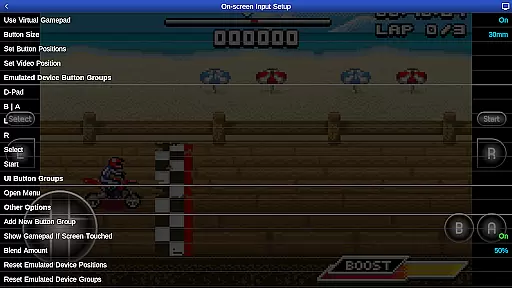
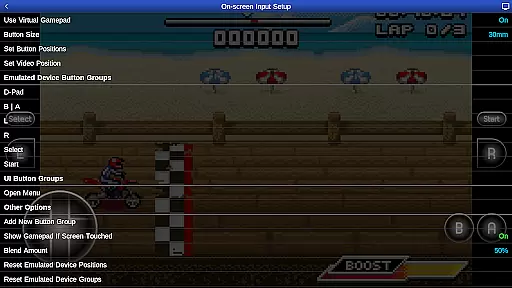
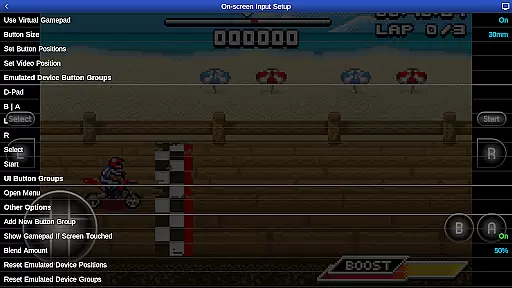
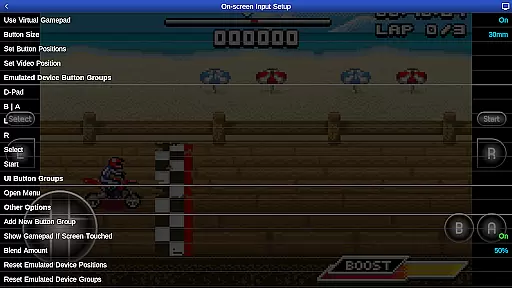
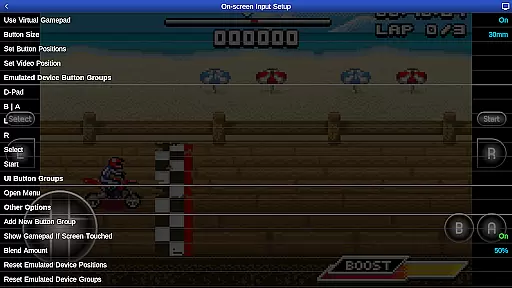
Configurable on-screen controls allow gamers to customize their interface for optimal performance and comfort. This flexibility ensures that virtual buttons and joysticks behave according to user preferences, enhancing overall gameplay fluidity.
For those preferring physical controllers, GBA.emu offers Bluetooth/USB gamepad & keyboard support compatible with HID devices like Xbox and PS4 controllers. This compatibility guarantees a seamless connection between player and game, making each session as responsive as playing on dedicated arcade machines.
Low audio/video latency
Wide device compatibility
No BIOS file needed
Supports multiple file formats
Included free game
Limited to Gameboy Advance
No cloud save feature
Requires manual ROM sourcing
Complex setup for beginners
Occasional crashes reported

Neogeo MVS/AES Emulator
 3.30
3.30
Try this unique restaurant sim and enjoy the fun of cooking in busy kitchens!
4.70
Catch ghosts, shoot monsters and defeat bosses in this RPG idle shooting game.
4.70
Epic offline war strategy game - build your city, train your army, conquer
4.20
Punch your way through the Streets of Rage once again!
4.80
Suck the other’s blood and be the longest surviving mosquito!
4.40
Save the Galaxy from galaxiga alien - Classic arcade shooter game
4.60
Venture into the galaxy to fight against the invasion of space invaders.
4.60
Crazy games: Kick your buddies, beat the boss, and turn the office into chaos!
4.40
Master the skies in this epic airplane shooting game! Join the air force now!
4.80
Ready… Set… DASH! Play now!
4.70
Jump and fly your way through danger in this rythm-based action platformer!
4.70
Master the hills in this extreme downhill racing game!
4.60
Use superpower in your magic hands. Defeat the enemies in a fun elemental game.
4.50
Jump and fly your way through danger in this rythm-based action platformer!
4.50
Granny keeps you locked in her house.
4.30
Running game: dance in a twerk battle and become the twerk hero in our fun race!
4.30
A fast, full-featured GB/GBC emulator with link cable emulation.
3.80
Protect the balloon! Only 1% of players can reach lvl 100 with all the balloons!
3.70


User Reviews