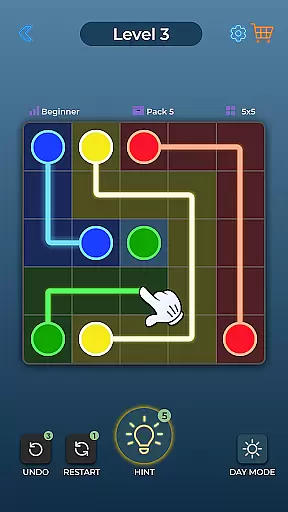
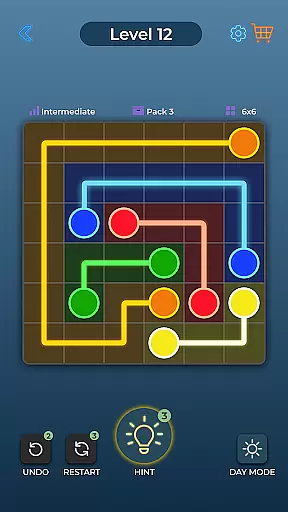
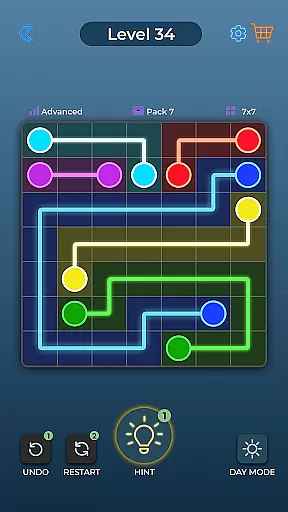

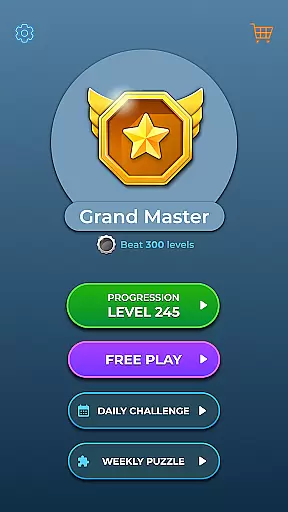


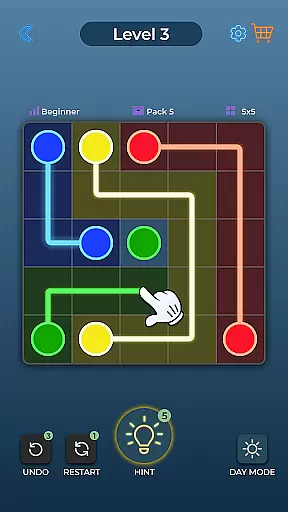
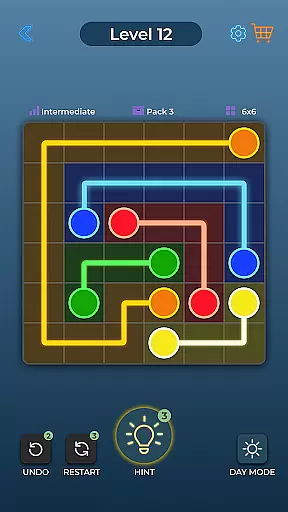
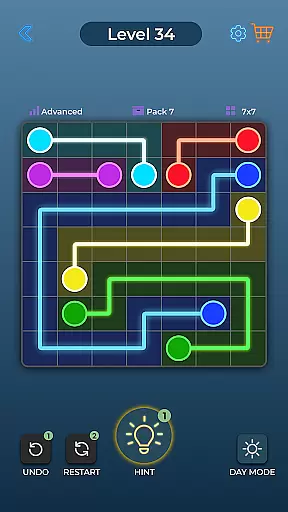

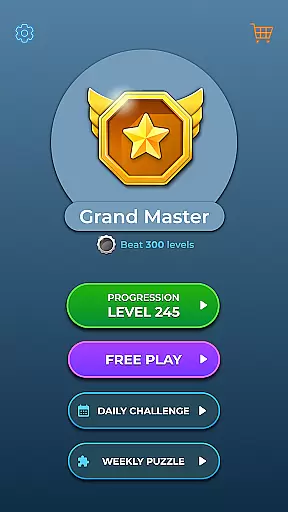


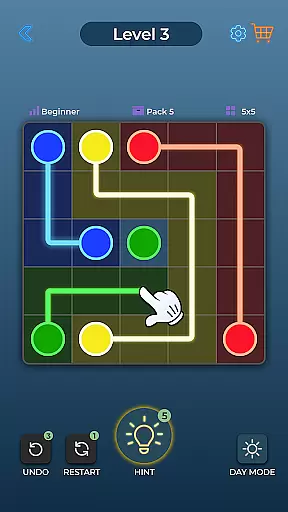
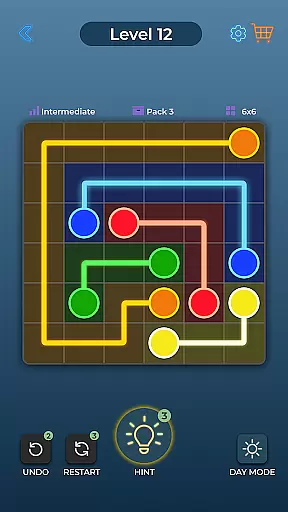
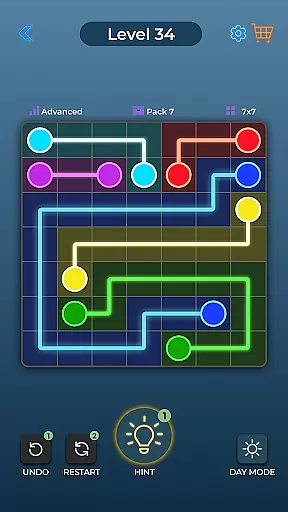

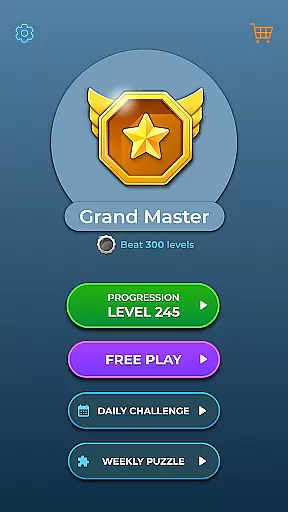


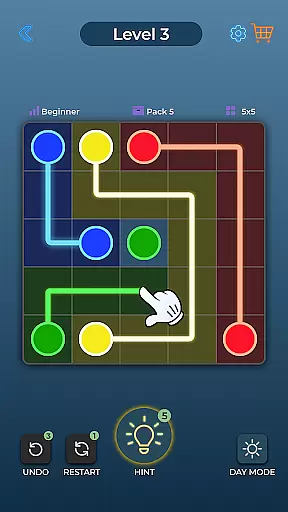
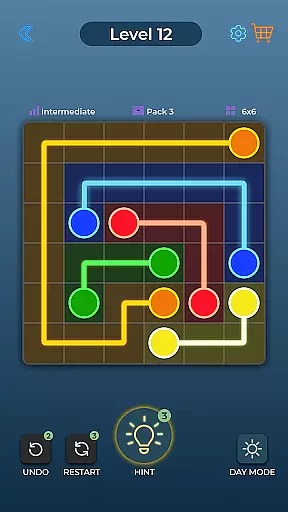
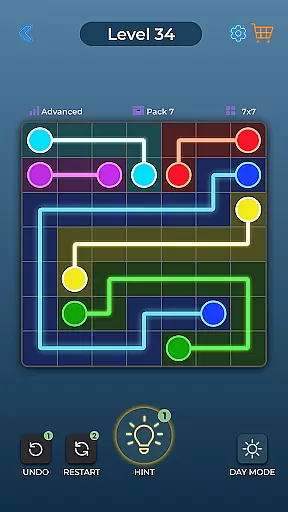

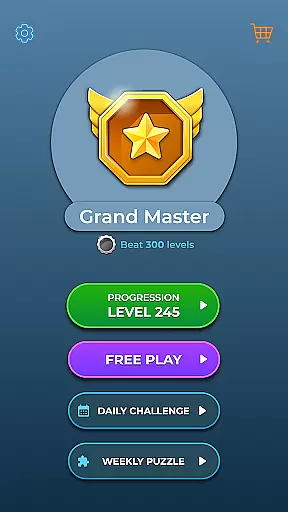


Dot Link is a captivating puzzle game that challenges players to connect matching color dots on a board without crossing pipes. With thousands of levels spread across five difficulty settings, it offers an engaging experience for all skill levels. The game's minimalistic design and vibrant colors create an appealing visual aesthetic while its relaxing music enhances the overall gameplay experience.
This brain-teasing game is perfect for those looking to keep their minds sharp. Suitable for all ages and supporting multiple languages, Dot Link provides accessibility features such as Day and Night Mode, Color Blind setting, and helpful tools like Undo, Restart, and Hint features. Whether you're solving puzzles on your phone or tablet, this free-to-play game lets you enjoy anytime, anywhere.
Dot Link stands out with its variety of special features designed to enhance gameplay. Players can choose from five difficulty levels ranging from Beginner to Insane, ensuring a challenge for everyone. The inclusion of relaxing music and sound effects creates an immersive atmosphere while the easy-to-navigate board supports both Day and Night Mode and Color Blind settings.
Additional functionalities include Undo and Restart options for strategic planning and a Hint feature when you're stuck. Daily Puzzles provide extra challenges, keeping the gameplay fresh. With over 10,000 levels available, Dot Link promises endless entertainment. Its compatibility across devices ensures a seamless experience whether playing on a phone or tablet.
Dot Link - Connect the Dots offers a consistent and logical puzzle-solving experience that challenges players to think strategically. The game's core mechanic of connecting matching color dots without crossing pipes requires careful planning and problem-solving skills.
The puzzles are designed with clear rules and escalating difficulty, ensuring that each level builds upon the previous ones. This logical progression keeps players engaged while developing their cognitive abilities. With five distinct difficulty levels ranging from Beginner to Insane, the game maintains its logical consistency across all challenges.
Players benefit from features like Undo and Restart options, allowing them to correct mistakes and refine their strategies. These tools support the game's commitment to logical puzzle design by enabling users to learn from their errors and improve their approach. The inclusion of a Hint feature further reinforces the importance of logical thinking.
While maintaining traditional connect-the-dots mechanics, Dot Link introduces several unique features that set it apart from other puzzle games. The game's implementation of Day and Night Mode alongside Color Blind settings demonstrates an innovative approach to accessibility in puzzle gaming.
The creativity extends to its vast collection of over 10,000 levels, providing players with diverse challenges that prevent gameplay from becoming repetitive. Each level presents a fresh opportunity to explore different solutions and patterns, encouraging creative thinking within the structured puzzle environment.
Additional distinctive elements include Daily Puzzles that offer new challenges regularly and a minimalistic aesthetic design that combines beautiful visuals with relaxing music. These features create a unique atmosphere that enhances the overall puzzle-solving experience while maintaining the game's core identity as a connect-the-dots challenge.
Engaging puzzles
Vibrant graphics
Relaxing music
User-friendly interface
Accessible to all ages
Limited social features
In-app purchases
Ads between levels
Complexity may deter
Repetitive gameplay
A sequel to the ISOLAND series.
 4.40
4.40
Ultimate 2D Anti-Stress Pack: Circulate, Mine Sweeper, Jump & More!
4.0
Point and click puzzle escape room game
4.80
Merge & Discover!
4.80
Erase the boundaries of your imagination, solve puzzles and see what's hidden!
4.60
Reveal a hidden image in a fun and addictive puzzles!
4.80
Draw to get enough sugar in all the cups! The official 'sugar, sugar' game!
4.50
Drag, rearrange, match goods. Discover an addictive sort puzzle matching game
4.70
3-minute hidden object games. Search and find hidden objects to relax quickly.
4.90
A time-spanning journey
4.90
Master a black hole, solve & sort fun puzzles and play satisfying hole io games!
4.90
Puzzle escape room game, inspired by classic point and click adventures
4.80
Give your brain a challenge by playing the classic brain game.
4.70
Welcome to the funniest cartoon puzzle adventure!
4.60
Organize, merge and stack hexagon in this logical brain teaser! Solve and relax
4.50
A crazy puzzle adventure with a gameplay twist
4.50
Solve mechanical puzzles, discover hidden objects & escape from rooms. Play now!
4.40
Fun block puzzle game: Match colors, solve puzzles, and unlock new challenges!
4.30
Pull blocks, keep balance! The ultimate 2-player physics tower duel.
4.5


User Reviews