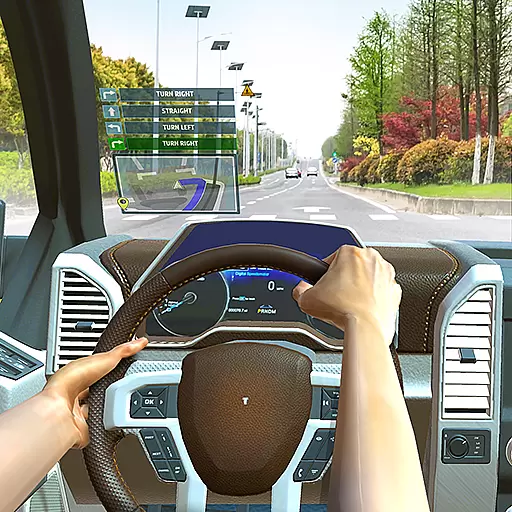
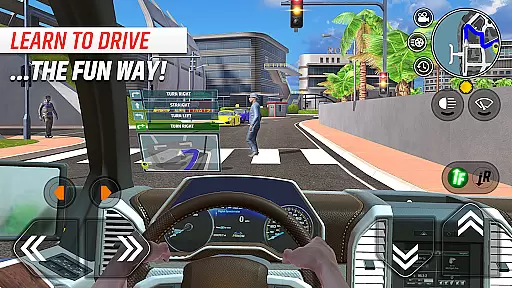
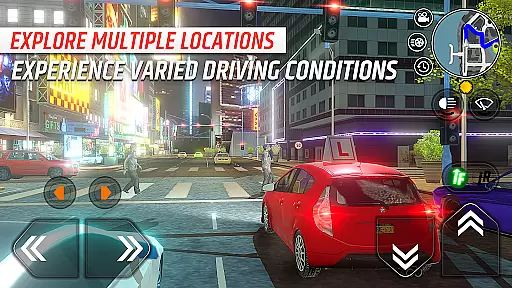
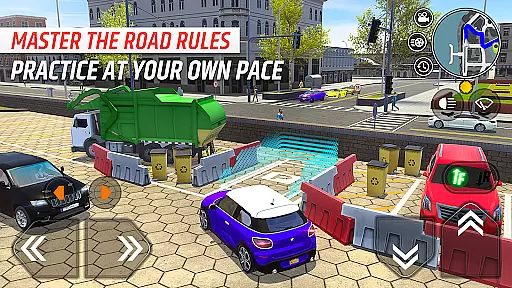

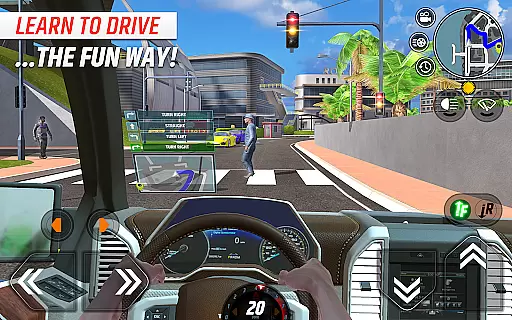
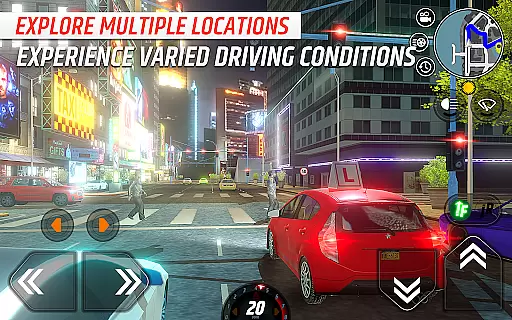
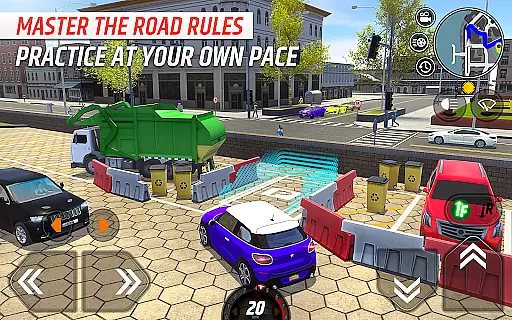
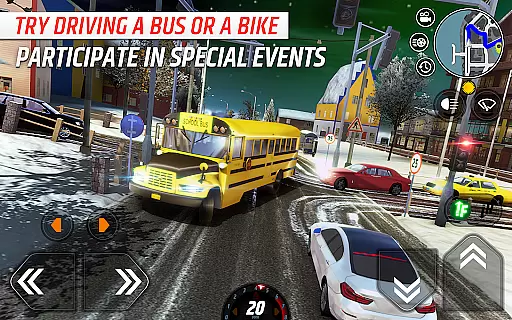

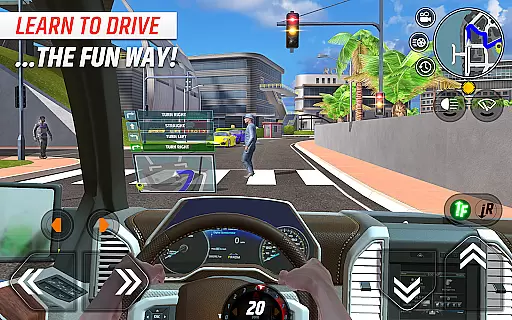
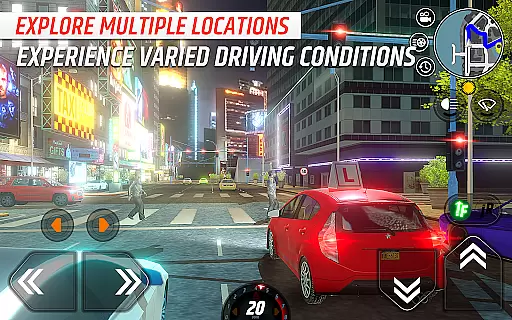
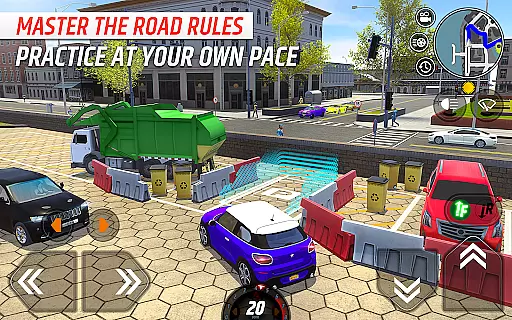
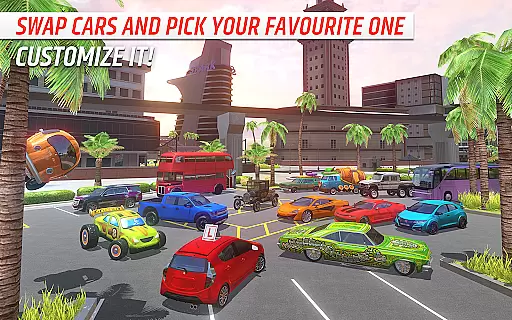
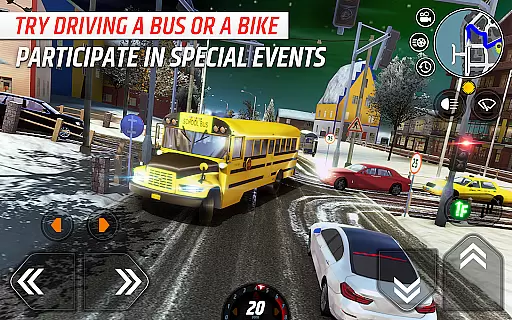

Car Driving School Simulator is a comprehensive driving simulation game that offers players the opportunity to practice and master various driving skills. The app provides an immersive experience with features like realistic traffic AI, dynamic weather conditions, and multiple detailed maps set in diverse locations such as California, Tokyo, and Norway. Whether you're preparing for a driving test or looking to improve your existing skills, this simulator covers essential aspects including road signs, speed limits, and lane discipline.
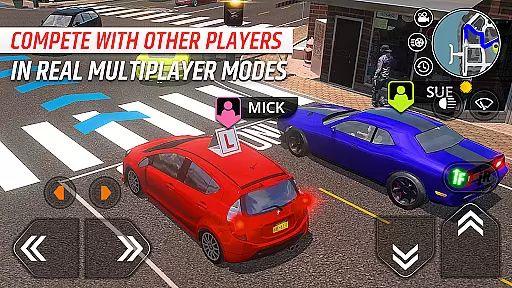
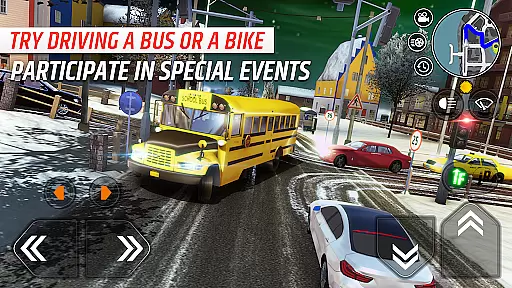
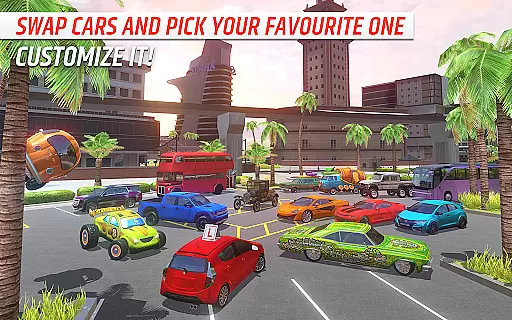
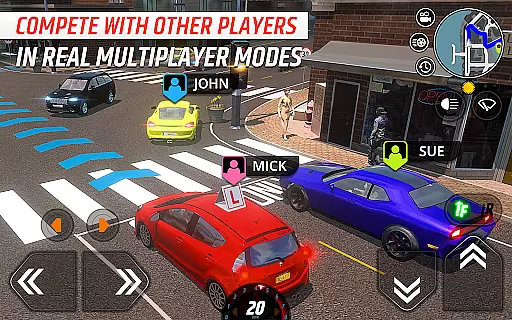
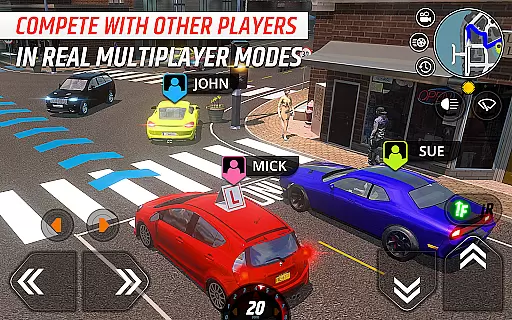
In addition to its robust single-player mode, the game also includes an online multiplayer feature where users can compete with others. With a collection of 39 vehicles ranging from sedans to buses, players can explore different driving scenarios. The game's seasonal events and varied missions ensure continuous engagement while offering both fun and educational experiences. Its realistic approach makes it suitable not only for entertainment but also for those seeking to enhance their real-world driving abilities.
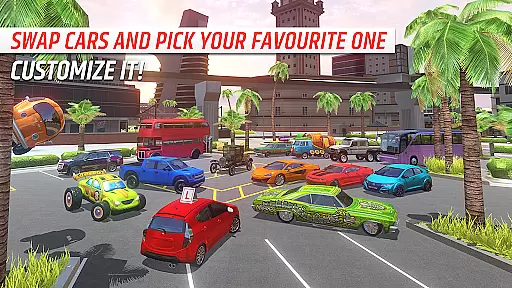
Car Driving School Simulator stands out with its extensive range of features designed to provide a realistic and engaging driving experience. One notable feature is the huge car collection, which includes over 39 vehicles such as sedans, pickup trucks, muscle cars, 4x4s, and buses. This variety allows players to experiment with different types of vehicles and find their favorites. Additionally, the game offers multiple varied maps, each presenting unique challenges and environments, from urban settings in Miami to scenic routes in Norway.
The game excels in simulating real-world driving conditions through its realistic traffic AI and dynamic weather system. Players must navigate through traffic populated with AI-driven cars and pedestrians, adhering to road rules under changing weather conditions like rain, snow, and sunshine. Furthermore, the inclusion of an online multiplayer mode adds a competitive edge, allowing users to engage with others globally. These features collectively create a rich and immersive environment that caters to both casual gamers and serious driving enthusiasts looking to refine their skills.
Realistic handling physics form the backbone of any authentic racing simulator, and Car Driving School Simulator excels in this area. The game employs advanced physics engines that accurately replicate vehicle dynamics, weight distribution, and road surface interactions.
Players experience varying degrees of traction on different surfaces, from slippery wet roads to grippy asphalt. The simulation accounts for factors such as tire pressure, suspension settings, and braking distances, providing a comprehensive driving experience. These elements work together to create a realistic sensation of speed, momentum, and control.
The benefits for users are substantial. Aspiring drivers can practice and refine their skills in a safe virtual environment that mirrors real-world driving conditions. The accurate physics model helps players understand how different driving decisions affect vehicle behavior, making it an excellent training tool for both new and experienced drivers.
This level of realism sets Car Driving School Simulator apart from other racing games, offering players not just entertainment but also valuable driving insights that can translate to improved real-world driving skills.
Precision control is crucial in racing simulators, and Car Driving School Simulator delivers exceptional responsiveness with minimal input latency. The game's developers have optimized the control systems to ensure immediate reaction to player inputs, whether using touch controls or external devices.
The game supports various control methods including tilt steering, virtual buttons, and external controllers. Each method has been fine-tuned to provide accurate and responsive handling. Advanced calibration options allow players to adjust sensitivity settings, dead zones, and response curves to match their preferred driving style.
This focus on control precision offers significant advantages to players. They can execute complex maneuvers with confidence, knowing their inputs will be registered accurately and immediately. The low latency ensures that even rapid steering adjustments are captured and processed without delay.
By prioritizing control accuracy and minimizing input lag, Car Driving School Simulator creates a more immersive and rewarding driving experience. Players can fully concentrate on mastering their driving skills without worrying about technical limitations affecting their performance.
Realistic Traffic Simulation
Diverse Vehicle Collection
Engaging Multiplayer Mode
Dynamic Weather Conditions
Educational and Entertaining
In-App Purchases Required
Occasional Bugs
Steep Learning Curve
Limited Offline Content
High System Requirements
One second to go, engine at the limiter, judges ready — this is real drifting!
 4.60
4.60
Once you start you can’t stop. Run, jump & win in the epic obstacle course games
4.30
Drift. Earn. Tune. Deliver.
3.20
Experience high-speed racing. Customize car, conquer tracks, and become champion
3.60
Drive in Your Lane in Your Own Style.
4.1
Master your off-road driving skills in this hardcore, physics-based racing game.
4.90
Ride your neon bike, dodge traffic, and beat high scores.
4.2
Pilot your ship at high speeds through a distant industrial space colony.
4.50
Evolve through the Timelines!
3.90
Enjoy an amazing open-world motorcycle game! Became a rider!
4.60
The Drag Racing Game where you build your Dream Driving Car Collection!
4.60
Experience multiplayer races with fast cars and motorcycles.
4.60
Perform bicycle stunts on impossible tracks in extreme racing BMX cycle games.
4.50
Ride, flip, and race in Moto Stunt Extreme 3D with insane
4.40
Drive off hill in the offroad car racing game with advanced crash physics!
4.30
Tune up your cars and race around the city with your friends!
4.10
Feel the life of a real gangster. Cars, racing and crimes in the big mad city!
4.10
Break the rules and take full-contact racing to the limit with Wreckfest!
3.80
Welcome back to Overdrive—where the future of racing is now!
2.30


User Reviews