
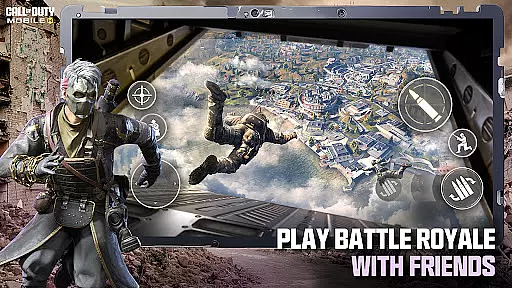
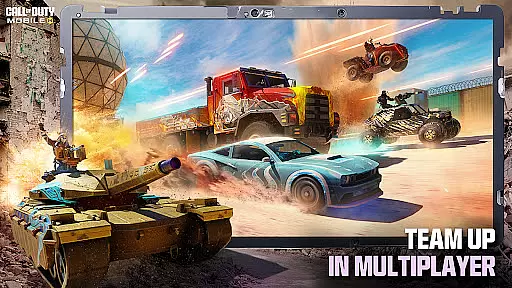
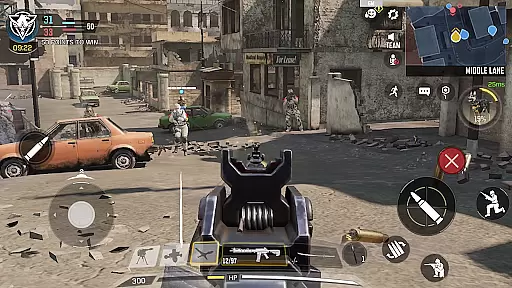
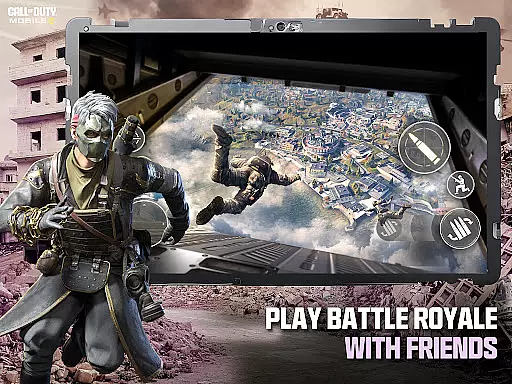
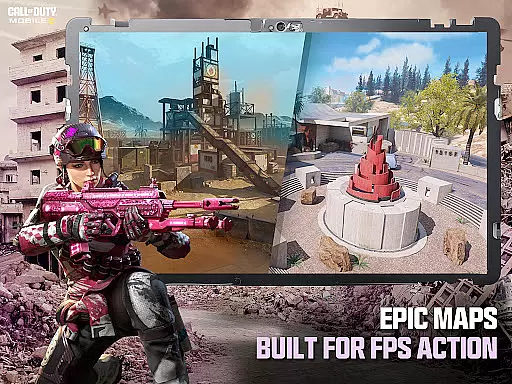
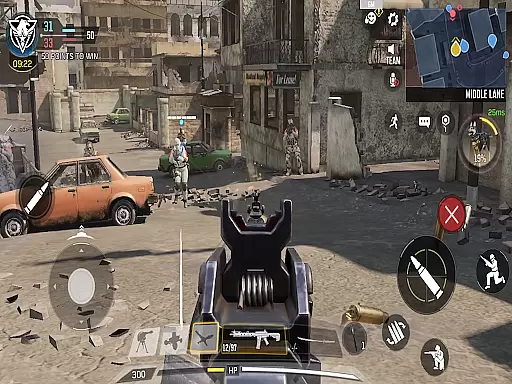
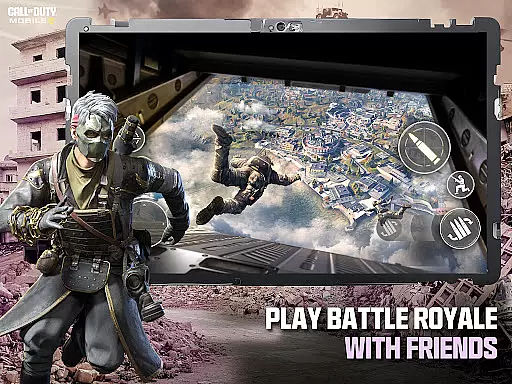
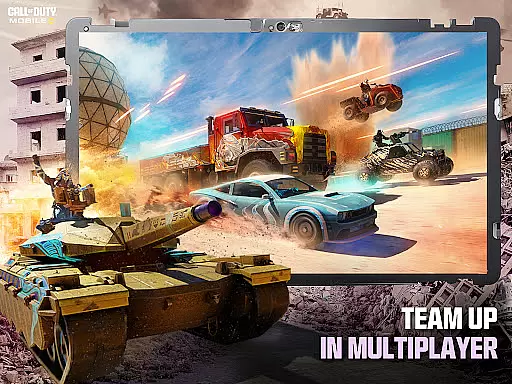
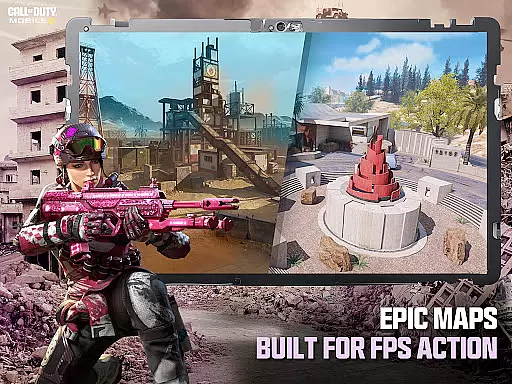
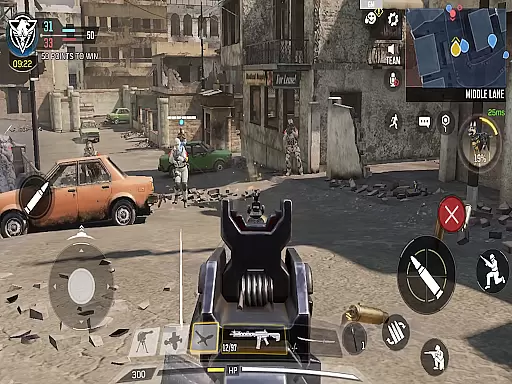
Call of Duty®: Mobile delivers the ultimate first-person shooter experience on mobile devices, combining fast-paced combat with iconic maps and game modes. Players can engage in classic Multiplayer battles like Team Deathmatch or dive into the chaos of Battle Royale across expansive maps. With console-quality graphics and precise controls, this free-to-play FPS game brings the legendary Call of Duty® franchise to your fingertips.
The app offers a variety of seasonal content, including new maps, themed events, and unlockable rewards, ensuring fresh gameplay every month. Whether you're battling zombies, competing in ranked matches, or customizing your loadout with unique weapons and gear, Call of Duty®: Mobile provides endless opportunities for strategic play and skill development.
Ideal for competitive gamers and casual players alike, this app supports both social and solo experiences. Join millions worldwide in high-stakes combat where teamwork and precision are key to victory.
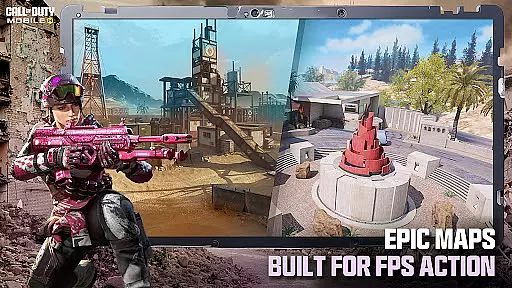
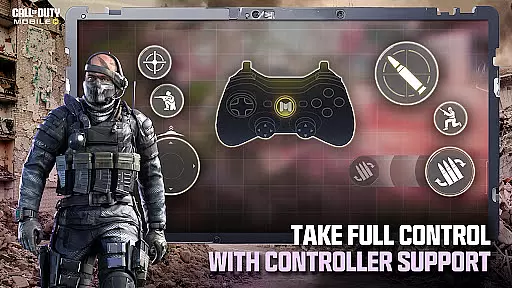
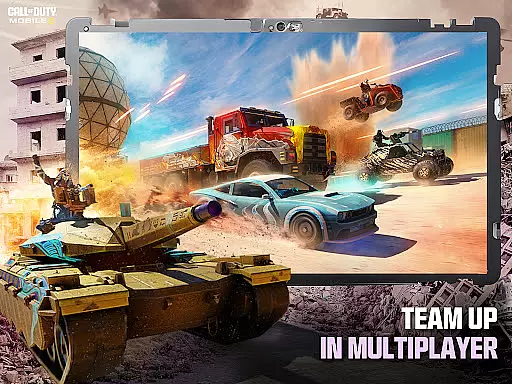
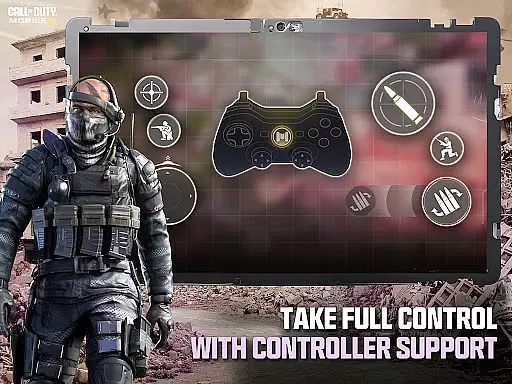
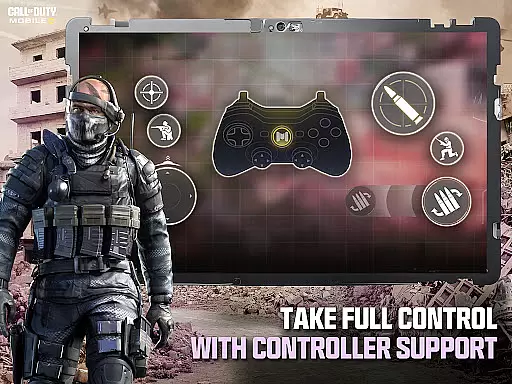
Call of Duty®: Mobile stands out with its diverse range of FPS game modes, from fast-paced 5v5 Multiplayer matches to large-scale Battle Royale showdowns. Each mode features fan-favorite maps such as Nuketown and Shipment, offering nostalgic yet challenging environments for players. The intuitive touch controls and optional controller support ensure smooth gameplay while maintaining the depth expected from a Call of Duty® title.
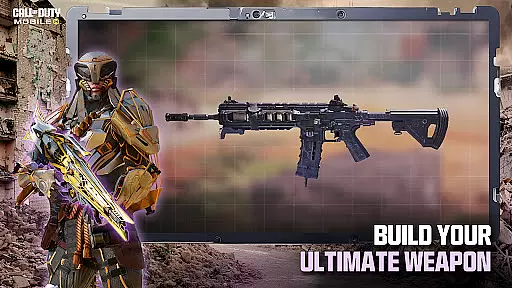
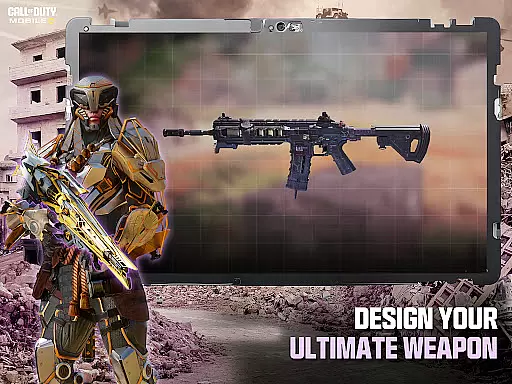
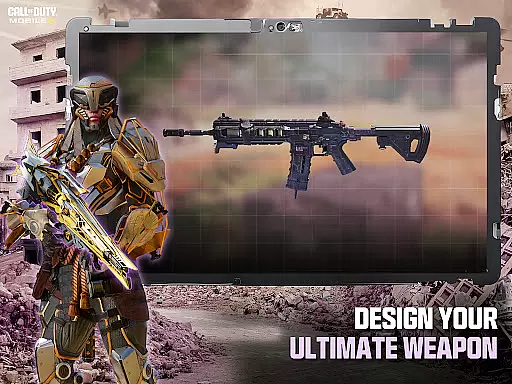
Customization is at the heart of the experience, allowing players to unlock operators, weapons, outfits, and score streaks tailored to their playstyle. Monthly updates introduce new seasonal content that expands upon the Call of Duty® universe, keeping the gameplay dynamic and engaging. Additionally, competitive ranked modes and clan-based rewards foster community interaction and long-term progression.
For those concerned about storage space, the app includes flexible download options. Players can choose which resources—such as HD assets, maps, and weapons—to install, optimizing performance without sacrificing quality. This feature ensures accessibility for all types of devices, making it easier than ever to jump into the action.
In the realm of first-person shooter games like Call of Dutyu00ae: Mobile, control responsiveness is paramount for an optimal gaming experience. This refers to how quickly and accurately the game reacts to a player's input, ensuring that every movement or action is reflected without delay.
Call of Dutyu00ae: Mobile achieves superior control responsiveness through meticulously optimized touch controls and support for external controllers. The intuitive and customizable control schemes allow players to tailor their layout for maximum efficiency, whether in the heat of battle royale chaos or during intense multiplayer matches.
The benefit to players is significant; with responsive controls, gamers can execute complex maneuvers and strategies with precision. This immediacy of response not only enhances the competitive edge but also enriches the overall enjoyment by making gameplay feel fluid and natural.
Ultimately, the value lies in elevating player performance and satisfaction. By minimizing latency between input and on-screen action, Call of Dutyu00ae: Mobile ensures that users remain immersed in its fast-paced FPS action, providing a seamless bridge between intention and execution within the virtual battlefield.
Combat feedback tightness in action games pertains to the direct and sensory responses players receive during combat scenarios, which is crucial for feeling engaged and connected to the game world. In Call of Dutyu00ae: Mobile, this element is finely tuned to deliver an exhilarating experience.
The game employs a combination of visual, auditory, and haptic cues to provide immediate and impactful feedback. From the crisp sound effects of gunfire to the visceral vibrations when taking damage, each element is designed to immerse players deeper into the high-stakes delta operations they undertake.
Players reap substantial benefits from tight combat feedback as it allows them to make split-second decisions based on real-time information. Recognizing hits landed or enemy positions through audiovisual signals can be the difference between victory and defeat in fast 5v5 team deathmatches or epic zombie modes.
This attention to detail in combat feedback not only heightens the sense of accomplishment with each successful engagement but also reinforces Call of Dutyu00ae: Mobile's reputation as a premier free-to-play FPS experience where every mission feels consequential and rewarding.
High-quality graphics
Wide variety of game modes
Frequent seasonal updates
Customizable controls
Active player community
Requires constant internet
Large initial download
In-app purchases available
Steep learning curve
Battery consumption is high

Become a commander and infiltrate the Planet of Heroes!
 4.60
4.60
Try not to fall while rolling the ball high in the sky and on the ground!
4.20
Prove your ninja skills by creeping through the shadows and taking out bad guys
4.40
Craft, build, and survive in a zombie-infested open world!
3.40
Combine a wide variety of skills and abilities to unleash dazzling combo attacks
4.00
Memorize Scripture and climb through a vibrant hand-drawn Bible adventure!
5.00
Fun knockout battle royale, play with your friends!
4.30
Welcome to the ultimate FNaF mashup!
4.60
Build, equip, upgrade your tower and make your way through huge waves of zombies
4.40
Plan. Adapt. Assassinate.
4.80
EIGHT open-source Quake 1-3 engines brought to your Android device!
4.70
NEOGEO's masterpiece game is now available in the app!
4.70
Throw shurikens and cut through your enemies!
4.60
Robot fight! Get into the shooting games to destroy all transformers and robots!
4.30
Race around the world!
4.30
Dive into Jurassic World in this dinosaur simulation game
4.30
A fun platform run game with thousands of traps and wow that push your limits
4.00
Hunt or hide? Choose your side: hunt down the fugitives or escape the back rooms
4.00
An unprecedented hardcore Soulsborn-like title on mobile
2.90


User Reviews