

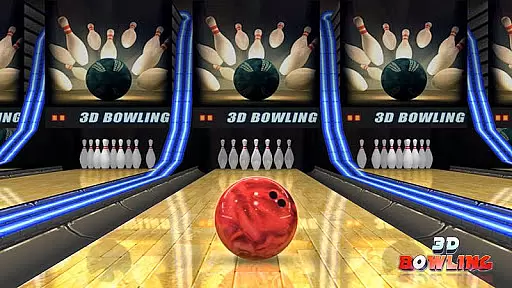
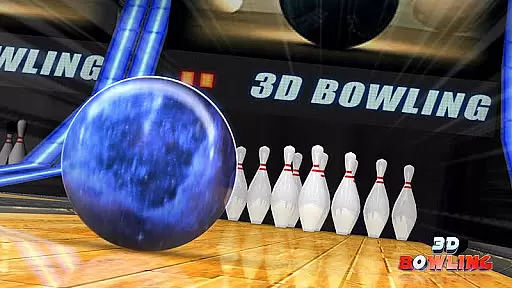
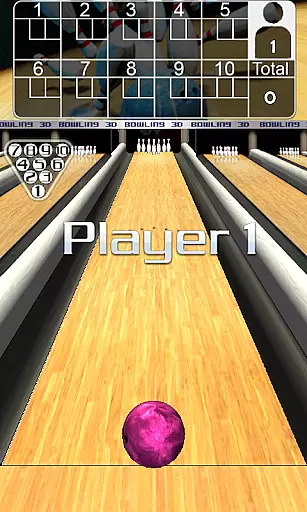

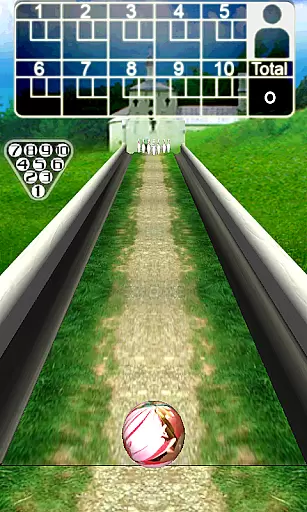
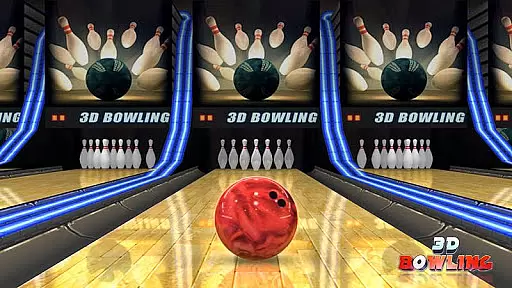
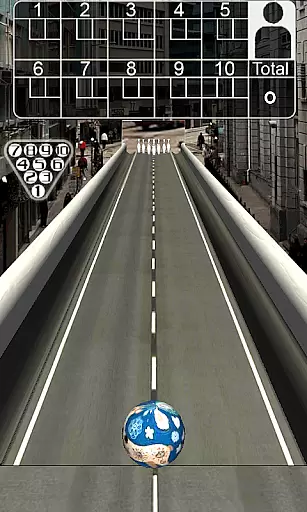
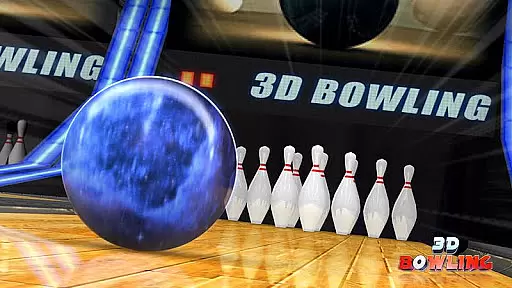
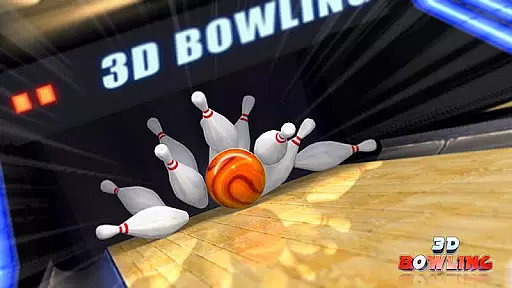

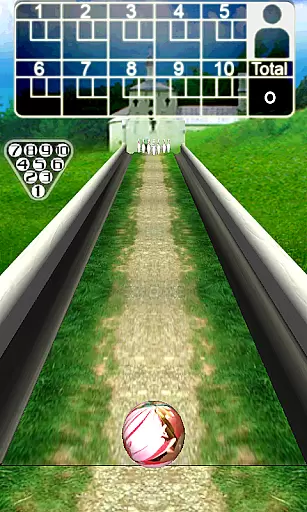
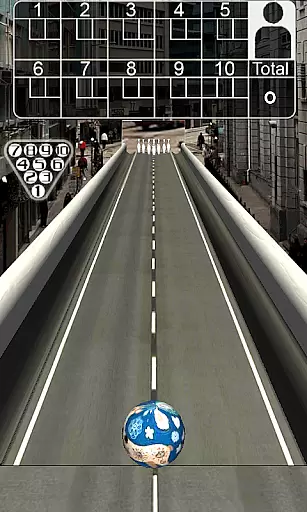
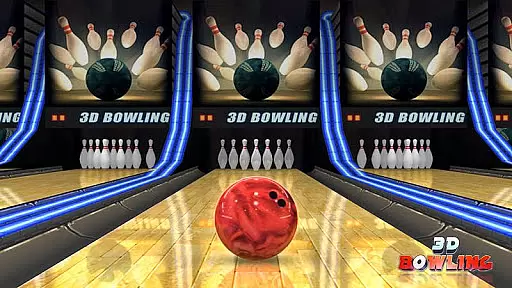
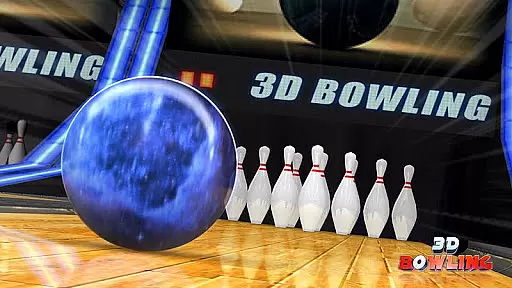
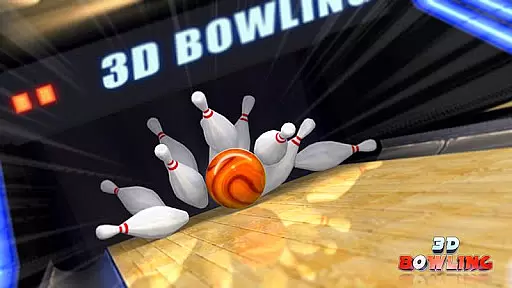
3D Bowling offers an immersive and realistic bowling experience on mobile devices, leveraging advanced 3D graphics and physics engines. Players can enjoy stunning visuals and authentic pin action as they aim to become the world's top bowler. The game challenges users to achieve consecutive strikes in various unique bowling scenes.
With multiple bowling balls and detailed stats tracking, this app provides both fun and competitive gameplay. Whether you're a casual player or a dedicated bowling enthusiast, 3D Bowling delivers an engaging experience that captures the excitement of the sport.
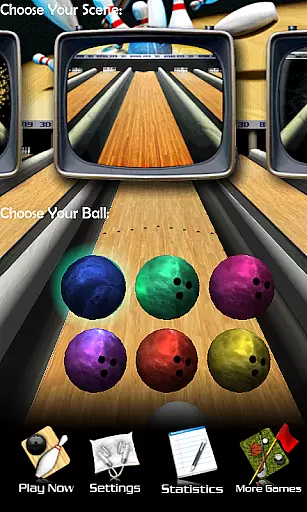
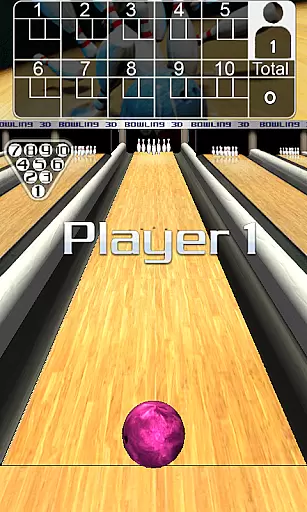
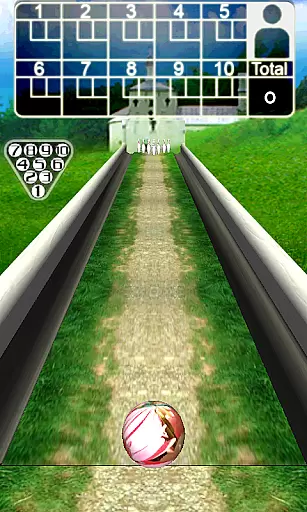
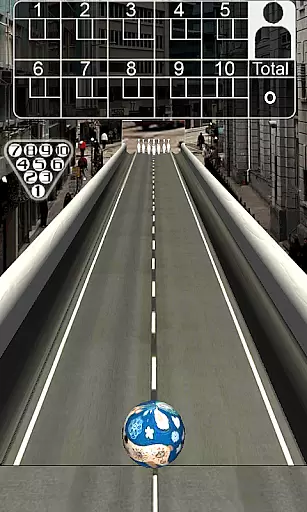
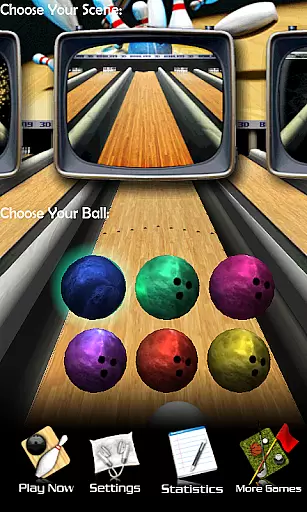
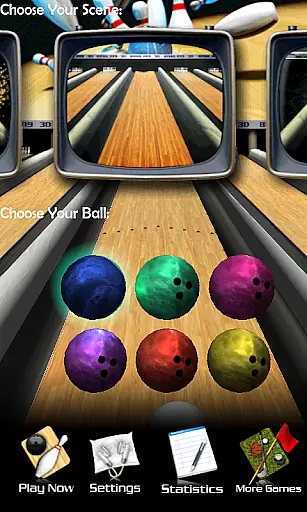
One of the standout features of 3D Bowling is its state-of-the-art 3D physics engine, which ensures realistic pin interactions and ball movements. The game boasts five distinctive bowling scenes, each with multiple bowling balls to choose from, enhancing replayability and customization options.
Additionally, 3D Bowling includes comprehensive stats tracking, allowing players to monitor their performance over time. The intuitive controls let users position the ball, flick to bowl, and even throw hook shots with simple gestures. These features combine to create a dynamic and interactive gaming experience that stands out in the sports genre.
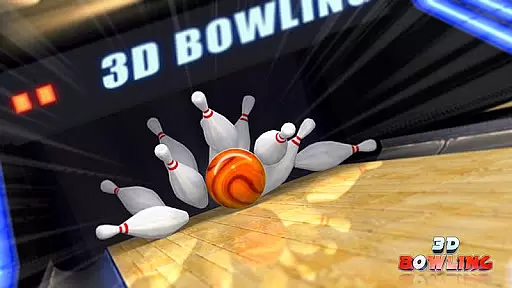
3D Bowling stands out for its commitment to delivering an authentic bowling experience through advanced 3D physics. The game employs a state-of-the-art physics engine that accurately simulates the real pin action you would expect in a bowling alley.
This level of realism is evident in how the pins react to the impact of the ball, falling and colliding with each other in a lifelike manner. Players can observe the subtle nuances of each throw, from the spin on the ball to the way pins ricochet off each other.
The game's attention to detail extends to environmental interactions, providing players with multiple bowling scenes that enhance immersion. Each scene is crafted to offer not just visual variety but also consistent physical responses, ensuring that gameplay remains fair and predictable across different settings.
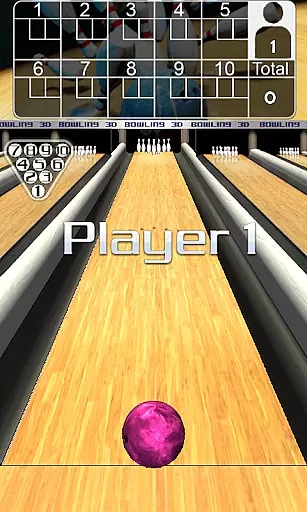
Achieving success in 3D Bowling hinges on mastering its intuitive control scheme. Players can easily position their bowling ball by dragging it left or right, allowing for precise adjustments before each throw. This straightforward mechanic ensures that gamers of all skill levels can quickly adapt to the game.
To execute a throw, simply flick the ball with your finger, mimicking the natural motion of bowling. For more advanced techniques, gestures can be used to add curve to your throw, enabling strategic hooks that target specific pins. These controls are designed to feel natural and responsive.
The simplicity of these controls does not detract from the depth of strategy available. Instead, they provide a solid foundation for both casual play and competitive scoring, making every strike and spare count towards becoming the world's best virtual bowler.
Realistic 3D physics
Stunning graphics
Multiple bowling scenes
Detailed stats tracking
Intuitive controls
Requires permissions
Limited social features
No offline multiplayer
Ads may appear
Some features locked

Trampoline backflips, frontflips & trick stunts! Ultimate adrenaline rush!
 4.60
4.60
Real-time 1v1 basketball game! Dunk, shoot & win like MVP basketball superstars!
4.70
Webcam based exercise and learning game with rock climbing!
4.0
Push your skills, express your style, or just enjoy the ride.
4.60
Create your own gym, train boxers, and aim for the championship!
4.50
Be a wrestling Superstar
4.40
The Hudl app helps coaches and athletes win using video.
3.70
Mobile Team Manager: Team Chat | Schedule Team Games | Build Player Roster
4.50
The NFHS Network delivers high school sporting events from across the country.
2.10
Retro Basketball Simulation
4.80
Soccer mini games! Play career mode: Score & be the next soccer superstar!
4.70
Create and customize your own golf course in this charming management sim.
4.70
Play the hit multiplayer Carrom Disc Pool board game and become the best!
4.60
Vertical billiards game with single player
4.60
Play with friends and join millions of players in the king of bowling games!
4.60
Play the World's Soccer Game Anywhere with Premier League, UCL & LALIGA stars.
4.60
Basketball dunking fun !
4.50
Enjoy an easy to play multiplayer Baseball game!
4.40
The classic Backyard Football 1999 is now enhanced to run on modern systems!
4.40


User Reviews